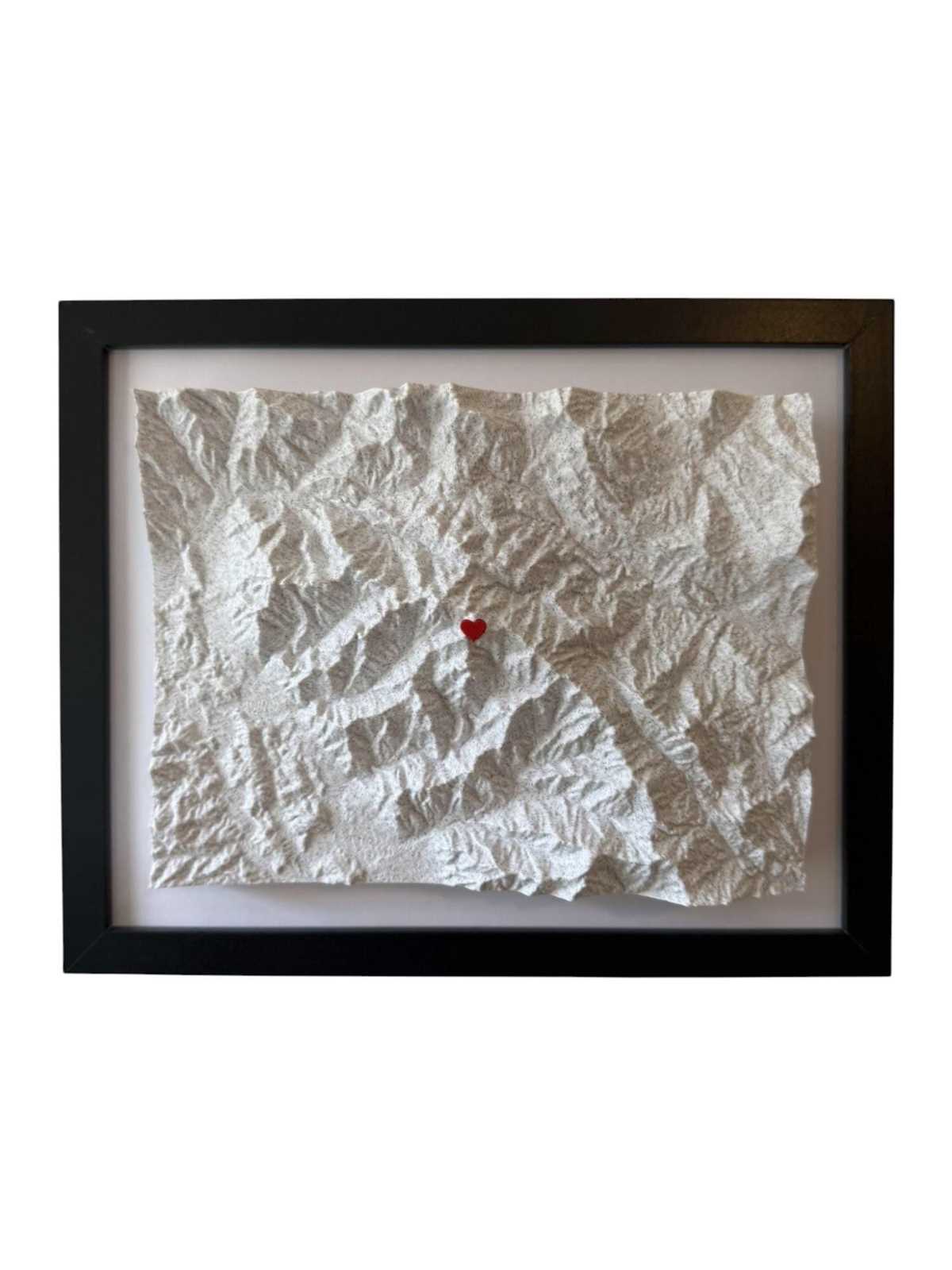
If you’re planning to create accurate 3D physical representations of terrain, start by obtaining elevation data. Various resources such as geographic information system (GIS) databases or public satellite data are ideal for gathering the necessary data. These can be processed into 3D models using specialized software that transforms geographical information into a format suitable for 3D printing.
Next, you’ll want to select the right materials for your model. Materials like PLA or resin are often used for creating terrain models due to their ability to capture fine details and their durability. If your terrain model will be used for educational purposes, consider using flexible materials to allow for hands-on interaction, making it easier to explore various topographic features.
Once your model is ready for printing, it’s important to consider scaling. Depending on the level of detail and the print size, you may need to adjust the resolution of the model to ensure that features like contours and elevations are visible. High-resolution prints are particularly useful for smaller-scale models, while larger prints can afford a slightly lower resolution without sacrificing overall clarity.
Creating 3D Models of Geographic Terrain
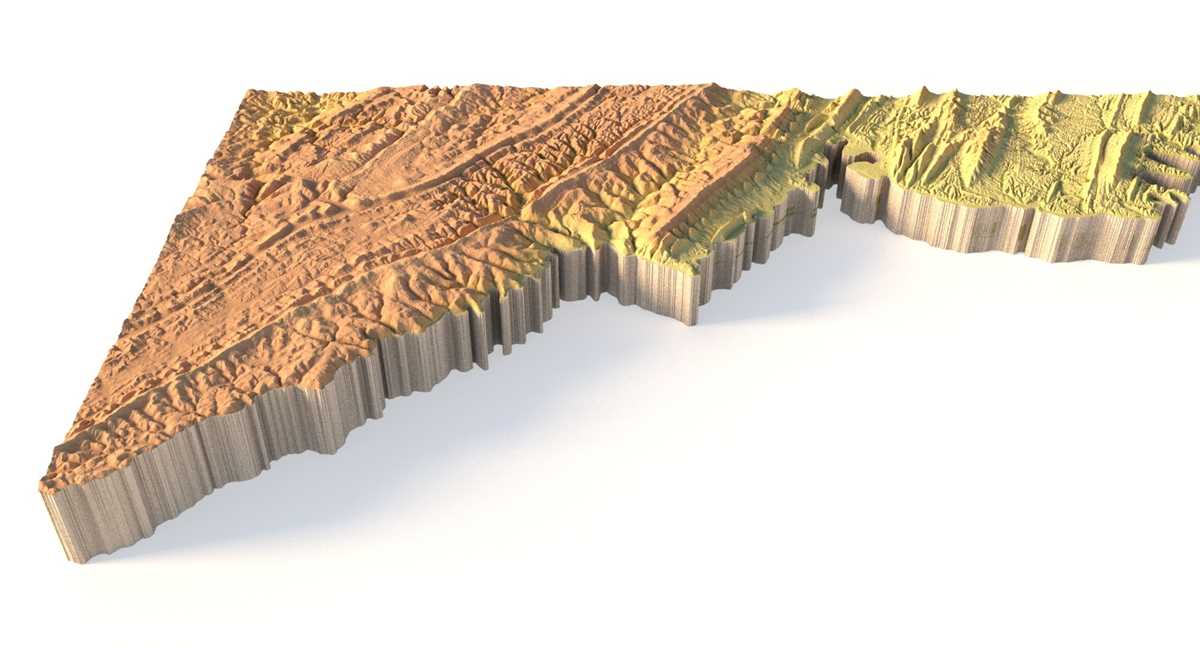
Start by collecting accurate data, usually in the form of digital elevation models (DEMs). These datasets provide information about terrain features such as mountains, valleys, and flatlands. Various government websites or GIS platforms offer free access to these models. You can convert this data into a format that can be used with 3D modeling software like Blender or AutoCAD, which will allow you to manipulate the terrain according to your needs.
Once the 3D model is prepared, consider the scale and resolution. Higher detail requires more processing power and may not be suitable for all types of printers. For small-scale projects, low-resolution models can work well, but for detailed prints, ensure that your printer supports higher resolution. Also, make sure your design software is set to export the model in the correct format, such as STL or OBJ, for compatibility with most 3D printers.
Material selection is another key factor. If you’re creating a model to showcase physical features clearly, use sturdy, yet lightweight materials like PLA or ABS. For educational purposes, flexible or multi-color materials can enhance the model’s interactivity, making it easier to demonstrate different features of the terrain. Printing at a smaller scale can help preserve intricate features such as ridges or rivers, making the overall model more informative.
How to Generate Terrain Data for 3D Printing
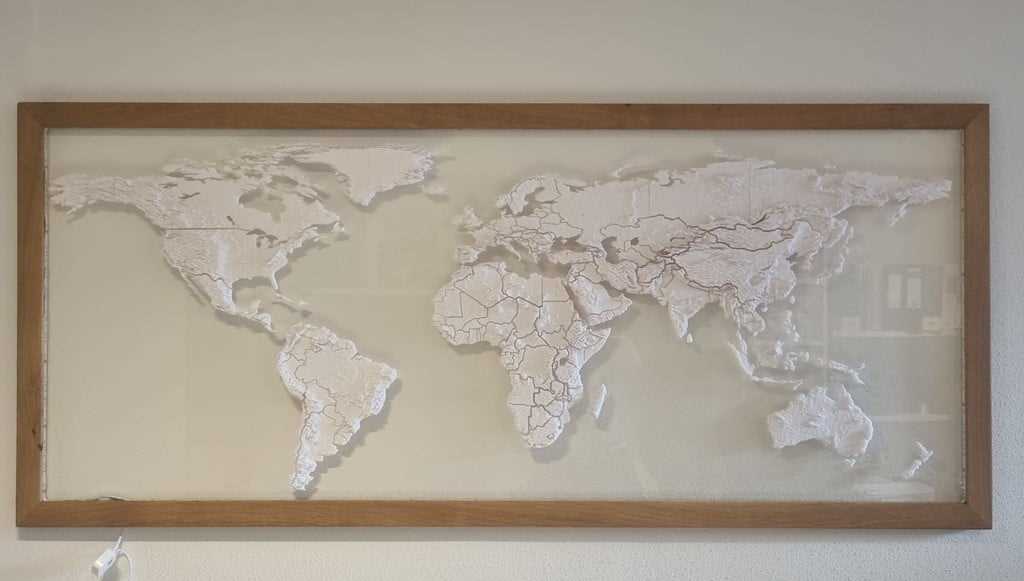
The first step in creating a 3D model of terrain is to acquire digital elevation data. Websites such as USGS Earth Explorer or OpenTopography provide access to high-quality DEMs (digital elevation models) that can be downloaded in various formats. These datasets represent the elevation of the Earth’s surface and can be used as a foundation for building a 3D model.
Next, import the DEM data into a 3D modeling software, like Blender or QGIS. These programs allow you to manipulate and adjust the data, including scaling it for your printer’s size capabilities. You may need to clean up or refine the model by removing unnecessary elements or simplifying overly complex details that won’t show well when printed.
Once the terrain data is ready, ensure the model is compatible with 3D printing by converting it into a printable file format, such as STL or OBJ. You may need to scale the model appropriately depending on the dimensions of your printer’s build area. It’s important to check the file for errors and make sure that it’s solid (i.e., no holes or gaps in the surface) before exporting.
Choosing the right software for generating 3D data is also crucial. Tools like AutoCAD, SketchUp, or Rhino allow for more precise control over the terrain’s representation. Some platforms, like Terrain2STL, automatically convert DEM data into a 3D printable format, which simplifies the process considerably. Experiment with these tools to find the one that best fits your needs.
Finally, consider how the terrain will be represented physically. If you are printing for educational purposes, it may be helpful to add labels or color-coded regions to the model to emphasize specific features, such as peaks or valleys. Materials such as PLA or ABS are ideal for creating durable and accurate models, but experimenting with multi-color filaments can help add depth and clarity to the printed design.