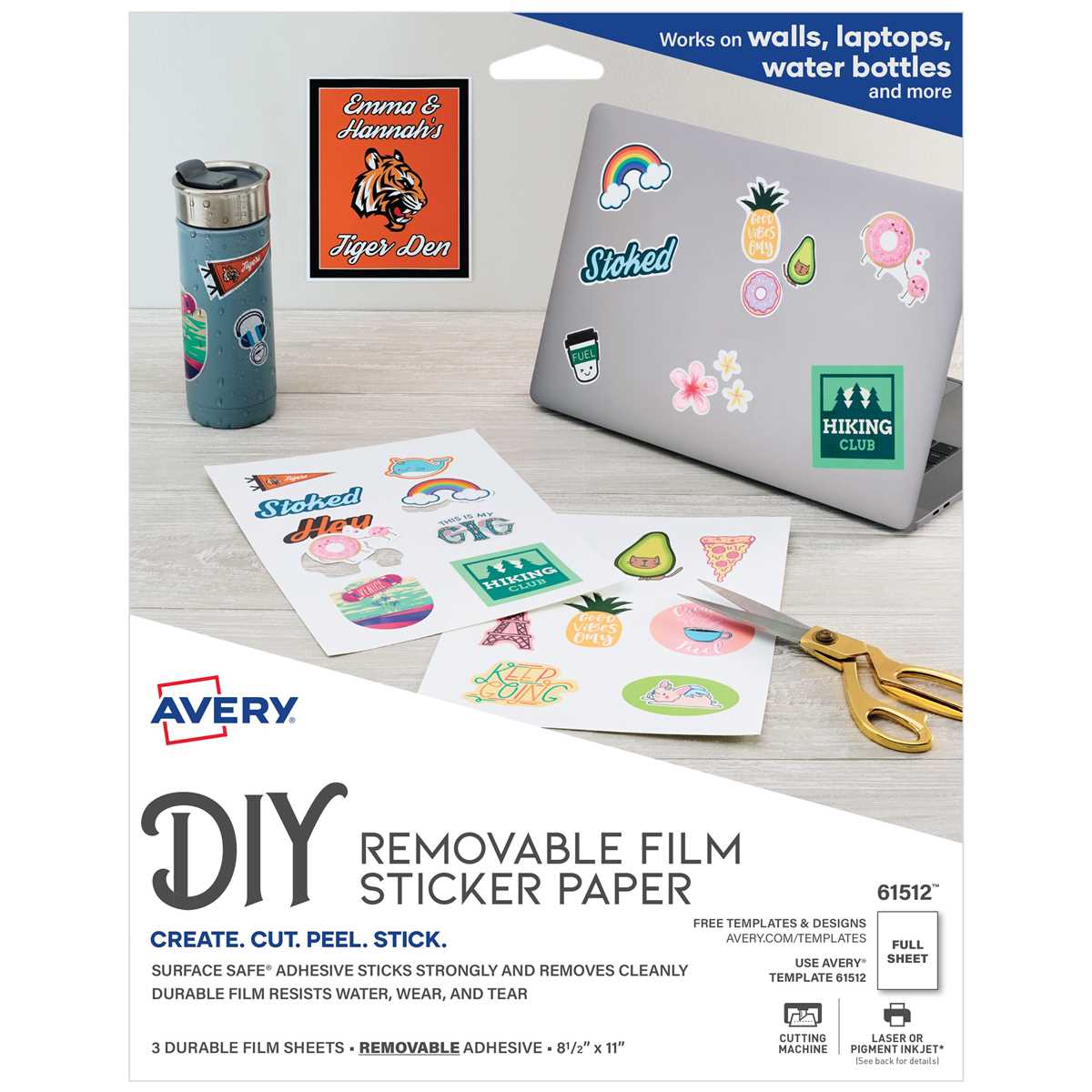
For those seeking a reliable solution for labels, decals, and other custom print products, self-adhesive sheets are an invaluable resource. These versatile sheets offer flexibility in both home and professional printing projects. They are compatible with most standard printers and can easily be customized to fit any design or size, making them a go-to choice for both personal and business applications.
The real benefit of these materials lies in their ability to combine durability with ease of use. Many of these sheets are designed to withstand varying environmental conditions while maintaining high-quality print results. Whether you’re designing intricate product labels or creating custom artwork for business promotions, the ability to print directly onto the surface and peel away the backing ensures a seamless application.
When selecting the right option, consider factors like adhesive strength, surface texture, and printer compatibility. Some options offer stronger adhesives for use on textured or challenging surfaces, while others are optimized for smooth finishes. Always test a small section before proceeding with larger print runs to guarantee that the material works well with your printer and produces the desired results.
HTML
Customizing with Peel-and-Stick Materials
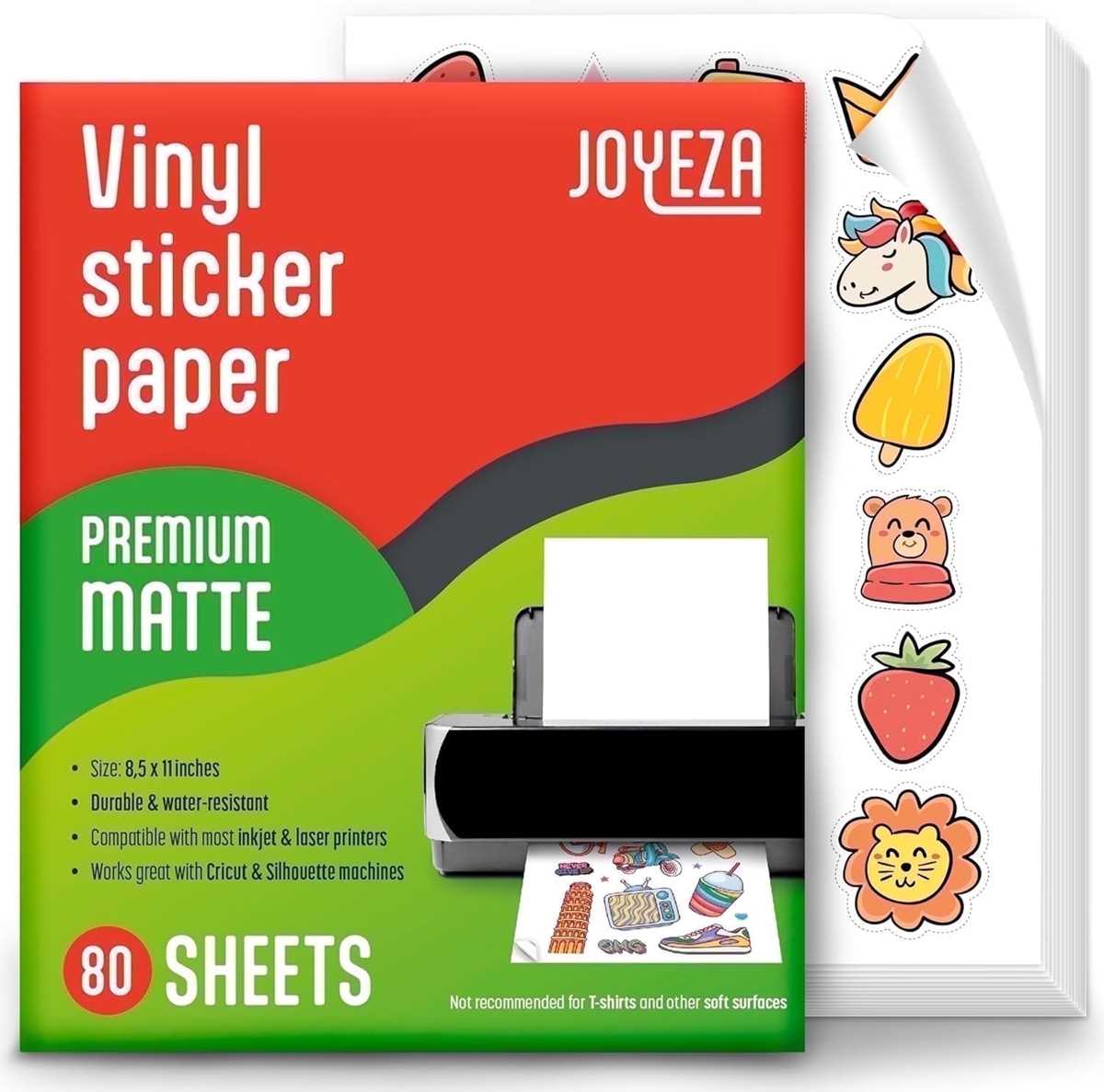
For projects requiring a quick and reliable solution for sticking designs or labels, opt for materials that can be printed directly and then affixed to various surfaces. These sheets come in a variety of finishes, from glossy to matte, and can be used for crafting, labeling, and business applications alike.
Before printing, it’s important to ensure your printer is compatible with this type of material. Many inkjet and laser printers are capable of handling these sheets, but it’s worth checking manufacturer specifications for optimal results.
Different types of finish can influence the look of the print. A glossy finish provides a polished, professional appearance, while matte offers a subtle, understated effect that is perfect for text-heavy designs or minimalist artwork.
When designing on these materials, it’s essential to factor in the cut lines. Cutting machines like Cricut or Silhouette can offer precision in trimming your printouts. However, using scissors can be a simple and practical alternative for smaller quantities or less intricate cuts.
Some materials are designed specifically for high-temperature applications, such as labels for containers or surfaces that are regularly exposed to heat. Always verify the heat resistance of the material to avoid issues with peeling or fading over time.
For longer-lasting results, apply a protective coating, such as a clear spray, to safeguard your prints from water damage or UV exposure. This step can help to preserve the integrity of your design, especially if they are placed outdoors or in high-contact areas.
If you’re working on a project that requires precision alignment, use a grid or ruler when placing your print on the desired surface. This ensures a neat finish and prevents misplacement, which can be difficult to fix once adhered.
Finally, always test a small area before committing to a larger application. Testing ensures that the surface is compatible and the design adheres well without leaving residue behind.
HTML
Choosing the Right Type of Adhesive Printable Paper for Your Project
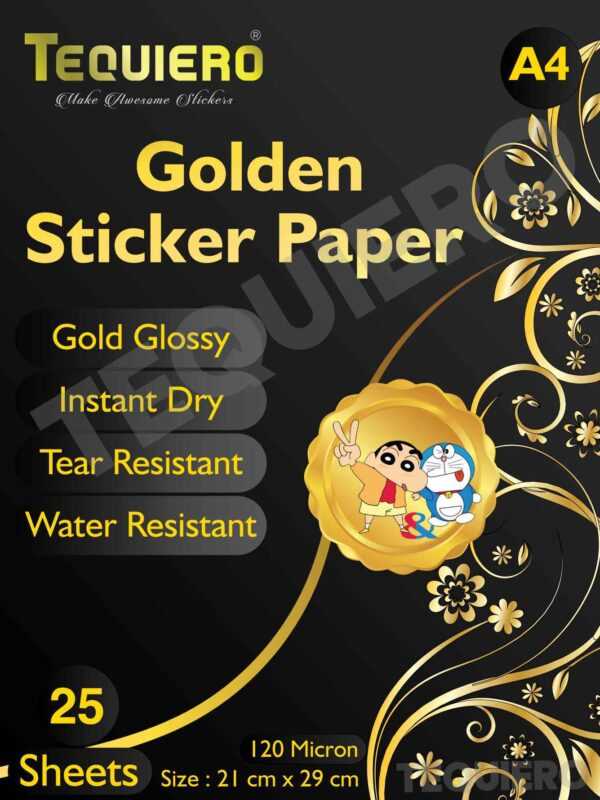
Select a material with the right backing to match the surface you plan to apply it to. If you’re sticking onto smooth, hard surfaces, opt for a stronger adhesive that ensures no peeling over time. For textiles or porous surfaces, a lighter adhesive will prevent damage to the base material and still hold securely.
Think about the finish that best suits your project. Glossy sheets are ideal for vibrant, eye-catching prints that need to stand out, while matte options give a more subtle, sophisticated look. If you’re planning to laminate or cover the printed design, consider a satin or semi-gloss finish to strike a balance between the two.
Check the weight and thickness of the material for compatibility with your printer. Heavier media may cause paper jams in certain models, so verify that your printer can handle the weight of the chosen stock. For inkjet users, avoid overly thick sheets as they may smudge due to extended exposure to moisture.
For durability, opt for materials that offer a level of water resistance if your item will face exposure to moisture. Many types come with a protective coating that repels water or at least reduces the risk of smearing. This is particularly useful for labels or outdoor applications that must withstand rain.
If repositionability is required, you’ll want to choose an option with a removable adhesive that allows for adjustments without leaving residue. This is a must-have for temporary displays or designs that need to be moved after placement.
Consider the intended lifespan of the item you’re creating. For short-term projects like event decorations or temporary signage, a standard adhesive material will suffice. Long-lasting labels or items meant for high-traffic areas require a more robust, permanent adhesive to withstand wear and tear.
Finally, ensure the texture of the medium aligns with your design’s purpose. Smooth textures work well for printing detailed graphics and text, while rougher textures add a unique tactile element to your project. The choice should align with both the visual appeal and functionality of the finished product.