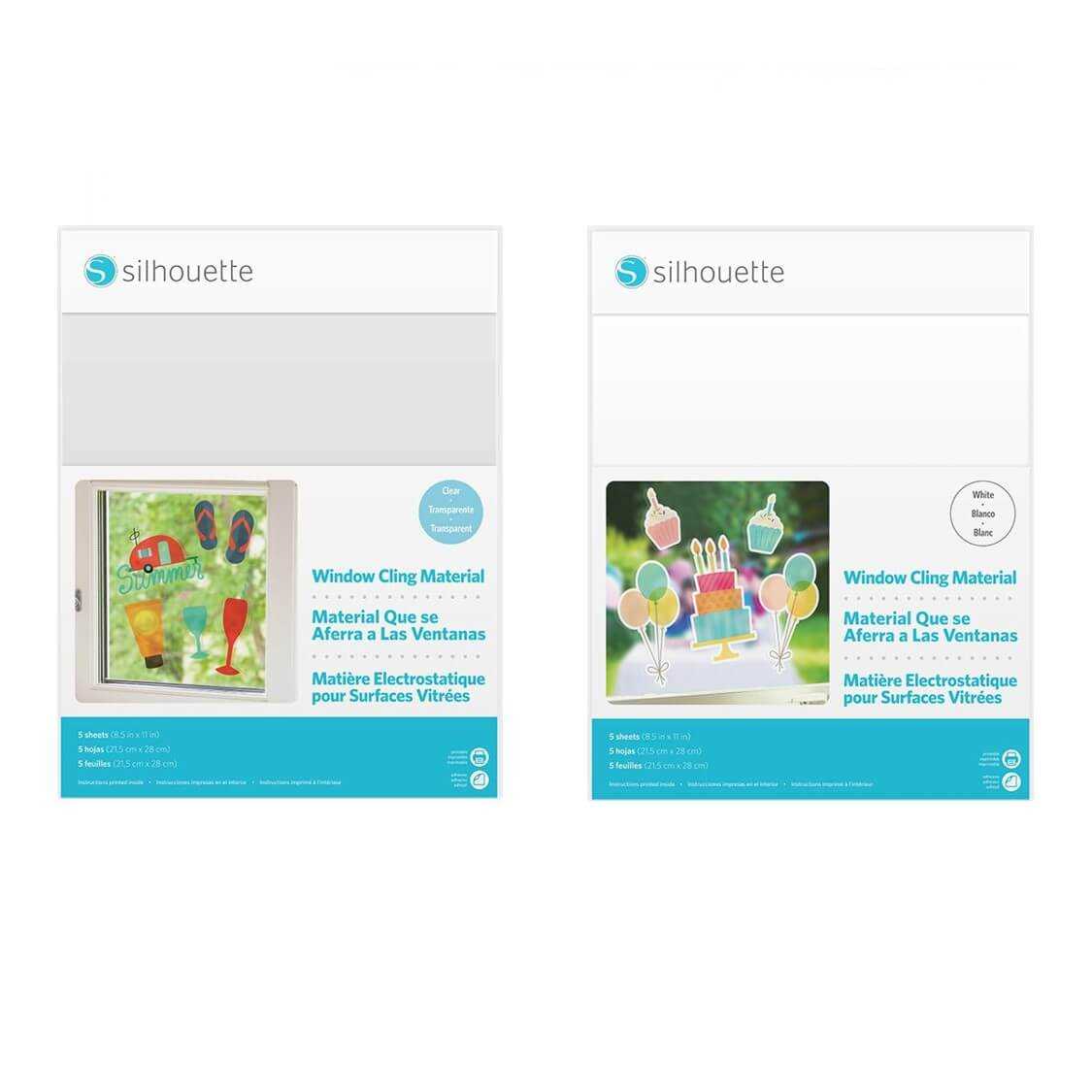
Start by choosing a high-quality adhesive film designed for printing. These materials allow you to transfer your designs onto smooth, non-porous surfaces like glass, mirrors, or tiles. Make sure the film is compatible with your printer and supports the desired printing method.
Select a suitable design program to create your artwork. Software like Adobe Illustrator or free alternatives such as Inkscape and Canva can help you customize your designs. Use simple, bold graphics that can be easily transferred onto the surface and are visible from a distance.
Print your designs using a high-quality printer and ensure that the ink used is suitable for transferring onto the film. If you plan on using the designs outdoors or for long periods, consider using waterproof or UV-resistant inks to preserve the quality of the print.
How to Design and Use Custom Adhesive Film Sheets
Start by selecting high-quality adhesive material that is compatible with your printer. Look for options specifically designed for use with inkjet or laser printers, ensuring the print quality is preserved after the design is applied to glass surfaces.
Use design software to create your artwork. Programs like Adobe Illustrator or free tools like Canva and Inkscape offer templates and easy-to-use features for creating custom visuals. Aim for bold and simple designs with clean lines, as intricate details may not transfer well to the adhesive sheet.
Before printing, measure the surface where the design will be applied. This ensures that your design fits perfectly without distortion or cropping. Consider adding a margin around the edges for easy cutting and better alignment once applied.
Use a high-resolution setting on your printer for sharp lines and vibrant colors. Printing on a glossy or matte adhesive film will provide the best results for both durability and visual appeal. Make sure to print on the non-sticky side of the material to avoid ink smudging.
Test your design on plain paper first. Print a test page to check the layout, colors, and alignment. This will help you avoid mistakes and ensure the design is perfect before you print on the adhesive film.
After printing, allow the design to dry completely. This is especially important if you are using a glossy sheet, as the ink may take longer to set. This step prevents smudging and ensures that the design stays intact once it’s applied to the surface.
When cutting out your design, use a sharp pair of scissors or a craft knife for precision. Take your time to follow the edges closely for a clean, professional finish. If necessary, use a ruler or cutting mat to guide your cuts and maintain straight lines.
Finally, carefully peel the backing off the adhesive sheet and apply your design to the desired surface. Press down gently to remove air bubbles, starting from the center and working outward. For larger designs, a squeegee or credit card can help smooth the material into place without leaving wrinkles or air pockets.
How to Design and Print Your Own Custom Adhesive Art
Start by selecting a high-quality adhesive film that’s compatible with your printer. Make sure the material is suitable for printing and designed to stick to smooth, non-porous surfaces such as glass or mirrors. Look for sheets that offer easy removal without leaving residue.
Choose a design tool that fits your skill level. Beginners can use simple graphic tools like Canva, while more advanced users might opt for Illustrator or Photoshop. Keep the design bold and clear, with thicker lines and larger shapes for easier application.
Prepare your artwork by considering the final size of your design. If you’re decorating a larger area, create a template with multiple sheets that can be joined together. Always leave extra space around the edges to allow for trimming and fitting on the surface.
Make sure your design is set to the appropriate resolution. A 300 dpi (dots per inch) setting is ideal for ensuring the artwork is sharp and clean when printed. Avoid low-resolution images, as they will appear pixelated when scaled up.
Test the design before printing it on adhesive film. Print it on regular paper to ensure the layout is correct, the colors are accurate, and everything aligns as expected. This step helps catch any mistakes before committing to the more expensive adhesive sheets.
Print your design on the matte or glossy side of the adhesive material. Use your printer’s highest quality setting for the best result. If the material is transparent, make sure the printed side is facing out when applying it to the glass or other surface.
After printing, give the design time to dry completely. This is especially important if you’re using an inkjet printer, as the ink can smudge easily on non-dried prints. Once dry, carefully cut out the design using precision scissors or a craft knife for clean edges.
To apply the design, peel off the backing from the adhesive film and place it onto the surface. Start from one edge and work your way across, using a flat tool like a credit card to smooth out any air bubbles. Make sure the design is positioned exactly where you want it before pressing down firmly to secure it in place.