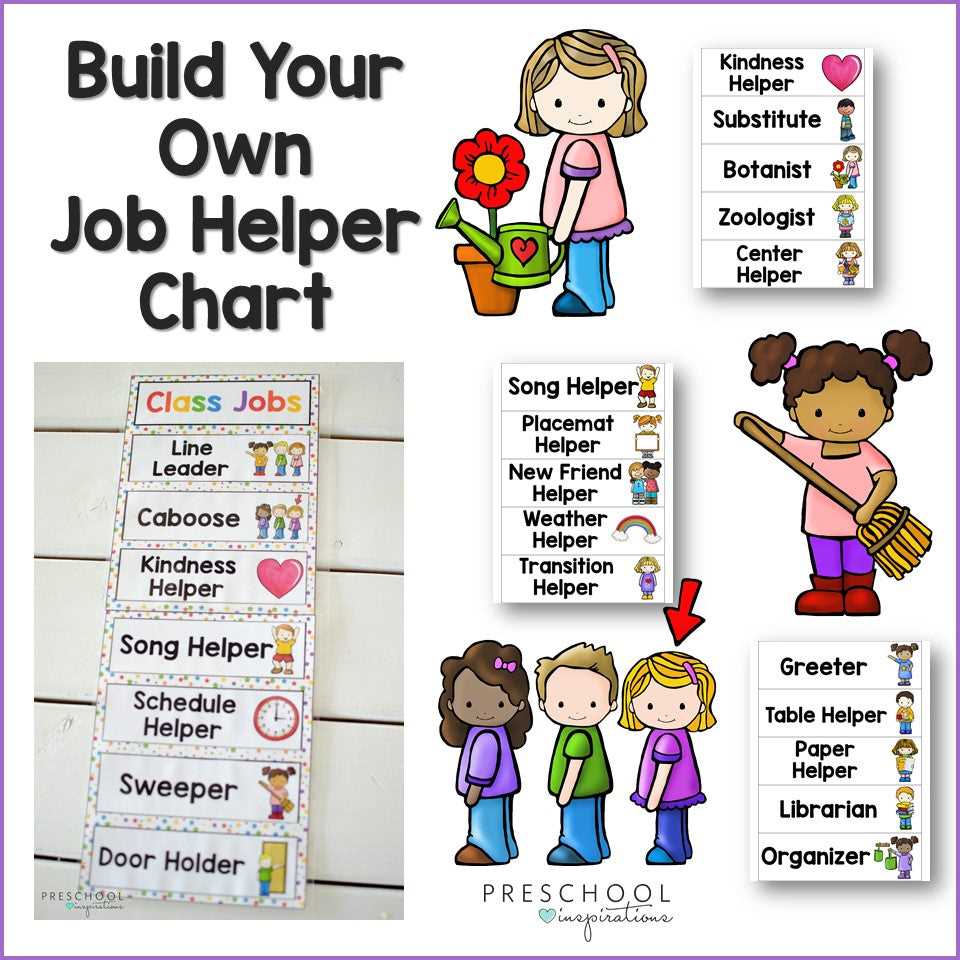
Start by designing a visual schedule that lists all the daily responsibilities for students. Use charts with clear sections to display the tasks that need to be handled each day. This helps students understand their roles and allows them to take ownership of their duties.
One of the easiest ways to get started is by finding ready-made templates online. These resources are simple to download and can be customized to fit your classroom’s needs. Look for designs that allow you to assign a variety of roles, from helping with classroom setup to assisting fellow students during lessons.
Once you have the charts set up, make sure to rotate responsibilities regularly. This keeps the tasks interesting and ensures that all students get a chance to try different roles. Regularly switching tasks also gives students the opportunity to develop a variety of skills and encourages a sense of community within the group.
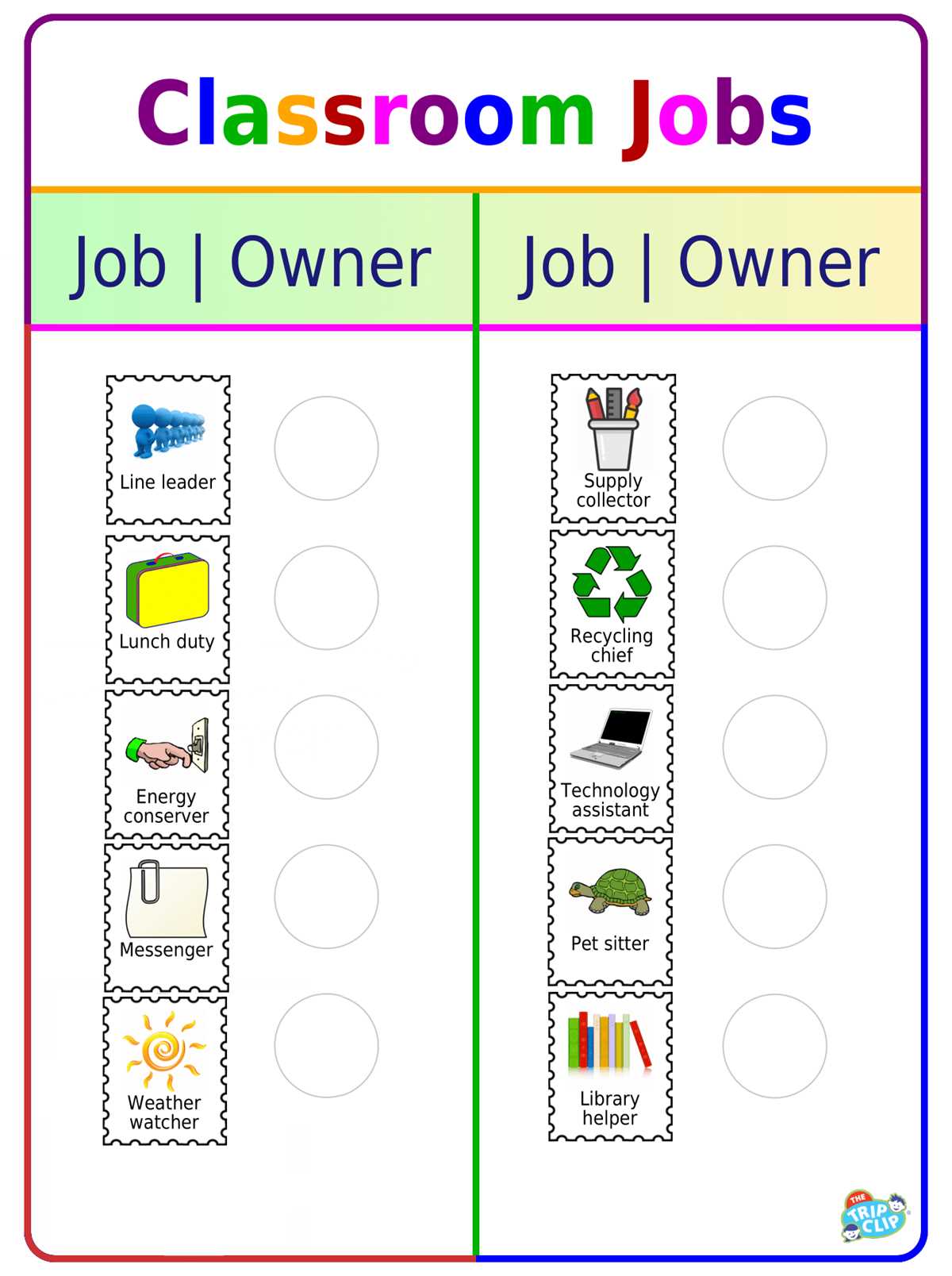
Organizing Student Responsibilities with Easy Templates
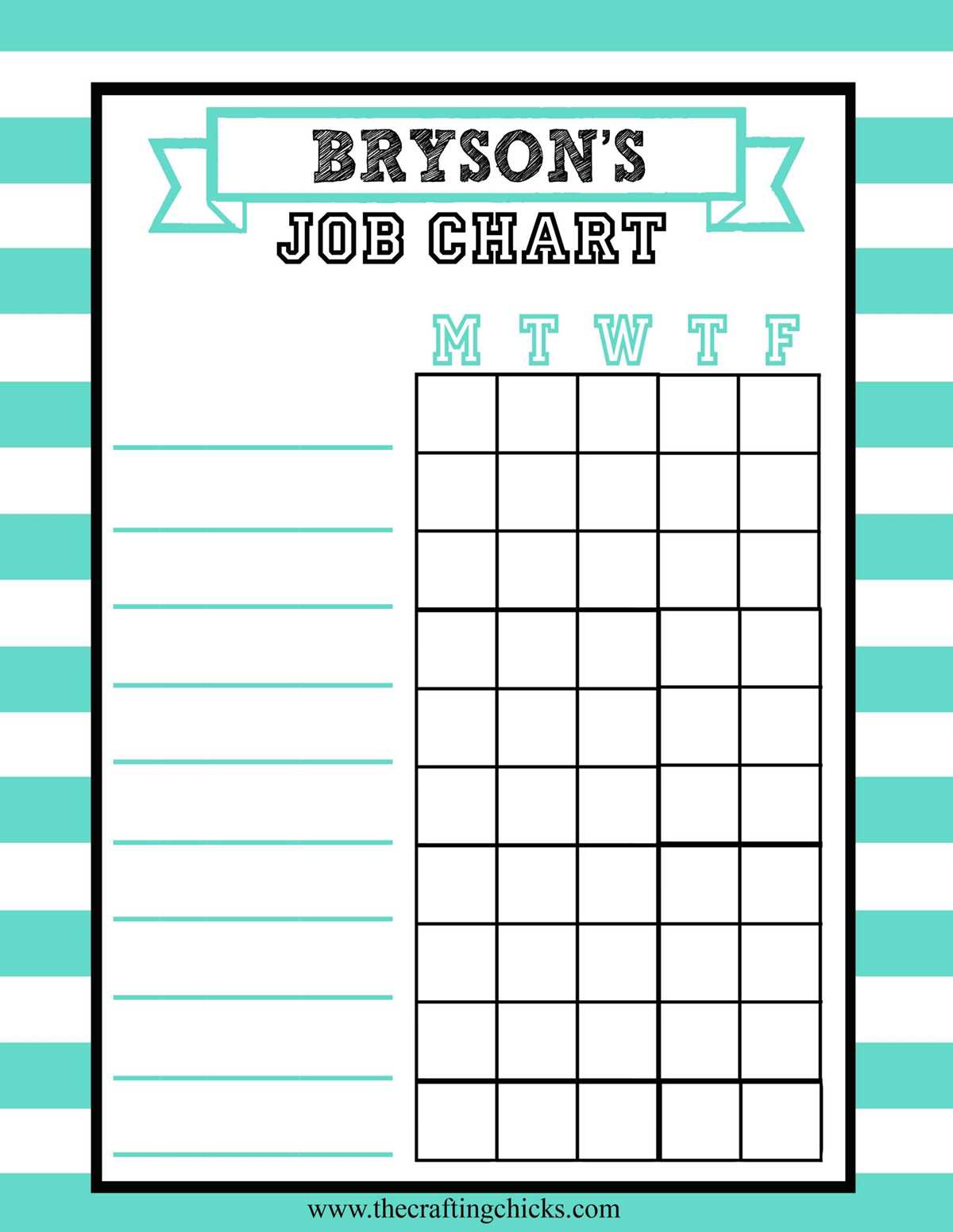
Using charts to assign tasks helps students learn accountability while also lightening the load for the teacher. Choose designs with clear visuals and labels so students can easily recognize their roles each week. Customize these templates with the names of each student and update them as needed, allowing for a variety of tasks to be distributed fairly.
For added fun, consider using colorful designs or themed templates that capture students’ attention. A visually engaging chart will make the task assignment process more enjoyable and encourage students to participate with enthusiasm. Rotate responsibilities frequently to ensure every student has the opportunity to contribute in different ways throughout the term.
How to Create Custom Job Charts for Your Students
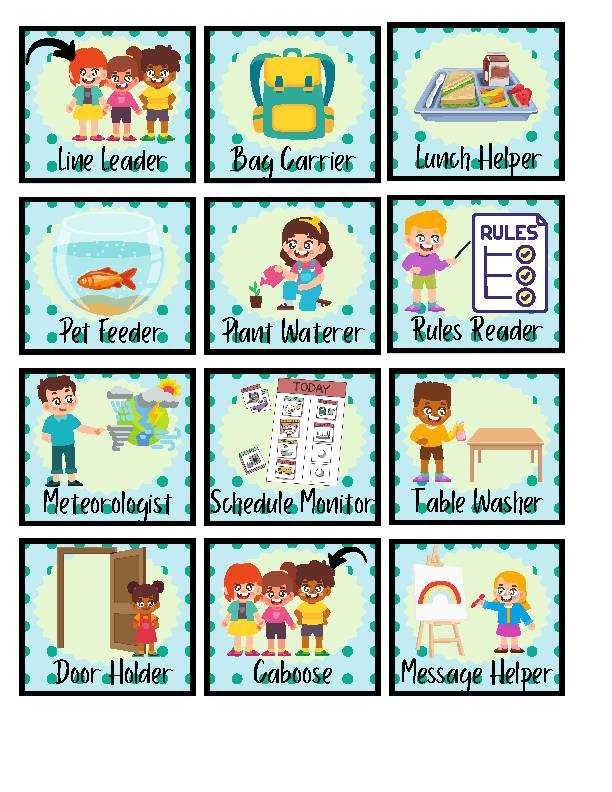
Start by identifying all the tasks that need to be done daily or weekly. Make a list of responsibilities such as organizing supplies, leading activities, or helping classmates. This step ensures you don’t miss any important roles when designing the chart.
Next, choose a simple layout that’s easy to read and visually appealing. Divide the chart into sections for each day or week, with space for students’ names. You can create columns for different categories, such as “Leader,” “Cleaner,” or “Helper.”
Personalize the chart by adding fun elements that resonate with the class. For example, use colors or themes related to the season, like pumpkins or stars, to keep it engaging. This not only makes the chart more visually interesting but also helps to grab students’ attention.
Ensure that the roles are balanced and rotated regularly. This gives all students the opportunity to take on different tasks throughout the term. Consider rotating responsibilities every week or month so that everyone gets a chance to experience various duties.
Finally, display the chart somewhere visible in the room. It should be easily accessible for students to check their assigned duties. You can also use magnets or Velcro to make it interactive, allowing students to move their names each time tasks are reassigned.