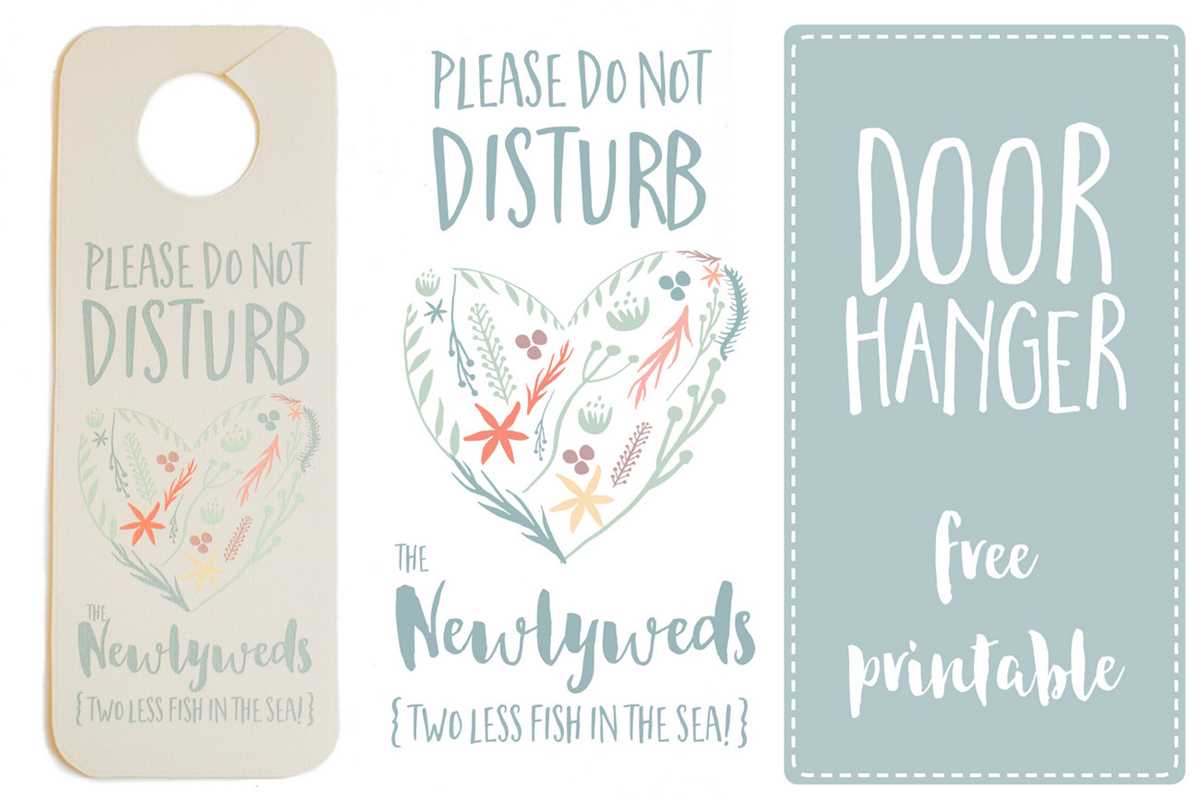
If you’re looking for a simple way to create a personalized message for privacy or quiet time, designing a custom notice can be a quick solution. Whether you’re in a shared workspace, a hotel, or at home, these personalized messages can help keep distractions at bay. To make one, you can easily use digital templates or design your own from scratch with just a few materials.
Start by choosing a layout that suits your needs. Bold lettering or clear, straightforward graphics are effective for catching attention. Depending on where it will be used, consider adding colors or symbols that align with the environment, like calming tones for relaxation or eye-catching hues for a more direct approach. The key is to make sure the design is noticeable from a distance.
Next, consider the material you want to print your design on. For durability, thicker paper, cardstock, or laminated options will work best. You can also add extra elements like eyelets for easy hanging or folding, ensuring your message stays in place. Finally, decide on the size to fit the space where it will be used, from small tags for door handles to larger posters for more prominent visibility.
Creating Effective Do Not Disturb Messages
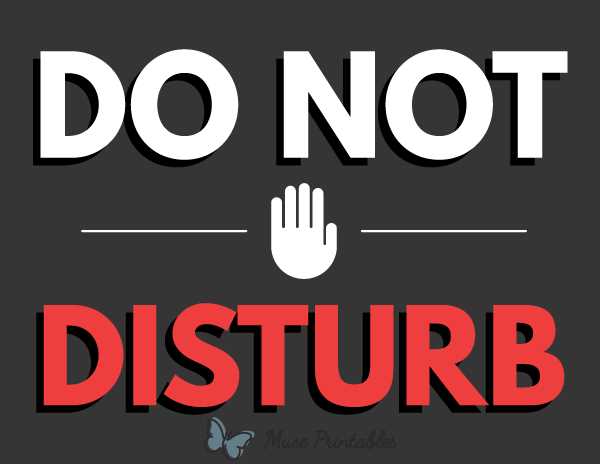
To design an effective privacy message, prioritize clarity and visibility. Choose bold fonts and legible text size, especially if it needs to be read from a distance. Keep the wording simple: a clear “Do not enter” or “Quiet time” is often enough to communicate the message directly.
For greater impact, opt for high-contrast colors. Use darker tones for text against light backgrounds or vice versa. This ensures that your notice stands out and is easy to read. Avoid overly busy designs that can dilute the clarity of the message.
Consider including universally recognized symbols to supplement the text. For example, a crossed-out figure or a simple lock icon can quickly convey the idea of restricted access. Combining words with symbols increases the message’s effectiveness, especially for people who might not speak the language used in the text.
Think about the physical space where you’ll be using the notice. If it’s meant for a door handle, a smaller tag will suffice, but for larger doors or public areas, a poster-size version might be more appropriate. The size should fit the space where it will be placed without overwhelming the area or going unnoticed.
Designing for durability is another key factor. If your message will be used repeatedly, consider printing on thicker material such as cardstock or laminating the notice. This will help it withstand wear and tear over time, keeping it looking fresh and readable.
If you plan to attach the message to a door or wall, ensure there are clear hanging methods. Punching holes at the top corners of the design or using adhesive strips can make the display process simple and secure. Some prefer using a ribbon or string to hang it on a door handle, adding a touch of personalization.
For a more professional or polished look, consider incorporating a border around the message or a decorative frame. This can help draw attention to the notice while keeping it looking neat and tidy. A well-framed design can make your message stand out even in a busy or cluttered environment.
Lastly, remember that personalization can make your sign even more effective. Adding a name or specific time frame for quiet hours can increase its relevance and improve compliance. Whether for personal use or in a public space, customizing the message adds a level of precision that general signs often lack.
Step-by-Step Guide to Creating a Custom Do Not Disturb Sign
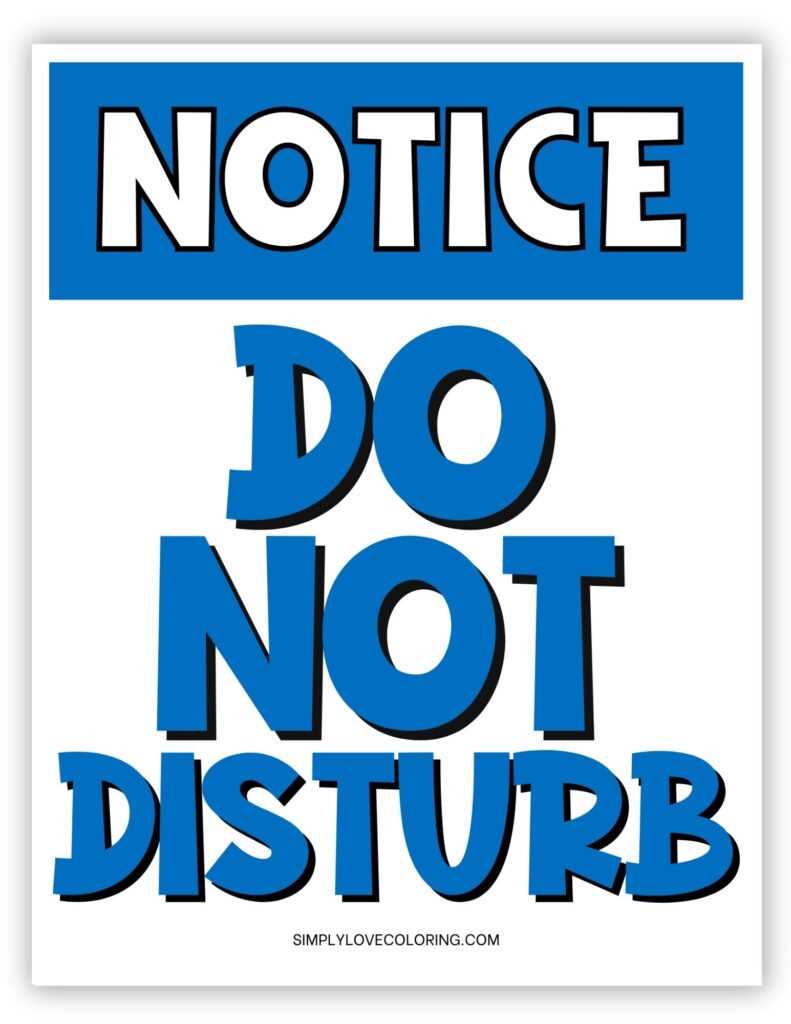
Start by selecting a clear and simple message that communicates your need for privacy. Phrases like “Please do not enter” or “Quiet time” work well for this purpose. Be concise to ensure that the message is easily understood at a glance.
Choose the appropriate size and shape for your design. For a door, a smaller hanging tag might suffice, while larger areas might benefit from a full-size poster. Consider the available space and how the design will be displayed.
Pick a color scheme that stands out but remains easy on the eyes. High contrast between the background and text ensures legibility. Avoid using too many colors that could distract from the core message; simplicity tends to be more effective.
Add graphics or symbols to support the message. A lock icon or a crossed-out figure can add a visual cue that reinforces the request for privacy. This is especially helpful for non-verbal communication, ensuring your message reaches everyone.
Once your design is finalized, print it on sturdy material to ensure durability. If you want it to last longer, consider laminating it or using cardstock. This protects the message from wear and tear, especially in high-traffic areas.
Finally, make the attachment method simple and secure. Punch holes for a string or adhesive, or use a hook to hang the message. Ensure the design is displayed where it will be easily noticed but not obstruct the door or space.