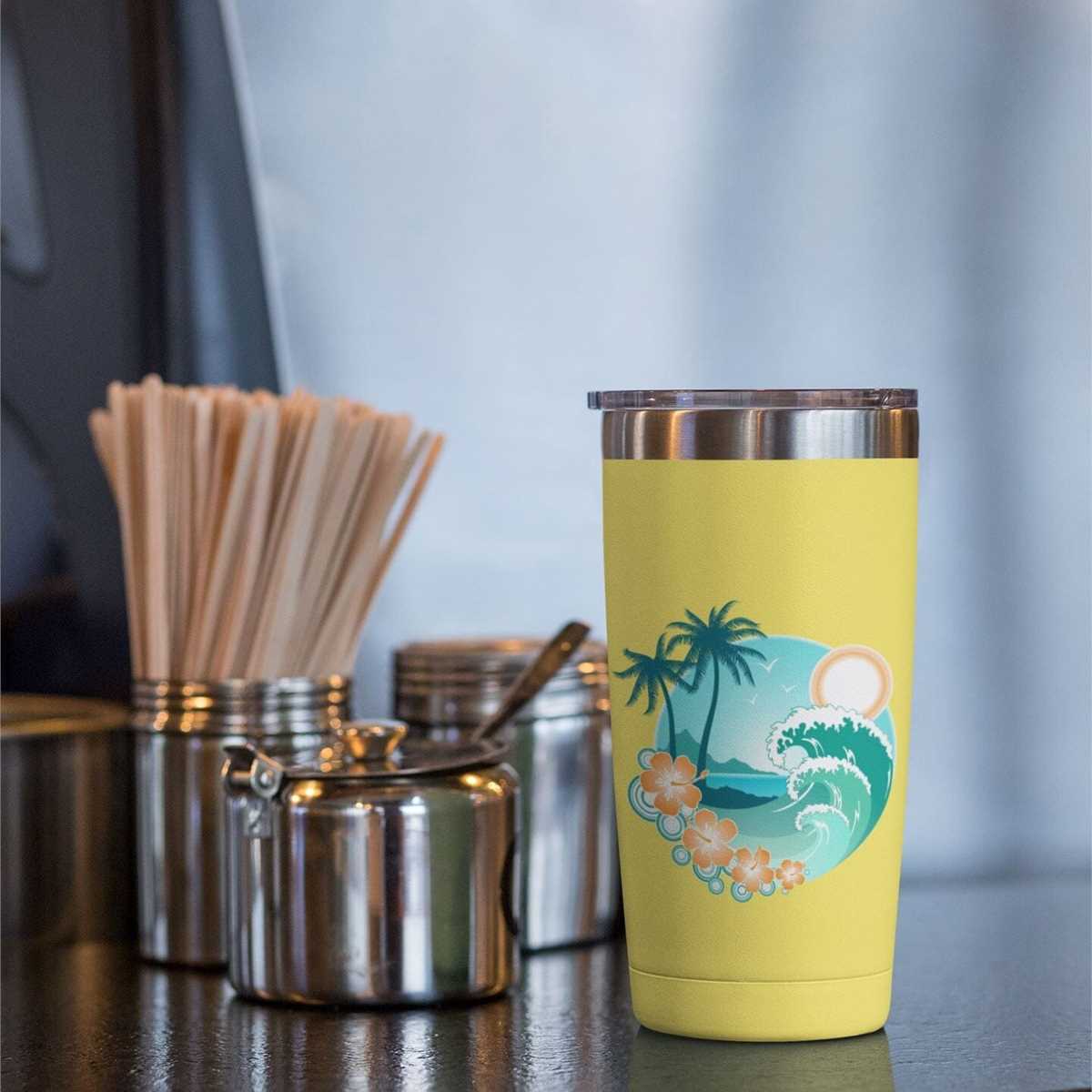
To achieve optimal results when printing on adhesive sheets, start by choosing the right material for your project. Make sure the sheet is compatible with your printer type, whether inkjet or laser. The material should have a smooth surface to ensure crisp, clear prints and prevent smudging or bleeding of ink.
Next, adjust your printer settings to match the sheet’s specifications. This includes setting the right paper type, print quality, and any other settings that help ensure the best output. For example, use a high-quality print mode to achieve the sharpest image details and vivid colors.
When preparing to cut the printed sheet, choose cutting tools that allow for precision. A plotter cutter can provide a clean, accurate cut for intricate designs, while scissors or craft knives can work well for simpler shapes. Always test your settings and tools on a small sample before working on the full design to avoid wasting materials.
Maximizing the Use of Adhesive Sheets for Custom Designs

Before printing, ensure your adhesive material is set up correctly with your printer. Choose the right paper type and quality settings on your printer to ensure that the colors are vivid and the design is sharp. For optimal results, use high-quality ink and select the correct print mode to avoid any ink bleeding or smudging.
Once printed, let the design dry completely before handling it to avoid smudging. Depending on the material, drying times may vary. If you’re in a hurry, use a heat press or low-heat dryer to speed up the process, but be cautious not to apply excessive heat that could damage the design.
For cutting, use a plotter or a craft cutter that provides precise and clean edges. Always run a test cut to ensure the blade settings are correctly adjusted for the material. This ensures that your cuts are accurate, avoiding any fraying or incomplete cuts that could ruin your project.
Finally, when applying the cut design to surfaces, ensure they are clean and smooth. Dust or debris can cause poor adhesion, affecting the final result. Use a smoothing tool or a scraper to apply even pressure while placing the design, ensuring there are no air bubbles trapped underneath.
How to Prepare Adhesive Sheets for Printing
Before printing on adhesive material, ensure that the surface is free of dust or oils. Wipe it down with a clean, lint-free cloth to remove any debris that could interfere with the ink’s adhesion. Additionally, confirm that your printer settings are correctly adjusted for the specific paper type and weight you are using, as this will affect the overall print quality.
After loading the material into your printer, run a test print on a smaller sheet to check for color accuracy and resolution. Adjust the printer’s settings if necessary, such as print quality or paper feed speed, to avoid smudging or misalignment. This step will help you prevent waste and ensure that the final print meets your expectations.