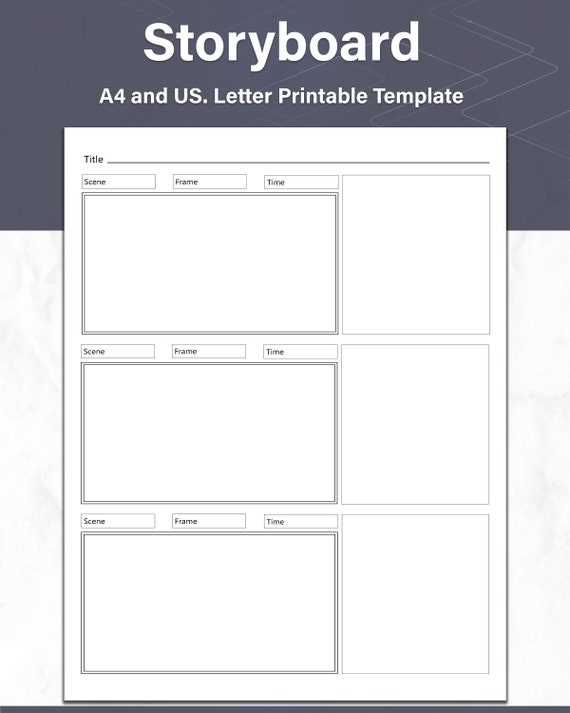
To bring clarity to your projects, use a well-structured visual layout that helps organize key scenes or concepts in a clear sequence. This will enable you to visually plan each step of your process, whether it’s for a presentation, film, or digital content creation.
Begin by selecting a layout with enough space to detail each moment or idea. You can adapt these layouts by adding or removing sections depending on the complexity of the project. Make sure each frame or section contains enough room for descriptions, dialogues, or actions.
For quick adjustments, use a format that can be easily edited to suit the unique aspects of your work. Whether you prefer filling it out digitally or printing it out for manual editing, having a flexible approach to your visual layouts will streamline your planning process.
Storyboarding Templates for Better Project Organization
To keep your projects organized, use a visual framework to break down each stage clearly. These layouts can be customized to match the requirements of your work, allowing you to outline ideas, actions, or scenes with precision. By dividing your project into manageable sections, you can easily track progress and ensure each element is addressed in detail.
Choose a layout that suits the complexity of your project. For simpler concepts, use a basic layout with fewer frames, while more detailed projects may benefit from a grid with space for notes and dialogue. This flexibility ensures that you can adapt to different needs without losing track of the bigger picture.
Having a visual structure helps identify gaps and improve communication. Whether you’re working solo or with a team, having a shared reference point makes collaboration easier and ensures everyone is aligned on goals. It also speeds up decision-making by providing a clear overview of all steps involved.
How to Choose the Right Storyboard Template for Your Project
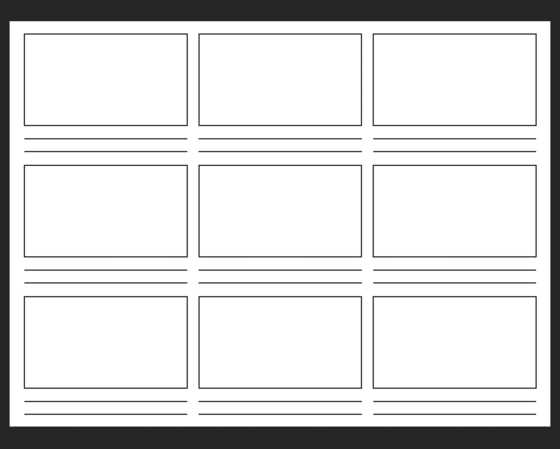
To select the most suitable layout, begin by considering the scale and scope of your project. For smaller projects or quick planning, opt for a simple design with fewer frames. If your concept involves more complexity, choose a template that provides space for additional details such as notes, timing, and dialogue.
Think about the type of project you’re working on. For visual media like films or animations, look for a layout that includes areas for sketches or images in each section. For marketing or business presentations, a grid-based template can help you organize the flow and key messaging.
Ensure the template you select offers flexibility. Many layouts allow you to add or remove sections as needed. This adaptability is crucial if the project evolves over time or if you need to adjust the focus. Select a format that helps streamline your planning process and makes it easier to visualize the final outcome.