
For organizing your home, office, or event, creating custom labels for waste containers can greatly improve clarity and streamline operations. When selecting a suitable template, focus on simple, bold text and clear symbols to make identification easier. Labels should be visible and easy to read, especially in busy or cluttered environments.
Many online platforms offer ready-made templates that are free and easy to download. You can also find various formats, from modern minimalist designs to colorful options with images, perfect for various occasions like parties or community events. Make sure the template is high-quality and compatible with your printer before using it to avoid any issues with clarity or color.
To achieve the best results, consider printing your labels on durable adhesive sheets. These are designed to withstand exposure to different conditions, whether it be in a kitchen, office, or outdoor setting. Adhesive sheets are resistant to wear and tear, which ensures the labels stay intact for long periods of use.
Creating an Effective Waste Bin Label
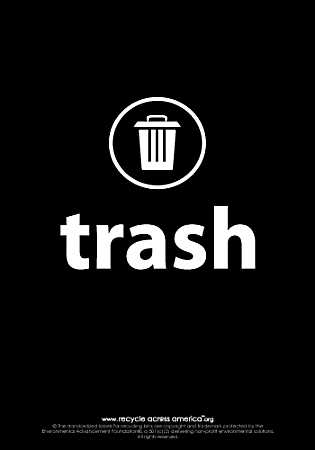
For quick identification of waste containers, use large, bold font and clear, recognizable symbols. Opt for high contrast color schemes, such as black text on a white background or red and white, to ensure visibility. Make sure the labels are large enough to be seen from a distance, especially in areas with high foot traffic like kitchens or offices. Laminating the labels or using adhesive-backed paper will also increase durability and prevent wear over time.
For specific environments, such as outdoor spaces or community events, consider adding images to the labels. Incorporating visual cues, such as an icon of a recycling bin or a general trash symbol, helps users quickly understand the purpose of each container. Ensure the design fits within the space provided and is easy to print, allowing for a hassle-free setup. Labels should be placed at eye level or in a clearly visible location to ensure maximum efficiency.
How to Create Custom Waste Bin Labels for Different Purposes
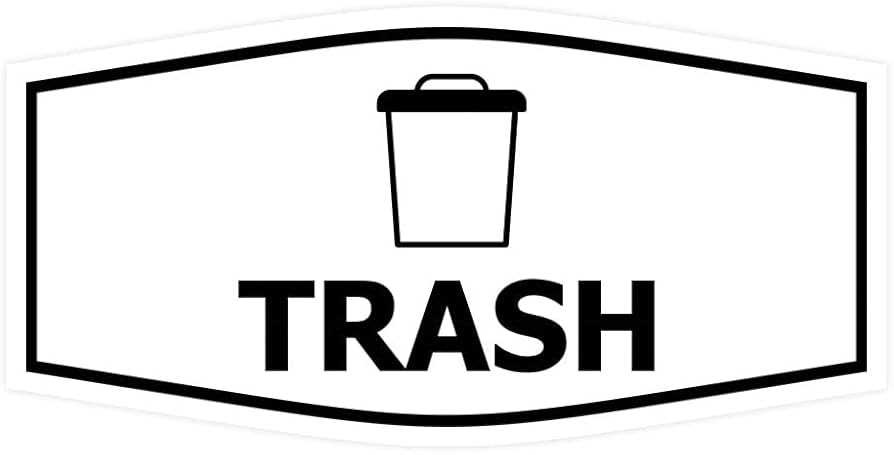
Begin by defining the specific purpose of each container. For example, a label for general refuse should be clear and simple, with bold text stating “Waste” or a similar term. For recyclables, you may want to use symbols, like the universal recycling icon, and include text like “Recyclables” or “Paper & Plastic.” Customizing the labels based on their use helps users quickly identify the correct bin.
For areas with mixed materials, use color coding to help differentiate between different types of waste. You can assign colors to each category, such as green for organics, blue for recyclables, and red for non-recyclable items. This method is intuitive and ensures proper disposal practices are followed.
In locations like office spaces, adding labels for specific categories–like “Paper Only” or “Electronics”–can improve organization and streamline waste management. When printing these labels, ensure the text is large enough to be legible from a distance. Using a bold font is key for visibility, especially in busy environments.
For outdoor or industrial bins, durability is key. Opt for materials that can withstand weather conditions. Laminate the labels or use vinyl stickers that are water-resistant and can endure the elements without fading. This is crucial for maintaining clear instructions in outdoor settings.
Consider adding additional instructions to the labels if necessary. For example, “No Food Waste” or “Please Empty Before Recycling” can help clarify what is acceptable. If your waste bins are near food courts or kitchens, these simple instructions can make a significant difference in keeping waste streams clean and organized.
When labeling compost bins, use imagery to illustrate the types of items that should be placed inside. Images of food scraps, coffee grounds, and yard waste can help people understand what should go into the compost container. Combining visuals with text will ensure better compliance with waste disposal guidelines.
Finally, make sure your custom labels are easy to update. As waste management practices change or new types of waste bins are introduced, it’s important to quickly adapt your labels. Digital design tools can help you easily modify and reprint labels as needed, ensuring your system remains clear and efficient over time.