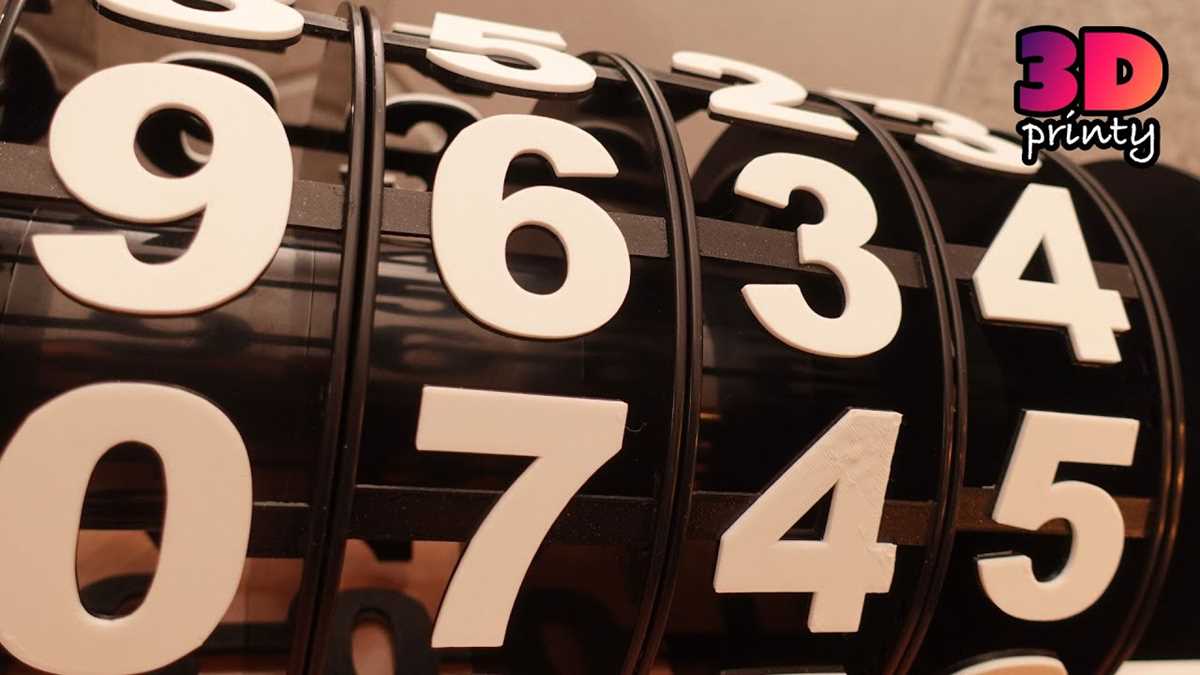
For anyone looking to create custom shapes or digits using 3D modeling, selecting the right file format and software is a key first step. Choose platforms that support flexible design editing, ensuring that the result fits your project’s specifications. Consider programs like Blender or Tinkercad for their robust features and user-friendly interfaces, making them ideal for beginners and experienced users alike.
Once you have the right design tools, finding appropriate models is equally important. Many online repositories offer a vast selection of pre-made files, which can be easily customized to fit your needs. Websites like Thingiverse or MyMiniFactory provide thousands of free downloadable designs, ranging from simple digits to complex geometric shapes. These resources can help streamline your project, saving time and ensuring that your finished product matches your vision.
3D Printable Digits Guide
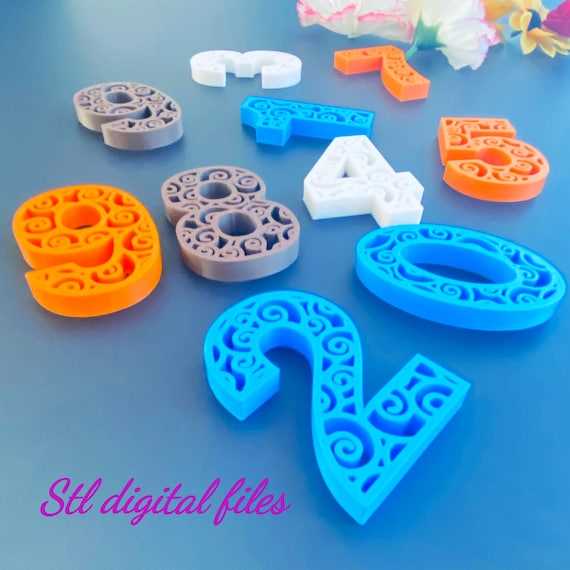
To create three-dimensional figures, the first step is selecting the right design software. Tinkercad, Fusion 360, and Blender are excellent tools for generating models. Choose a platform based on your familiarity and the complexity of the project. Tinkercad is ideal for beginners due to its simplicity, while Fusion 360 offers advanced features for professional-level modeling.
After setting up your software, the next step is to decide on the style of your shape. Depending on the purpose, you might opt for sleek, modern lines or a more traditional, decorative appearance. Many users prefer using geometric designs for clarity and ease of printing. For custom creations, you can modify a base model or create one from scratch.
Many online resources offer models that can be downloaded and customized. Websites like Thingiverse, MyMiniFactory, and Cults are home to countless pre-designed objects, including letters and figures. You can search for specific styles that meet your needs, and many of the designs come with editable files that allow for further adjustments to dimensions or features.
Once you’ve selected or created your design, check the file format for compatibility with your 3D printer. Most printers support STL and OBJ file types, but some may require specific settings. Be sure to adjust the scale of your design before printing to avoid any size-related issues.
Another important factor to consider is the type of material you’ll use for printing. PLA is one of the most common and easiest to work with, but other materials such as ABS or PETG might be necessary for projects that need more strength or flexibility. Each material has its own printing requirements, so ensure your printer is set up accordingly.
Before beginning the printing process, test your design with a small prototype. This will allow you to identify any potential problems, such as structural weaknesses or sizing errors. After the test run, you can finalize the settings and proceed with printing the full version of your design.
How to Select the Right 3D Figures for Your Design
Start by defining the purpose of the figures you need. If they are meant for display purposes, choose larger, more intricate designs that focus on aesthetics. For functional purposes, such as for measurements or labels, select simpler and more durable forms. Consider how the model will be used in your design to ensure the style matches your needs.
Next, think about the scale and dimensions. Make sure the figures fit into your overall project and align with any other elements you’re incorporating. For example, if they will be part of a larger installation, check that the proportions align well with other components. This is especially important for architectural or signage designs, where precision matters.
Consider the material and printer capabilities as well. Certain types of figures, especially those with fine details or smaller parts, require specific material types like PLA or resin. If you’re using a consumer-grade printer, ensure the model isn’t too complex for the machine’s resolution. Test with a smaller version to avoid printing issues.