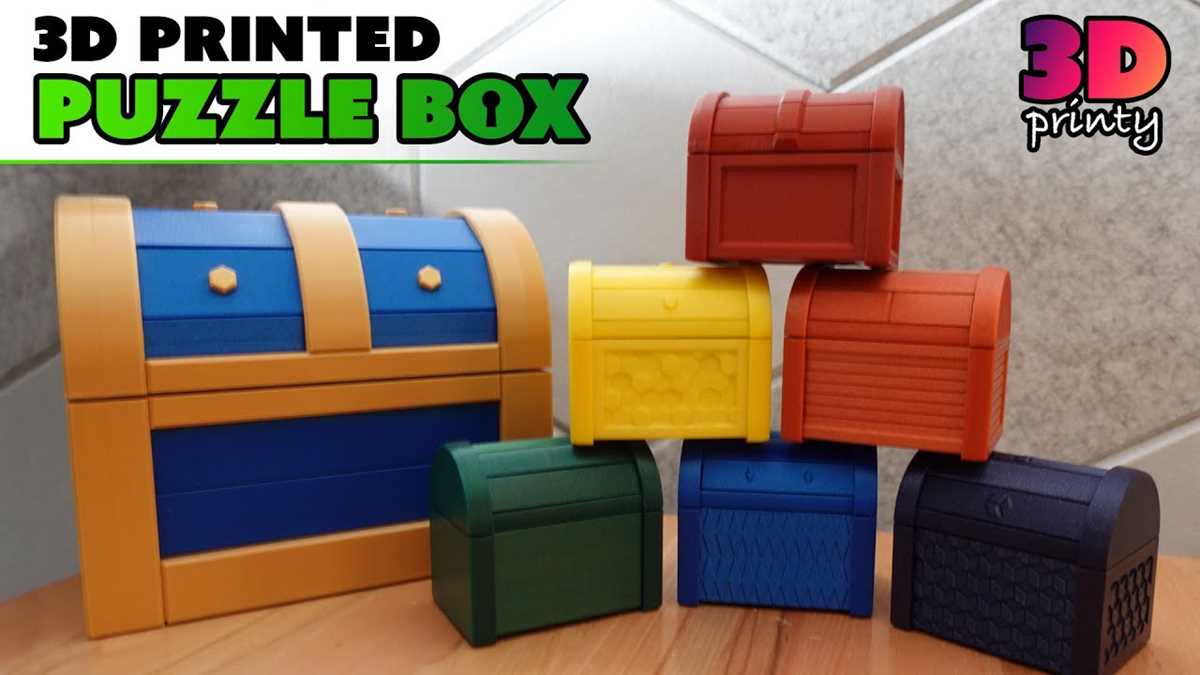
If you’re looking for a fun, creative challenge, making a 3D-printed mechanism that requires problem-solving skills is a great option. Start by selecting a model that matches your skill level. There are many intricate designs available that will engage your mind and provide a satisfying outcome when completed. Ensure you have access to a 3D printer capable of handling the complexities of the chosen model.
To begin, find a design that is both aesthetically pleasing and functional. You’ll want something that offers a degree of difficulty but isn’t so complex that it becomes frustrating. Platforms like Thingiverse or MyMiniFactory have a large selection of customizable designs, and many are free to download. Choose the one that excites you most or fits the occasion for which you’re creating it.
Once you’ve selected the design, ensure that your printer settings are configured correctly to avoid issues such as warping or misalignment during the printing process. Most 3D modeling software allows you to preview the print to spot any potential errors. Pay attention to the print layers, as certain mechanisms need precision to fit together properly.
Finally, after printing, assembling your object will require careful attention. Some models might come with instructions, but others might leave you to figure out the correct assembly method on your own. Take your time with this process, as assembling the printed parts can often be the most rewarding aspect of creating these intricate objects.
3D Printable Puzzle Box Guide
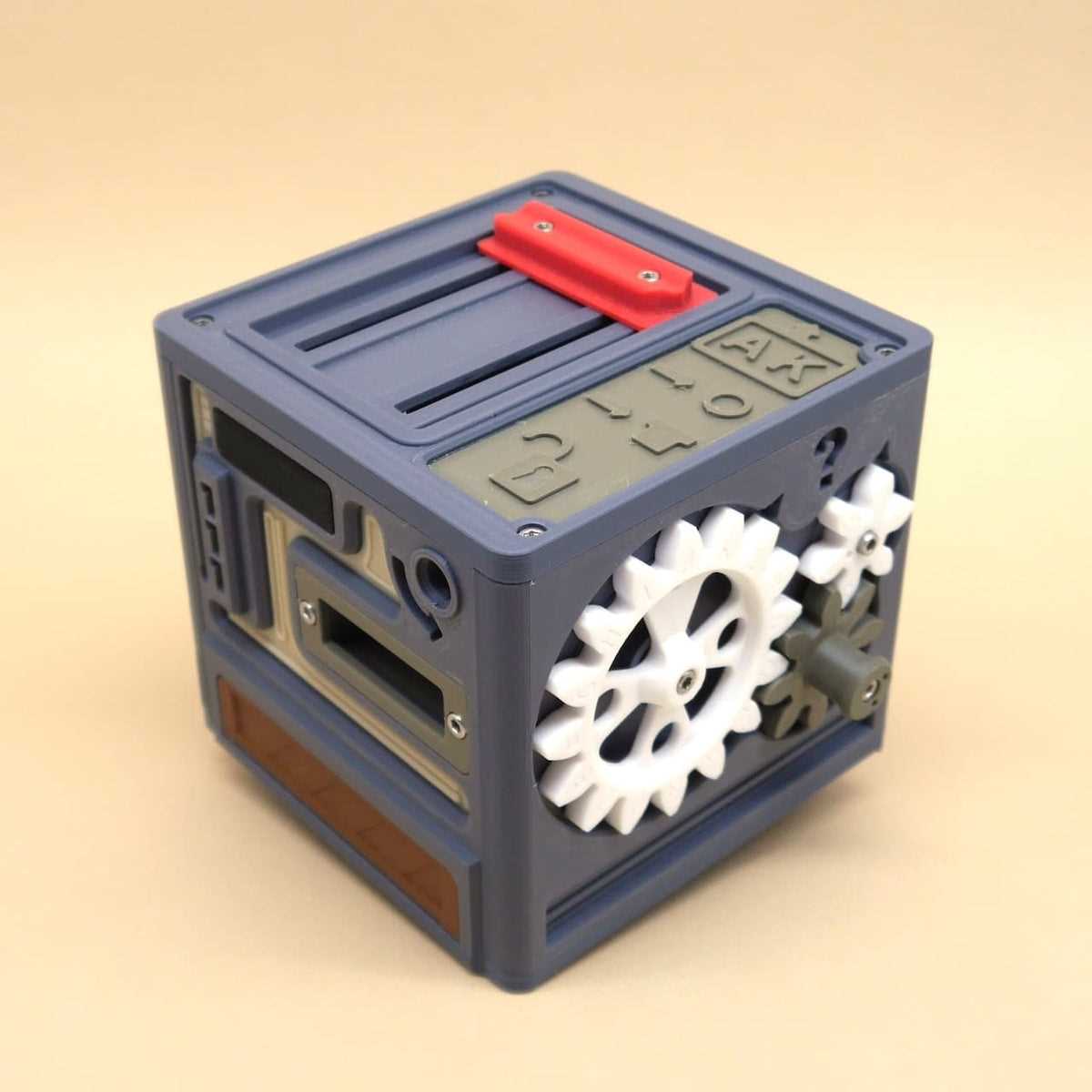
When designing a mechanical object for 3D printing that challenges both your problem-solving skills and creativity, start by finding a model that offers a balance between complexity and fun. Look for designs that require you to manipulate parts or follow intricate assembly instructions. A quick search on popular design repositories like Thingiverse or Cults3D will provide you with plenty of options. Make sure to select one that aligns with your experience level, as some models require more advanced design knowledge than others.
Next, ensure your 3D printer is well-prepared for the task. Double-check that your printer is calibrated properly, as mechanical designs rely heavily on precision. If you’re using a model with tight-fitting parts or moving components, slight misalignment during printing can lead to frustration during assembly. Adjust your printer’s settings for optimal layer height, fill density, and support structures. For most designs, a 0.2mm layer height should work well for the detail required.
Once you’ve prepared the printer and selected the design, download the 3D model files. The format most commonly used for 3D printing is STL, which is compatible with most slicer software. Open the file in the slicer program, where you can adjust settings like orientation, scale, and support structures. This step is crucial as it ensures that all components are printed with the correct orientation, minimizing the chances of warping or incorrect fitting.
Now, begin the printing process. Pay attention to the printing time and keep an eye on the progress, especially if it’s a larger or more intricate model. If you’re using materials like PLA or ABS, be sure to monitor the cooling process, as improper cooling can lead to warping or failure to bond properly. Some printers have built-in monitoring features that allow you to track the print remotely, which can be incredibly helpful for longer projects.
After printing, it’s time to assemble the individual parts. For mechanical designs that involve moving pieces or interlocking sections, it’s important to follow the instructions step-by-step. Take your time during assembly to ensure that all pieces fit properly and move as intended. This is the most critical stage in creating a fully functional model, as improper assembly can result in jams, misalignments, or failure to operate correctly.
If your design requires additional modifications, like adding lubricants or securing small pieces together, be sure to do so carefully. Lubricants can be used on moving parts to prevent friction, which may hinder smooth operation. For tight-fitting pieces, consider using superglue or a similar adhesive to ensure parts stay in place once assembled. If the design includes any small screws or fasteners, make sure you have the appropriate tools to complete the final steps.
Once assembled, test the functionality of the model. Does it open and close as intended? Are all parts moving freely, and is the mechanism smooth? If everything works, congratulations on your successful build! If not, troubleshoot by checking for any obstructions or misalignments that might have occurred during assembly. Don’t be discouraged–sometimes minor adjustments can make a big difference in how the final model performs.
Finally, consider customizing your design. You can tweak the appearance, add your own personal touches, or even modify the internal mechanism for more complexity. Some 3D models allow for easy modification using CAD software, so feel free to experiment with different colors, shapes, or features. By doing so, you not only enhance your creative skills but also create a truly unique model tailored to your liking.