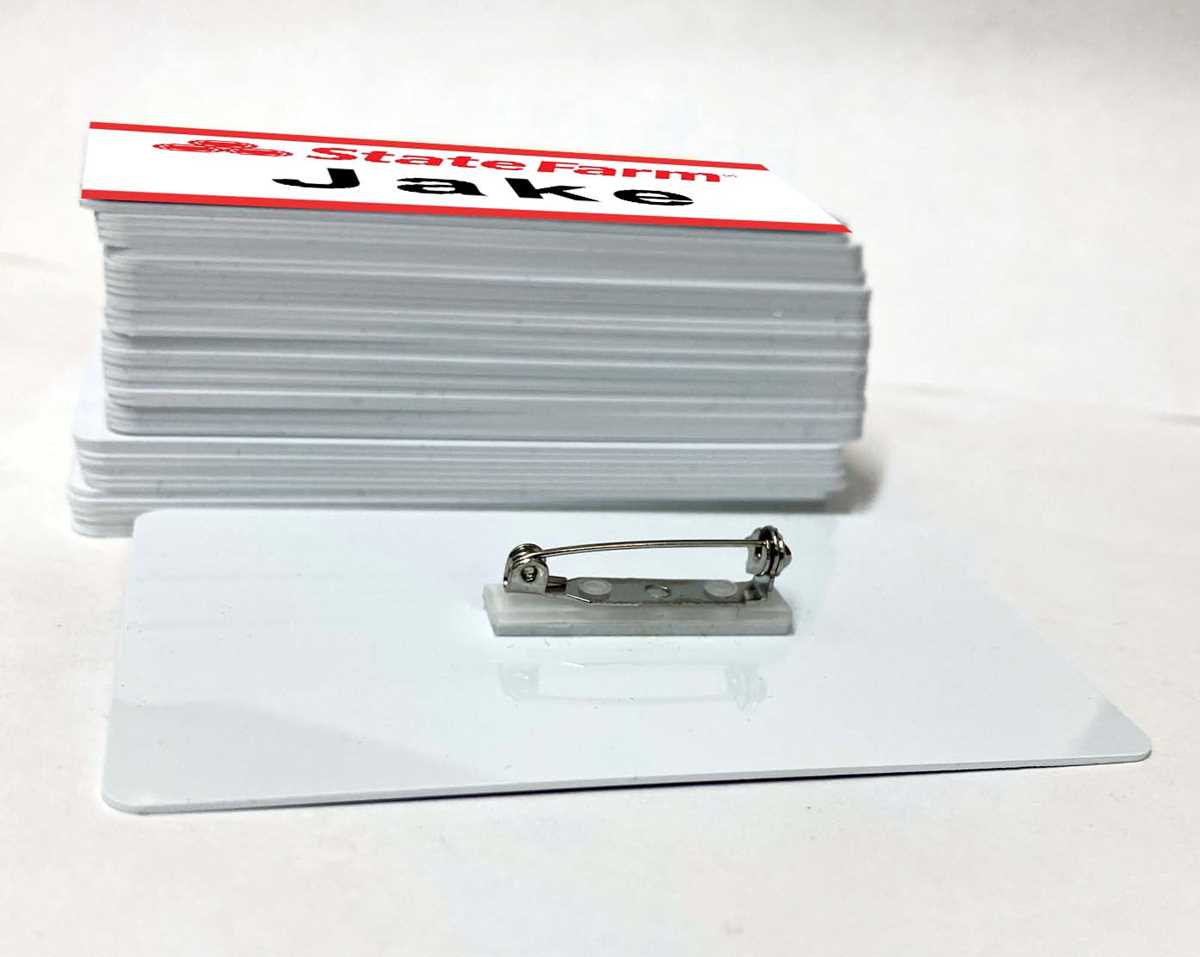
To create a personalized badge for a fun event or themed party, you can design your own label using simple tools available online. Begin by selecting a template or starting from scratch with a blank design. Use a clean, legible font and choose the correct dimensions to fit your desired format, typically a standard badge size.
Once you have the template ready, incorporate the theme’s colors, icons, or references. For example, if you’re aiming for a specific character or brand reference, make sure to include recognizable visual elements, such as logos, fonts, or colors that are strongly associated with that theme.
After customizing the look, be sure to add a few personal touches, like a fun title or quote that ties into the theme. This makes the badge feel unique to the occasion. Keep the text simple and large enough to be easily readable from a distance.
Once completed, save your design and print it using high-quality paper for the best results. A thicker cardstock will ensure durability, especially if it will be worn for extended periods. If possible, laminate the badge for added protection against wear and tear.
How to Design a Custom Badge for Themed Events
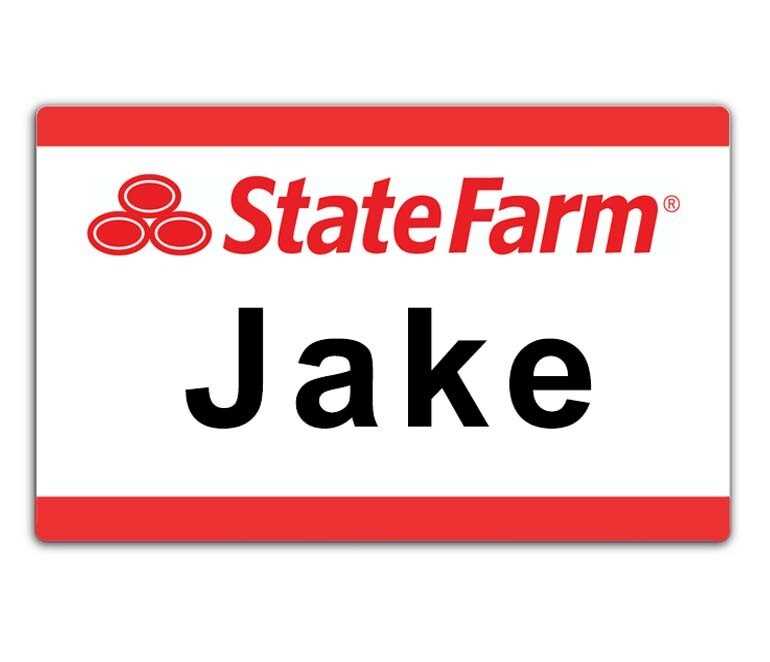
Begin by choosing a simple design tool like Canva, Microsoft Word, or Google Docs, where you can start with a blank template or a pre-designed layout. Select a rectangular or square shape depending on the style of badge you prefer, keeping the dimensions typical for a badge–about 3 inches by 4 inches.
Next, decide on the font. Choose something bold and easy to read, like Arial or Helvetica. Make sure the text size is large enough for someone to read from a distance, but not so large that it looks cramped. A font size of around 36pt for the name and 24pt for other details is usually a good starting point.
Include a title or label that ties directly into the theme of your event. For example, you might want to add a fun description or phrase that is connected to the character or brand you’re referencing. Keep it short and impactful, ensuring it fits within the allotted space.
For the design, use recognizable colors that match the theme. For instance, if the event is centered around a specific pop culture reference, use colors and imagery associated with that brand or character. Bright colors or bold contrasts can help draw attention to the badge and make it more visually appealing.
Once the basics are in place, add any additional graphics or logos that are part of the theme. Simple clip art can work well here–such as icons or minimal images that complement the overall design. Be cautious not to overcrowd the badge with too many elements that may distract from the primary text.
After completing the design, print the badge using a high-quality printer. Using thick cardstock or photo paper will make the badge more durable, especially if it’s worn for an extended period. The sharper the print quality, the clearer the text and any included images will appear.
If you want to add durability to the badge, consider laminating it. Laminating will prevent wear and tear, ensuring the badge remains in good condition throughout the event. You can easily find affordable laminating pouches at most office supply stores.
Finally, once your badge is printed and laminated, attach a clip or pin to the back. This will make it easy for attendees to wear the badge without hassle. If you plan to use the badge for multiple events, consider using a reusable attachment method like a badge holder or magnetic backing for easy switching between different designs.
How to Create a Themed Badge Template
Start by selecting a design tool that suits your needs, such as Microsoft Word, Canva, or Google Docs. These platforms offer easy-to-use templates or blank designs where you can create a custom layout from scratch.
Next, decide on the layout for your badge. A simple rectangular design works well for most events. Choose dimensions that will allow you to fit the text comfortably, such as 3 inches by 4 inches. Ensure there’s enough space for the name, a title, and any extra details you wish to include.
Choose a clear, bold font for the name. Fonts like Arial or Helvetica are highly legible and give a professional look. Adjust the size so that it’s large enough to be read easily from a distance, but not too large to make the badge look crowded. Around 36pt for the name is ideal.
For the background, use colors that align with your theme. Consider using contrasting colors to make the text stand out. You can also include a subtle design or pattern in the background, but ensure it doesn’t overpower the text or make the badge difficult to read.
Once your layout and text are ready, add any relevant imagery or icons that relate to the theme. A small logo or graphic in one corner can enhance the design without cluttering the badge. Keep the graphics minimal to ensure the focus remains on the text.
Finally, save your design as a PDF for easy printing. Ensure the resolution is high to maintain the quality of both the text and any graphics. You can now print the badge on cardstock or other sturdy paper to ensure durability during your event.