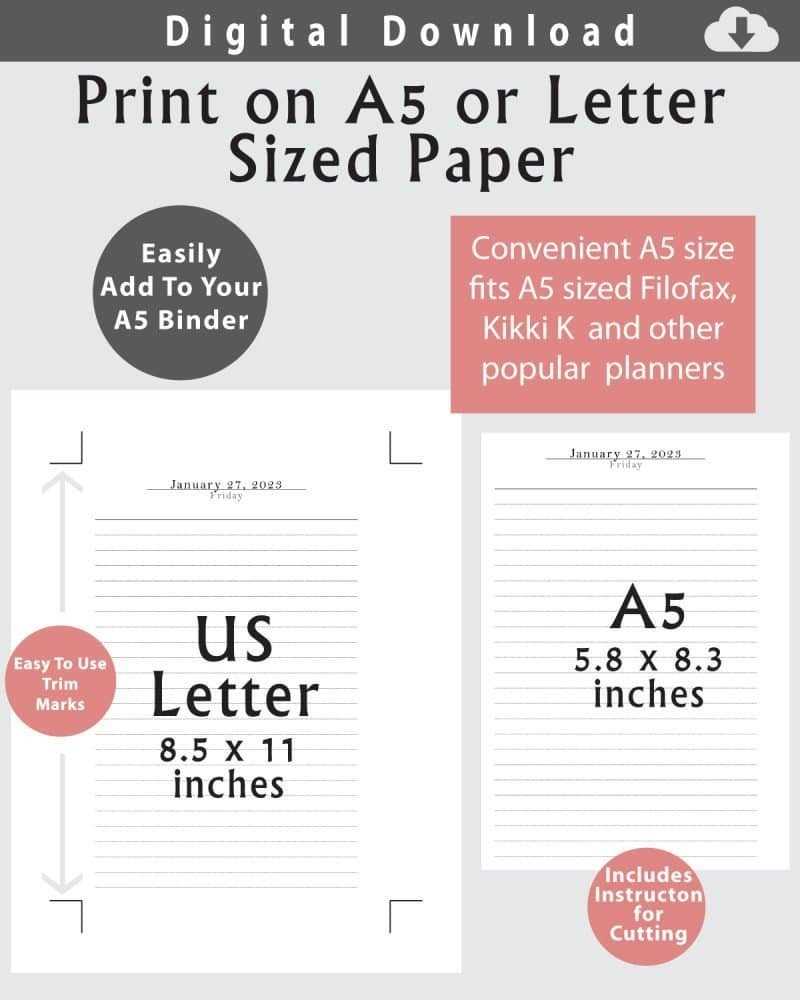
To start working with A5 sized sheets, it’s important to adjust your printer settings correctly. This size is ideal for smaller prints like invitations, flyers, and personal notes. Ensure your printer can handle custom sizes and set it to A5 under the paper settings section.
If you’re looking to create crafting projects, A5 sheets are the perfect choice for scrapbook pages, greeting cards, or small posters. They are small enough to handle easily yet large enough for creative designs. Many online resources offer templates that can be used on A5 sheets to simplify the design process.
When purchasing A5 sheets, pay attention to the material you’re working with. If you’re printing text-heavy documents, choose a lighter weight. For art projects that require more durability, consider a thicker, high-quality stock that supports both ink and markers without bleeding.
Guide to Using A5 Sheets for Printing and Crafting
Start by adjusting your printer settings to match A5 size, ensuring the document fits correctly. This step is crucial for preventing cut-offs and ensuring your layout remains intact. Many printers come with a preset A5 option, but if not, you can manually adjust the dimensions through the custom paper size settings. Always preview the document before printing to check for any issues.
For crafting, A5 is ideal for projects like greeting cards, small brochures, and tags. The size is also perfect for DIY invitations and photo albums. If you’re using tools like scissors or paper cutters, ensure the sheets are easy to handle and can be folded without difficulty. Consider choosing materials that complement your craft–thicker stocks work better for cards, while thinner sheets are great for scrapbooking.
When selecting your sheets, think about the purpose of your project. For instance, high-quality options are better for printing vibrant colors, while more economical sheets can be used for simple notes or drafts. For artistic purposes, always opt for sheets that work well with your chosen medium–whether it be markers, stamps, or other crafting supplies.
Choosing the Right Material for Printing A5 Size Documents
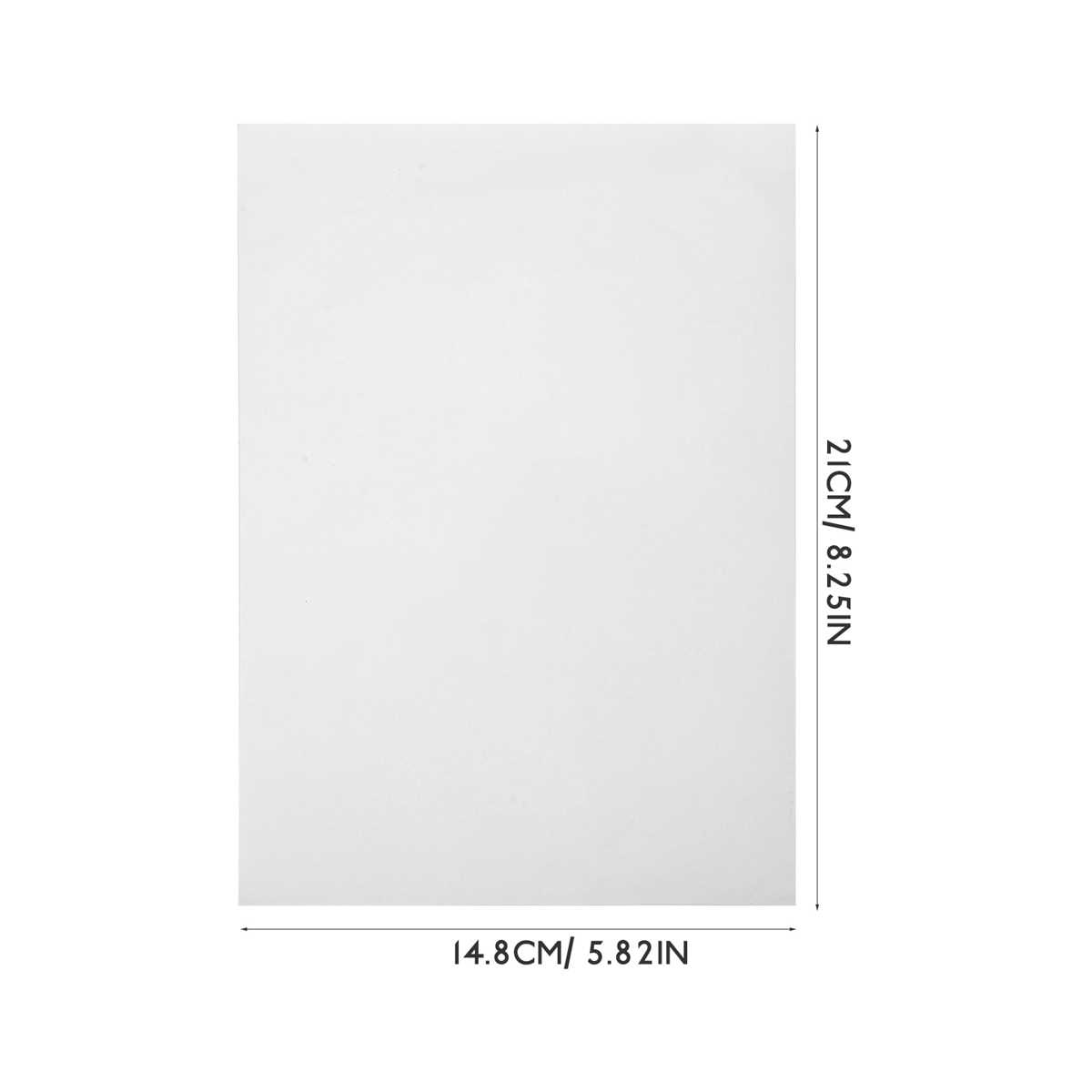
For standard printing tasks, opt for a lighter stock, such as 70-80 GSM. This weight provides clarity for text-heavy documents and ensures smooth printing without overloading your printer. Ideal for everyday printing tasks like forms and reports, it’s also cost-effective for bulk printing.
If your project involves vibrant colors or images, consider using a heavier stock, around 100-120 GSM. This weight enhances the richness of colors and ensures a sturdy, professional feel. It’s an excellent choice for marketing materials, invitations, or professional brochures, where the material quality is just as important as the design.
For crafting projects or presentations, think about texture. Opt for materials like linen or textured card if your project requires a more tactile experience. These textures add dimension to the finished product and make documents feel more elegant, especially for custom invitations or high-end promotional materials.
Consider the finish as well. A glossy finish is great for images and color-intensive designs, enhancing contrast and saturation. If you’re printing text-heavy documents, matte finishes work better, as they reduce glare and offer a more comfortable reading experience.
Finally, always check the printer compatibility. Some printers may struggle with thicker or textured materials. Verify that the sheets fit your device and check for any paper jams before starting a larger print job. This ensures smooth operation and minimizes the risk of errors during the process.