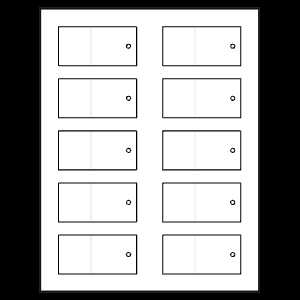
Choose the right paper type based on the project and your printer. For home use, select adhesive sheets that match your printer’s capabilities, whether it’s inkjet or laser. These adhesive sheets often come with light perforations, making it easy to separate each piece once printed, ensuring precise cuts without the mess of scissors.
Ensure the design or text is aligned correctly with the printable areas on the sheet. Most of these sheets are designed with specific dimensions, so using templates that match these measurements will help avoid any issues. Test print on regular paper first to confirm alignment before printing on the final adhesive sheets.
When it comes to usage, these customizable sheets can be used for a range of tasks. Whether for organizing, labeling items around the house, or even creating custom stickers for gifts or products, the possibilities are endless. Experiment with different fonts, colors, and designs for a personalized touch on each piece.
How to Use Adhesive Sheets with Pre-Cut Sections
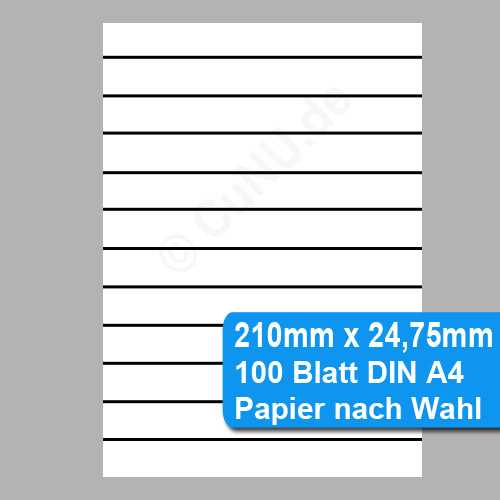
Select adhesive sheets with light perforations for clean and easy separation of individual stickers. This type of design makes it simple to peel off each section after printing without struggling to cut along the edges.
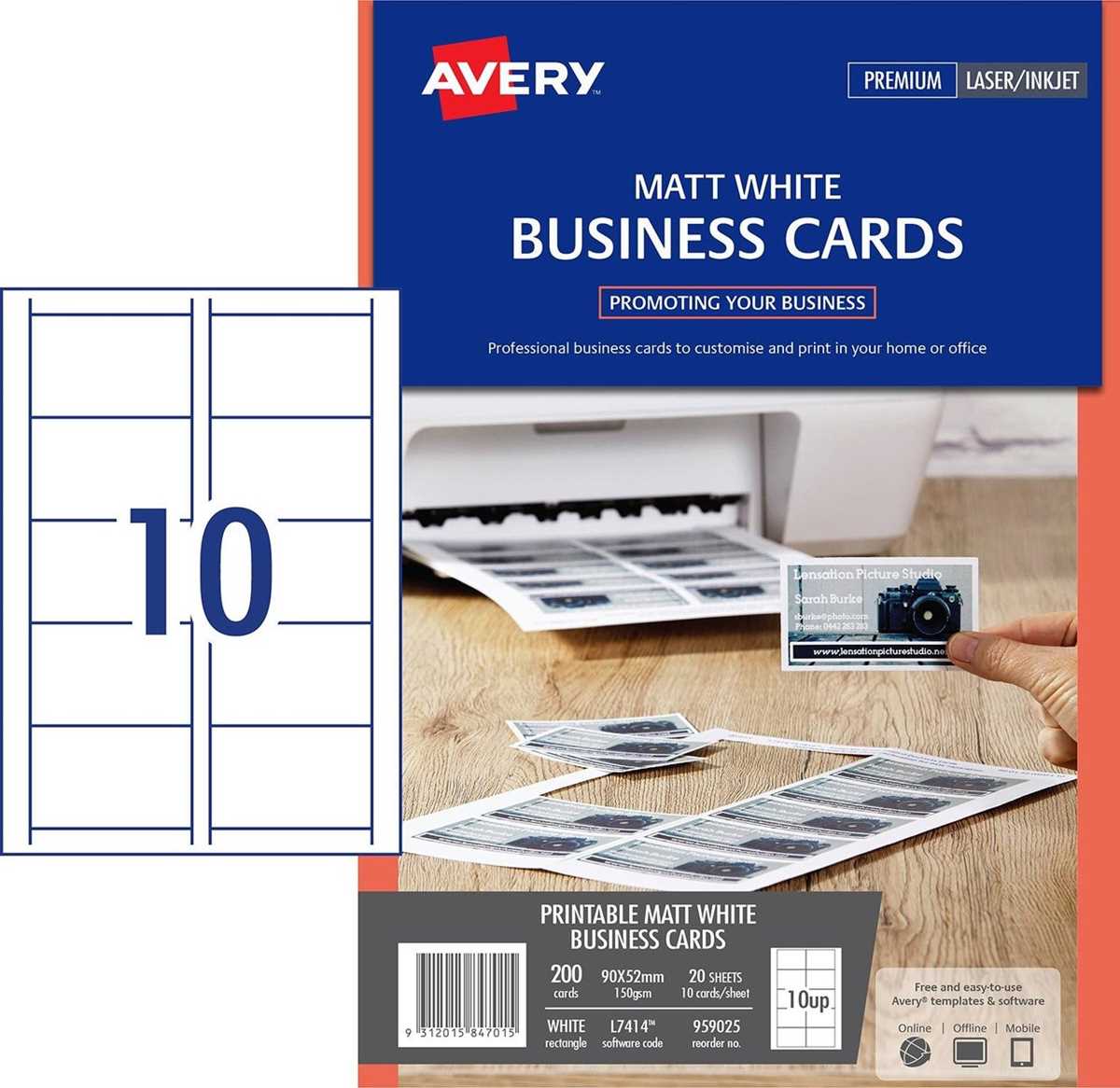
Make sure to adjust your printer settings according to the type of paper you are using. For instance, when using an inkjet printer, choose the setting that matches the weight and texture of the paper to avoid ink smudging or improper adhesion. Test your settings with a regular sheet before printing on the adhesive material.
Once printed, carefully separate each section along the perforated lines. This ensures you don’t waste any part of your design or the material itself. Take extra care when peeling off the sections to avoid tearing the edges, which could affect the final result.
These customizable sheets are perfect for a variety of uses such as organizing items, labeling products, or creating personalized gifts. Whether for home organization or a business project, you can create neat, professional-looking stickers with ease. Simply print your design, cut, and apply for an instant upgrade to your projects.
How to Choose the Right Perforated Labels for Your Printer
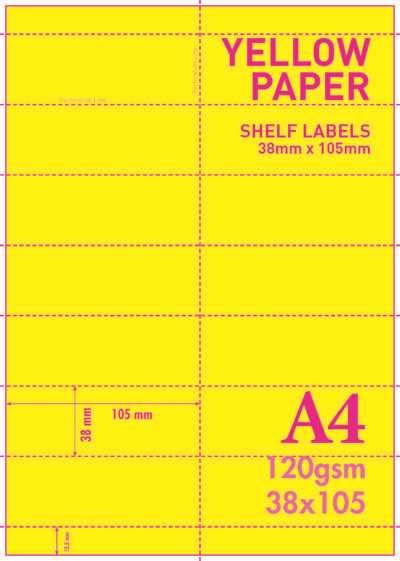
Start by checking your printer’s specifications to ensure it supports adhesive sheets. Inkjet and laser printers have different requirements in terms of paper thickness and texture, so make sure the material you select is compatible with your printer model to avoid ink smudging or paper jams.
Next, consider the weight of the paper. Heavier sheets (around 90-120 gsm) work well with laser printers and provide better durability, while lighter options (around 70 gsm) are more suited for inkjet printers. Be sure to pick the weight that suits your printing needs and will prevent issues like ink bleeding or uneven printing.
If you plan to use the sheets for small designs, opt for a grid layout that aligns with your printer’s dimensions. This ensures that the design fits perfectly into the pre-cut areas. Look for sheets with a clear margin to avoid printing outside the desired sections.
Finally, consider the adhesive strength. Some sheets have a stronger bond for industrial applications, while others are designed for temporary use. Choose the right adhesive based on the project. For example, lightweight options work well for temporary tags or notes, while stronger adhesives are ideal for long-lasting labels.