To start, choose a quality chip that supports the required storage and functionality for your task. You can easily find compatible chips online that support standard protocols, ensuring they work with most devices. Be sure to check the memory capacity, as this determines how much data you can store on each device.
Next, you’ll need to design the layout for your physical item. Use a design tool to create the visual elements, ensuring you leave space for the embedded chip. It’s important to use durable material that can withstand wear and tear, especially if you plan to use these items frequently in high-traffic environments. Paper or standard plastic may not hold up well under constant handling, so consider more robust materials like PVC or laminated paper.
Once the design is ready, ensure your reader or compatible software is set up to properly link with the chip. Many chips come with user-friendly apps or software that allow you to program and test them without any technical expertise. This process is crucial to ensure the stored information is easily accessible when scanned by compatible devices.
Creating Custom NFC Solutions for Various Uses
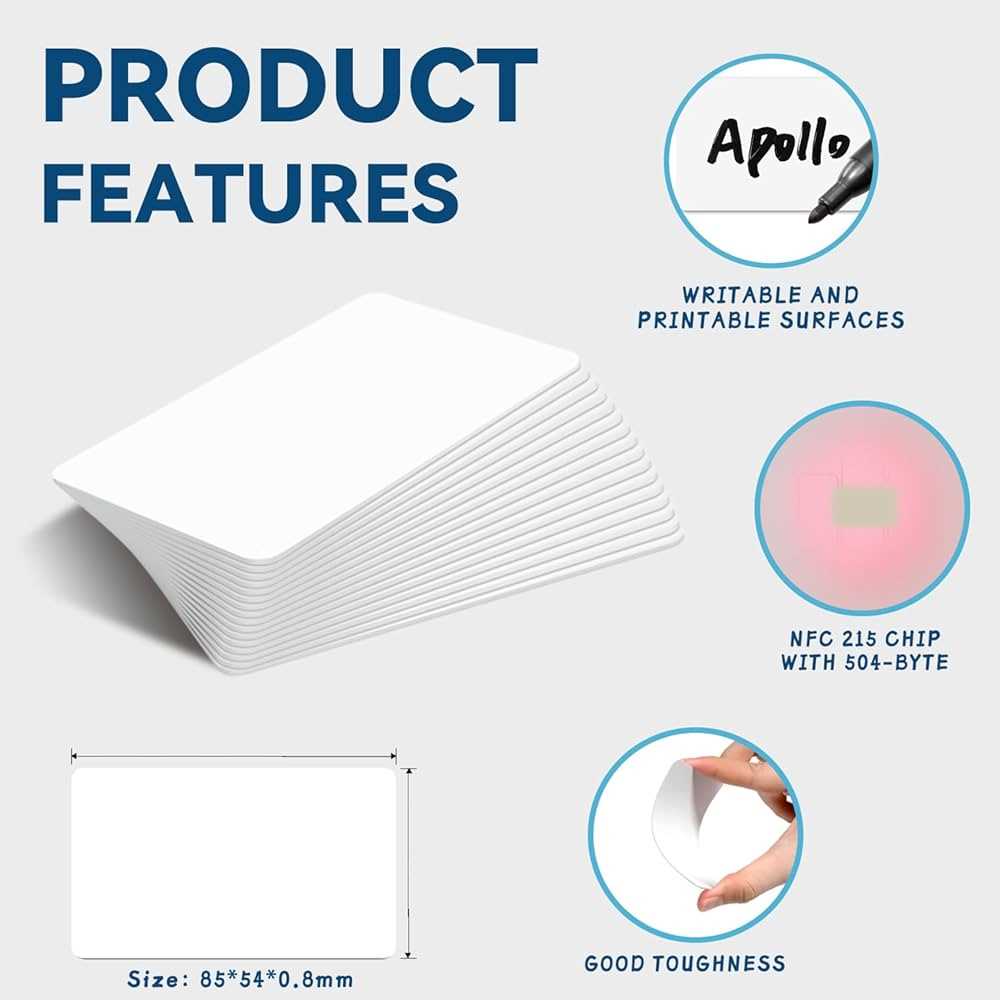
Start by selecting the right type of chip for your purpose. For general uses like information storage or simple access control, a basic chip with a few kilobytes of memory may suffice. However, for more complex applications, such as secure payments or detailed data tracking, choose a chip with more advanced capabilities and encryption features.
Next, design the layout for your physical product. Ensure there is a designated spot for the embedded chip. If you’re creating access passes or loyalty items, you’ll want to choose a durable material such as PVC or ABS. These materials are more resistant to wear, making them ideal for frequent use. Paper-based designs might be suitable for short-term or promotional items.
Once your design is ready, proceed to integrate the chip. This can be done by either embedding the chip directly into your chosen material or attaching it to the surface using adhesive. Depending on your needs, the chip can be hidden within the design or left exposed for easy scanning.
Programming the chip is the next critical step. Use a compatible reader and software to load your data onto the chip. This can include simple tasks like linking to a website, storing contact details, or more complex functions like controlling access to secure areas. Ensure your software supports the chip type you’re using to avoid compatibility issues.
Test your creation thoroughly. After programming, it’s important to verify that the information on the chip is accessible and works seamlessly with devices such as smartphones or dedicated readers. A quick test ensures that your design functions properly and meets your expectations.
For business applications, it’s a good idea to include branding on the design. Adding logos or custom graphics enhances the professional look of your product. Whether it’s for an event, membership program, or promotional campaign, customizing the visual elements alongside the chip functionality adds an extra layer of personalization.
Lastly, ensure your end product is secure. If you plan to use the items for transactions or storing sensitive information, consider adding encryption or other security measures to protect the data. These measures prevent unauthorized access and ensure the integrity of your creation.
Steps to Design and Print Custom NFC Solutions at Home
Begin by selecting the right type of chip for your needs. Depending on the complexity of your project, choose a chip with the required storage capacity and security features. You can easily find chips online that support basic functions like linking to websites or more advanced features like encryption for secure transactions.
Once you have your chips, move on to designing the layout. Use design software like Adobe Illustrator or Canva to create your template. Leave room for the embedded chip in your design. Choose a durable material for printing; PVC or thicker card stock works best for longevity and ease of handling. If you’re printing promotional items, paper might suffice for temporary use.
Integrate the chip into the material. This can be done by embedding the chip inside the card or attaching it to the surface with adhesive. The placement of the chip should allow it to be scanned easily by compatible devices. For a more polished finish, consider adding a laminate layer to protect both the design and the chip.
After setting up your design and chip, you will need to program the chip. Use a compatible reader and software to write the desired information onto the chip. This can include URLs, contact details, access credentials, or even multimedia content. Test the chip with a smartphone or NFC reader to make sure the data is accessible and correct.
Finally, print your design. Use a high-quality printer and the right type of paper or plastic that suits your project. After printing, consider adding a protective laminate to increase durability. Verify that your product works as expected by scanning the chip to ensure that all programmed information is readable. Once everything is set up, your custom NFC solution is ready for use!