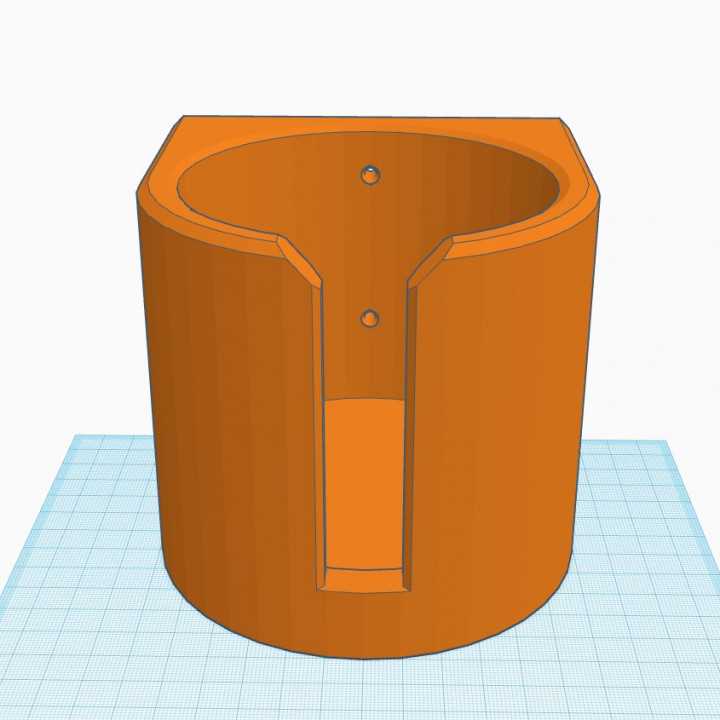
To start, measure the diameter of the containers you want to hold, as well as the space where the support will be placed. This will help you design a functional and stable base. Customize your design to fit your specific needs, whether it’s for a larger thermos or a small glass.
Use a 3D modeling software to create your design, taking into account the material strength and durability required for your intended use. If you plan to store heavier items, ensure that the structure is thick enough to prevent breakage. For smaller, lighter objects, a thinner design might suffice.
When it comes to materials, PLA is a great option for basic use, but if you need a more durable solution, consider PETG or ABS. These materials are more resilient and can withstand heat or weight better than basic PLA. After printing, assemble the pieces carefully, ensuring that all parts are securely attached for long-lasting use.
3D Printable Drink Support Designs
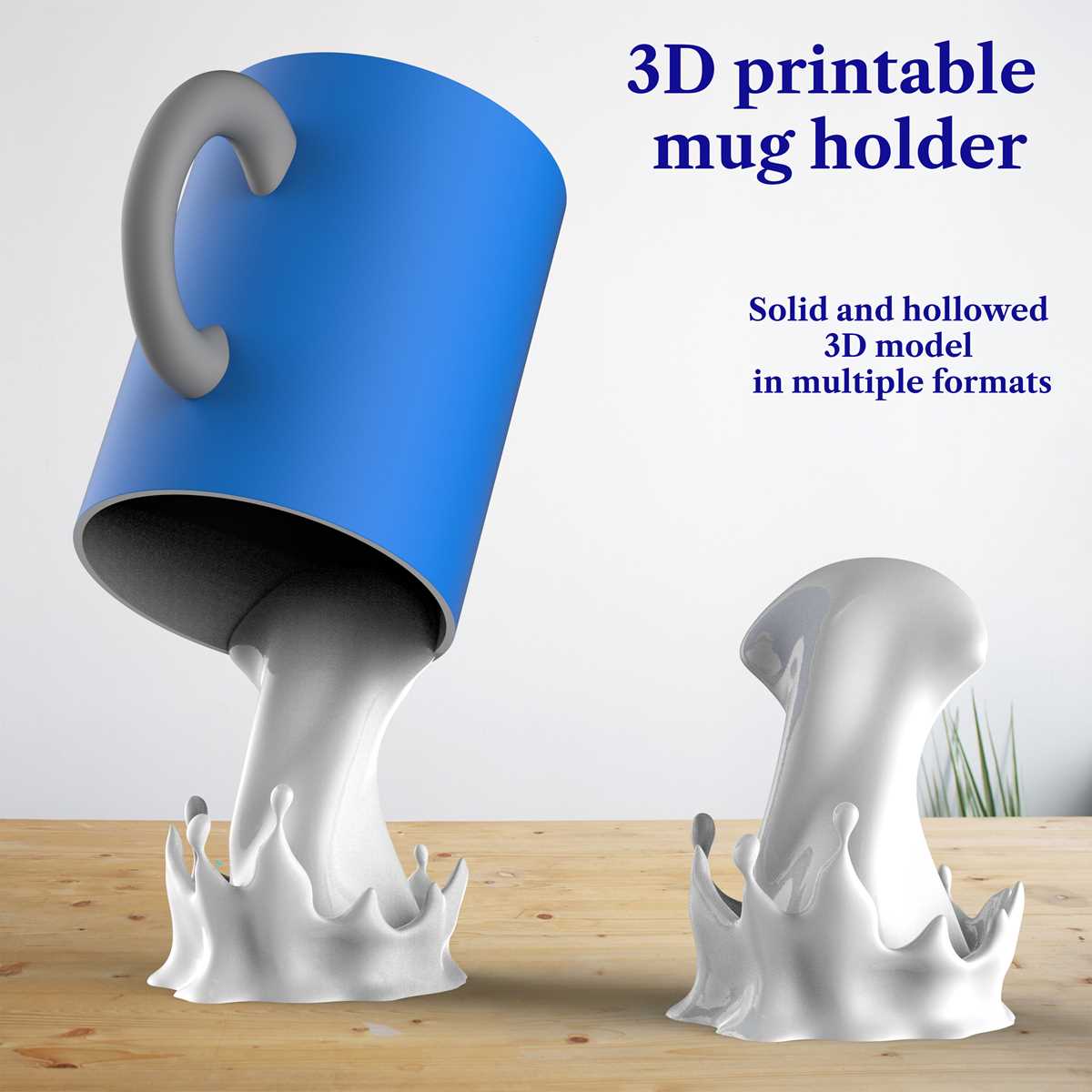
Start by measuring the diameter and height of the objects you wish to store. Accurate measurements are crucial for ensuring that your design will fit properly. For a tighter fit, account for slight variations in size by allowing for extra margin or adjustable features in your design.
Use 3D modeling software to create the shape of your support. A simple cylindrical design can work for most containers, but consider adding features like grooves or adjustable slots for a more versatile fit. This will allow you to hold various sizes with ease, making your creation more functional.
While designing, consider the material strength required to support the weight and size of your container. Choose stronger materials like PETG or ABS if you’re working with heavier items. For lighter objects, PLA is sufficient and easier to work with for beginners.
Once the design is complete, prepare the 3D printer and load the appropriate material. Be sure to select the correct print settings based on the material you’re using. For example, if using PLA, set your print bed to around 60°C and the extruder temperature to about 200°C.
Print your design, making sure to monitor the process for any issues, such as warping or uneven layers. If you’re printing larger objects, ensure your print bed is level to avoid imperfections. Adjust your print speed if necessary to ensure better quality.
After printing, carefully remove the item from the bed. Depending on the material used, you may need to perform some post-processing steps like sanding or smoothing the surface to remove rough edges or excess material.
If your design includes multiple parts, such as a base and a supportive clip, assemble them carefully. Use a strong adhesive or screw method to attach the components securely. Make sure all joints are tight and properly aligned to ensure stability during use.
Finally, test the structure with various containers to check the fit and stability. If necessary, make adjustments to your design for a better, more secure fit. Customizing the design allows for a more personalized experience, especially if you’re looking to match the aesthetic of your space or project.
How to Design a Custom Support for Containers in 3D
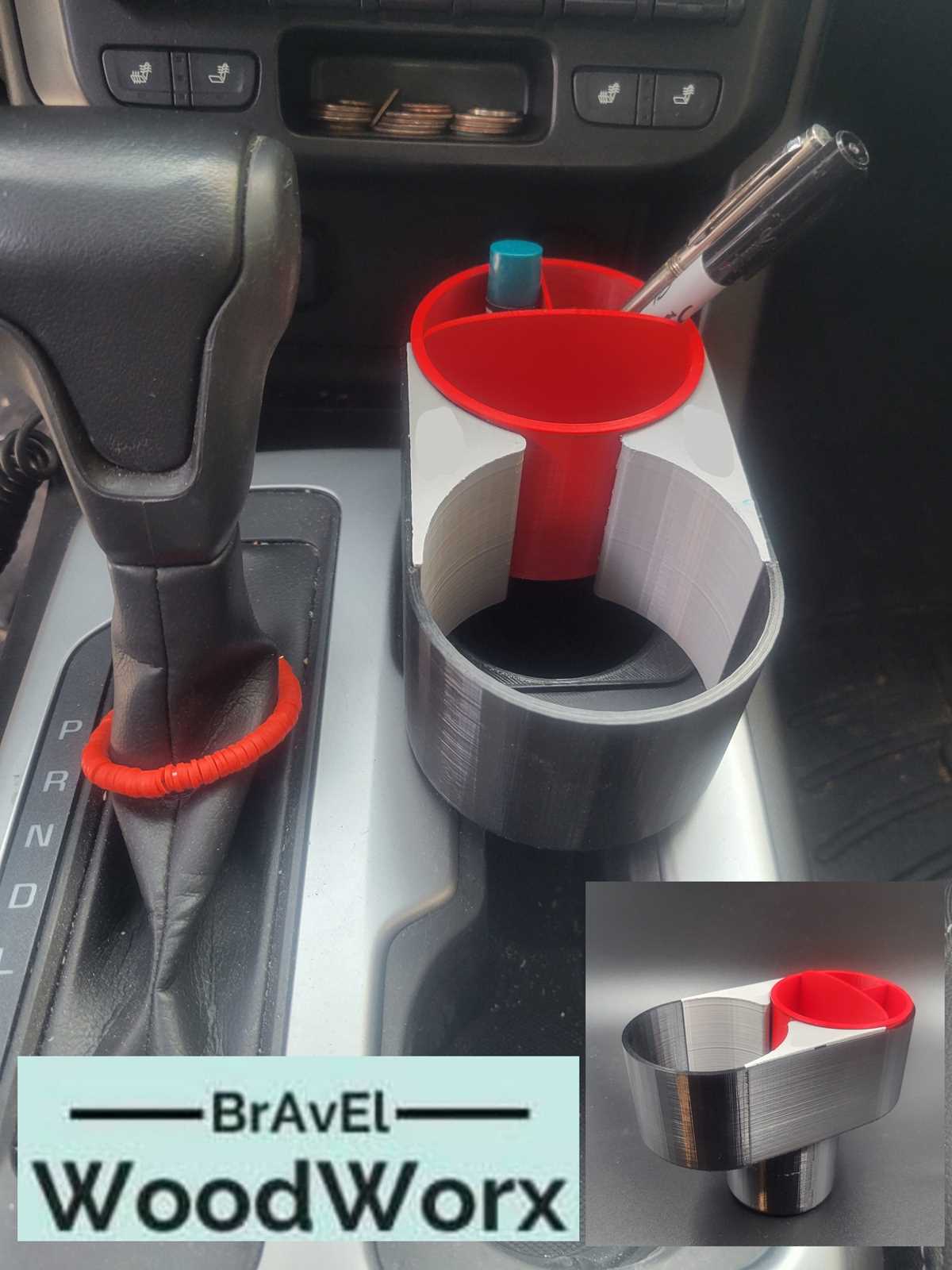
Start by determining the exact dimensions of the item you want to support. Measure the base and the height, ensuring you account for any variations in size. If you plan to use it for multiple items, design it with adjustable features to accommodate different diameters.
Use a 3D modeling software like Tinkercad or Fusion 360 to create the initial design. Begin with basic geometric shapes such as a cylinder or square, depending on the type of support you’re aiming for. Add holes, slots, or grooves where necessary for added functionality.
To ensure a secure fit, add reinforcement features such as ridges or clamps. These features can help grip the item firmly, preventing it from slipping or tipping over. Make sure to test these elements in the design software’s preview to check for structural integrity.
When choosing materials, consider the strength needed for your design. PLA is a good option for light-duty uses, while PETG or ABS provides better durability and heat resistance. Ensure the chosen material is compatible with your 3D printer’s capabilities.
After finalizing the design, export the model as an STL file and load it into your printer’s slicing software. Adjust print settings such as layer height and infill density based on the material you’re using. Once printed, test the support with the intended containers and make any necessary adjustments for a perfect fit.