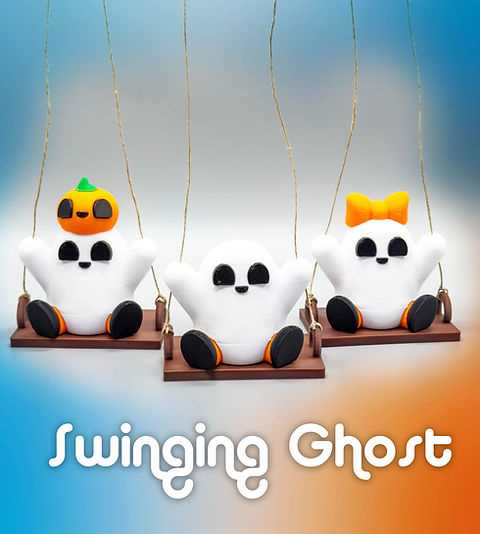
If you’re planning to add a spooky vibe to your Halloween setup, creating 3D figures can be a fantastic option. Many websites offer free and paid files that can be used for custom creations. Once you have the right model, all you need is a 3D printer and the appropriate materials to bring your design to life.
Start by selecting a model that fits your aesthetic–whether it’s a spooky figure or a more abstract shape. After downloading the model, check the file type to ensure compatibility with your 3D printer. Most printers will support formats like STL, which is the most common file type for 3D printing.
After setting up the printer and ensuring the correct settings, such as print speed and material choice, you can begin the process. It’s important to consider the level of detail in your model, as more intricate designs might require slower print speeds or additional supports.
Once printed, these models can be used in a variety of ways: hang them as decorations, integrate them into other items like lanterns or centerpieces, or even light them up with LED lights to create an eerie atmosphere. With a bit of creativity, these printed figures can be transformed into memorable decorations that last well beyond Halloween.
3D Models for Halloween Decorations
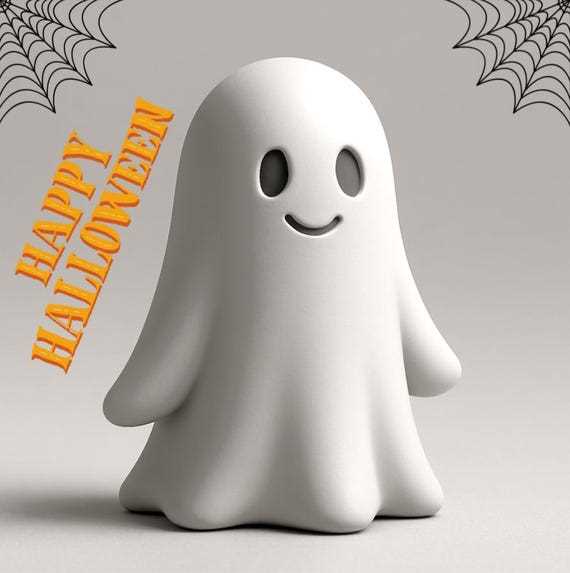
Start by selecting a model with a spectral theme that suits your desired effect. Many online platforms offer a wide range of free and paid 3D designs, including ethereal figures perfect for the spooky season. Popular repositories like Thingiverse, MyMiniFactory, and Cults3D provide detailed options for both beginner and advanced designers.
Once you’ve downloaded the design, check the specifications to ensure it’s compatible with your 3D printer. Files in STL or OBJ format are widely supported. Some models may require additional adjustments, such as scaling or splitting into smaller parts, depending on the printer’s build volume and your material choice.
Choosing the right material is key. Filament options like PLA work well for beginners, but if you want more durability, consider ABS or PETG. Transparent filaments can add an eerie, almost ghostly glow when illuminated with LED lights, making the model stand out even in low-light settings.
Before printing, review the model for any potential printing issues, such as overhangs or complex parts that might need additional support structures. Some software, like Cura or PrusaSlicer, can automatically generate these supports, but check the preview to ensure the design is stable for printing.
After printing, you can add finishing touches. Spray paint the models to give them an aged or worn look, or incorporate glow-in-the-dark paint for an added effect. If you’re creating a scene, consider positioning them around your house with spooky lighting to amplify the atmosphere.
Finally, you can create multiple versions of the model to form a collection. Vary the sizes, textures, or details to create different shades of specters, or even personalize them with additional elements like hats or chains to fit your Halloween theme. This will give your decorations a unique touch and truly bring the spooky ambiance to life.
Where to Find High-Quality 3D Models for Halloween Themes
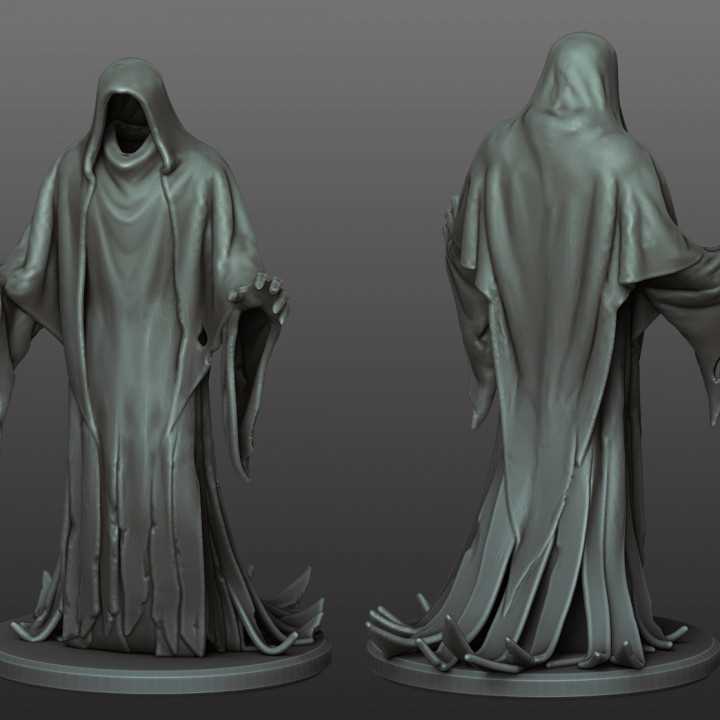
To begin your search for high-quality spectral designs, explore well-known online platforms such as Thingiverse, MyMiniFactory, and Cults3D. These sites offer a variety of free and paid models, many of which are optimized for 3D printing. You can filter your search based on style, difficulty, or intended use, which helps narrow down options to find the perfect fit for your Halloween decorations.
Check out dedicated design communities like Pinshape and YouMagine for even more specialized models. Many hobbyists and professionals share their work on these platforms, and you can often communicate directly with the creators for modifications or customizations if needed. These platforms also have rating systems and reviews that can help ensure you’re choosing high-quality files.
If you’re looking for something specific, consider using the search function on popular social media platforms such as Instagram, Pinterest, and Reddit. Many designers showcase their models on these sites, with links to download or purchase the designs directly. Instagram, for example, has accounts that specialize in holiday-themed content, including Halloween-inspired prints.
For more advanced designs, try 3D design software communities like Blender Market or TurboSquid. These sites often have higher-end models that may require more advanced 3D printing skills. The models here can also be more intricate, offering additional features or complex textures for a truly custom decoration.
If you prefer to work with a particular artist or creator, some 3D artists have their own websites where they sell or offer their creations for download. You can reach out to these designers for bespoke models tailored to your specific needs. Often, these designers provide files with better detail and more polished finishes.
When browsing these sites, always check for user reviews, feedback, and ratings to get an idea of the model’s print quality and how well it performs once printed. Some models come with detailed instructions, tips, and troubleshooting guides that can save you time during the printing process.
If you have a specific printing technology or material in mind, some sites, like PrusaPrinters, offer models optimized for different 3D printers and materials. These resources can be especially helpful if you’re working with specialized equipment, such as resin printers or printers with larger build volumes.
Lastly, always ensure that the files are in a compatible format for your 3D printer. Most commonly, you’ll encounter STL or OBJ files, but some advanced models may be in more complex formats. Checking for compatibility ahead of time can prevent wasted time and material when you begin printing your spooky creations.