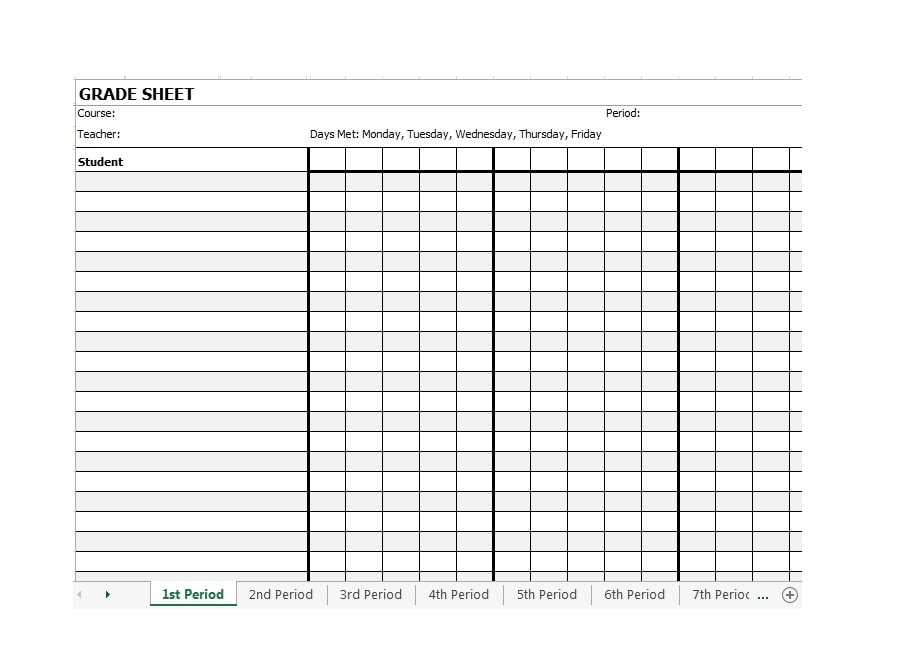
If you need a practical method for managing student performance, using a paper-based record system might be your best option. Start by choosing a format that allows easy input of scores for various assignments, exams, and participation. A simple spreadsheet or table can be a great template, giving you the flexibility to adjust columns and rows as needed. Be sure to include sections for each student’s name, assignment dates, and corresponding grades. This setup makes it straightforward to track progress throughout the term without being distracted by software glitches or complex systems.
For better organization, color-coding can be a helpful tool to differentiate between different types of assessments (e.g., homework, tests, classwork). Another benefit of a physical record is the ability to quickly make notes or updates during class without needing a computer or an internet connection. Use symbols or shorthand to indicate special comments or issues that may need addressing later, such as incomplete assignments or behavioral concerns.
Incorporating a grading scale is another key element for clarity. A consistent scale helps both you and your students understand how each grade translates into performance. Define the thresholds for each grade and place them at the top of your records, ensuring they are easily accessible. As the term progresses, update the totals regularly to ensure you have an accurate reflection of each student’s achievements.
How to Design a Functional Student Tracking System
Begin by outlining a clear structure that suits your needs. A basic table with columns for student names, assignments, and corresponding grades should be your foundation. Add extra columns for comments or notes on student behavior, missing work, or special considerations. This ensures that you can track not only academic performance but also other important details that might influence grades.
Next, use a consistent grading scale. If you prefer letter grades, include corresponding numerical values for easy conversion. Alternatively, a points system can provide more flexibility. Decide whether you will assign a fixed number of points per assignment or a percentage system, based on the weight of each task. Ensure your students are aware of the system to avoid confusion and improve transparency.
Regularly update the records to reflect students’ progress. Set aside a specific time each week to update scores and check for any missing work. By keeping the records up to date, you minimize errors and can quickly identify students who may be falling behind. This also helps you stay organized during parent-teacher conferences, as you’ll have a clear overview of each student’s performance.
Consider color-coding your entries for clarity. For example, use red to highlight missing assignments, yellow for grades that need to be reviewed, and green for completed tasks. This visual organization allows you to scan the records quickly and address areas of concern without having to read through every individual entry.
Lastly, make room for flexibility. Not every gradebook needs to follow a rigid format. Adapt the structure to suit your teaching style or subject area. If certain assignments require more space for detailed feedback or if you have specific categories you want to track, modify your template to reflect those needs. A flexible, well-organized system will save you time and help you manage your students more effectively.
How to Create a Customizable Printable Teacher Gradebook Template
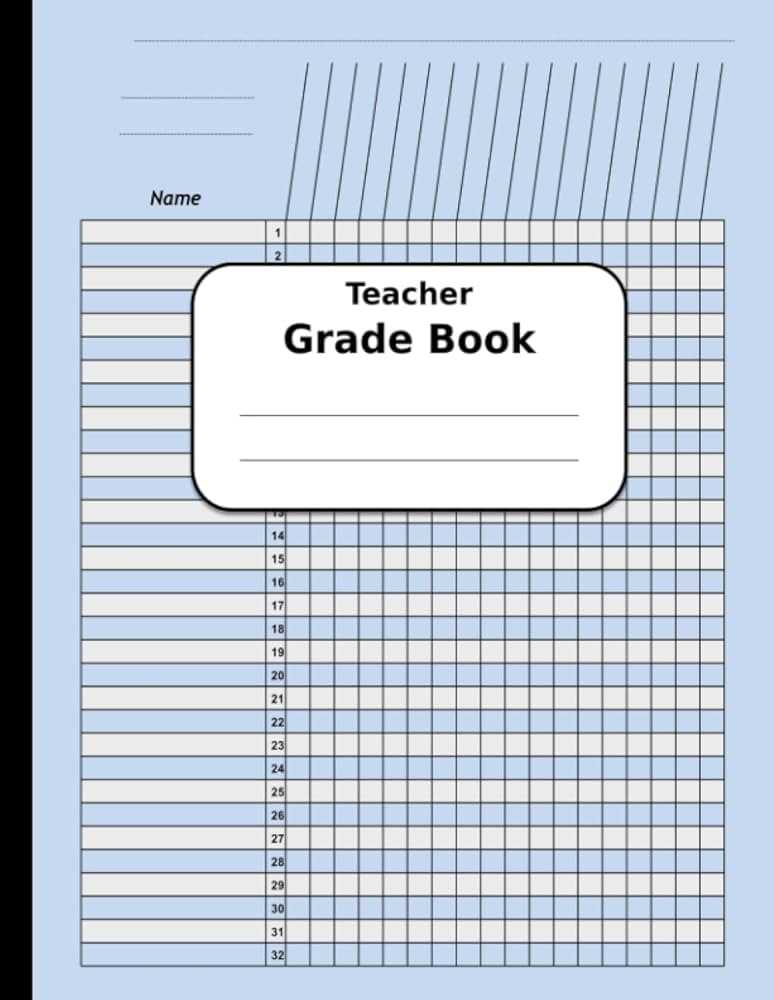
Start with a basic table layout to structure your records. Create columns for student names, assignment titles, and grade entries. Include extra spaces for total scores and final comments. This simple framework can be adjusted as needed to fit specific needs. Make sure the design is easy to navigate for both you and your students.
Choose a format that can easily be updated. Using a spreadsheet or word document allows for flexibility. For example, with spreadsheets, you can quickly modify the number of columns or rows depending on the number of students and assignments. Having a digital version first can be helpful before printing to ensure everything fits properly.
Define the types of data you want to track. In addition to basic grades, consider adding fields for attendance, participation, or notes on student behavior. These extra fields will give you a fuller picture of each student’s performance. Some educators also add extra sections to track assignments due, upcoming tests, or project deadlines.
Develop a grading scale that works for you. If you use letter grades, include columns for each grade with corresponding point values. For a point-based system, ensure the total possible points for each assignment are clear. Make sure this scale is visible at the top or in a prominent place on your sheet to avoid confusion.
Incorporate a section for feedback. A comment column allows you to provide insights into why a student received a particular grade or areas they can improve. This is particularly helpful for maintaining clear communication with both students and parents about academic progress.
Lastly, leave room for adjustments. As you use the template throughout the term, you may find that certain columns or categories need tweaking. You can adjust the layout, add new sections, or reformat it to better suit evolving needs. A customizable design ensures that the system works for you and your students throughout the year.