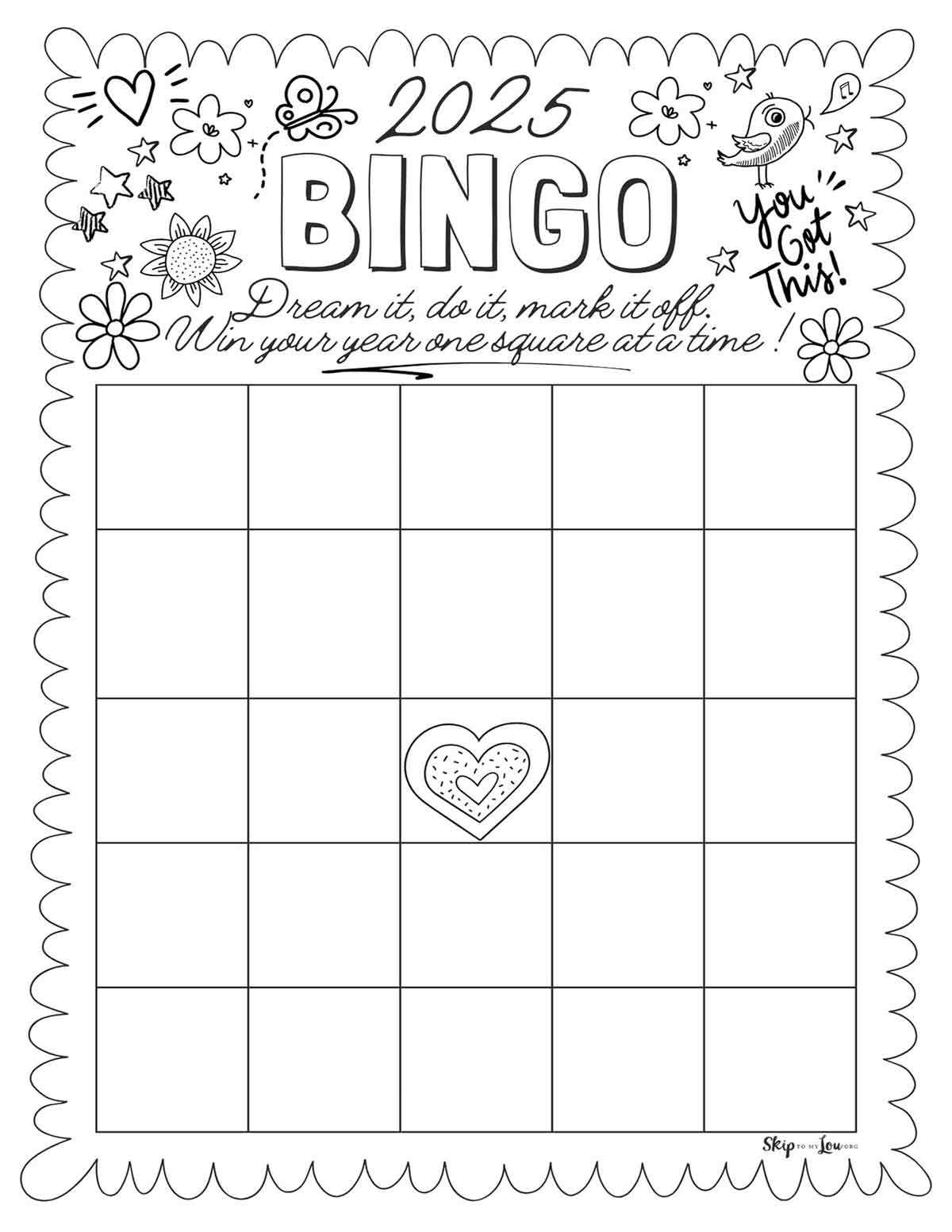
If you’re hosting a party or need an activity for a classroom, custom cards can be a fun and versatile option. You can create your own cards from scratch or find free templates online that are easy to print and use. These customizable sheets can be adapted for any theme or purpose, such as family gatherings, educational games, or team-building exercises.
Start by choosing the right format. A standard grid with 5×5 cells is typical, but you can adjust the dimensions based on the activity or age group. Many sites offer downloadable templates that can be easily printed at home. To make the activity even more fun, consider adding your own personal twists, like themes or unique images in each square.
Once you’ve printed the cards, make sure to use high-quality paper for durability. A heavier weight will ensure that the sheets won’t tear easily during use. For a more professional feel, opt for card stock or laminating the sheets for long-term use. Whether you’re hosting a casual gathering or a more structured event, these personalized cards will add excitement and a touch of creativity to the experience.
How to Create Your Own Game Cards
If you want to create customized cards for your next event, start with a simple 5×5 grid format. This layout is the most common and works well for a wide range of activities. You can easily generate a grid in a word processor, spreadsheet, or graphic design software. Once you’ve set up the grid, you can fill each cell with whatever categories or items fit your theme, whether it’s numbers, words, or pictures.
After creating your grid, decide on how you want to distribute the content. You could use random numbers or specific items like themed words or characters. If you’re creating the cards for a specific group, such as children, consider adding images in the cells to make the activity more engaging. Adding fun icons or colors to each square can also make the game feel more lively.
Once your card design is ready, it’s time to print. For best results, use a high-quality printer and ensure your ink or toner is fresh for clear, crisp text. A standard printer setting should work fine, but if you need additional sharpness, consider adjusting the print quality to a higher resolution. Don’t forget to use paper that can hold up to repeated handling, like heavier weight options or card stock.
For a more durable version, consider laminating the sheets after printing. Laminating will not only preserve the cards for future use, but it also allows participants to mark the squares with dry erase markers. This can save on paper and make the cards reusable, which is especially useful for events that you plan to host multiple times.
If you don’t want to design the cards from scratch, there are many websites that offer free downloadable templates. These templates typically come in PDF format and are designed to be easy to print without any additional setup. All you need to do is download, print, and enjoy. Some of these websites even allow customization, where you can enter your own items for each square.
Finally, if you’re looking for variety, there are many sites that offer themed card designs. Whether it’s for a birthday party, holiday event, or educational game, themed cards can add an extra layer of fun to the experience. Check out popular game sites, event planning blogs, or digital art communities for unique options that suit your needs.
How to Create and Customize Blank Game Cards for Printing
To design your own card, start with a basic grid template. A 5×5 format is the most commonly used for general activities, but feel free to adjust the number of rows and columns based on your preferences. Tools like Microsoft Excel, Google Sheets, or graphic design software can help you set up the grid easily. In these tools, you can specify the size of each cell to ensure they fit within your desired print dimensions.
Next, personalize each square with content relevant to your event or activity. You can input numbers, words, or images depending on the purpose. For educational activities, such as language learning, using words or phrases in each square works well. If you want to create a fun and interactive experience, consider adding images that align with your theme–whether it’s animals, fruits, or seasonal decorations.
Once your card design is ready, it’s time to adjust the print settings. Choose a printer with high resolution and ensure that your paper is of appropriate weight, such as 120gsm or heavier. This will help your cards remain intact after multiple uses. For a more professional touch, consider using card stock or a thicker paper that can withstand the handling in group settings.
If you plan to reuse the cards, laminating them is a great option. Laminated cards are durable and can be wiped clean, allowing you to use dry-erase markers to mark off the squares. This method saves paper and is perfect for events where you need to use the same cards multiple times. You can also include a number or letter marker in each square for extra customization.