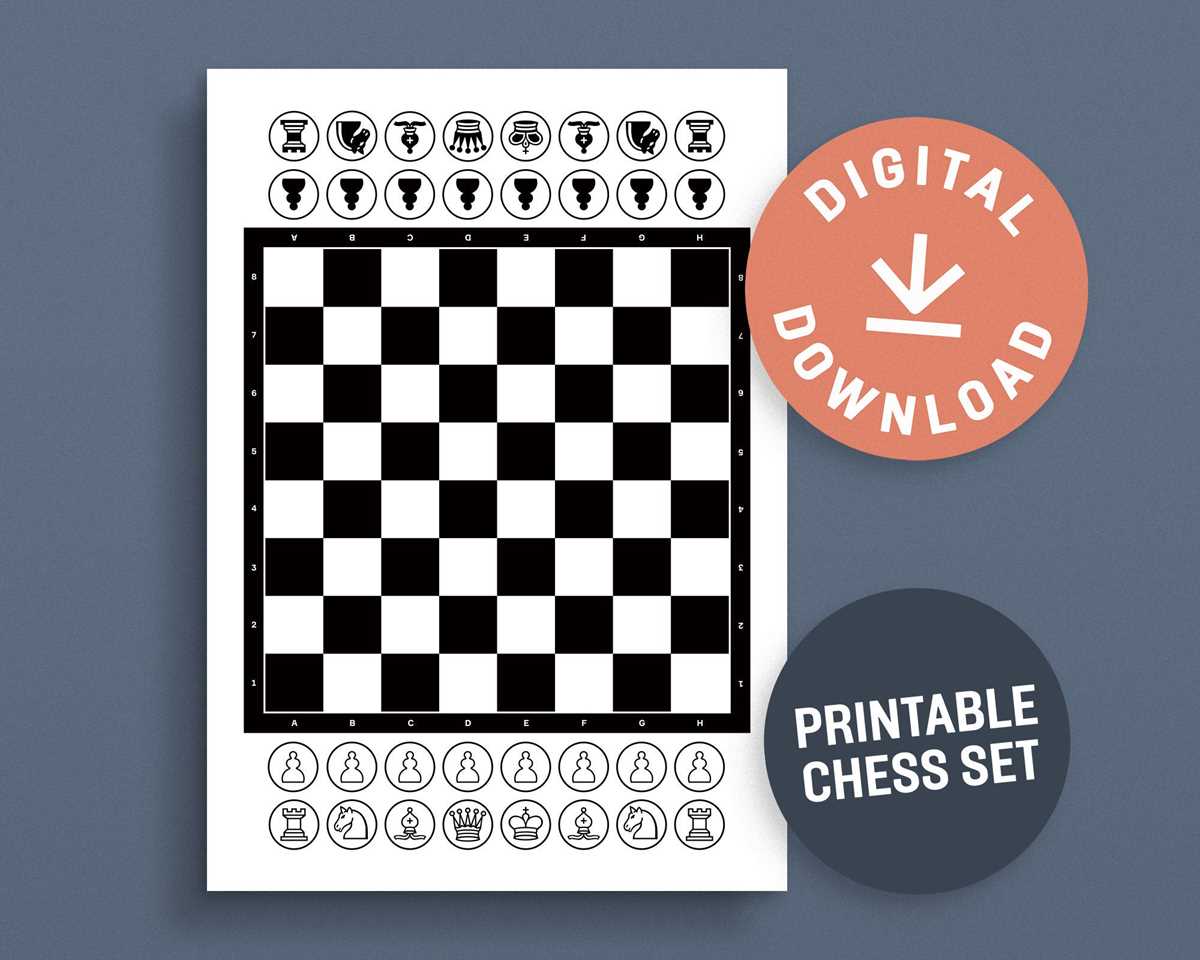
If you’re looking for a simple and cost-effective way to create a playing field, consider printing a grid that you can customize for your games. Begin by selecting a design that matches the traditional size and spacing. Use a blank design and scale it according to your preference, ensuring each square is large enough to accommodate pieces comfortably.
Choose a sturdy paper or cardstock to print the grid. For a more durable result, consider laminating the printed grid to prevent wear and tear from frequent use. If you’re printing at home, make sure your printer settings match the paper size, and use a high-quality print mode for crisp, clear lines.
Once printed, you can add custom touches such as color-coded squares or border designs to match your theme. Personalized designs can make the grid more engaging and visually appealing, especially if you’re using it for an event, gift, or educational purpose.
For a quick setup, you can also print multiple versions of the grid in different sizes for varying levels of difficulty or player preferences. This adds versatility and allows you to use the same design for different games, making it a practical choice for all your game-related activities.
How to Create a Custom Grid for Your Game
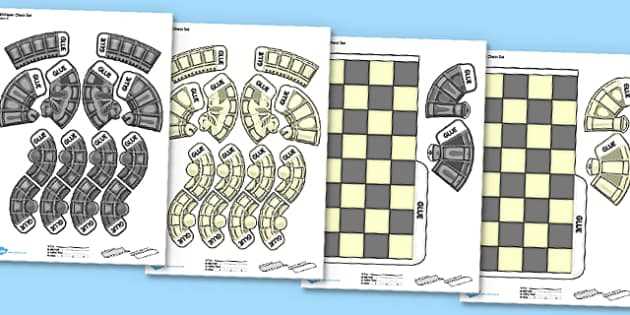
Start by selecting the right dimensions for the playing surface. If you want to stick to standard sizes, use a grid with 8×8 or 10×10 squares. Adjust the size depending on the game rules, or if you prefer a larger layout for better visibility. Ensure each square is large enough to place game pieces comfortably.
Use a thick paper or cardstock for durability, especially if you plan on using the grid frequently. This will prevent wear and tear over time. If you want to preserve the design for multiple uses, consider laminating the sheet after printing. This also allows you to use dry erase markers for easy cleanup and reuse.
When designing the grid, consider adding clear lines to separate the squares. Use contrasting colors for the grid lines and the spaces themselves to enhance visibility. A simple black-and-white design is effective, but adding colors to alternate squares can help differentiate the spaces and make the surface more visually appealing.
If you’re aiming for a unique design, you can customize the grid’s aesthetic by incorporating a specific theme or artwork. Add borders, decorative corners, or symbols that fit the purpose of the game. This extra personalization will make the grid more engaging for participants and help set the tone for the game.
Finally, test the grid by printing a small version and assembling it with your game pieces. Check the fit of the pieces within the squares and make sure the design is easy to read and navigate. This will ensure that the surface works well for its intended use and provides an enjoyable experience for everyone involved.
How to Print a Game Grid for Home Use
To print a grid at home, start by selecting a design that fits your needs. Search for a template online or create one yourself using a simple table in any word processor. Make sure the dimensions align with your space and adjust the number of squares based on your game’s requirements.
Choose high-quality paper, such as cardstock or thick printer paper, to ensure durability. If you want a more professional result, adjust your printer settings to high resolution, which will ensure clean lines and a crisp design. For added durability, laminate the printout after it’s dry.
Once the grid is printed, check the alignment of the squares and make sure there’s enough space between them for the pieces. You may want to experiment with different sizes before committing to your final print, especially if you’re making it for an event or long-term use.