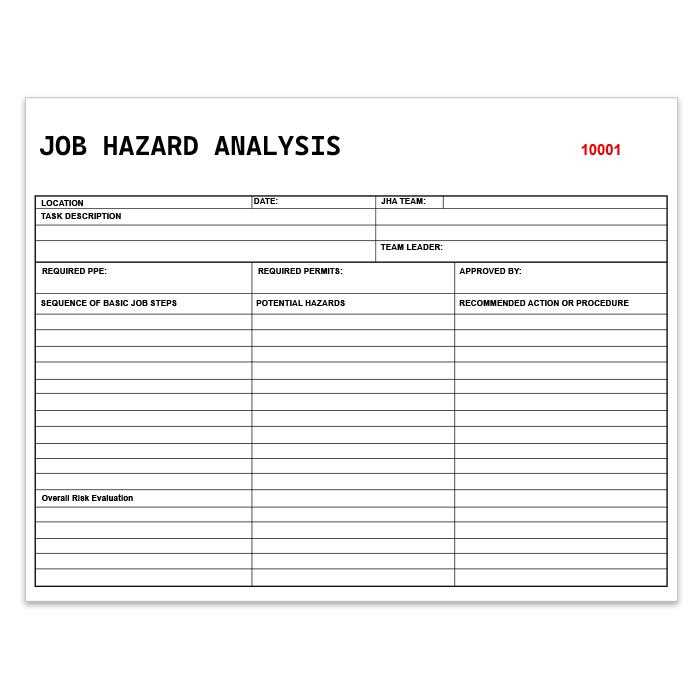
Start by selecting a suitable document for risk analysis. A well-structured risk assessment form helps identify potential hazards, assess their severity, and implement safety measures. You can download a pre-made form online or create a custom one tailored to your specific needs.
Once you have the form, review each section carefully. Begin with a clear description of the task or activity that will take place, followed by a detailed assessment of potential hazards associated with it. Categorize the risks based on their likelihood and impact to prioritize safety measures effectively.
After completing the risk assessment, ensure it is signed off by relevant personnel. Store the completed forms in an organized manner for easy access, and make them available to workers before the task begins. This ensures everyone is informed about the potential risks and the precautions necessary to mitigate them.
How to Create a Risk Assessment Form for Your Worksite
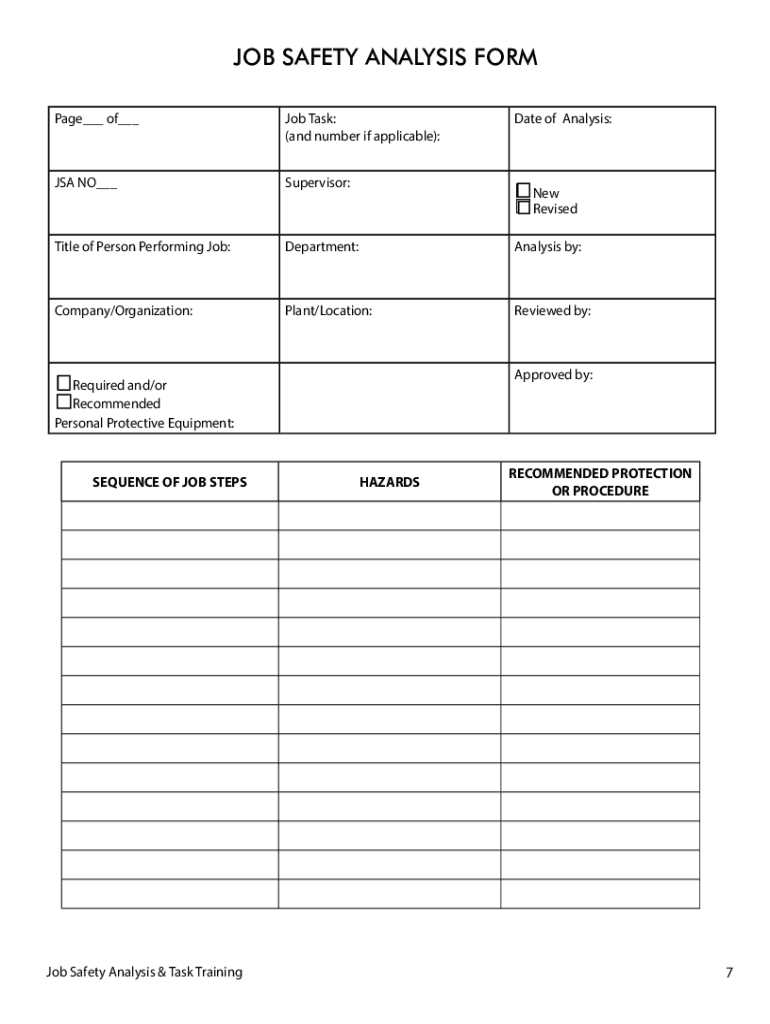
To create a reliable risk analysis document, start by listing all the tasks involved in the project. Break down each task into steps and identify the potential hazards associated with each step. For each hazard, evaluate the likelihood of its occurrence and the severity of its potential impact. This will help you prioritize which risks require immediate attention and what safety measures need to be implemented.
Once the risks are identified, list control measures that can be taken to reduce or eliminate each hazard. These can include personal protective equipment (PPE), safety training, or procedural changes. After filling out the form, ensure all involved personnel review and sign off on the document to confirm understanding and agreement on the safety measures in place. Keep a copy of the assessment in an accessible location for future reference.
How to Download and Customize a Risk Assessment Form
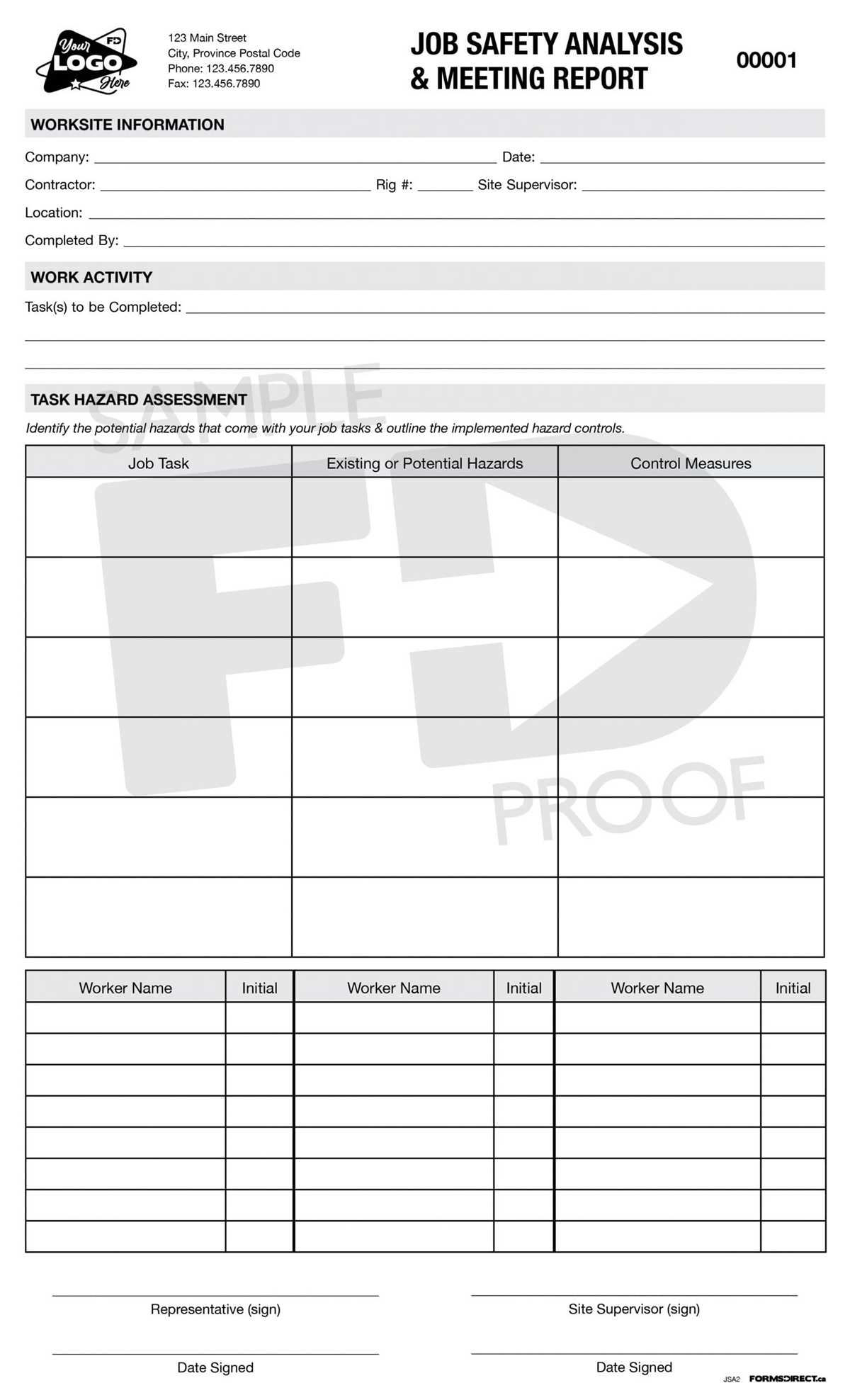
Start by locating a reliable source for risk assessment forms. Several websites offer free and paid downloads in various formats, such as PDF, Word, or Excel. Choose one that fits your needs, whether you’re looking for a simple form or something more detailed with specific sections for hazards, controls, and actions.
Once downloaded, open the file on your computer. If it’s a Word or Excel document, you can directly modify the text and add new sections. For PDF files, you may need to use a PDF editor or converter to enable text edits. If the form includes checkboxes or dropdown lists, ensure they’re formatted correctly for easy use on any device or printout.
Customize the form by adding details relevant to your specific project or workplace. Include information like the job title, location, date, and names of the people involved. In addition, adjust the hazard categories and control measures to suit the risks present at your site. You may also want to add sections for additional comments or suggestions based on the nature of the work.
After making the necessary changes, review the form to ensure clarity and accuracy. Check that all fields are easy to understand, and that workers can easily fill them out. You might also want to make the form more user-friendly by including helpful instructions or tips on how to identify and mitigate specific risks.
Finally, save your customized risk assessment form and print or distribute it digitally. Be sure to keep a digital copy for easy access and future updates. If your team needs regular assessments, consider creating a template that can be reused with minimal adjustments for each new project or task.