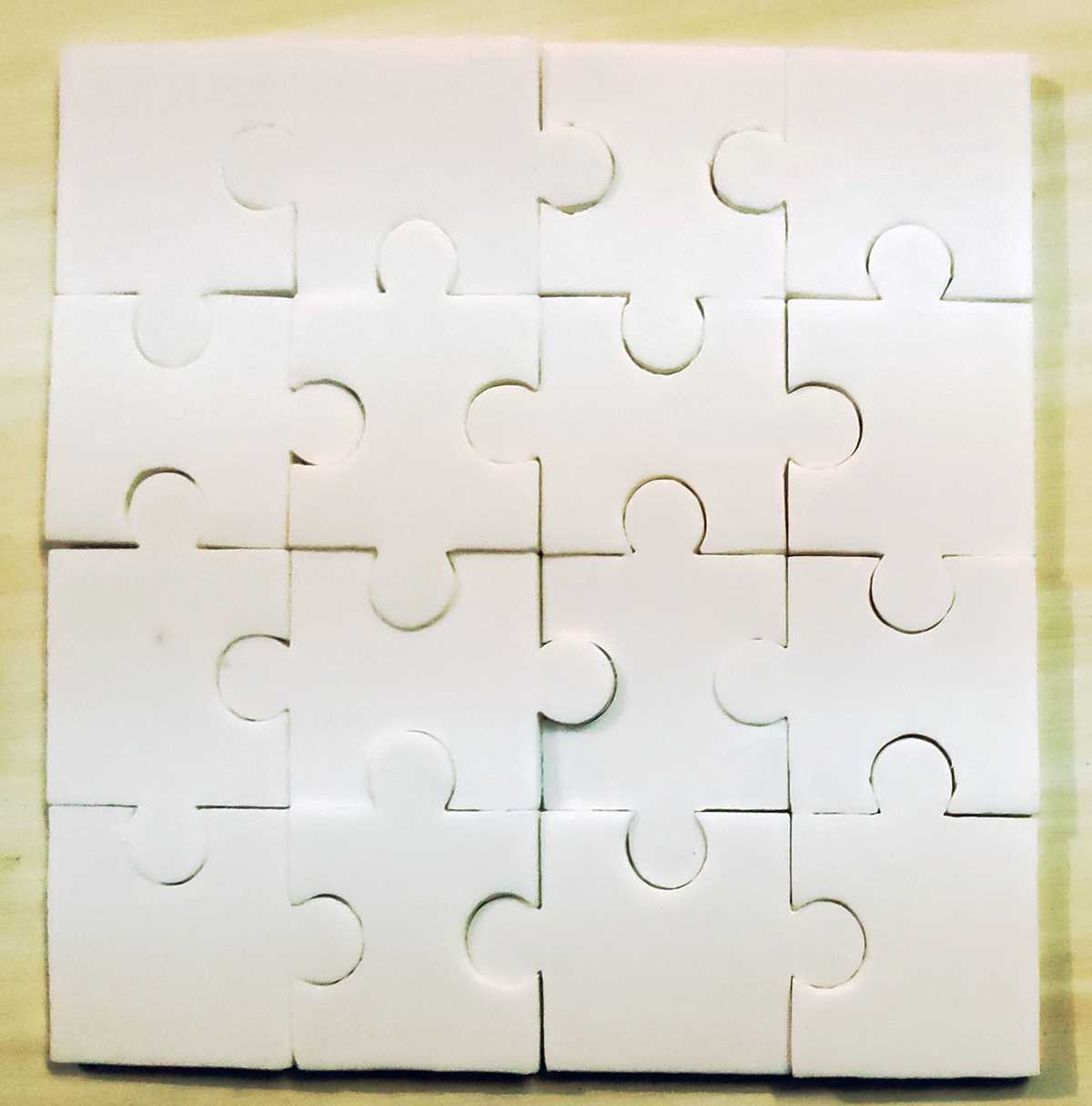
If you want to bring your own complex brain teasers to life, 3D modeling is the perfect approach. The first step is selecting the right software–applications like Tinkercad and Fusion 360 are popular for their accessibility and feature sets, making them great choices for both beginners and experienced users. These platforms offer intuitive tools to craft intricate interlocking pieces, crucial for the assembly of your creations.
After you’ve designed your components, it’s important to consider the printing process. For best results, use materials that offer both flexibility and strength, such as PLA or ABS filaments. This will ensure your creation is durable yet capable of withstanding the wear and tear of repeated use. Experimenting with different layer resolutions will allow for finer details and smoother connections between parts.
Don’t overlook testing. After printing, assemble the pieces and evaluate the mechanics of your design. Adjustments are often necessary to achieve the perfect fit and functionality, particularly with designs involving moving parts or complex interlocking segments. A well-tested model will not only perform better but will also provide a satisfying challenge to those engaging with it.
Creating Engaging 3D Brain Teasers
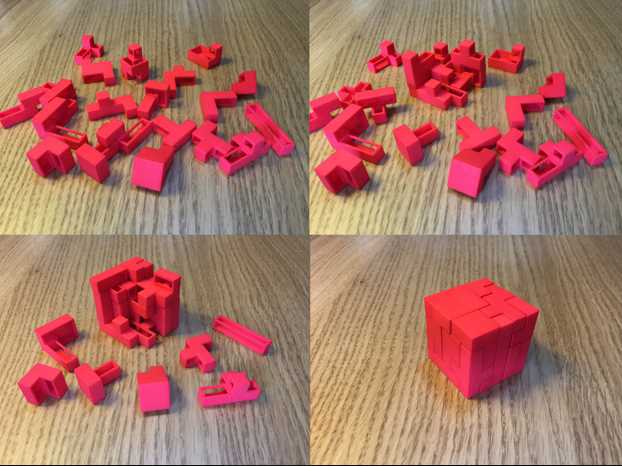
To make intricate and enjoyable models, focus on creating a well-structured assembly. Break down the design into smaller, interlocking segments that can be easily assembled by users. This approach helps in creating a clear, logical flow for the challenge, keeping the engagement level high without making the task overwhelming.
Choosing the right material is a key decision. PLA is a common option due to its ease of printing and strength, but if your design includes moving parts, try using flexible filaments like TPU. This will ensure that the pieces can fit snugly without being too rigid or fragile. Some designs may require additional support during printing, especially for complex overhangs or intricate patterns.
Designing for functionality is just as important as creativity. A well-thought-out model ensures smooth interaction between parts. Pay attention to how the segments interlock, ensuring that they won’t be too tight or too loose. Test different tolerances and adjust them as needed to achieve the perfect balance for a smooth experience.
Keep in mind that size and scale impact usability. Too large or too small, and the challenge may become too difficult or impractical. Aim for a size that is comfortable to hold and manipulate, taking into account the time it might take to complete the task. A design that offers just the right level of difficulty will keep users coming back for more.
Test your model before sharing it. Even small errors in the design can lead to frustration. Assemble it yourself first, and if possible, get feedback from others. This ensures that the interactions between the pieces work as expected and that the overall structure is sound. Iterating based on real-world testing can save time and effort in the long run.
Finally, consider sharing your designs with the community. Platforms like Thingiverse and MyMiniFactory allow creators to upload and share their work, fostering collaboration and inspiration. By seeing how others engage with your creation, you can gain valuable insights and make further improvements.
How to Choose the Best 3D Puzzle Models for Printing
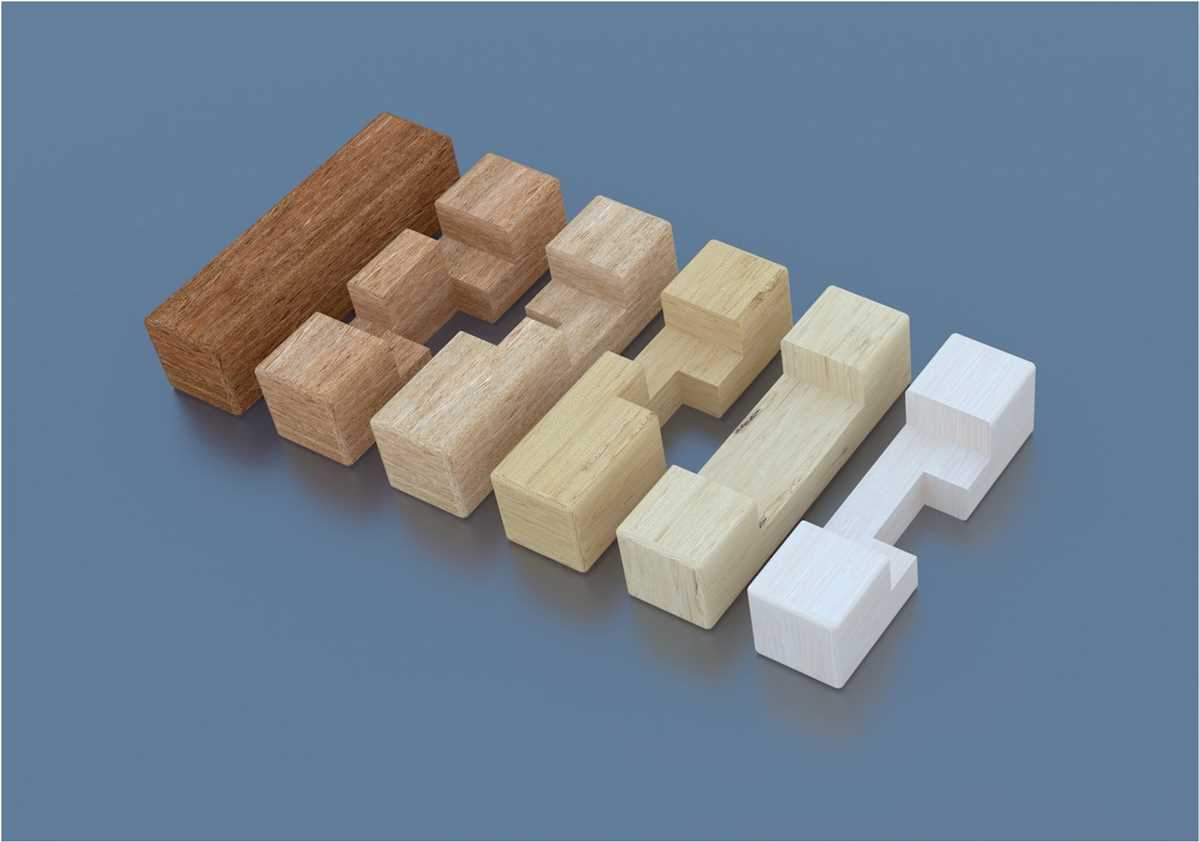
Start by focusing on simplicity. Look for models with clear, intuitive designs that won’t overwhelm you during assembly. Avoid overly complicated shapes or structures that may create difficulties in fitting pieces together or lead to unnecessary printing errors. A clean, organized design is the key to a smooth experience.
Consider the size of the model. Larger models may offer more detailed pieces, but they require more time to print and may strain your printer’s capacity. On the other hand, smaller models can be completed faster and are less likely to cause printer malfunctions. Determine the optimal size based on your printer’s capabilities and the time you’re willing to invest in the project.
Examine the interlocking mechanism. Look for designs where the parts fit together naturally without requiring too much force. Pieces that snap or lock together easily create a more enjoyable and frustration-free experience. Pay attention to how the parts will move or interact once assembled, especially if the model includes moving elements.
- Check for smooth joints: Interlocking pieces should have minimal resistance when connected.
- Assess movable parts: Ensure that the parts move freely without friction or getting stuck.
Material choice also plays a role in model selection. Some models may require flexible filaments for added movement or durability, while others work perfectly with rigid materials like PLA. Before choosing a design, verify that the suggested filament type is compatible with your project’s needs.
Read reviews and examine feedback from other creators. Feedback on forums, such as those on Thingiverse or Reddit, can offer valuable insights about the quality of specific models. Check if users have had any issues with assembly or printing, as these comments may save you time and effort during your own print.
- Look for model ratings and user feedback before committing to a design.
- Consider adjusting the design based on others’ experiences for a better outcome.
Finally, test the model with a small print. Before committing to a full-size version, print a sample of the model, particularly the most complex sections. This allows you to identify any potential issues with the design or print quality and make adjustments before investing time and material into the entire piece.