
Start by choosing a design that fits your needs: a weekly planner, habit tracker, or goal-setting template. These tools are simple yet powerful for managing your day-to-day activities without overwhelming you with complex layouts.
For beginners, look for minimalist designs that help you stay on track without unnecessary distractions. Templates with grids or bullet points offer clear structure, allowing you to visually break down tasks and prioritize them with ease. Choose layouts that suit your routine, whether you need space for daily lists or monthly overviews.
When organizing your time, try using different layouts for specific purposes. For example, a tracker can help you monitor habits like exercise or reading, while a weekly spread keeps your work and personal commitments in view. Customize the sections based on what you need to focus on and leave extra space for notes or ideas.
How to Use Planning Templates for Daily Tasks
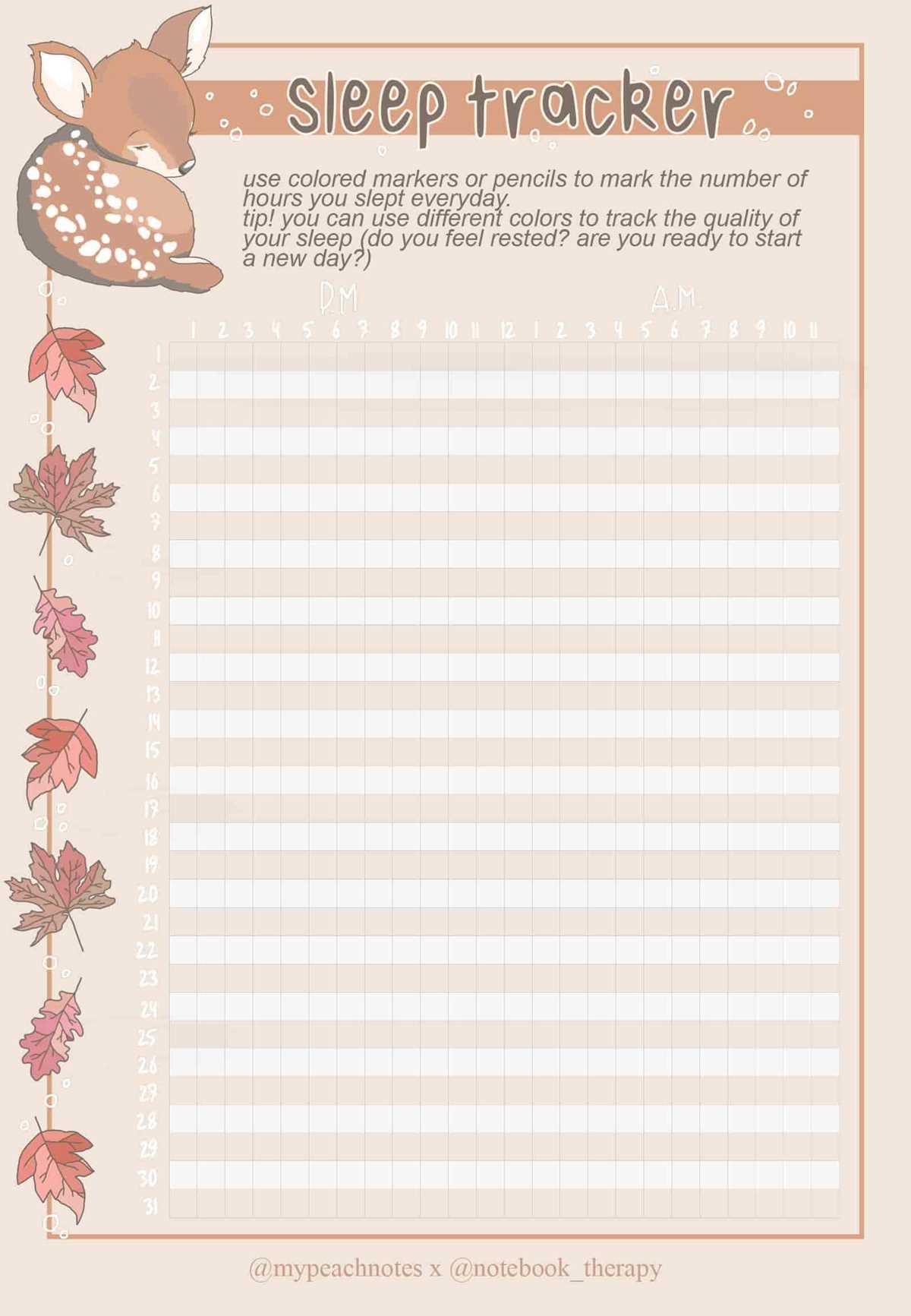
Choose a layout that suits your daily needs, such as a task list or calendar grid. Templates that focus on clear sections will help you keep track of your activities and deadlines. For more detailed tracking, select layouts with additional spaces for notes or reminders.
Start by filling out the sections for the current week or month. If you’re organizing by days, prioritize tasks by importance or urgency. If using a calendar format, color-coding tasks can quickly indicate which activities require more attention.
Habit tracking templates can be a great addition to your planning setup. Include simple checkboxes for daily habits like exercise, hydration, or reading. Visual progress helps maintain consistency and motivates you to stay on course.
For long-term goals, try using a template with spaces for monthly or yearly planning. These layouts allow you to break down large projects into smaller, manageable steps, creating a clear path toward achieving those goals.
Don’t hesitate to adjust your templates. If you find certain sections unnecessary, remove or replace them with elements that better serve your routine. The flexibility of these designs makes it easy to adapt to your personal preferences and work habits.
How to Create a Customized Layout for Your Planner
Begin by selecting a template that suits your daily routine. If you prefer structure, opt for a grid layout where you can clearly outline your tasks. For a more flexible approach, choose a layout with free space to jot down your thoughts or creative ideas.
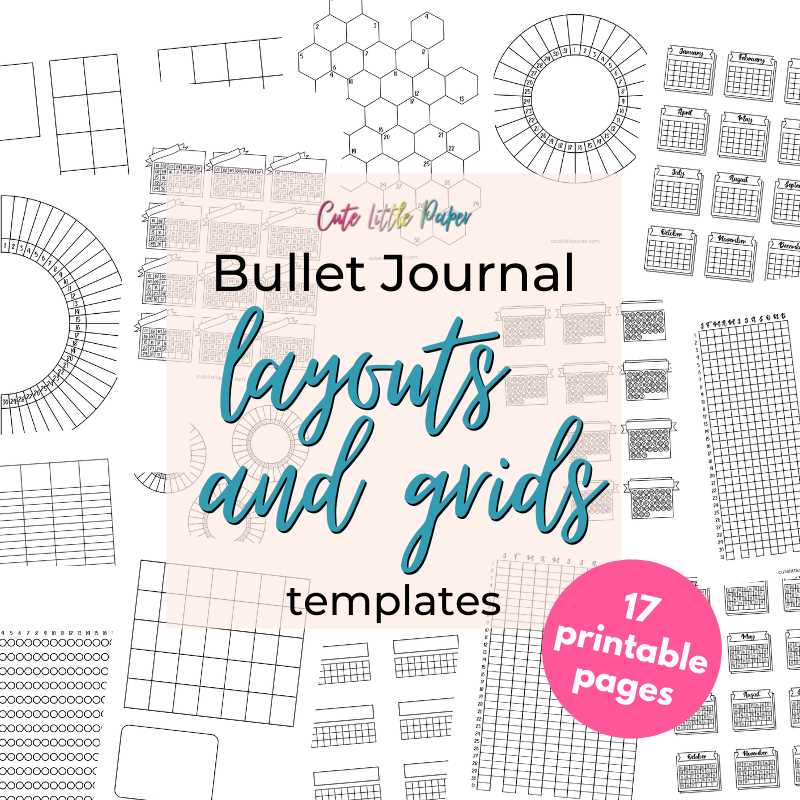
Decide whether you need daily, weekly, or monthly sections. For daily planning, a small section for each day with checkboxes for tasks can keep things simple. If you need to plan for the week, consider a vertical layout with room for each day’s appointments and a notes section at the bottom.
Include trackers for activities that are important to you, such as mood, sleep, or water intake. Use small boxes or circles for easy checking. Keeping track of progress visually can boost motivation and give you a quick overview of your habits.
For goals or projects, create a section that breaks down large tasks into smaller steps. You can divide it into a series of numbered lines or boxes where you list smaller objectives. This layout helps maintain focus and prevents feeling overwhelmed by large projects.
Don’t forget to incorporate spaces for inspiration, whether it’s motivational quotes, a habit tracker, or your favorite personal mantras. These small additions can turn a simple planner into a more personalized tool that aligns with your values.
Lastly, experiment with different layouts. Don’t be afraid to mix and match elements from various designs. Adjust the size of sections based on your needs. Over time, you’ll discover what works best for you and can refine the layout to fit your routine.