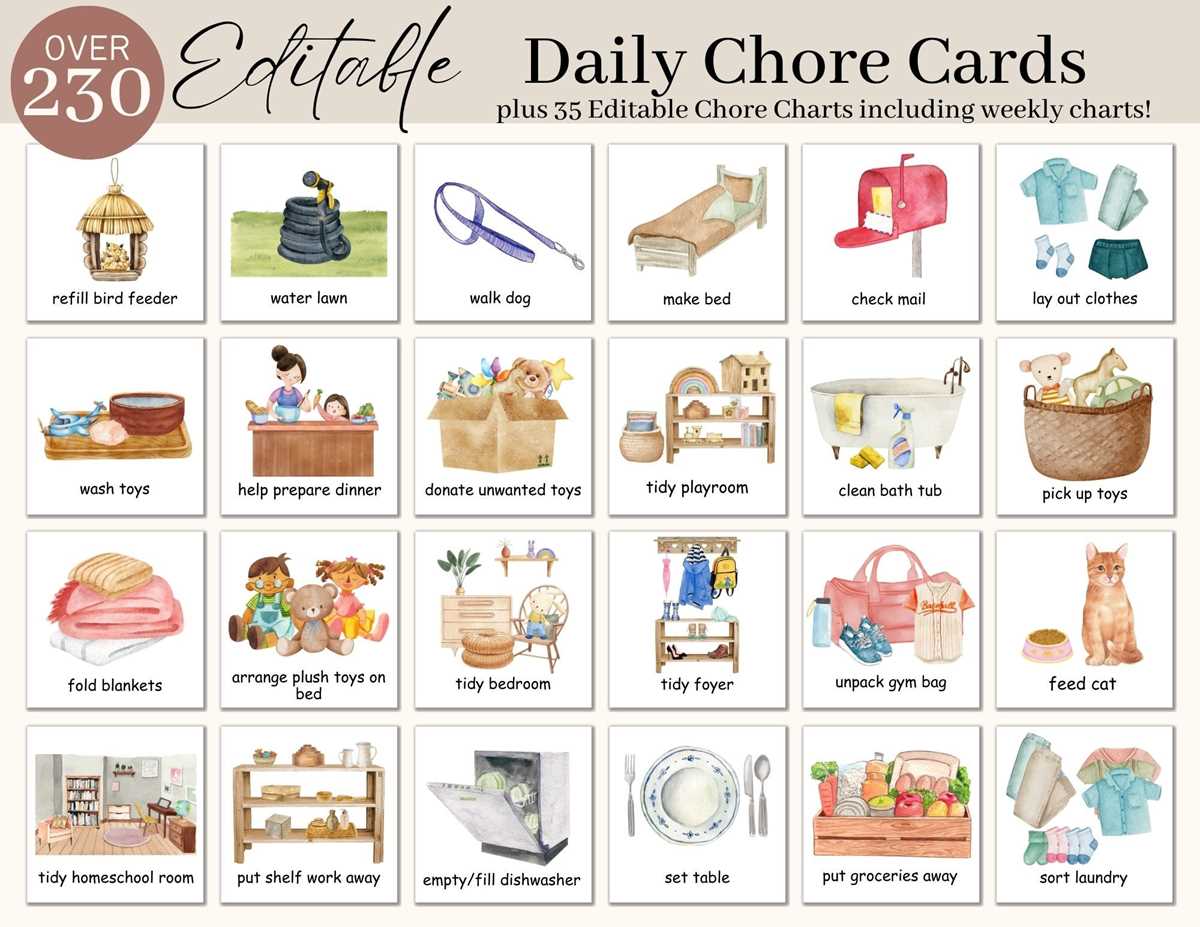
To effectively organize tasks, incorporate visual elements into your charts or lists. Illustrations that represent different household activities can make the process more engaging and easier to follow for both children and adults. These visuals can help in tracking completed tasks and provide a clearer structure for everyday responsibilities.
Look for simple designs that clearly depict specific duties, such as sweeping, washing dishes, or taking out the trash. Using clear, recognizable icons will ensure that everyone in the household understands what’s expected. Customizing these images to suit your particular needs, such as adding names or labels, can make the system even more personal and effective.
Once you’ve gathered the images, print them in a size that suits your chart or planner layout. Larger visuals can be used for noticeable tasks, while smaller ones can fill out more detailed sections. Laminate the visuals for durability, especially if the chart will be used by young children or in high-traffic areas. Regularly updating and replacing old visuals will also keep the system fresh and useful for long-term organization.
How to Use Visuals for Household Task Organization
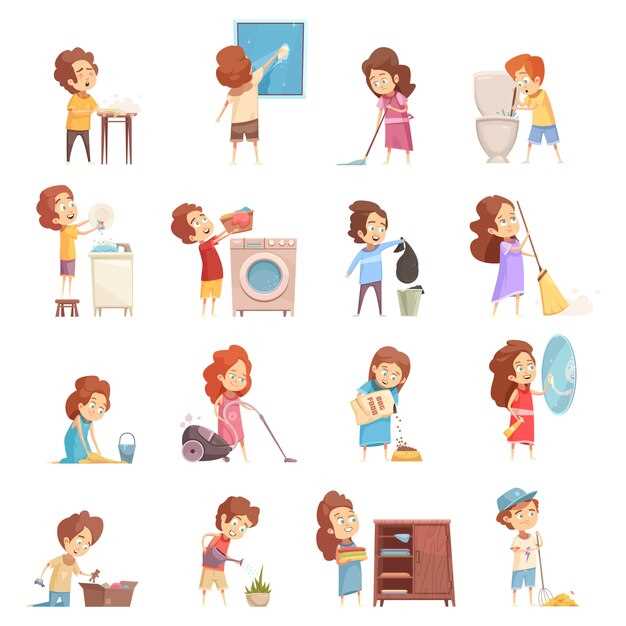
Start by selecting visuals that clearly represent each task, like vacuuming, dusting, or taking out the trash. Choose simple and recognizable designs that are easy to understand for everyone in the household, including children. This will ensure that the visuals serve their purpose in making tasks more approachable and less overwhelming.
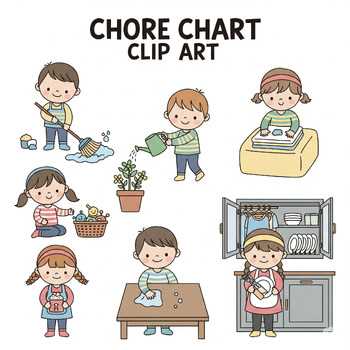
When organizing your tasks, categorize the visuals into different groups based on frequency or type. For example, daily duties like making the bed or washing dishes can be marked with smaller visuals, while weekly tasks like deep cleaning or organizing the pantry can use larger icons. This method makes it easier to distinguish between everyday tasks and those that require more time or effort.
- Daily tasks: Use smaller icons for quick, regular activities like tidying up or feeding pets.
- Weekly tasks: Assign larger visuals for more detailed chores such as vacuuming or mopping floors.
- Monthly tasks: Highlight major cleaning duties with bold, eye-catching images like washing windows or deep-cleaning the fridge.
Print the visuals on sturdy paper or card stock for durability. Laminate the visuals if they’ll be handled frequently, as this will prevent wear and tear. You can even add Velcro to the back of each icon to attach and remove them easily on a chart or board. This makes updating tasks simple, and it also helps to keep the task list dynamic and flexible.
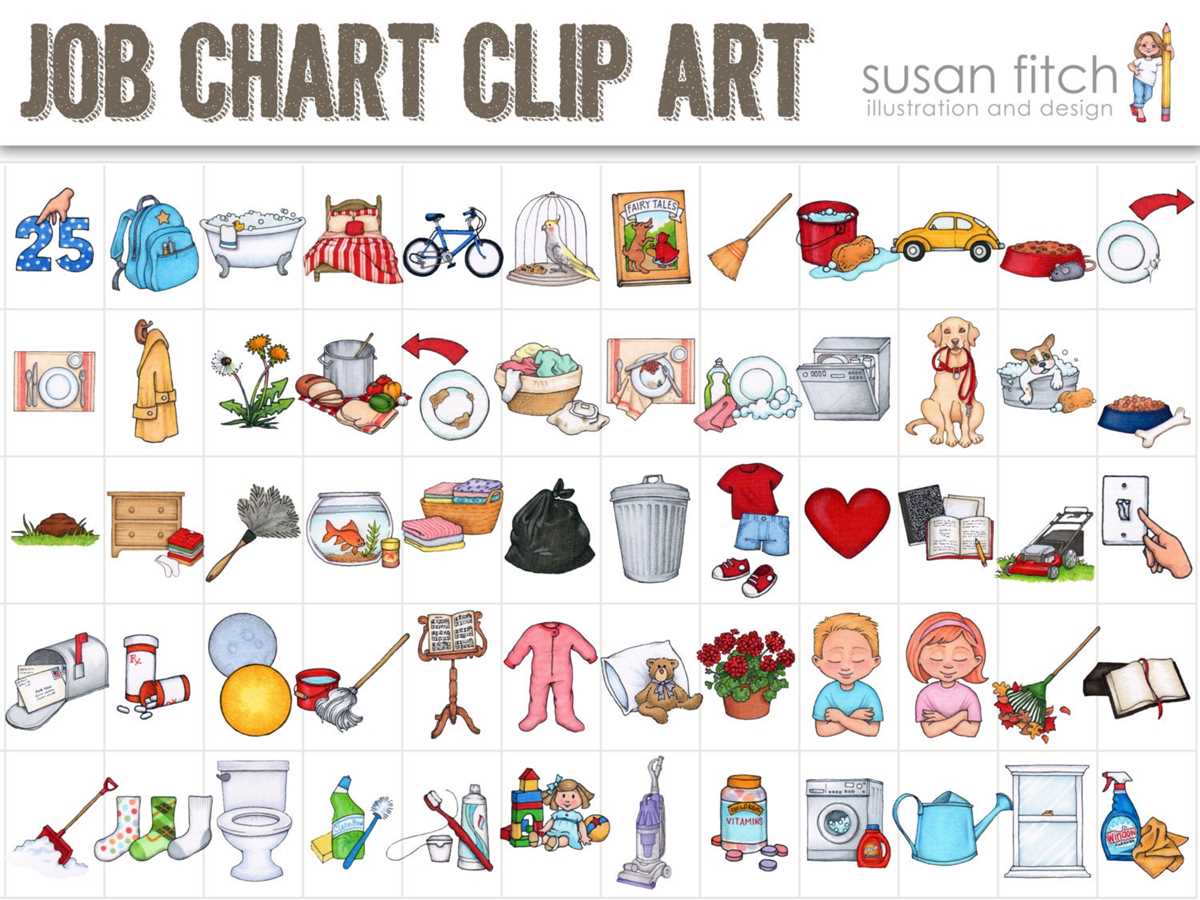
Lastly, keep the visuals accessible by placing them on a dedicated task board or chart. This allows everyone in the household to check and track what needs to be done. A visible chart can also encourage a sense of responsibility and provide a visual cue for when tasks are completed. Regularly update the list to keep it relevant and in line with any changes in the routine.
How to Use Visuals for Creating Task Charts
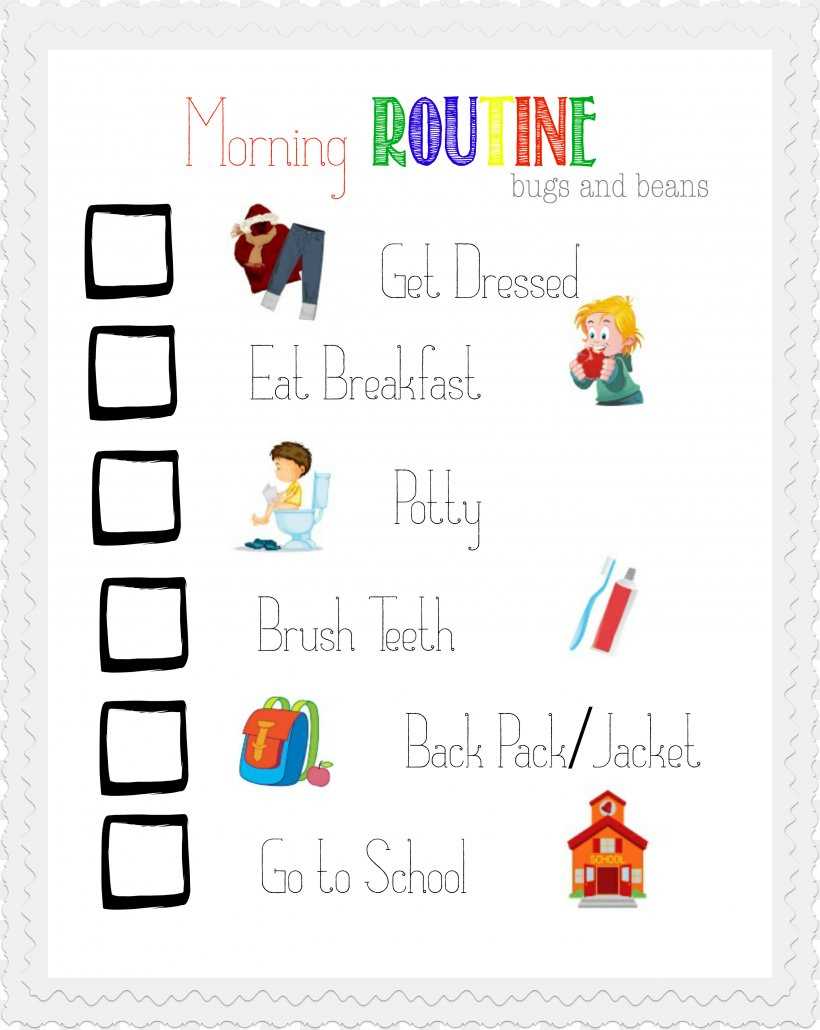
Start by selecting the right visuals to represent each task. Choose clear and simple images that will be easy to understand. For example, use an image of a broom for sweeping or a dish for washing. Group tasks by category, like daily, weekly, or monthly, and assign appropriate visuals to each one. This will make your chart intuitive and easy to follow.
Next, design your chart with enough space for each image to be placed in the corresponding task area. You can arrange tasks in rows or columns based on frequency. Make sure the layout is organized, and consider adding labels or checkboxes next to each image so tasks can be marked as completed. This will help visually track progress and ensure nothing is overlooked.
Once your chart is complete, print the visuals and arrange them in a designated spot, such as on a bulletin board or a wall in the kitchen. For added functionality, laminate the chart for durability and attach Velcro strips to the back of the visuals for easy removal and rearrangement. This way, you can update the chart as tasks change or rotate through the week.