
To effectively manage and monitor actions, create a system using the color-coded approach. This method is especially useful for both children and adults in a variety of environments, such as schools or workplaces. Begin by assigning specific colors to represent different levels of action or progress, such as red for negative, yellow for neutral, and green for positive.
Customize the template to fit your needs by including sections for daily or weekly tracking. Each section should have space for the individual’s name, the task or action being evaluated, and a column for notes or reflections. This helps provide a clear structure for monitoring improvements over time.
By printing this layout, you can keep it visible in a classroom, office, or home setting for regular reference. With this system, you can easily identify patterns in behavior and take action as needed. For best results, regularly update the chart and adjust the categories as goals evolve or new challenges arise.
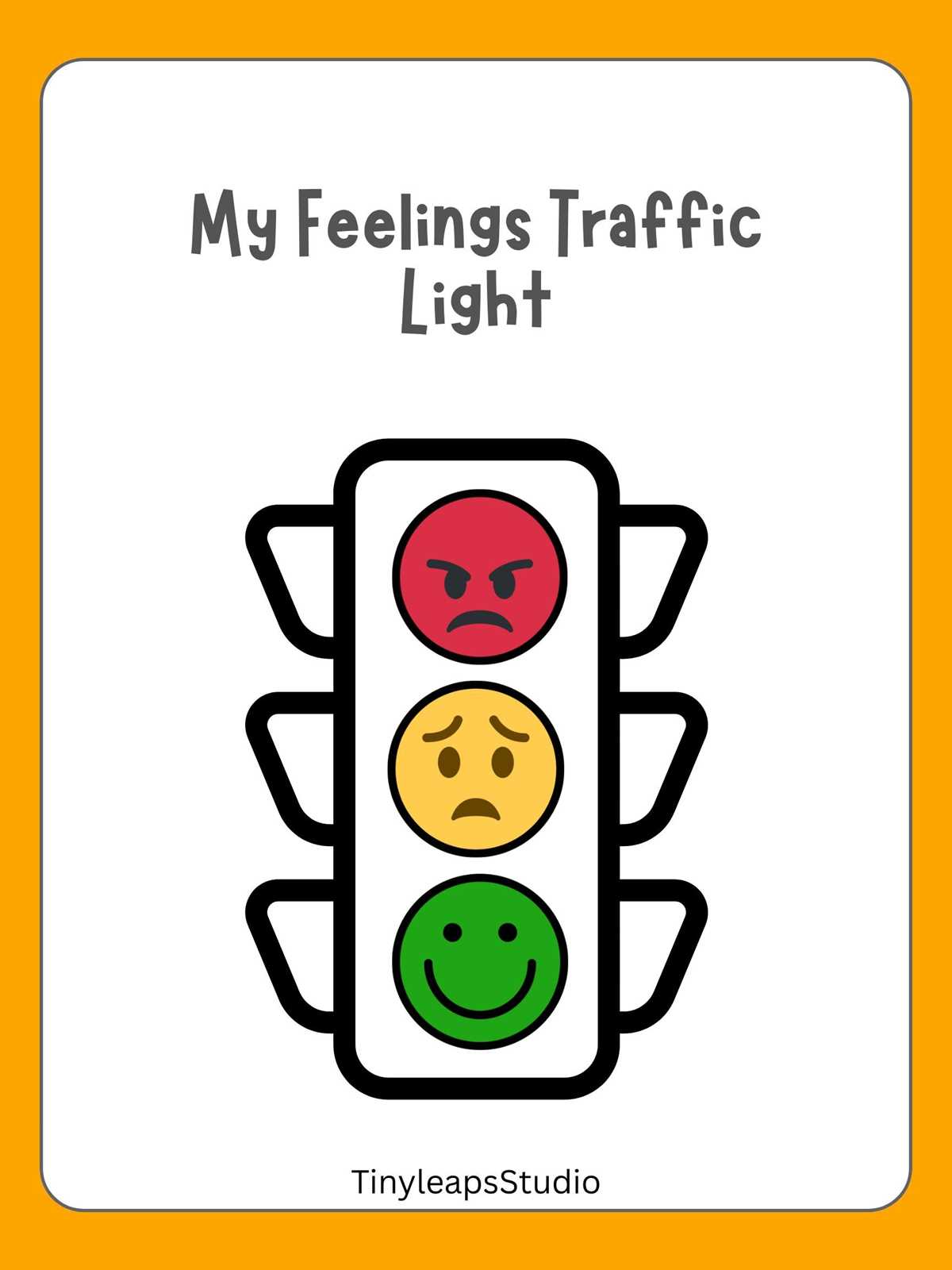
Stoplight Behavior Chart
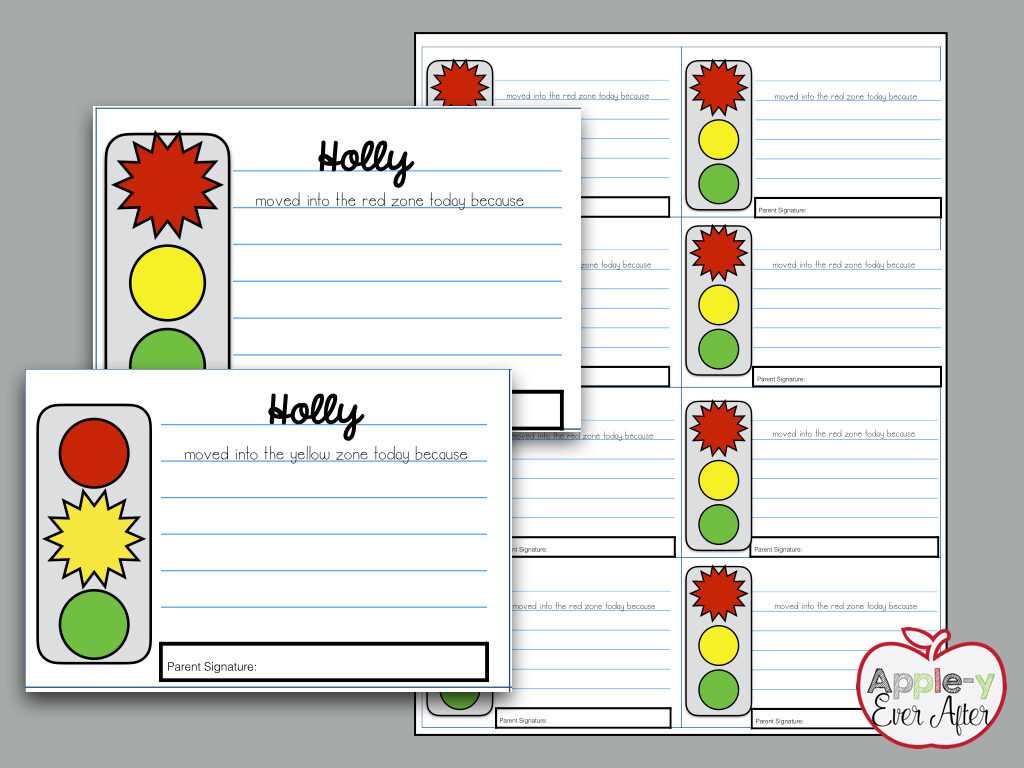
Use a simple color-coding system to assess actions in real-time. Assign red for undesirable actions, yellow for neutral, and green for positive or desired behavior. This color system makes it easy to track progress visually, providing instant feedback on performance.
Adapt the design by including rows for individual actions, dates, and any relevant remarks. This helps you track patterns over time, allowing for easy identification of areas that need improvement. Keep the format clean and simple to ensure it’s easy to update daily or weekly.
Incorporate a reward system. For example, allow individuals to earn stars or points for maintaining consistent positive behavior, helping to motivate them. By linking the visual system with tangible rewards, you encourage ongoing improvements and more positive outcomes.
Consider using a digital version for more flexibility. Digital templates can be updated on the go, accessed from multiple devices, and customized with additional features like automated reminders or progress graphs. This is especially useful in classroom or workplace settings where updates need to be tracked by multiple individuals.
For a more personalized approach, add specific actions or tasks that apply to the individual’s goals or routines. This creates a more tailored system, helping them focus on what they can improve. For instance, a student might focus on punctuality, while an employee might track task completion or cooperation with colleagues.
Integrate this system into regular routines by making it visible. Place it in a prominent area where it’s easily seen, like on the wall or desk, ensuring that everyone can see their progress throughout the day or week. This constant visibility reinforces the effort to maintain good habits and behaviors.
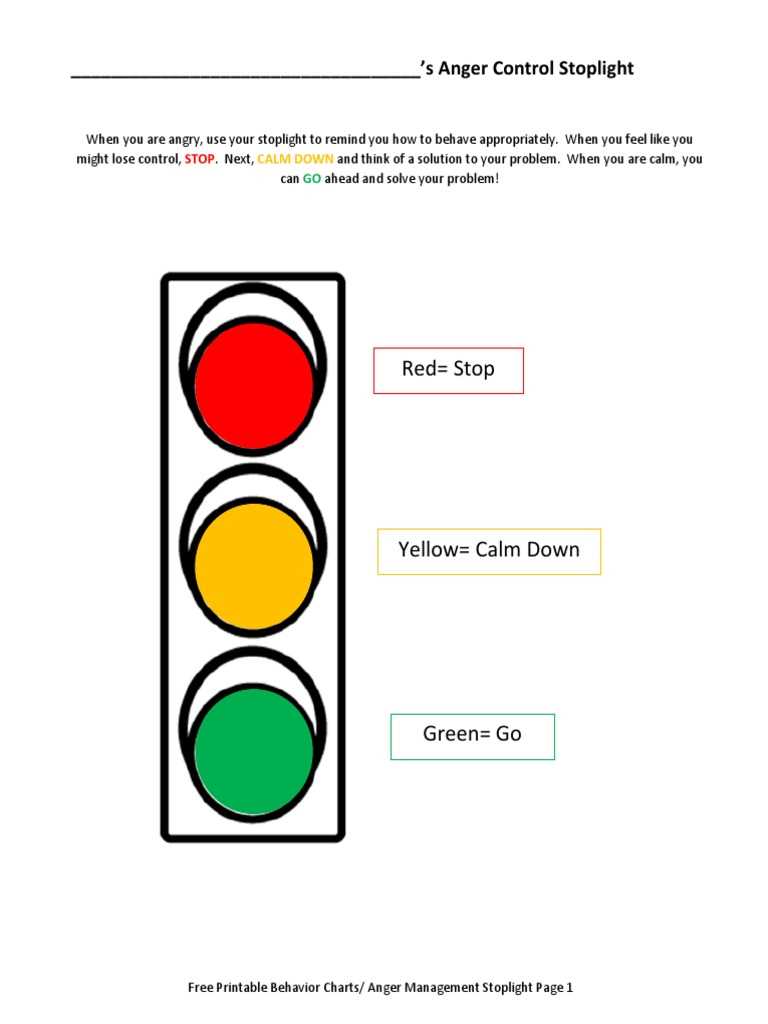
To maintain engagement, periodically review the results and adjust the criteria if necessary. If patterns emerge, or certain behaviors are being repeated, update the chart to better address those areas. Adjustments should reflect the evolving nature of objectives and help keep the tracking system relevant and effective.
How to Customize a Stoplight Behavior Chart for Your Needs
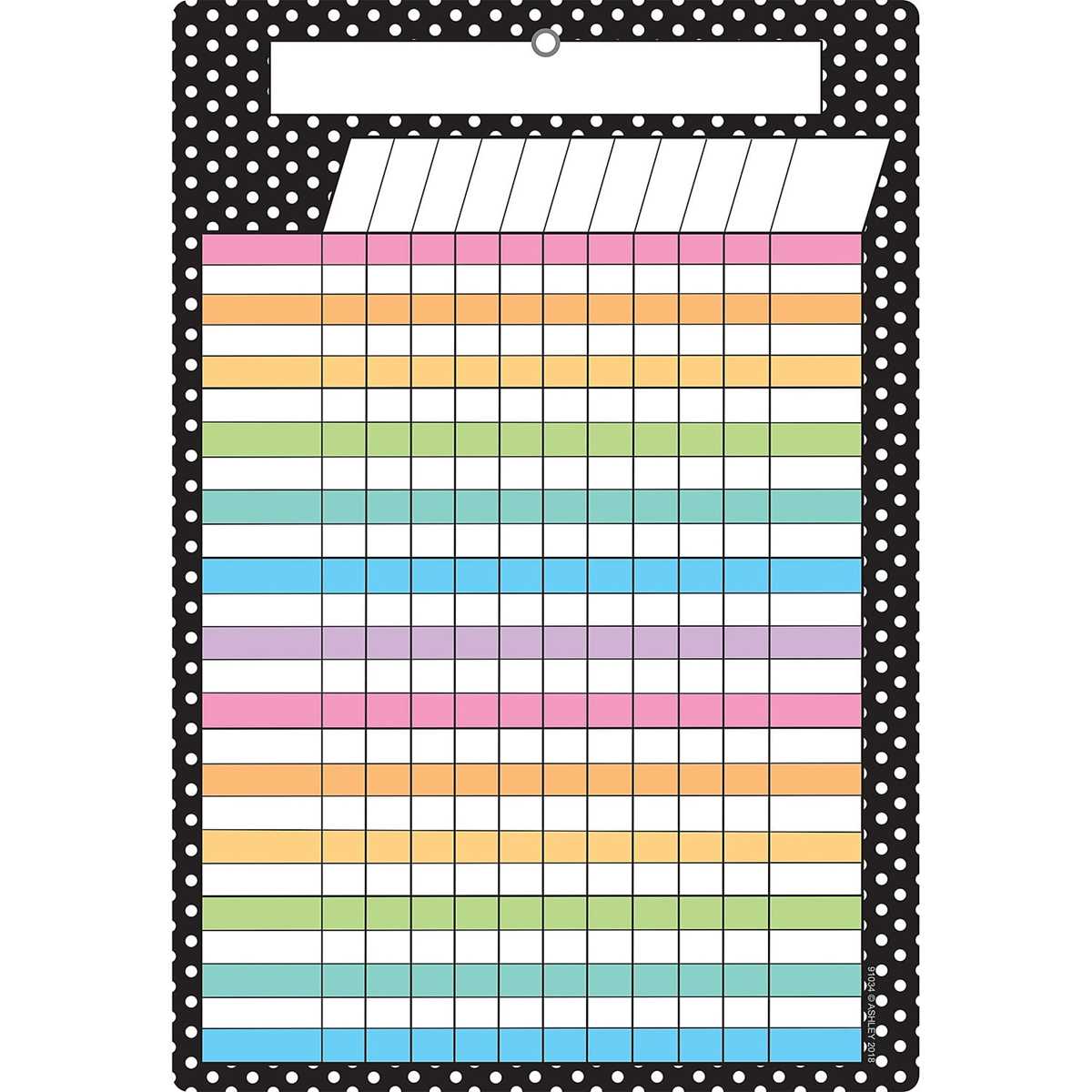
First, decide on the structure. If you’re tracking multiple individuals, create a separate section for each person. For each section, include spaces to record the specific task or activity being assessed, the date, and the appropriate color for the action. This method allows for easier individual tracking and ensures that all relevant data is captured clearly.
Adjust the color coding to fit your specific requirements. If the traditional red, yellow, and green system doesn’t fit, modify the colors to reflect other stages of progress. For example, use blue for neutral actions or orange for actions that need improvement. Customizing the color scheme helps reflect the unique nature of what you’re tracking.
Include a section for additional notes or comments. This could include observations about specific actions, reasons for a particular color choice, or any follow-up actions needed. This space allows for deeper reflection and can help you analyze patterns or address recurring issues in greater detail.
Integrate rewards or consequences into the chart. If the individual reaches a certain threshold of positive actions, offer incentives, like extra privileges or recognition. Alternatively, define consequences for negative actions. This not only makes the tracking system more engaging but also reinforces desired behaviors.
For more flexibility, consider creating a digital version. This allows for real-time updates, quick editing, and easier sharing among multiple people. You can also integrate features like automatic reminders, progress graphs, and the ability to track long-term trends.
Lastly, update the criteria and layout regularly to maintain relevance. If certain tasks or behaviors no longer apply, remove them, and add new categories that better reflect the current needs. This ensures that the system stays aligned with goals and remains an effective tool for monitoring progress.