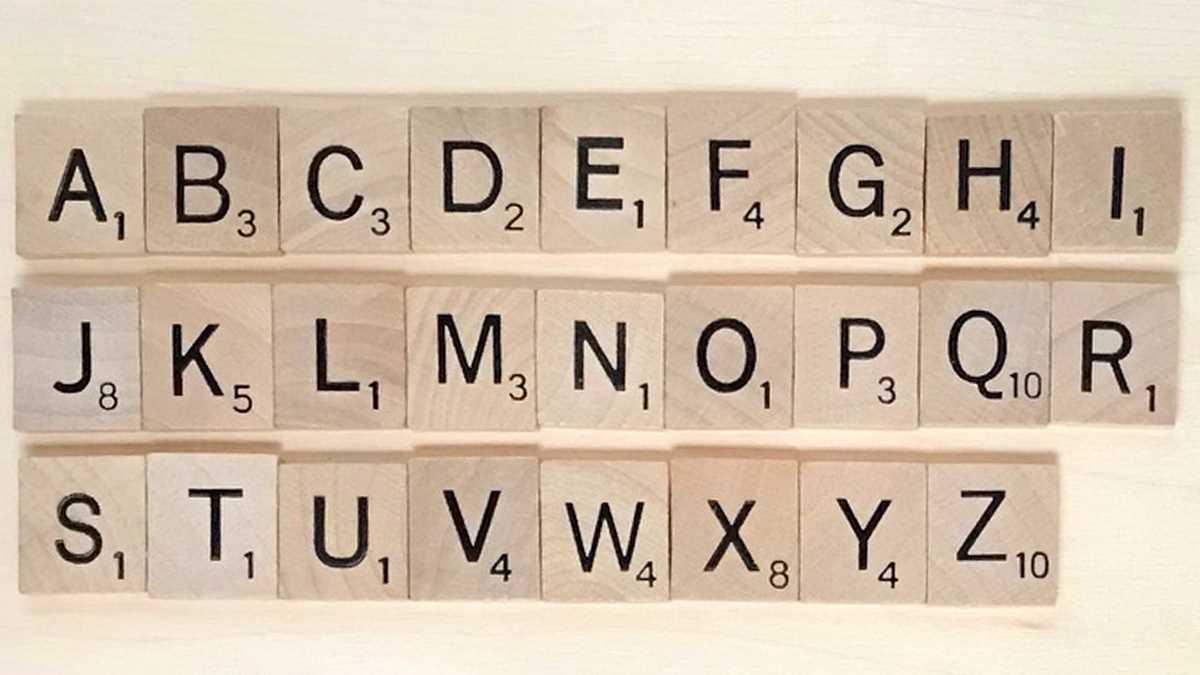
If you’re looking to create personalized designs with letter tiles for a board game or just for fun, using an online tool can save time and effort. These tools allow you to quickly create customized arrangements with specific fonts and sizes, making it easier to print them at home. By adjusting the settings, you can modify the color, style, and alignment of your word tiles, giving you full control over the final result.
Once you have generated the layout, it’s important to use a good quality printer to ensure sharpness and clarity. Standard home printers work fine, but if you want the best results, using thicker paper or cardstock will make the tiles more durable and resemble actual game pieces. Be sure to adjust the page settings so that the tiles fit perfectly on the paper, without being cut off or distorted.
For an even more unique touch, consider incorporating background patterns or borders around the letters. This can add an extra level of creativity, whether you’re designing for a party, a gift, or just for display. With a bit of planning and these simple tips, you can create professional-looking designs that will impress anyone who sees them.
Customizing Your Letter Tile Arrangement for Personal Projects
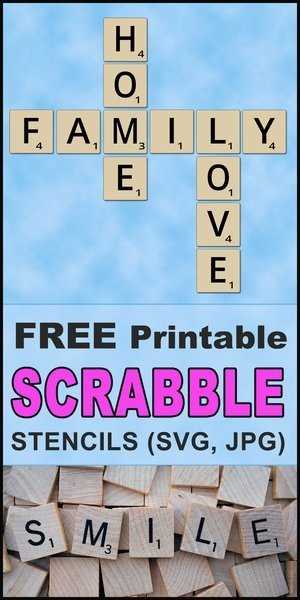
Start by selecting an online tool that allows you to easily create customized letter tile designs. Look for platforms that offer options to adjust letter size, font style, and spacing. This flexibility is key to achieving a polished and personalized look. Once you’ve chosen the layout, input your desired text and tweak the settings until the arrangement aligns with your vision.
To make the tiles more realistic, use a thick paper or card stock when printing. These materials provide a sturdier feel, mimicking the actual tiles from the game. Adjust your printer settings to ensure the design fills the entire page without any cut-off edges, as misalignment can disrupt the finished product.
Consider adding additional flair to the tiles by incorporating backgrounds or borders around each letter. This small detail can elevate the appearance of the design, especially if you’re using it for a special occasion or decorative purpose. Experiment with subtle patterns or color contrasts to make each tile stand out, or opt for minimalist designs for a more refined look.
If you need multiple copies of the same design, make sure the tool you’re using allows for bulk printing or downloading in high resolution. This is particularly useful if you’re creating items like gift tags, party decorations, or game pieces that require uniformity across a set of designs. Always double-check the quality of the output before printing in large quantities.
Once printed, you can use scissors or a craft cutter to carefully trim each tile along the edges. If you want a more durable product, consider laminating the tiles to prevent wear and tear. The laminate will protect the print from fading, ensuring your creation stays sharp and long-lasting.
How to Customize Your Scrabble Name Layout with Free Printable Tools
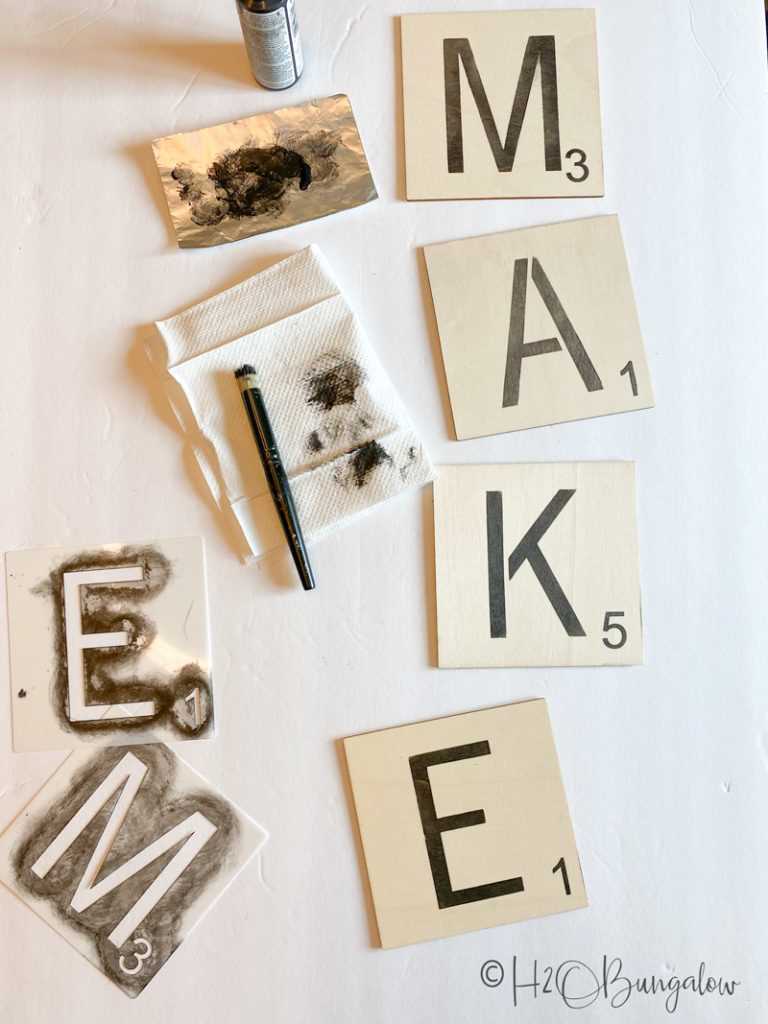
Choose an online platform that allows full control over the arrangement of the letter tiles. Look for tools that let you adjust the size, font, and positioning of each character, ensuring the final design suits your vision. Experiment with various fonts to find one that reflects the aesthetic you’re aiming for, whether modern or classic.
After selecting your font, modify the tile spacing to ensure a balanced and organized look. Many tools allow you to adjust horizontal and vertical distances between letters, making it easier to fit your design within a specified area. Aim for consistency across the entire arrangement to maintain a clean, uniform appearance.
Consider adding a background color or pattern behind each letter. Subtle textures or gradients can bring depth to the design, while solid colors offer simplicity and elegance. This step can help the letters stand out more clearly, especially if the text will be printed on a variety of materials or used in different settings.
If you want to take your customization a step further, incorporate borders or frames around each letter. These decorative elements can add a touch of refinement and make the overall composition feel more polished. You can experiment with different styles, such as rounded or square edges, depending on the look you prefer.
Once you’re happy with the visual design, double-check that the layout fits correctly on the paper size you’re using. Adjust the dimensions of the design to ensure it fits within the margins of the page, avoiding any cut-off letters or misalignments. Most tools provide a preview feature to help you visualize how the final printout will look.
Print a test version to ensure the final result matches your expectations. If you’re using thicker paper or card stock, verify that your printer handles these materials properly. You may need to tweak the print quality settings to get the best resolution, especially if you’re aiming for sharp, high-definition letters.
Once the tiles are printed, carefully cut them out using scissors or a craft knife for precision. If you’re looking to make the tiles more durable, consider laminating them or using adhesive backing to turn them into reusable pieces. This will help maintain the integrity of the design and ensure longevity if used frequently.