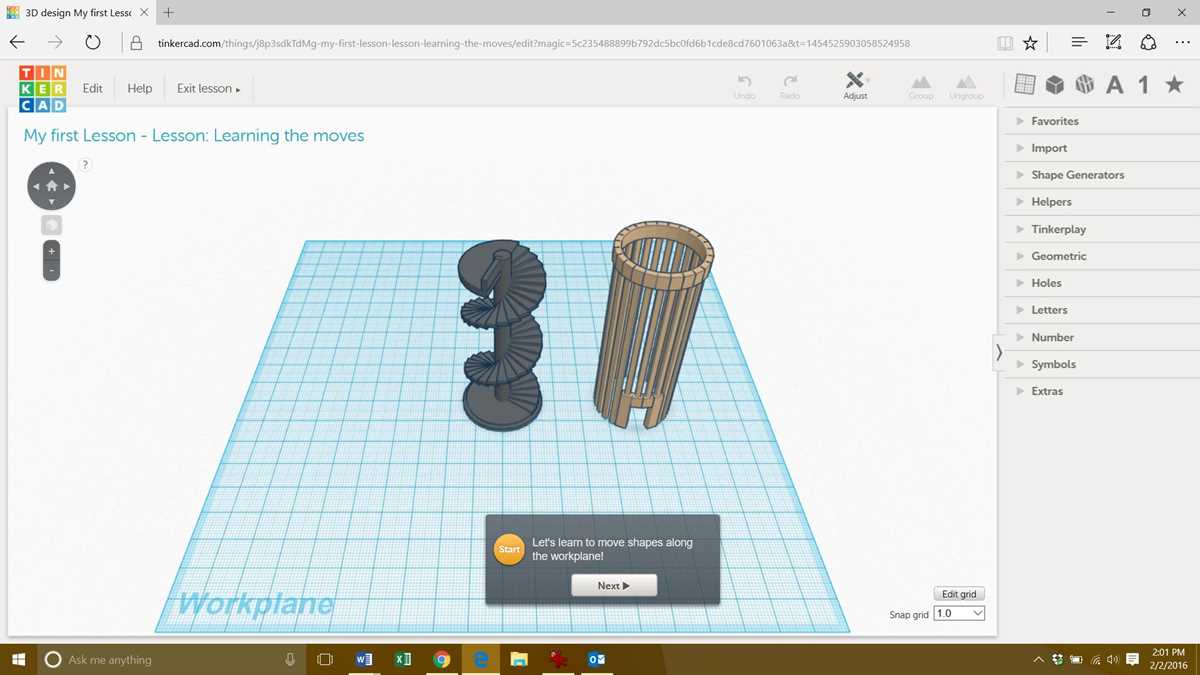
Begin by selecting a suitable program to design the object. Software like Blender, Tinkercad, and Fusion 360 offer various tools for crafting complex shapes, whether you are designing something simple or intricate. The key is to choose a platform that fits your skill level and project needs.
Once you’ve created the design, ensure the model is optimized for your printing technology. Check the mesh integrity and reduce any excess geometry that might complicate the printing process. Models should be water-tight, meaning there are no holes or gaps in the design.
After finalizing the model, it’s time to prepare the file for printing. Export the file in an appropriate format, such as STL or OBJ, and use slicing software to convert the model into layers. This step determines how your design will be printed, including support structures, resolution, and material choice.
Creating 3D Objects for Printing
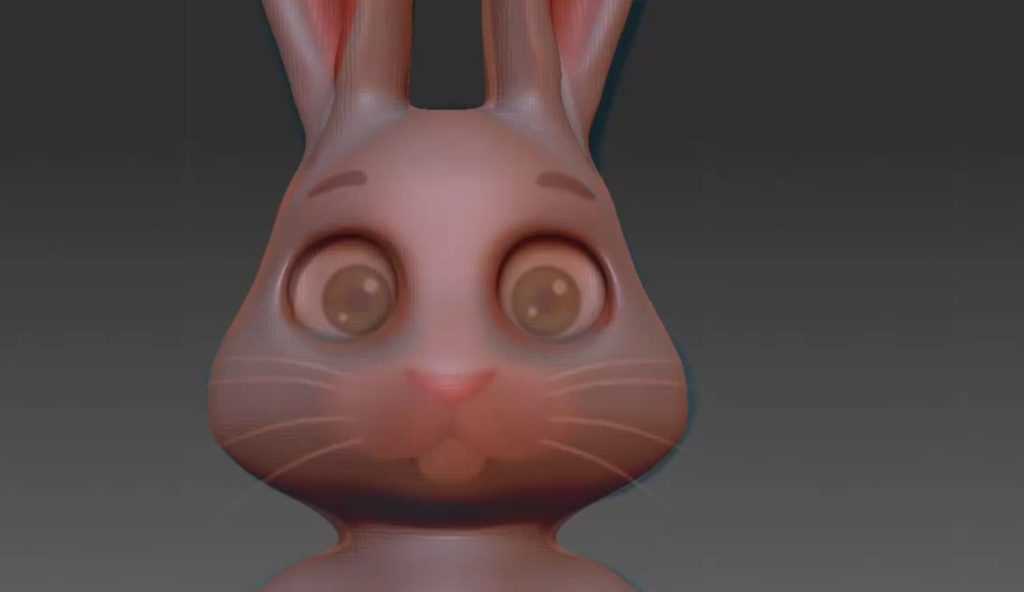
Choose software like Blender, Tinkercad, or Fusion 360 for detailed object design. These tools provide the flexibility to sculpt, modify, and refine intricate shapes. Blender excels at organic designs, while Fusion 360 is better suited for mechanical structures. Select the one that best fits your project type.
Before starting, ensure the object has a solid structure. Thin walls may collapse during the printing process. Design with wall thickness in mind, typically ranging between 1.5 mm and 3 mm, depending on the printer’s capabilities. Use the software’s measurement tools to check your design dimensions for accuracy.
Use supports wisely to prevent sagging or deformities in overhangs. Most 3D printers struggle with angles greater than 45 degrees, so strategically place support structures where needed. Alternatively, incorporate angled surfaces that minimize the need for additional support material.
Ensure the object is watertight and fully closed. Hollow designs are acceptable, but gaps or holes may lead to printing failures. Many software applications include checks for non-manifold geometry, which helps identify and resolve problematic areas before printing.
- Export your design in an STL or OBJ format for compatibility with most 3D printing software.
- Keep an eye on the resolution. Higher resolutions result in finer details but longer print times and increased file sizes.
Consider material properties. Choose a filament that matches the object’s intended use, whether it’s PLA for basic designs or ABS for tougher, more durable items. Testing small parts with different materials ensures you understand how each behaves when printed.
Before pressing “print,” run a test print using smaller or simpler versions of your design. This allows you to identify potential issues such as scaling problems, adhesion issues, or print quality concerns. Adjust the design or printer settings as needed for optimal results.
Choosing the Right Software for 3D Design Creation
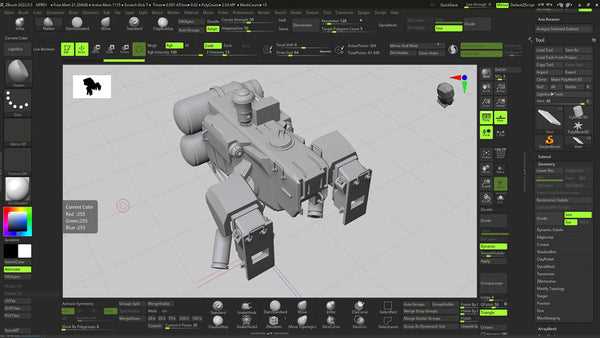
For beginners, Tinkercad is a straightforward tool. Its drag-and-drop interface is perfect for quick prototypes or simple geometric shapes. This program is web-based, requiring no installation, and offers instant export options for 3D printing.
Advanced users often prefer Blender, which excels in creating organic shapes and intricate designs. It is free and open-source, supporting sculpting and modeling with high precision. Though it has a steep learning curve, it offers unparalleled control over your creations.
If you focus on mechanical or industrial designs, consider Fusion 360. This software provides parametric modeling, making it easier to adjust measurements and make precise modifications. It’s highly recommended for designing objects that require specific tolerances and functionality.
- SketchUp is another option for architectural projects, offering an intuitive interface and a range of useful extensions.
- Rhinoceros specializes in complex curves and surfaces, ideal for automotive and jewelry design.
Ensure your selected program supports file formats like STL or OBJ to ensure compatibility with most 3D printers. Each tool has its strengths, so match the software to your specific project needs for the best outcome.