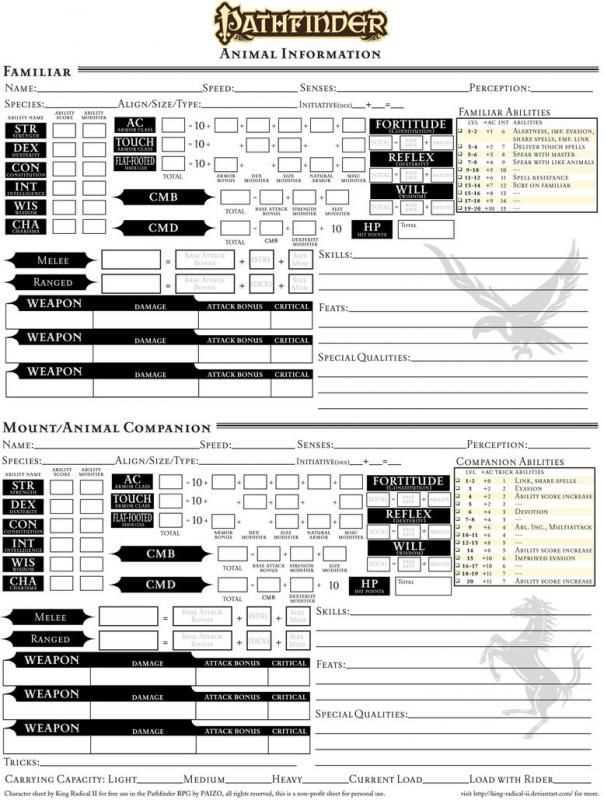
Start by selecting a detailed template that suits your gaming style. Make sure the layout includes all the necessary fields for tracking your abilities, stats, and inventory. Download a format that you can easily fill out, whether digitally or on paper, to keep track of your in-game actions.
After choosing your preferred design, personalize it by filling in your character’s details, such as class, race, and level. Organize your statistics and skills in a way that is easy to reference during gameplay, so you can quickly check and update information as you progress.
Consider adding sections for notes on quests, equipment, or NPC interactions. These can be helpful for future sessions, providing a quick summary of past events and current objectives. This makes your gameplay more fluid and allows you to focus on strategy rather than on remembering past decisions.
How to Track Progress and Manage Stats During Gameplay
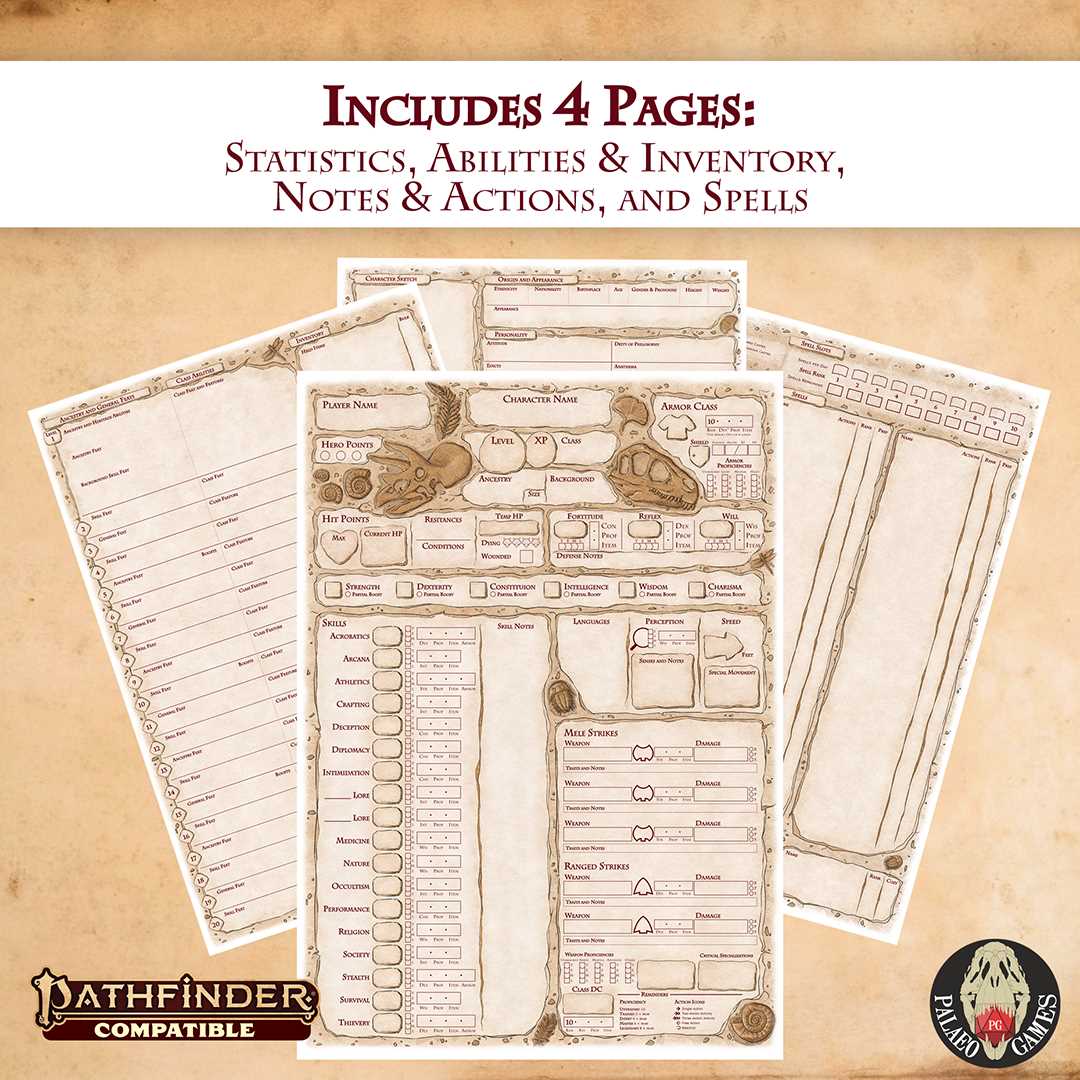
Start by selecting a detailed template that includes all key fields such as abilities, skills, health points, and equipment. These sections should be clearly separated for easy reference, so you can update them efficiently during each session.
Fill in your player’s primary attributes such as strength, dexterity, constitution, and intelligence. Ensure that each stat is updated according to the current level or modifications from items, spells, or abilities. Regularly check these stats to ensure accuracy during the game.
Next, make sure to leave enough space for tracking combat stats, such as attack rolls, damage, and saving throws. A quick glance at these numbers during a fight will save time and avoid confusion. Customize this section based on your game style, especially if your character specializes in specific skills or magic.
Keep detailed notes in the designated sections for spells, abilities, and special feats. It’s helpful to list each one with a brief description and any relevant modifiers, so you can reference them quickly when needed. If your character has any temporary boosts or conditions, track them here as well.
Don’t forget to include a section for inventory management. This should detail all your items, including weapons, armor, and any magical gear. By keeping this list organized, you can ensure that your character is always ready for new challenges and won’t forget important items.
Lastly, use the notes section for additional details such as NPC interactions, quest progress, or story elements that may affect future decisions. This will help you stay immersed in the narrative and make decisions that align with your character’s background and motivations.
How to Download and Customize Your Character Sheet
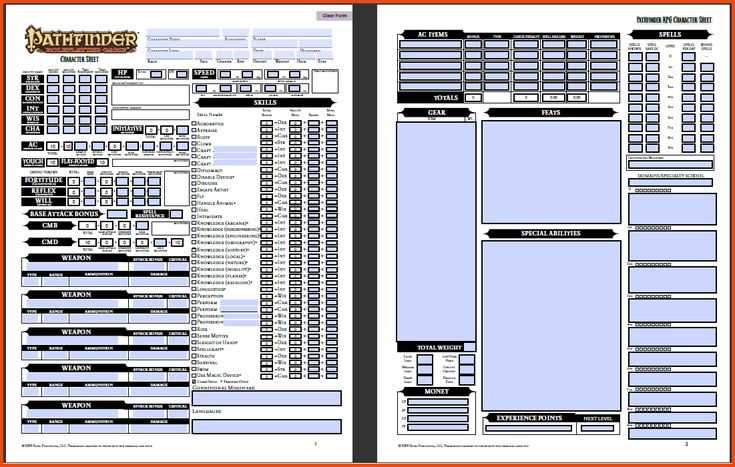
Begin by selecting a template from a trusted website. Most RPG platforms offer free downloads in PDF or editable formats like Word or Excel. Choose one that includes sections for health, skills, equipment, and abilities.
Once downloaded, open the file in the appropriate software. If you’re using a digital format, you can customize fields directly on your device. If you prefer a paper version, print it out and manually write in your details.
Customizing your sheet involves filling in personal details like class, race, level, and attributes. Add any unique features your character might have, such as special abilities, spells, or inventory items. You can also adjust layout sections to fit your needs, like adding extra rows for inventory or abilities.
If using a digital sheet, save the document as a template so that you can reuse it for other characters in future games. Be sure to back up your file regularly, especially after making updates during your gameplay sessions.