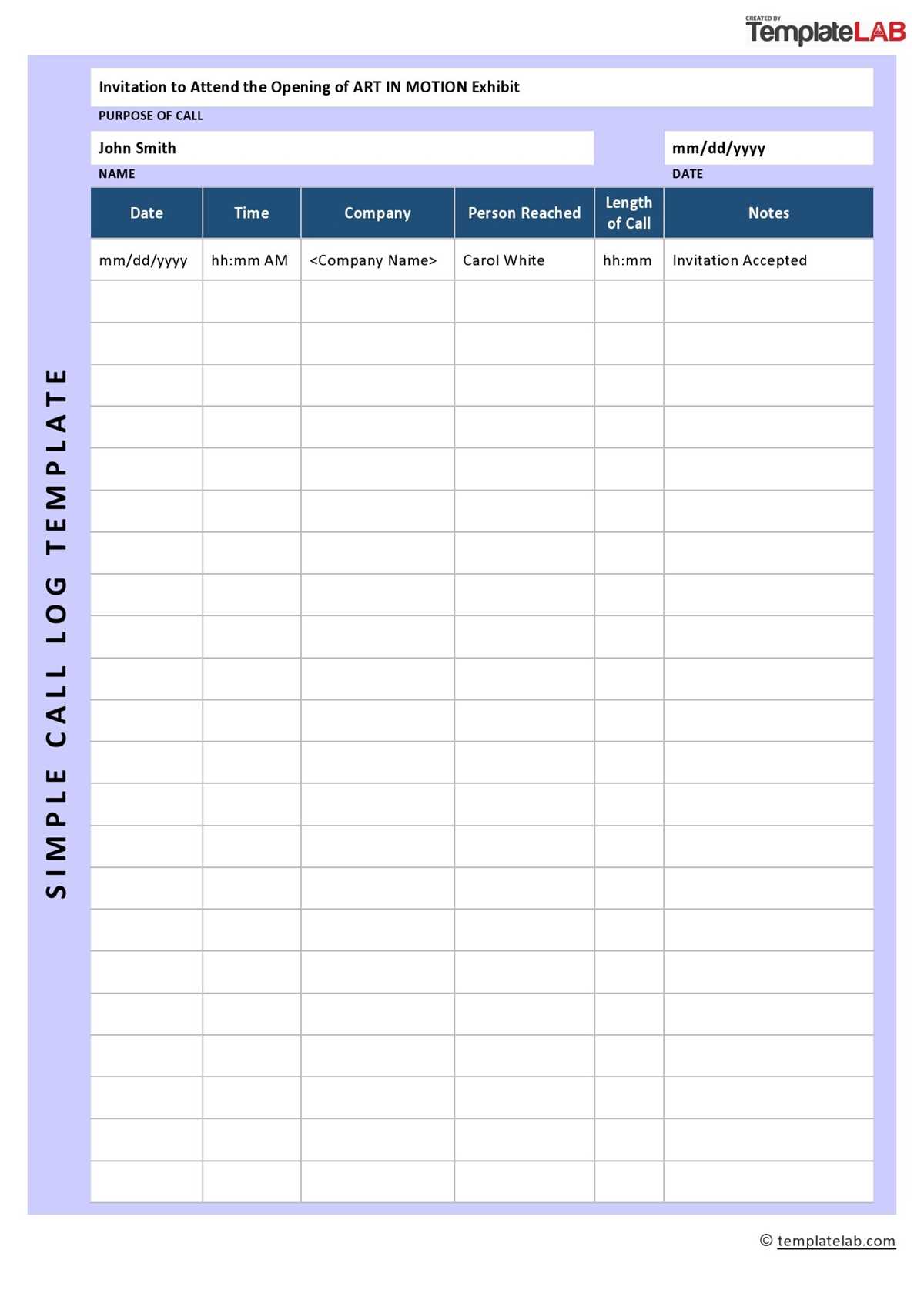
To keep track of important phone conversations, create a system to record details for future reference. Make sure to note down the time, date, and purpose of each interaction. This practice will help you stay organized and easily refer back to discussions when needed.
One way to streamline this process is by using a structured document where you can fill in specific information. Include sections for the caller’s name, contact details, topic of conversation, and any follow-up actions. This will help you maintain a clear overview of your interactions.
By adopting this method, you can quickly identify patterns in communication, stay on top of outstanding actions, and ensure important information isn’t lost. Whether for business or personal use, this system will make it easier to manage and review past exchanges.
Printable Call Log Guide
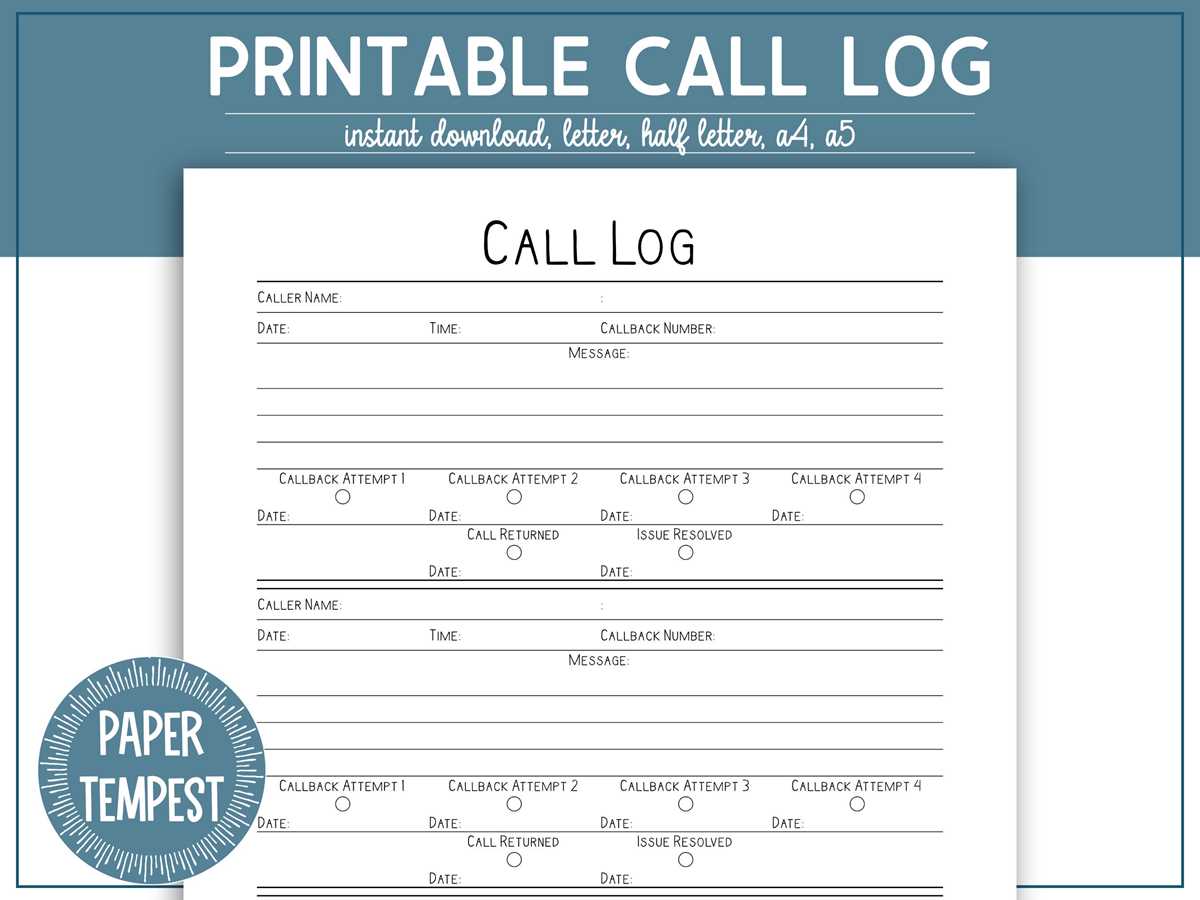
To manage your communication history, start by organizing details such as the person contacted, the time, and the purpose of each interaction. This information can help you maintain a thorough record and track important points discussed.
Set up a template with columns for the date, time, name of the caller, subject matter, and any actions or notes. Having a consistent format will make it easier to follow up or refer back to earlier discussions when needed.
Once your template is ready, ensure it’s easy to update. Keep the document accessible on your devices so that you can add new entries instantly. This method keeps all relevant details in one place, improving your workflow.
For an even better overview, categorize the information based on types of conversations. This will allow you to prioritize follow-ups and understand recurring themes or issues across various interactions.
If you’re dealing with multiple contacts, consider creating separate logs for different groups, such as personal, work, or client-related calls. This will help you avoid mixing up details and streamline your record-keeping process.
To enhance the organization of your entries, color-coding can be a useful tool. Assign colors to different categories, such as urgent, follow-up needed, or completed, to quickly identify the status of each interaction.
Finally, review your records regularly to ensure nothing falls through the cracks. Keeping your log up-to-date will help you stay on top of important communications and facilitate more efficient decision-making.
How to Set Up a Call Log Template for Daily Use
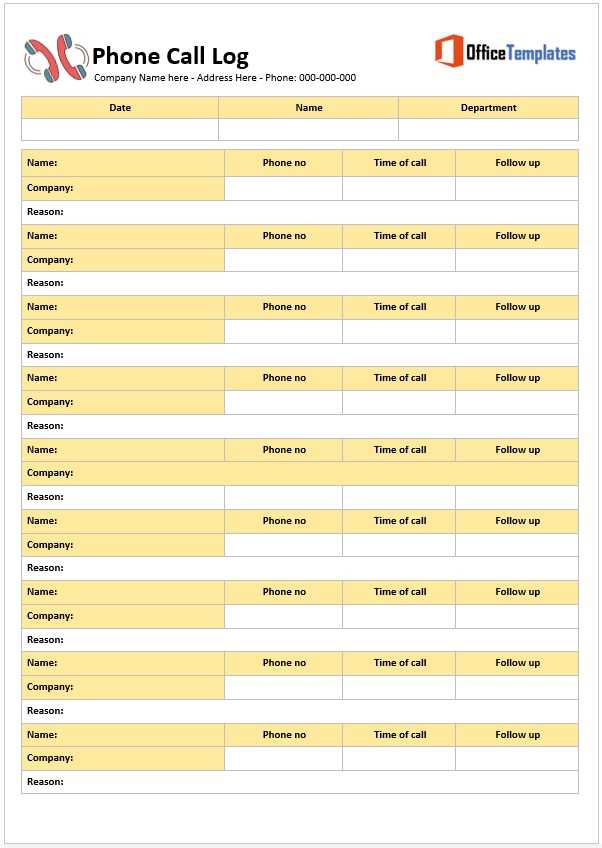
Start by creating a basic template that includes the following columns: Date, Time, Contact Name, Purpose, Notes, and Follow-up Action. This will give you all the necessary information at a glance.
To keep the template flexible, use rows for each new interaction. This ensures that it’s easy to add new entries without any hassle, while maintaining a clean and organized format. A spreadsheet can be a good tool for this purpose, as it automatically adjusts to new data entries.
Next, customize your template to match your specific needs. For example, if you’re managing work calls, you might want to add columns for the department or project name. If it’s for personal use, include a space for the call’s outcome, like whether it was resolved or requires follow-up.
Use color coding or bold text to highlight urgent matters or calls that need immediate attention. This will make it easy to prioritize actions and ensure no important details are overlooked.
Finally, review the template at the end of each day to ensure it’s up to date and everything has been properly recorded. Regularly cleaning up and maintaining the template will help it stay relevant and useful for future reference.