
To make a unique large-scale cushion, start by selecting fabric that suits your design. Cotton or polyester blends are easy to print on and durable, offering a smooth surface for vivid colors. Consider a fabric that will hold its shape well after filling, ensuring the finished product is comfortable and firm.
Next, design your artwork using software like Adobe Illustrator or Photoshop. Choose high-resolution images, ideally 300 dpi, to ensure your design prints sharply. If you’re incorporating text, make sure it’s legible and aligned correctly before printing. You can add personal elements like favorite quotes, artwork, or even photos to make your cushion truly one-of-a-kind.
When it comes to printing, a home printer may work for small projects, but larger sizes often require professional services. Look for companies that offer fabric printing on custom dimensions to match your design. If you plan on using a home printer, be sure it supports the size of your project and uses fabric-compatible ink.
Once you’ve printed your design, the next step is assembling the cushion. Use a sewing machine to carefully stitch the fabric into a large case. Fill it with your preferred material, such as polyester fiberfill, memory foam, or buckwheat hulls, depending on the level of firmness you desire.
Finally, maintain your custom cushion by regularly fluffing it and spot-cleaning any stains. For larger cleaning, check if the fabric is machine washable or requires dry cleaning to preserve the print quality.
Printable Body Pillow Guide
Select the right fabric first. For a durable, high-quality print, opt for cotton-polyester blends. These materials not only hold designs well but also retain their structure after filling. Choose a soft yet firm fabric to maintain comfort without sacrificing print clarity.
Use design software to create your custom artwork. Programs like Adobe Illustrator or Photoshop allow for precise image placement. Make sure your images are at least 300 dpi to avoid pixelation. If you’re incorporating text, use large, clear fonts to ensure readability when scaled to full size.
If you’re printing at home, ensure your printer can handle fabric sheets. Many standard printers aren’t equipped for printing on fabric, so check your model’s specifications. For larger designs, consider professional printing services that specialize in fabric and textile printing to achieve the best result.
After printing, it’s time to sew. For a smooth finish, fold the fabric edges neatly and use a straight stitch for a clean seam. Don’t forget to leave space for filling. Once the case is assembled, turn it inside out, so the printed design is visible on the outside.
Fill your cushion with soft, pliable material such as polyester fiberfill. The amount of filling will affect the firmness, so adjust accordingly based on your preference. If you prefer a firmer cushion, memory foam or buckwheat hulls are good options for added support.
To preserve your custom creation, avoid machine washing unless the fabric is labeled as washable. For most fabrics, spot cleaning is the safest way to maintain the print. Fluff the filling regularly to keep it from flattening over time and to maintain its shape and comfort.
Choosing the Right Material for Your Printable Body Pillow
For the best results, select a fabric that holds prints well and maintains its shape. Cotton blends with polyester work great for detailed designs, offering both durability and comfort. Cotton’s soft texture complements printed graphics, while polyester ensures the print stays vibrant longer.
Consider fabric weight. A medium-weight material between 200-250 gsm (grams per square meter) will give you the right balance of softness and firmness. Lightweight fabrics might wrinkle too easily, while heavier ones may not be as pliable for larger cushions. Test a fabric sample before committing to the full project.
- Cotton-polyester blend: Soft, durable, and color-fast, ideal for detailed prints.
- Linen: More textured and breathable, but may not support sharp designs as well.
- Velvet: Luxurious feel but requires extra care when printing due to its texture.
How to Design a Printable Body Pillow Using Software
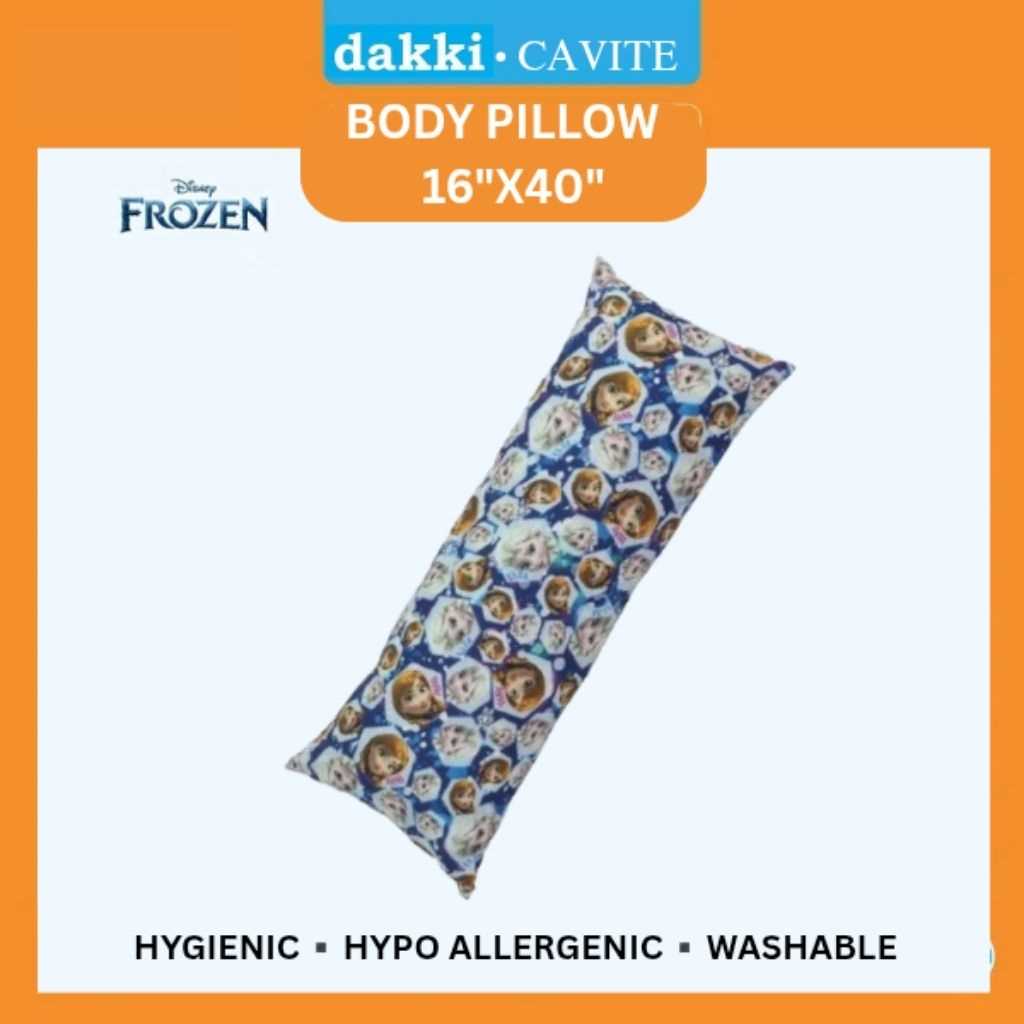
Start by choosing the right design software. Adobe Illustrator and Photoshop are the most common tools used for creating designs that translate well onto fabric. Both allow you to create high-resolution images with full control over color and placement. For beginners, simpler programs like Canva can also be useful, although they offer fewer advanced features.
Set your document size to match the dimensions of the cushion. A typical size for a full-length item is around 50″ x 20″ (127 x 51 cm), but this can vary based on your preferences. Ensure that your document’s resolution is set to 300 dpi (dots per inch) for clear, high-quality output. This will guarantee that your print won’t appear pixelated when scaled up.
When selecting a design, consider the type of artwork you want to feature. Large, bold patterns or high-contrast images work better than intricate details, which may get lost in larger prints. If you’re using photos, try to enhance them using the software’s tools to adjust brightness, contrast, and saturation for more vivid results on fabric.
Consider the placement of your design. A full image might work best if you’re creating a full-length item, while a centered design could be more appropriate for smaller cushions. Use guides and grids within your software to ensure that everything is evenly placed and aligned properly before you print.
Layering elements within your design can also help create a more dynamic look. In Photoshop, for example, you can work with multiple layers to place different visual elements like textures, text, and images on top of one another. This allows for more creativity and flexibility in how your final piece will appear.
| Design Tool | Best For | Features |
|---|---|---|
| Adobe Illustrator | Vector artwork, logos, text-heavy designs | Precise control, scalable designs, high-resolution output |
| Adobe Photoshop | Photo manipulation, detailed artwork | Advanced editing, high-quality image enhancement |
| Canva | Simple designs, beginner-friendly | Easy-to-use interface, pre-made templates |
Once your design is complete, save the file in a format suitable for printing. TIFF, PNG, or PDF files are typically preferred, as they retain high image quality. Avoid using JPEG unless absolutely necessary, as it may introduce compression artifacts that affect print quality.
Before printing, always preview your design. Print a small test on regular paper to check for color accuracy and layout. Once satisfied with the result, you can proceed with printing the design onto your fabric, whether at home or through a professional service.
Printing Options for Custom Body Pillows at Home
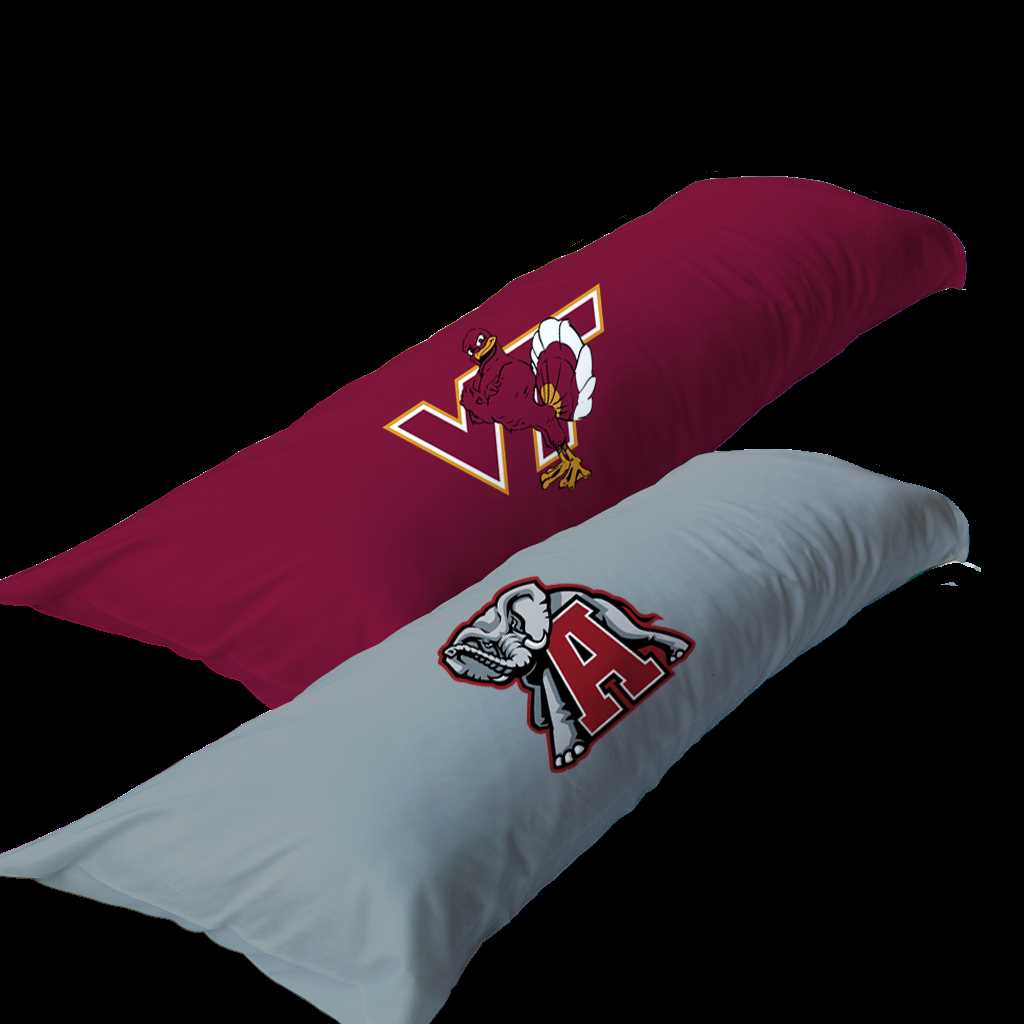
If you plan to print your design at home, consider using an inkjet printer capable of handling fabric sheets. Specialized fabric sheets for inkjet printers are widely available and come in various finishes, such as matte or glossy. Make sure the fabric is pre-treated for printing, as untreated fabric may result in poor color retention. When setting up your printer, use high-quality settings to ensure the colors remain sharp and vibrant.
An alternative is to use iron-on transfer paper, which allows you to print your design on paper first and then transfer it onto the fabric with heat. This method is simpler but might not yield the same level of detail and durability as direct printing. For both methods, ensure the fabric is properly washed and dried before printing to avoid any shrinkage or warping that could affect the print quality.
Step-by-Step Instructions for Assembling Your Printable Body Pillow
Start by preparing your fabric. Ensure it is the correct size for your design. Typically, the dimensions for a full-length cushion are 50″ x 20″ (127 x 51 cm). Pre-wash and dry the fabric to prevent shrinkage after assembly. Iron it to remove any wrinkles for a smoother surface when sewing.
Next, cut the fabric according to your measurements. If you have a pattern or design with specific alignment, carefully cut the fabric to ensure proper placement of the image. Leave extra space around the edges for stitching and to prevent the print from getting cut off.
Place your fabric design side up and align the two pieces of fabric for the front and back. Pin them together securely along the edges. Use fabric pins or clips to hold the fabric in place while you sew, ensuring the pieces stay aligned as you work.
Now, sew the fabric pieces together using a straight stitch. Begin sewing around the perimeter, leaving about a 1-inch seam allowance. Be sure to leave a 6-8 inch gap on one side to allow for the filling. Sew slowly and steadily to ensure even stitching along the edges.
Once the fabric is stitched, turn the cushion cover inside out so the design is visible. Carefully push out the corners using a blunt object, like a pencil or dowel, to create sharp edges. Check that all the seams are secure and that there are no holes or gaps.
Next, begin filling the cushion with your chosen material. Polyester fiberfill is the most common option, but memory foam or buckwheat hulls can be used for firmer support. Gradually add the filling, pressing it into the corners to ensure even distribution and avoiding clumps.
Finally, close the opening by folding in the raw edges and hand-stitching them shut using a needle and thread. You can also use a sewing machine for this step if preferred. Once fully sealed, fluff the cushion to distribute the filling evenly and ensure a comfortable feel.