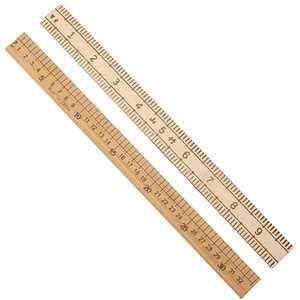
For quick and precise measurements on paper, use a custom-sized measuring strip that you can easily print at home. These can be especially useful when standard tools are unavailable or impractical to carry around. Adjust the dimensions to match your specific needs, whether for drawing, cutting, or comparing lengths.
To make your own, simply choose a printable template from a reliable source, ensuring that the scale is accurate and well-calibrated. Check for alignment with a known standard to avoid measurement errors. Often, printers may distort the image slightly, so it’s important to verify the scale after printing by measuring against a known reference.
Once printed, this tool can serve a variety of functions: from craft projects to scientific tasks. If you frequently use a measuring tool in your daily work or hobbies, having an easily accessible, custom-sized option could save time and space. Always keep a few templates on hand for different types of work.
Creating an Accurate Measurement Tool for Quick Use
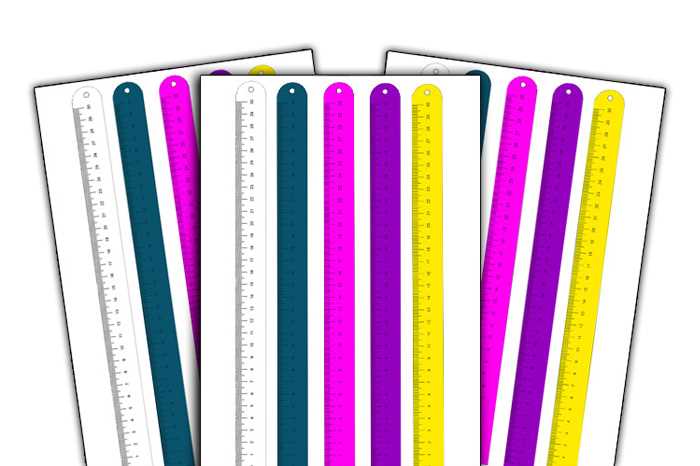
To create a precise tool for measuring small distances, you can design a compact measuring strip with fixed divisions. A design with a clear scale helps ensure the markings are spaced accurately. It is advisable to use software that allows exact placement of lines, ensuring the consistency of each unit.
When printing, make sure to adjust your printer’s settings to ensure the scale is preserved. Some printers may distort the size slightly, so verifying the dimensions with a physical object is necessary. Testing with a known reference item, like a credit card, can be an easy way to confirm accuracy before using it for more precise tasks.
Choose high-quality paper to maintain the tool’s durability and sharpness of the marks. For best results, consider laminating the final product for longevity and easy handling. This will keep the divisions intact over time, making it a practical solution for quick measurements on the go.
How to Print a Millimeter Scale Accurately at Home
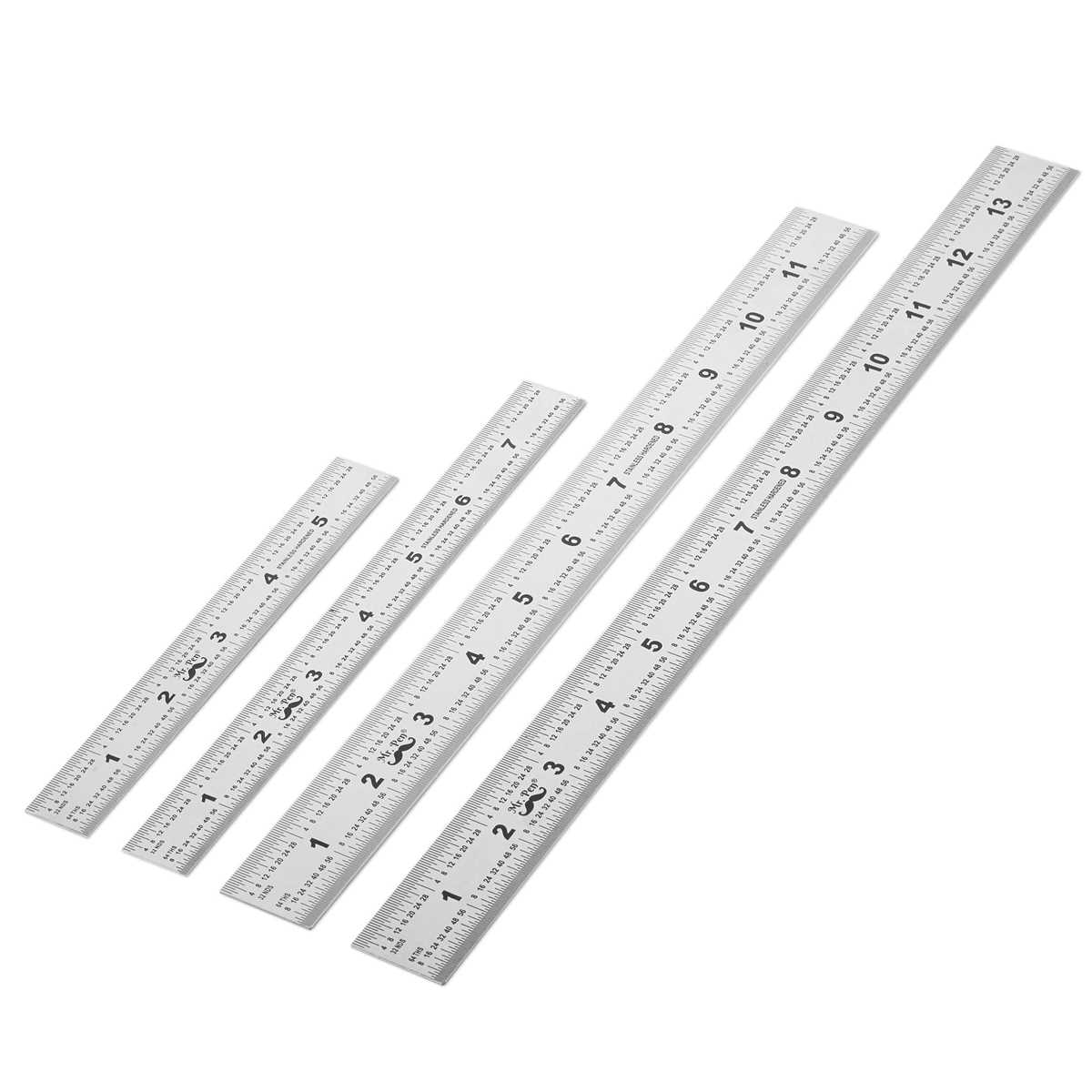
Use a high-quality printer with precise settings for the best results. Ensure your printer is capable of producing accurate dimensions by checking the DPI (dots per inch) setting. A printer with at least 600 DPI is recommended for sharp details. Adjust your printer’s scale settings to 100% to avoid automatic resizing, which can distort measurements.
Before printing, download a template from a reliable source. Check that the template is correctly designed to avoid errors. Ensure it fits your page size and layout. Some online templates come with test areas to verify accuracy once printed. This helps confirm that all markings are correctly sized.
To test the scale, print the template on plain paper. Measure one of the printed segments with a precise instrument like a caliper or micrometer. If there is any discrepancy, adjust the printer settings and reprint until the dimensions match the expected values.
Using high-quality paper can make a significant difference in accuracy. Thicker paper tends to give a more stable base and prevents warping during the printing process, which can affect measurements. Select paper that is heavy enough to maintain a flat surface while printing.
If you need a more durable version, consider laminating the printout. This step preserves the scale and protects it from wear and tear. Lamination ensures the markings stay sharp and readable over time, especially if you plan to use the scale frequently.
After printing and verifying the accuracy, double-check that no scaling options are enabled in your print settings. Some printers may automatically fit the page to a default size, which could alter the scale. Always print at the full size specified by the template.
HTML
Choosing the Right Paper Size for a Millimeter Ruler
For a precise measuring tool, select a paper format that fits your intended use. The most common size for printing is A4 (210 x 297 mm), which balances portability and readability. It is widely available and easy to handle, making it the default choice for most standard tasks. This size allows enough space for accurate markings without requiring extra adjustments during printing.
If your goal is to create a larger scale for easier viewing, consider using A3 (297 x 420 mm). The expanded area offers more room to increase the length of the scale or to add additional markings for more detailed measurements. This can be especially useful for technical or drafting purposes where precision over longer distances is needed.
For compact versions, where space is limited or portability is a priority, a smaller format such as A5 (148 x 210 mm) may be the best option. This size is convenient for small projects, but it might require scaling down the measuring increments, which can make precise measurements slightly harder to read at a glance.
Always verify the printing settings before producing the measuring guide. Paper size, print margins, and scale adjustments can affect the accuracy of the printed marks. Ensure that the printout corresponds exactly to the desired dimensions, and avoid options that may inadvertently resize the content during printing.
Common Mistakes When Printing a Millimeter Scale and How to Avoid Them
One of the most frequent issues is not adjusting print settings for accurate scaling. If you select the “Fit to page” option in the print dialog, the size may not match the intended proportions. Always choose “Actual size” or “100%” to maintain the true dimensions of the printed object. This is especially critical for precise measurements in technical tasks.
Another common error is neglecting to check the printer’s calibration. Even high-quality printers can have slight misalignments, which cause discrepancies in printed length. To resolve this, print a test sheet with reference dimensions and use a caliper to verify the printed values. If they differ, adjust the printer’s settings accordingly or use a more reliable device.
Paper type can affect the outcome of your printout. Using low-quality or overly thick paper might result in distortion. Always use standard printer paper to prevent any changes in the physical shape or size of the printed measurements. This ensures that the accuracy of the print remains consistent across different devices.
Finally, overlooking the resolution of the image can lead to pixelation or blurring, which interferes with accuracy. For the clearest print, set the image resolution to at least 300 DPI before printing. Higher resolutions will prevent any loss of detail and keep measurements sharp and easy to read.
Measuring with a Printable Millimeter Ruler: Tips for Precision
Align the tool with a flat surface to prevent warping that can affect measurement accuracy. Ensure that both ends of the scale are perfectly straight and not bent, as even minor distortions can lead to discrepancies. A slight curvature could result in up to 1mm of error, which can be critical in tasks requiring high precision.
Use a sharp pencil or a fine-tip pen to mark the measurement points. A thicker line will obscure the reading, making it harder to gauge precise lengths. For the best results, use a light hand and double-check each mark to ensure it’s placed accurately along the lines.
When measuring small objects, consider using a magnifying glass or a digital tool to verify your readings. The scale’s graduations can appear small, and a slight shift in angle might cause an error in visual assessment. For projects demanding high accuracy, repeat the measurement process a few times to confirm consistency.
| Measurement Error Types | Potential Causes |
|---|---|
| Misalignment | Tool not straight, uneven surface |
| Inconsistent Marking | Thick ink or unsteady hand |
| Visual Distortion | Incorrect viewing angle, poor lighting |
Finally, avoid touching the edges of the measurement tool to prevent stretching or smudging the markings. Handling the edges can distort the material, leading to inaccuracies in measurements. Use a clean, flat surface and handle the item by its corners or center for best results.