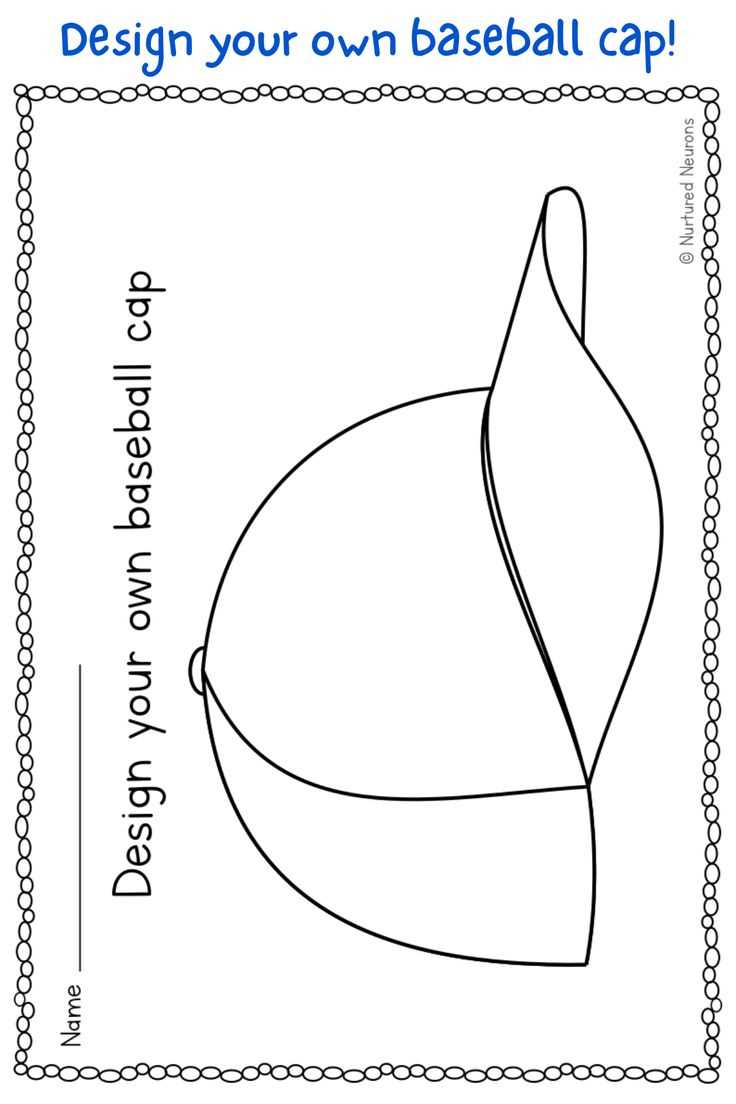
Select the correct paper type for your project. For sturdy and durable results, use heavyweight paper or cardstock. These materials ensure that your design holds its shape and can withstand folding and cutting without easily tearing.
Next, determine the appropriate size for your design. Measure the circumference of the head to ensure the pattern fits properly. If you plan to use the design for various sizes, consider adjusting the pattern’s dimensions to create multiple versions for different age groups or preferences.
Once the size is set, focus on the cutting process. Use sharp scissors or a craft knife for clean edges, and make sure to follow the outline precisely to avoid any misalignment. If you’re new to cutting intricate designs, it may help to first practice on scrap paper before working on your final version.
After cutting, you can add any custom elements like logos or text to make the design unique. For printing logos or graphics, ensure the resolution is high enough to avoid pixelation. Once everything is in place, you can proceed to assembly and adjust as needed for the best fit.
Printable Cap Template
First, ensure that the design is sized correctly for the intended head size. Measure the circumference of the head to determine the base size. Adjust the template for different age groups by altering the diameter or adding adjustable features if necessary.
Choose a durable paper type for better quality. Thick cardstock or heavyweight paper ensures the final product holds its shape when assembled. Thin paper can be used, but it may result in a flimsy final piece.
When preparing the design, focus on clear lines for easier cutting. Use a sharp blade or scissors to avoid jagged edges. To ensure accuracy, mark any folding or cutting lines with a light pencil so they won’t show once assembled.
For added design flair, consider adding patterns, logos, or text. Simple geometric designs or personal touches like initials can enhance the look. Keep in mind the resolution of any images or graphics used to avoid pixelation in print.
If your design requires multiple sections to be joined, ensure that seam areas are reinforced. You can use glue, tape, or a stapler to hold the pieces together securely. For a cleaner finish, consider using glue rather than tape, as it will be less visible.
Before assembling the final product, always test the pattern with scrap paper to check the fit. This allows you to make adjustments to size, shape, or design before committing to your final material.
Once the design is cut and assembled, check for any misalignments or areas that need adjustment. Ensure the edges are properly aligned, and the design is symmetrical. If needed, make any tweaks to improve the fit or appearance.
Finally, consider finishing touches like adding fabric details, if appropriate. Small embellishments such as buttons, patches, or fabric paint can give the piece a unique touch, making it more personalized and visually appealing.
Choosing the Right Material for Your Printable Cap
For a sturdy result, use heavyweight cardstock or thick paper. These materials provide the necessary durability to hold the shape, especially if the design includes multiple folds or intricate cuts. A 200-300 gsm weight is typically ideal for this kind of project.
If you want a more flexible, lightweight option, opt for standard printer paper. While not as durable, it is easier to work with for simpler designs or prototypes. For better results, choose a high-quality paper with a smooth surface to ensure that the printout is clear and crisp.
For those looking to add texture or a more premium feel, consider using textured paper, such as linen or felt. These materials add an extra level of uniqueness and can work well for custom gifts or limited-edition designs, though they may require more careful handling during printing and assembly.
Finally, if the final product will undergo frequent handling, or if it needs to be weather-resistant, you might want to choose a laminated or waterproof material. These options are more durable, offering greater protection against wear and moisture over time.
Step-by-Step Guide to Customizing Your Cap Template
Start by selecting a design software that fits your needs. Simple tools like Microsoft Word or Google Docs work well for basic projects, while more advanced design programs like Adobe Illustrator or InDesign give you greater control over customization, allowing for more complex shapes and designs.
Adjust the size to match your requirements. If you’re making a custom fit, measure the intended wearer’s head and modify the dimensions accordingly. Most templates come with standard sizing, but resizing may be necessary to ensure a proper fit, especially for children or specific preferences.
Add your personal touch by incorporating custom graphics, logos, or text. Use high-quality vector images for logos to maintain clarity when resizing. Choose fonts that are legible, and keep the text simple for easy reading. Avoid overcrowding the design to keep it clean and professional.
Once your design is complete, print a test version on regular paper to check the fit and visual appeal. This allows you to make adjustments to the layout, text, or images before using your final material. After testing, print on your chosen paper stock and proceed with assembly.
Adjusting Template Size for Different Cap Styles
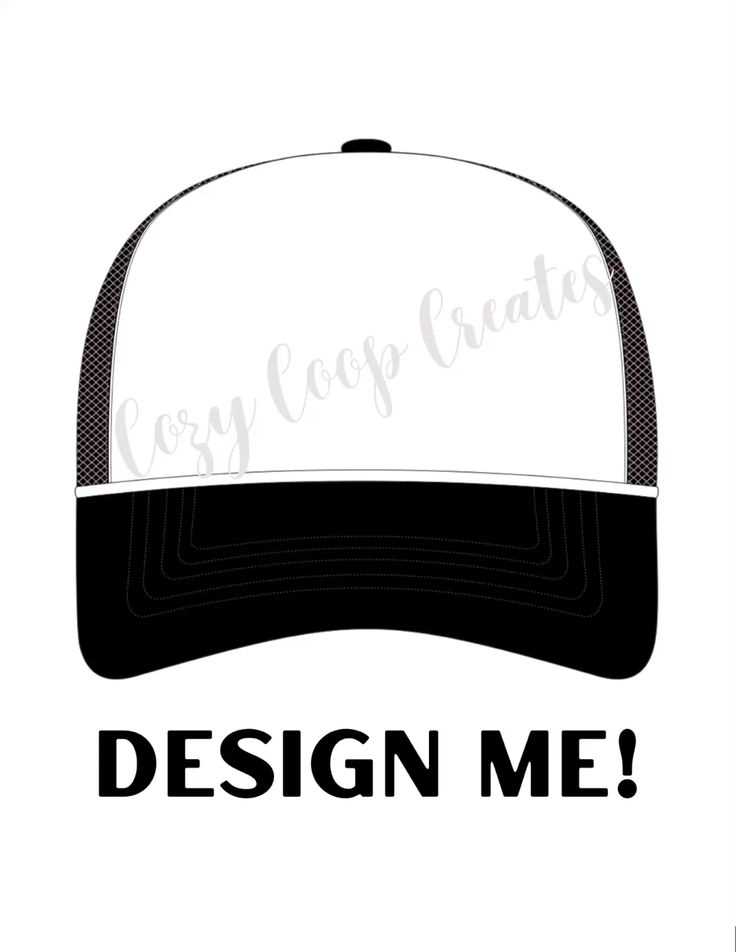
Start by identifying the specific style of headwear you’re designing for. Each style, such as snapbacks, beanies, or bucket hats, will have different dimensions and construction, which impacts how the design will fit. Understanding these measurements will help you adjust your pattern correctly.
For snapback designs, ensure that the circumference fits the average adult head size, which is typically around 22 inches. However, these hats often come with adjustable straps, so focus on the height and width of the side panels and top sections to ensure your design remains proportionate when assembled.
Beanie designs usually require smaller, more fitted patterns. Start by measuring the circumference of the head to ensure a snug fit, then reduce the pattern size by approximately 10-15% to accommodate the stretchable nature of the fabric used for beanies. Be mindful of the design placement to ensure it won’t distort when worn.
For bucket hats, which have a more relaxed fit, you’ll need to increase the overall size of the design. Typically, these hats require a wider brim and a taller crown. Adjust the pattern to have a 23-24 inch circumference for adults, depending on the desired fit and style.
| Cap Style | Head Circumference | Pattern Adjustment Tips |
|---|---|---|
| Snapback | 22 inches (adjustable) | Focus on panel height and top width for a balanced fit |
| Beanie | 20-22 inches | Reduce size by 10-15% to account for stretch |
| Bucket Hat | 23-24 inches | Increase size for a wider brim and taller crown |
Printing Techniques for High-Quality Results
Start by ensuring that your printer settings are optimized for high-quality output. Select the highest DPI (dots per inch) setting available, typically 300 DPI, to ensure crisp lines and vibrant colors. Lower DPI settings may result in blurry or pixelated prints.
Use the correct type of paper for your design. For most projects, heavyweight cardstock or matte paper produces the best results, offering durability and a smooth surface. Glossy paper can be used for designs with a lot of color, but it may cause some ink to smudge if not handled properly.
Before printing the final version, do a test print on regular paper to check the layout and colors. This allows you to make any necessary adjustments to the design or settings before using your high-quality material. Make sure the design aligns properly and that there are no unexpected margins or cuts.
If your design includes a lot of intricate details or fine lines, consider using a laser printer instead of an inkjet. Laser printers provide sharper lines and are less likely to smudge or bleed, which is especially important for detailed graphics or text.
For the best results, avoid overloading the printer. Print in batches to avoid ink smears, especially when using heavy stock. Allow the print to dry completely before handling to prevent smudging, particularly if you’re working with darker colors or saturated areas.
If you’re printing designs that involve multiple colors or layers, consider using a professional printing service that utilizes offset or screen printing methods. These techniques provide more consistent and accurate color reproduction, especially for large print runs or high-precision designs.