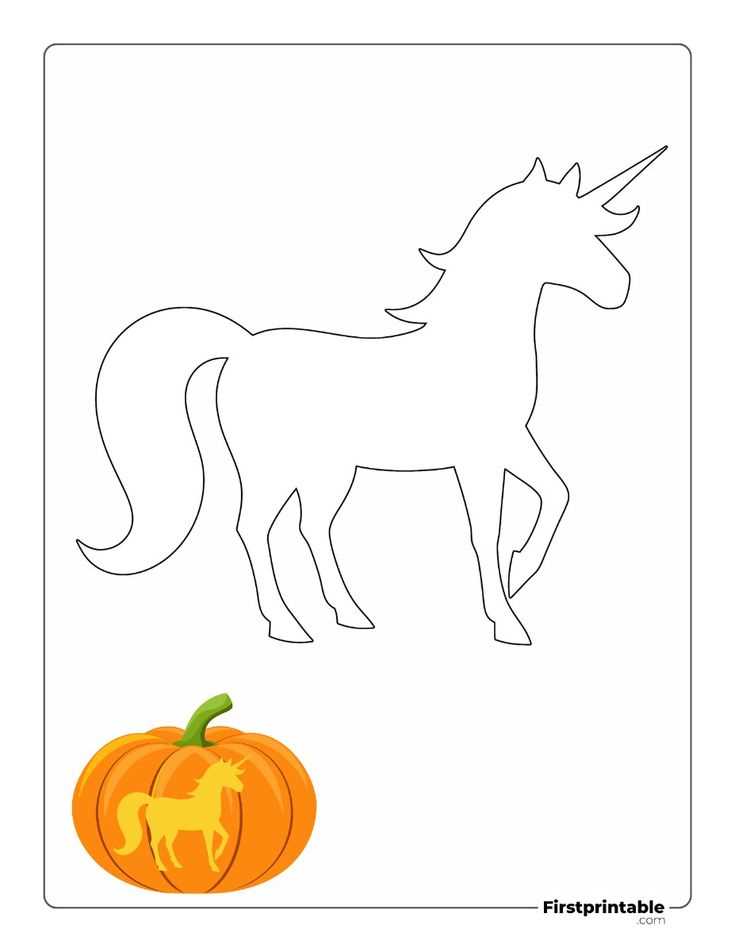
Download a high-contrast carving template in A4 or US Letter format and print it at 100% scale to preserve sharp contours and accurate proportions. Choose black-filled silhouettes with thick outer lines (at least 2–3 mm stroke width) to prevent tearing while cutting. For detailed motifs, limit the smallest cutout sections to no less than 5 mm to keep the rind intact during scooping and carving.
Use vector-based PDF files rather than raster images to maintain crisp edges after resizing. Set printer quality to 600–1200 dpi and disable automatic scaling. Secure the paper pattern to the surface with painter’s tape, then transfer outlines using a pin tool spaced 3–4 mm apart along curves and 2 mm on tight angles. This method produces clean perforation guides that reduce slipping and uneven cuts.
Select designs categorized by difficulty: basic (bold shapes, 5–10 large openings), intermediate (layered shadows, 15–25 segments), or advanced (fine linework, over 30 cut zones). For children, opt for wide-eye and simple grin layouts; for intricate lantern effects, choose multi-depth carving guides that indicate shaving levels with grayscale shading. Store unused templates flat in a dry folder to prevent warping before use.
For best illumination, place a 1–2 W LED candle inside and test light dispersion in a dark room before final cuts. Adjust interior wall thickness to 1–1.5 cm for balanced glow and structural stability. Properly prepared carving patterns reduce breakage risk by up to 40% compared to freehand drawing, while delivering symmetrical, repeatable results suitable for seasonal décor or themed displays.
Pumpkin Stencil Printable: Step-by-Step Guide to Choosing, Printing, and Carving
Select a carving template that matches the diameter and wall thickness of your gourd before downloading the design file. Measure the widest horizontal point with a tape; for a 20–25 cm diameter, choose patterns labeled “medium” (typically 18–22 cm tall). Thin-walled varieties such as sugar pie types handle intricate cuts better than large field specimens with thick flesh. If the design includes floating elements (small interior islands), verify that connection bridges are at least 5–7 mm wide to prevent collapse during cutting.
Adjust the file settings prior to printing the carving pattern sheet. Set scaling to 100% (disable “fit to page”) to preserve proportions. For A4 paper (210×297 mm), leave 10–12 mm margins; for US Letter (8.5×11 in), keep 0.5 in margins. Use grayscale mode to avoid faint lines, and increase contrast by 10–15% so cut lines are clearly visible under dim porch lighting. Thicker paper (90–120 gsm) resists tearing when taped to a curved surface.
Secure the paper template to the gourd using painter’s tape at four equidistant points, trimming excess paper to reduce wrinkling. Perforate the outlines with a pushpin or needle tool at 2–3 mm intervals; closer spacing (1–2 mm) is recommended for sharp corners and detailed facial features. Remove the sheet and connect the dotted guide marks with a washable marker. Cut openings with a serrated carving saw using short vertical strokes; avoid long horizontal motions that can crack the rind. For shaded effects, scrape the outer skin to a depth of 2–3 mm without piercing the wall.
Match design complexity to available tools and time. Simple silhouettes (large eyes, basic geometric shapes) take 20–30 minutes; mid-level patterns with layered shading require 45–60 minutes; highly detailed portraits may exceed 90 minutes and benefit from fine-tooth saws and clay loop tools.
| Complexity | Recommended Wall Thickness | Tool Set | Estimated Time |
|---|---|---|---|
| Basic | 20–30 mm | Serrated saw, scoop | 20–30 min |
| Intermediate | 15–25 mm | Fine saw, scraper | 45–60 min |
| Advanced | 10–20 mm | Detail knife, loop tools | 90+ min |
Illuminate the carved lantern with a stable LED module rated 1–3 W instead of a candle to reduce heat buildup and extend freshness by 1–2 days. If using a real flame, create a ventilation hole (2–3 cm diameter) at the top rear to channel heat upward and limit soot marks on the inner surface.
Preserve the finished piece by soaking the hollowed shell in a solution of 1 tablespoon bleach per 1 liter of water for 2 minutes, then air-drying completely. Apply a thin layer of petroleum jelly to cut edges to slow dehydration. Store outdoors at 4–10°C overnight; avoid direct sunlight, which accelerates softening and edge curl within 6–8 hours.
How to Choose the Right Pumpkin Stencil Printable Based on Carving Skill Level
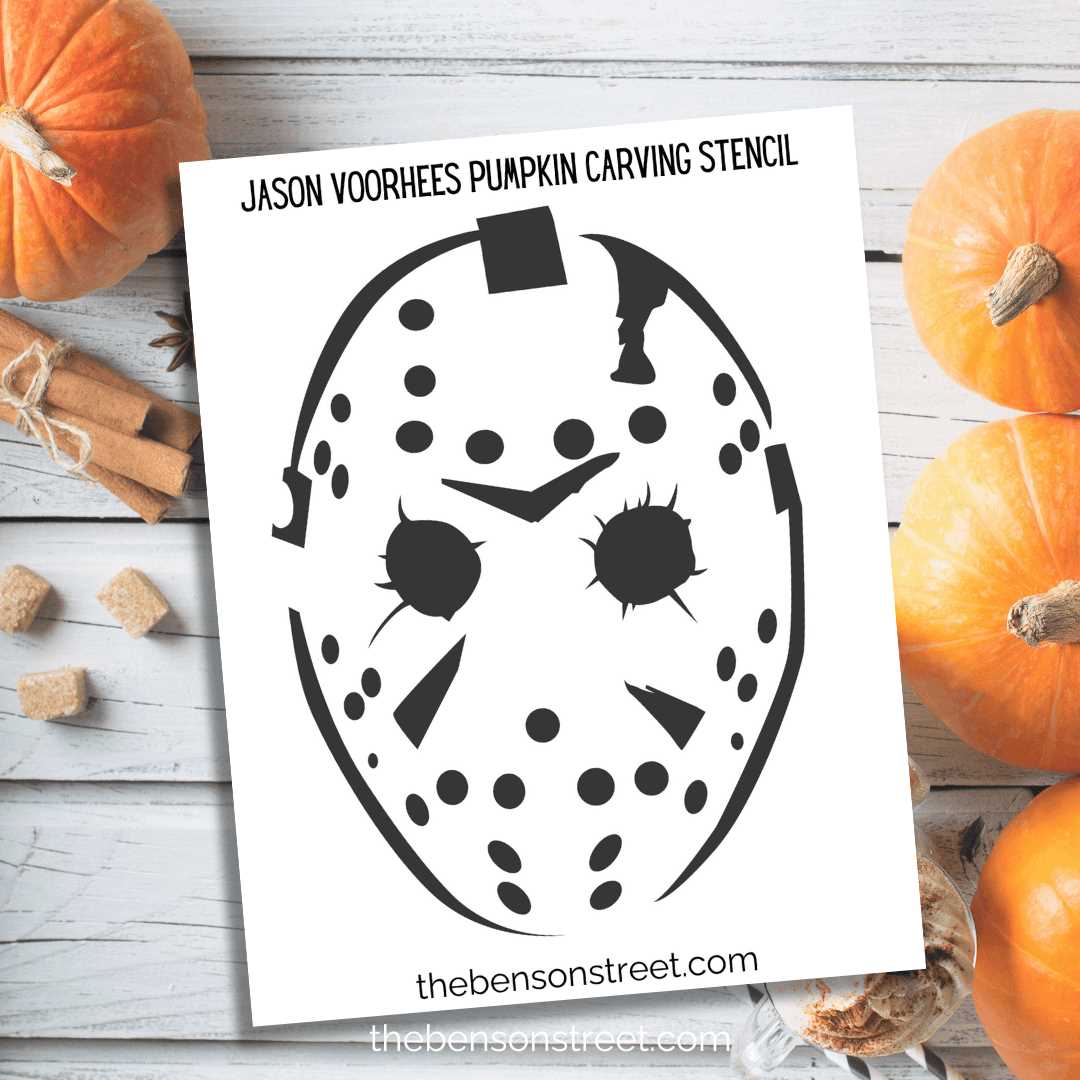
Select a carving template that matches your knife control and time budget: beginners should use bold outlines with 3–5 large cut sections, intermediate users can handle layered shading and 8–15 cut zones, while advanced carvers can work with micro-details under 5 mm and complex negative space.
For beginners, choose designs with:
- Thick contour lines (minimum 3 mm width on the pattern sheet)
- Wide spacing between elements to prevent tearing
- Simple silhouettes such as bats, cats, or basic facial expressions
- No interior floating islands that require toothpick stabilization
Avoid patterns that include tight corners under 45 degrees or dense crosshatching, as thin pumpkin walls can collapse. Limit carving time to 45–60 minutes to maintain clean edges before the surface softens.
Intermediate carvers should look for artwork that combines cut-through sections with surface etching. Choose files that clearly differentiate between full removal areas and scrape-only zones using dotted or grayscale markers. Designs with layered depth–such as skulls with shaded cheekbones or haunted houses with lit windows–work best at this stage. Plan for tools beyond a basic saw: add a fine-tip carving blade and a loop scraper. Expect 1.5–3 hours of work. Select fruit with wall thickness between 2–3 cm to support partial shaving without puncturing the shell.
Advanced users can select highly detailed templates featuring hair strands, lace textures, portrait-style faces, or typography thinner than 4 mm. Review the design at 100% print scale and zoom in digitally to inspect fragile bridges between cut sections; any connector narrower than 2 mm may fail unless reinforced. Use multi-depth carving techniques:
- Full cut-through for high contrast
- Mid-layer shaving for gradient lighting
- Surface scoring for fine lines
Allocate 3–6 hours and stabilize delicate sections with internal supports carved from removed rind pieces. For exhibition-level results, tape the pattern securely, transfer outlines with a needle tool at 2–3 mm spacing, and illuminate with a low-heat LED rather than a candle to preserve structural integrity.
Where to Find High-Resolution Pumpkin Stencil Printables for Clean Transfer
Download vector-based carving templates from reputable stock platforms such as Creative Market and Design Bundles, where files are provided in SVG, EPS, or 300–600 DPI PDF formats. These marketplaces allow filtering by resolution and file type, ensuring sharp linework that transfers cleanly onto the rind without pixelation. Choose designs labeled “vector” or “scalable” to maintain crisp edges at any size, especially for complex silhouettes or typography.
For free high-resolution carving patterns, check curated collections on sites like Pixabay and Freepik. Many contributors upload artwork in print-ready PDF at 2480×3508 px (A4 at 300 DPI), which prevents blurry contours during tracing. Verify the actual pixel dimensions before downloading; avoid files under 1500 px on the longest side, as they tend to lose detail once resized.
Design communities such as Behance and Dribbble often share downloadable cut-out layouts in project descriptions. Use search filters like “vector template,” “laser cut file,” or “papercraft pattern” to locate artwork prepared with precise anchor points and consistent stroke widths. These files typically include layered paths, allowing you to simplify thin segments that might tear during carving.
Educational resource hubs, including Teachers Pay Teachers, host classroom-ready carving sheets formatted for standard US Letter (2550×3300 px at 300 DPI). Many sellers specify line thickness in points (0.75–1.5 pt), which translates cleanly when taped to curved surfaces. Preview thumbnails closely to confirm solid black outlines rather than grayscale shading, as gradients complicate transfer.
If custom quality is required, commission a vector artist through Fiverr or Upwork and request delivery in editable AI or SVG with outlines converted to paths. Specify minimum 300 DPI raster previews and pure black (#000000) contour lines for maximum contrast. This approach guarantees clean edges, controlled detail density, and scalable artwork tailored to the exact diameter of your gourd.
How to Resize and Print Pumpkin Stencil Templates to Fit Different Pumpkin Sizes
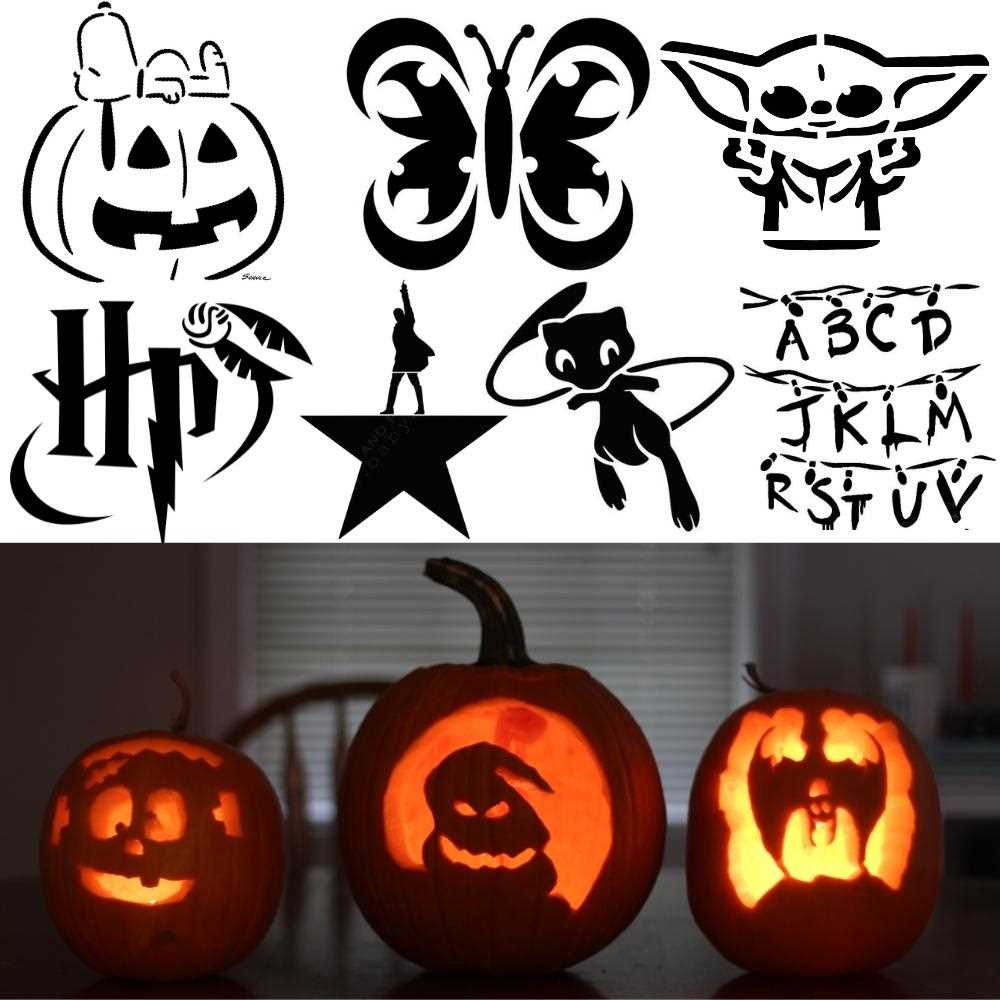
Measure the widest horizontal and vertical points of the gourd and subtract 2–3 cm from each value to keep a safe carving margin. Set your design width to 60–70% of the pumpkin’s circumference for front-facing layouts; for wraparound motifs, use up to 90% of the circumference and split the file across two sheets. In Adobe Acrobat or similar PDF viewers, disable “Fit” and select “Custom Scale,” entering a percentage calculated as: (target width ÷ original design width) × 100. For example, if the template is 20 cm wide and your target area is 28 cm, set scale to 140%. Maintain aspect ratio to avoid distortion.
For small gourds (15–20 cm tall), reduce intricate artwork to 50–65% and remove fine interior cuts thinner than 4 mm to prevent tearing. Medium sizes (20–30 cm) handle 80–110% scaling with line thickness no less than 3 mm. Large specimens (30–45 cm) allow enlargement up to 160%, but reinforce thin bridges by thickening them 1–2 mm in your editor before printing. If your design exceeds A4 or Letter format, use the “Poster” or “Tile” function with 5 mm overlap and alignment marks; trim margins and tape sheets from the center outward to keep geometry accurate.
Print on 90–120 gsm paper for easier transfer; heavier stock resists wrinkling on curved surfaces. Set print quality to 600 dpi for crisp edges and choose grayscale to avoid ink bleed. Before taping, lightly score vertical slits along blank areas every 2–3 cm so the sheet conforms to curvature without buckling. Fix the pattern with painter’s tape at four anchor points, then verify symmetry by measuring equal distances from stem axis to outer edges; adjust scale by ±3% if the layout appears compressed on the sides.