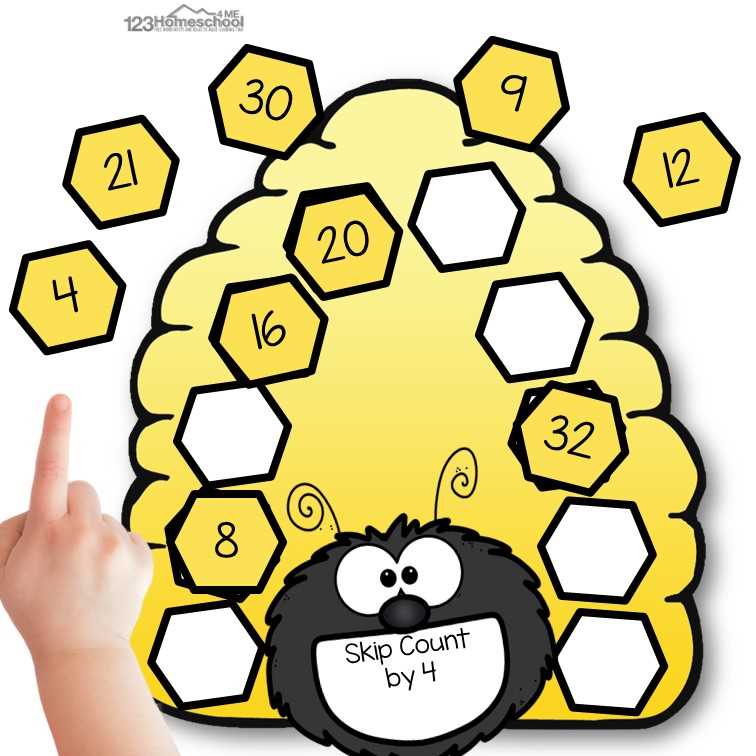
Start by selecting a design that allows flexibility for different projects. Whether you need a visual prop for educational purposes or an artistic craft, a modular hexagonal pattern can easily adapt to various themes. These geometric shapes can be used for crafting paper models, creating decorations, or as part of a hands-on project to teach symmetry and design principles.
Print out your chosen model on sturdy paper or cardstock to ensure durability. A thicker material will help maintain the shape’s integrity, especially when used for structural models. Choose a design that incorporates space for both large and small sections to offer variety in how the elements can be assembled.
Once printed, cut out the individual components carefully along the outlined borders. Use a sharp tool for precise cuts to ensure clean edges. After cutting, you can either glue or tape the parts together, depending on the complexity of your arrangement. Consider reinforcing the joints with additional support if you’re building a larger or more intricate structure.
The versatility of this approach allows for simple alterations based on size, color, or pattern, making it an excellent choice for a wide range of creative or instructional needs. Each unit can be customized to fit specific themes or be mixed and matched with other shapes for an entirely new creation.
Designing Your Own Beehive Structure
If you’re seeking a design for a honeycomb structure, start by sketching the hexagonal cells. These units fit perfectly together and are the backbone of any honey storage system. Each shape should be consistent in size to ensure uniformity when assembled.
For accuracy, utilize graph paper or a geometric drawing tool. A basic six-sided polygon can serve as the core unit, but the spacing between each shape should be even to maintain structural integrity. You can scale the size based on your specific needs, but maintaining proportionality is key.
Begin with a central shape, then extend the pattern outward. This will create a compact and efficient design. The sides of each hexagon should meet precisely, and their angles must be set at 120 degrees to maintain stability in your layout.
Use a ruler to measure the sides of each hexagon, ensuring they are equal. This precision will prevent gaps and misalignments when you print out the design. A uniform grid makes the final structure more aesthetically pleasing and easier to assemble.
For a more dynamic appearance, you can alternate between filled and empty hexagonal spaces. This method adds texture to your design, while still keeping the geometric pattern intact. It also helps in differentiating sections if the layout will serve a functional purpose.
When designing for larger projects, consider breaking the overall layout into smaller sections. By printing out these sections separately, you can arrange them more easily without overwhelming the final output. This modular approach aids in both visual balance and practical assembly.
If you’re planning on creating multiple versions, ensure that your design fits on a standard-sized page. A manageable layout prevents scaling issues when you move the design from screen to paper. Check the margins and overall fit before finalizing the print size.
Lastly, once your honeycomb shapes are designed and printed, use a sharp cutting tool to ensure clean edges. This will provide a smooth fit when aligning pieces together, avoiding any fraying or irregularities in the final product.
How to Print a Beehive Design at Home
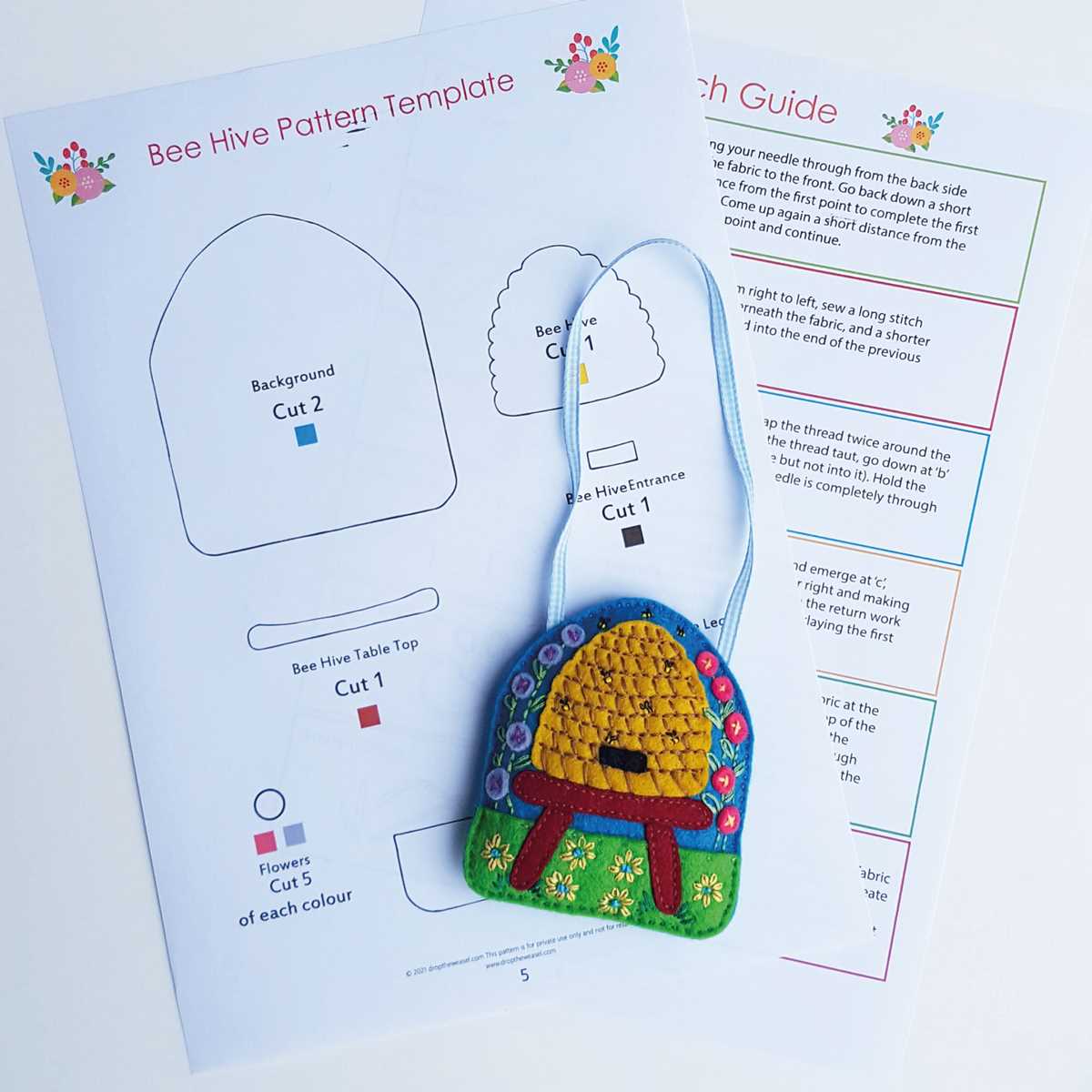
To print a honeycomb structure at home, first download the image or vector file that you want to print. Make sure the resolution is high enough to ensure sharp details when enlarged. Choose an image file format like PDF or PNG, which can be easily resized without losing quality.
Next, open the file on your computer using a program that allows for precise printing, such as Adobe Acrobat for PDFs or image editors like Photoshop for PNGs. Adjust the scale of the image so it fits the size of the paper you’re using, whether it’s standard letter size or larger sheets for bigger prints. Ensure the image aligns correctly with the edges to avoid unwanted white space.
If you’re using a regular home printer, select the highest quality print settings available. Set your printer to output on glossy or heavy paper if you want a more professional look. Depending on the type of printer, choose either color or black-and-white print options, though color will better highlight the intricate details of the design.
After printing, allow the sheet to dry fully before handling. This will prevent smudging, especially if you’ve used inkjet printing. If necessary, trim any excess paper carefully, ensuring you maintain the exact dimensions of the printout. This method ensures a clean, crisp image ready for crafting or decoration.
Choosing the Right Paper for Your Beehive Craft Design
Opt for sturdy cardstock or a medium-weight paper if you plan to cut and assemble the design frequently. This material holds its shape well and can support intricate designs without warping or tearing. Avoid using thin printer paper, as it may buckle under pressure when handling or during the folding process.
Textured papers, such as linen or felt, offer a unique visual finish and can enhance the tactile experience of the final piece. However, be cautious with very thick or heavily textured papers–they can be difficult to cut precisely, especially around intricate edges or small details.
For a smooth finish and easy handling, choose a glossy or satin paper. These types are great for designs that require vivid color and sharp lines. Keep in mind that glossy paper may not work as well with certain adhesives, so always test beforehand.
If durability is a factor, consider using heavyweight paper that provides better resistance to wear and tear, especially if the project will be displayed or stored for a long period. This paper type maintains its form and withstands frequent handling without losing integrity.
Lastly, eco-friendly options, such as recycled paper or paper made from sustainable sources, offer a good balance between quality and environmental impact. Make sure to check the weight and finish of these papers, as they can vary greatly in texture and performance compared to standard options.
How to Cut and Assemble a Paper Hive Design
Cut out the shapes with sharp scissors or a craft knife for precision. Follow the outer lines carefully to avoid rough edges. For the best results, use heavy paper or card stock. A thinner material can cause the structure to bend or tear easily during assembly.
Once the pieces are cut, use a ruler to fold along the designated lines. This helps to create crisp, clean edges, ensuring the final product holds its shape properly. A bone folder tool is useful for making perfect folds, especially on thicker materials.
Before gluing, test the assembly by laying the pieces together. This helps you visualize the final product and spot any misalignments. Adjust the folds or cut lines if necessary to improve fit.
When it’s time to glue, apply adhesive sparingly. A glue stick or liquid glue works best for paper. Avoid overapplying, as excess glue can spill over and cause parts to stick together incorrectly. Press each section firmly after gluing to ensure a solid bond.
Start with the base or the core structure. Attach the largest pieces first, then work your way outward with the smaller ones. This approach prevents the creation from becoming unstable as you add more sections.
Let each section dry before moving on to the next one. This prevents shifting or misalignment during the building process. Once fully assembled, check for any loose areas and secure them with extra glue if necessary.
After completion, allow the whole structure to dry completely before handling it. This ensures the form holds together and avoids unwanted movement or separation. If desired, add decorative touches like paint or stickers to enhance the look.
HTML
Best Tools for Enhancing Your Beehive Template Design
For refining your hive structure, tools like Adobe Illustrator and Affinity Designer are unparalleled in precision. These software applications enable you to create intricate designs with ease, offering both vector and raster capabilities. Their advanced drawing tools are ideal for adding intricate details, from honeycomb patterns to decorative borders. Adobe Illustrator’s powerful grid systems and Affinity’s customizable snapping functions make it simple to align your patterns for a balanced design.
If you’re looking to streamline the design process, Inkscape provides a free alternative with robust features. It includes a variety of extensions for adding detailed geometric shapes and a flexible pen tool, which can be especially helpful for users who prefer to work with SVGs. This open-source software allows easy scaling of designs without loss of quality, making it a perfect option for those who need versatility at no cost.
For individuals focused on incorporating 3D models into their designs, Tinkercad is a user-friendly option that allows easy creation of three-dimensional elements. This online tool is perfect for constructing detailed structures and visualizing how different components will come together. It is especially useful when designing unique, custom elements for your layout, such as frames and decorative accents, which can later be printed or manufactured.
When working on layouts that require measurement accuracy, using a tool like Gravit Designer can simplify the process. It comes with pre-designed grids and rulers, helping you design structures that adhere to precise dimensions. The cloud-based nature of Gravit Designer allows easy sharing and collaboration, making it perfect for team projects where multiple people are contributing to the design.
| Tool | Key Feature | Best For |
|---|---|---|
| Adobe Illustrator | Advanced vector tools | Detailed, professional designs |
| Inkscape | Free, scalable vector graphics | Budget-friendly, customizable designs |
| Tinkercad | 3D modeling, easy to use | Visualizing 3D components |
| Gravit Designer | Cloud-based, accurate layout tools | Collaborative, precise design work |