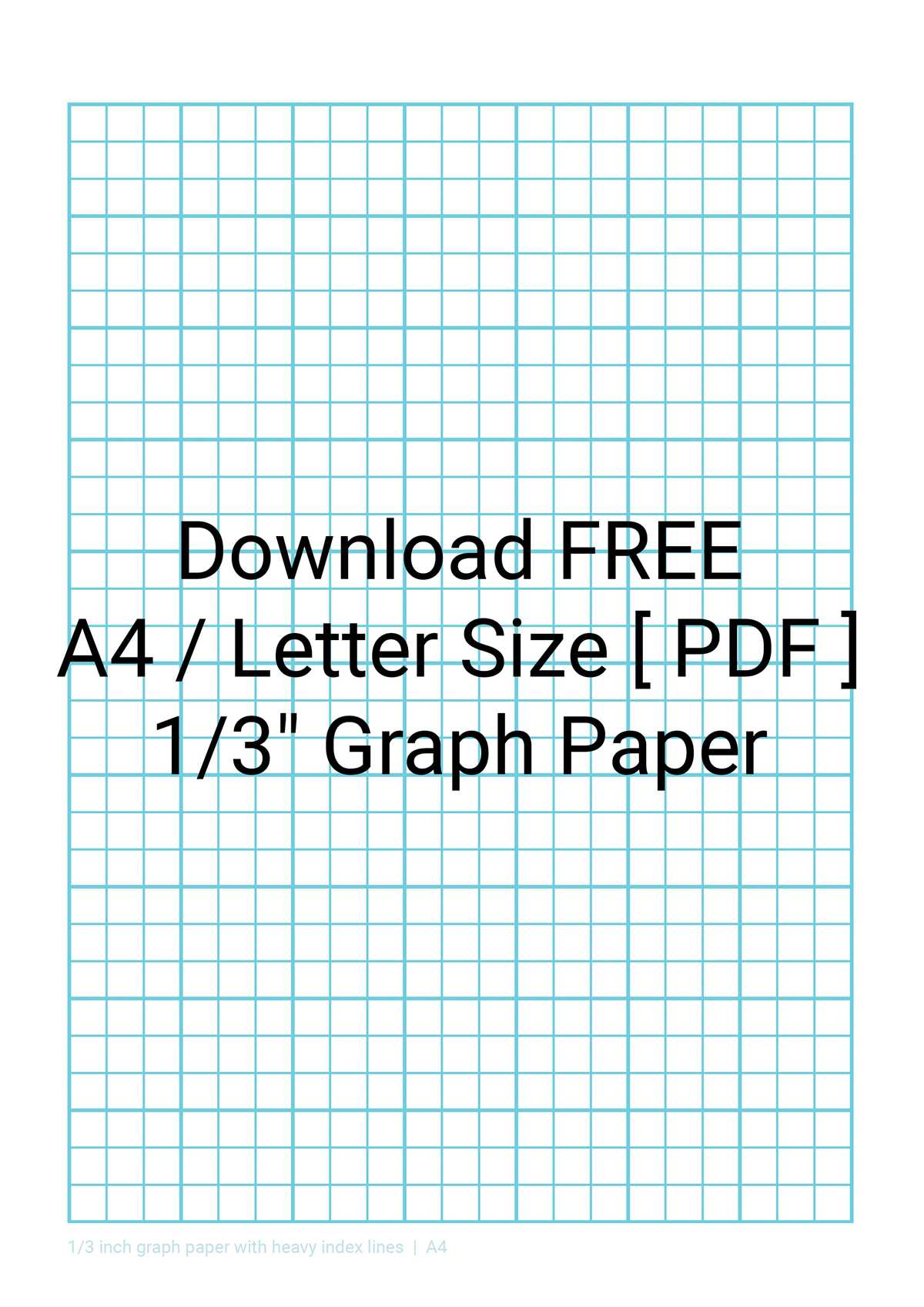
For tasks requiring exact measurements and alignments, using a grid layout with square cells provides the needed clarity. Whether you’re drawing diagrams, designing engineering models, or planning architectural projects, a well-defined grid makes it easy to keep proportions consistent and measurements accurate.
Start by selecting a template with evenly spaced squares, each representing a consistent distance. This grid layout is ideal for anyone who needs precise scaling for graphs, charts, or other mathematical tasks. You can adjust the grid’s dimensions based on the scale of your work, making it suitable for various applications from simple sketches to complex designs.
When choosing a format, make sure the spacing between the lines is clear and defined. You’ll want the grid to offer enough detail for small-scale designs while remaining manageable for larger layouts. If you need to print a ready-to-use version, ensure that the design fits your paper size, preventing any distortion of the grid while printing.
Tip: To save time, many online resources provide ready-made grid sheets, allowing you to easily print or customize grids based on your project needs.
Best Options for 0.5 cm Grid Templates
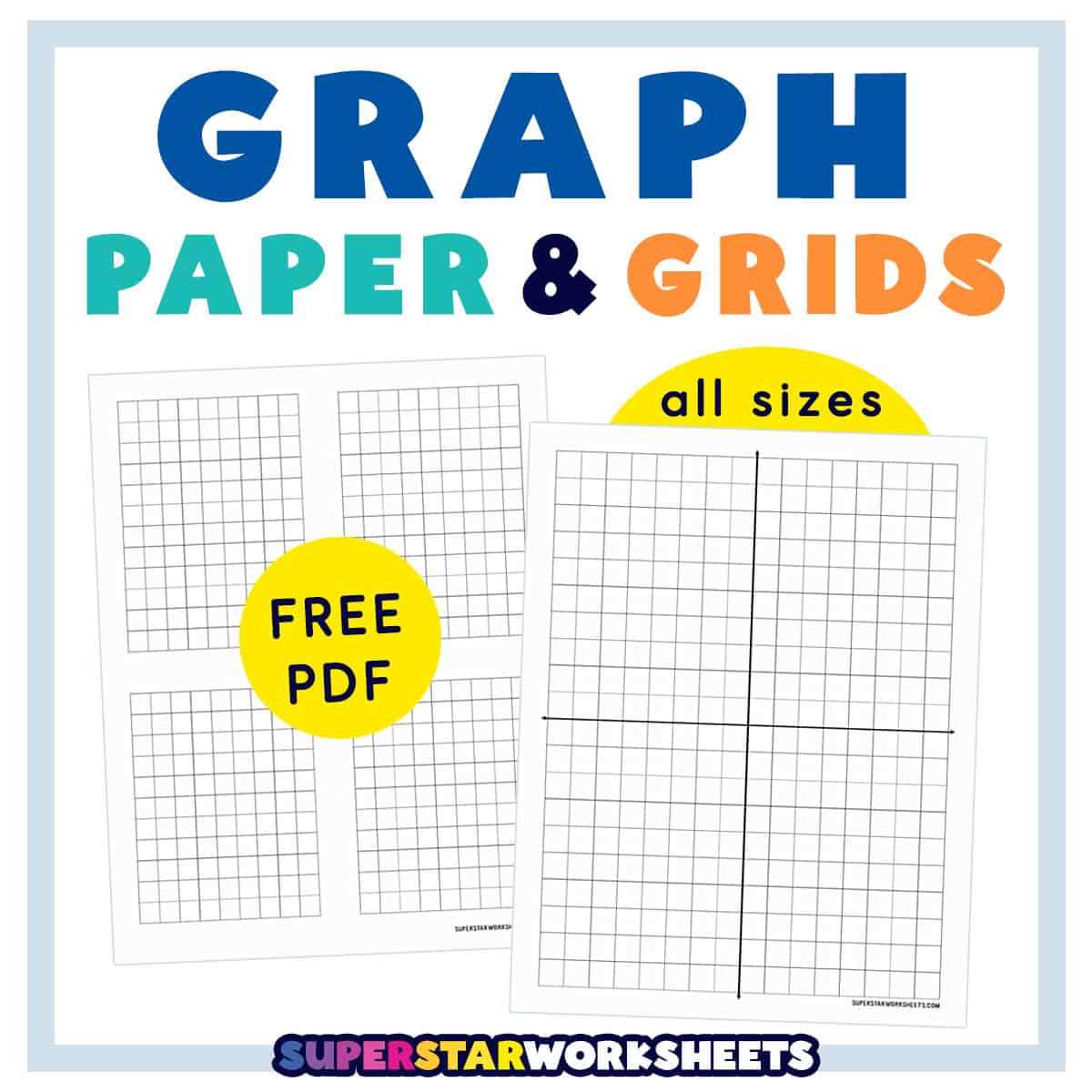
If you’re working with small-scale sketches, math problems, or precision drawing, the best option is to search for a template featuring 0.5 cm intervals. These are ideal for projects that require a higher degree of accuracy, such as architectural designs or scientific plots. You can easily find PDFs that match these exact measurements, ready for immediate printing on standard letter-sized sheets.
For an optimal experience, try choosing a version that includes clear border lines to avoid confusion during layout. Most templates come with a crisp, uniform grid ideal for precise visual work. Below is a quick reference guide for available options:
| Format | Size | Features |
|---|---|---|
| Letter Size | 8.5 x 11 inches | Standard grid, light and dark lines, border for easy alignment |
| A4 | 8.27 x 11.69 inches | Same size, perfect for international use |
How to Print Half Inch Grid Sheets at Home
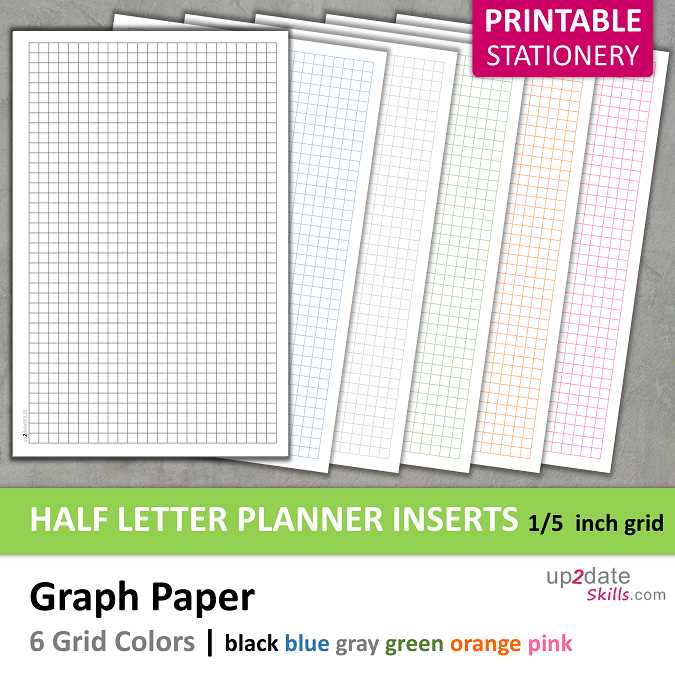
To create a grid with square sizes of 1/2 inch, start by setting your document size to 8.5″ x 11″ (standard letter size). Open your word processor or design software, and adjust the margins to narrow or zero to maximize space.
Next, choose a simple table or grid template from your software. Set the number of rows and columns to achieve the desired layout. For example, if you want 1/2 inch squares, create a table with 42 rows and 42 columns (based on the 8.5″ width and height of letter-sized paper). This will give you a dense, uniform grid.
If you’re using a design tool, such as Adobe Illustrator or Inkscape, you can set the rulers to 1/2 inch intervals and draw lines manually or use the grid feature to overlay consistent spacing. Adjust the line thickness for clear, visible divisions.
For more precision, use an online grid generator tool. These websites often allow you to select the specific size of each square and download the resulting template as a PDF or image. Ensure the page is set to print at 100% scale to avoid any distortion.
Once your grid layout is ready, save the file and open it in a PDF reader or print software. Make sure your printer settings are configured to print at actual size (100% scale), as some printers may automatically adjust the dimensions.
Finally, when ready, print your design. If your printer does not handle borderless printing, consider trimming the edges to fit the grid precisely on the paper.
Choosing the Right Paper Size for Your Graph
For maximum clarity and ease of use, opt for a sheet that provides sufficient space for your measurements and annotations. Standard formats like A4 or Letter are popular due to their versatility, but choosing the right dimensions depends on your specific needs. If your chart requires detailed scaling, a larger size can accommodate complex data without overcrowding.
The 8.5 x 11-inch format is widely used in educational and professional settings, offering a good balance of portability and space. However, for larger projects, you might consider going up to 11 x 17 inches to allow for more detailed analysis or when you need to plot multiple elements without constraints.
If the intention is to maintain precision over a longer distance or area, selecting a larger sheet allows more flexibility in arranging the design. This will help avoid shrinking too many sections into one small area, which can distort the accuracy of your work.
For quick sketches or small-scale designs, smaller formats like 5.5 x 8.5 inches may work well. These sizes are ideal for portable notebooks, where you only need to plot a few points or simple relationships between variables.
Consider the final purpose of the chart. If it’s going to be printed or displayed for others, it might be best to go with a more standardized size to ensure compatibility with common printers or framing options. Using unusual dimensions could lead to extra costs for printing or binding.
Lastly, think about the layout. If your visualizations include many elements, such as tables or notes, a larger size allows for a more organized arrangement, keeping each section distinct and legible without overcrowding. Adjust your choice based on the complexity of your content and the intended presentation format.
Common Uses of Half Inch Graph Paper in Design
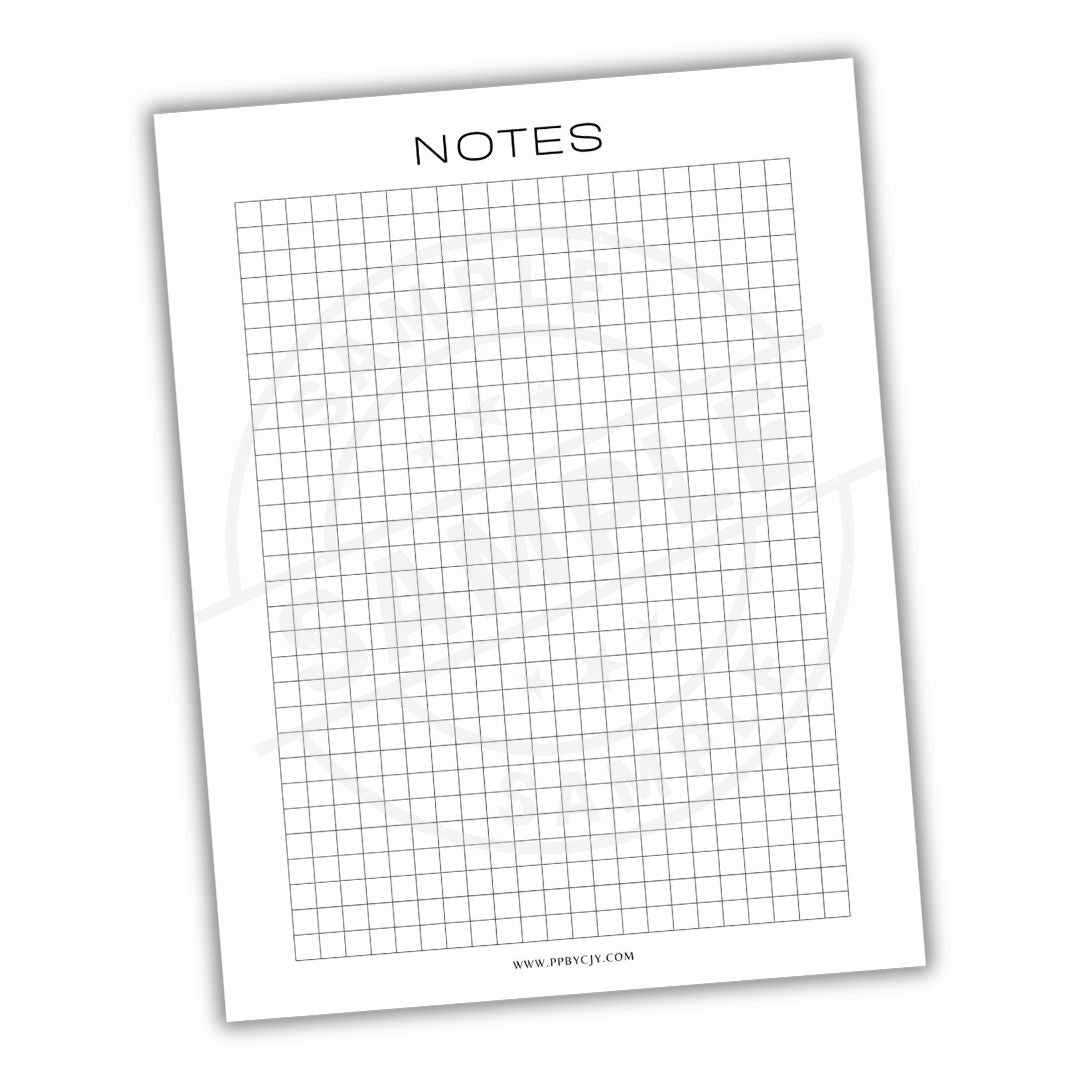
Architects often rely on the precise grid spacing offered by these sheets to draft scaled floor plans and elevations. The standard measurements make it easier to maintain consistent proportions and accurate distance between elements in architectural layouts. By using this layout, designers can convert real-world dimensions into a manageable scale that aligns with the intended structure.
Graphic artists frequently use the grid to compose balanced visuals, allowing them to structure text, shapes, and lines systematically. This design aid facilitates symmetry and proportional alignment, helping designers create clean, organized compositions. The evenly spaced lines also help with typography design, enabling consistent line breaks and consistent spacing between characters.
Engineers working on mechanical designs find these grids valuable for mapping out component placements. Whether they are sketching parts of machinery or developing schematics, the grid provides an ideal guide for ensuring components fit correctly together. The uniformity ensures that measurements are accurate, reducing the chance of misalignment during the construction phase.
Fashion designers often turn to this method when creating patterns for garments. It serves as a reliable reference for scaling and translating measurements into real-world patterns. With the grid, it’s easy to keep all parts of a design aligned and symmetrical, helping designers visualize how different fabric pieces will fit together in the final product.
Free Online Tools for Generating Printable Grid Templates
One of the most reliable resources for designing custom grid sheets is “Graph Paper Maker”. This site offers a simple, intuitive interface where users can select grid dimensions and customize line thickness, colors, and orientation. After creating the design, the page provides a direct download link to save the file in PDF format, ready to be printed.
If you’re looking for versatility, “Incompetech” is another tool that allows you to generate various types of layouts. You can choose between multiple spacing options and adjust the number of divisions per unit. This tool offers formats like PDF and image files, making it convenient for different types of printers and devices.
For those who prefer a minimalistic approach, “Printable Paper” offers an easy-to-use grid generator. The user interface is straightforward, and the tool enables fast downloads of grids in various sizes. Whether you need a simple layout for sketching or something more structured for projects, this tool can handle it with ease.
“Math-Aids” stands out with its robust set of features, allowing customization of grid templates for specific needs such as geometry and design work. The option to adjust margin settings and unit spacing provides great flexibility. After designing your template, the site lets you preview it and choose the desired format for printing or saving.
If you prefer a quick solution without too many options, “WorksheetWorks” is a good choice. It generates customizable grids with a few clicks, allowing you to adjust size and spacing. You can choose between several formats, from standard sheets to more specialized layouts, all downloadable in PDF format.
Lastly, “Gridzzly” provides a simple grid creation tool that focuses on ease of use. It offers control over spacing, line style, and layout size. Users can generate grids in a few seconds and immediately download them in PDF format, ideal for printing on various paper sizes.