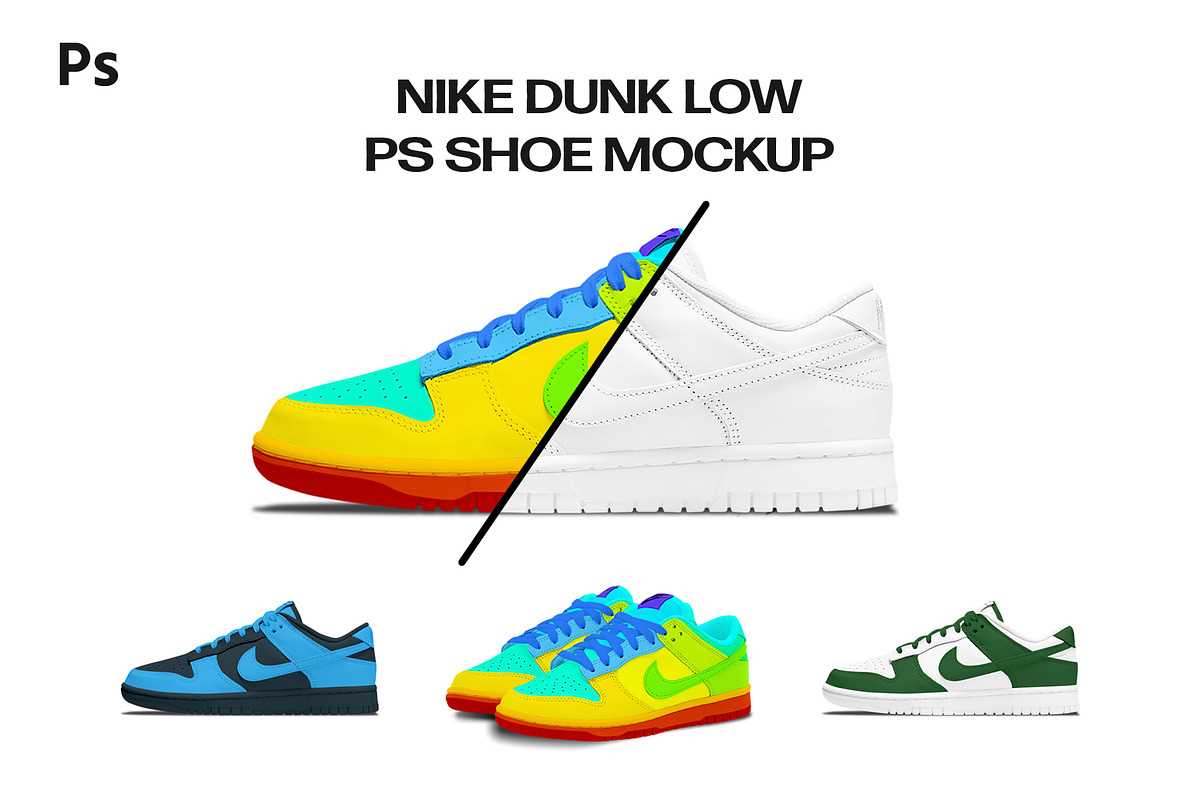
To start designing realistic shoe models, selecting high-quality patterns is key. Choose templates that align with your project goals–whether it’s for crafting, educational purposes, or creating prototypes. Make sure the design you select has clearly defined lines for easy cutting and assembly.
Once you’ve found the right pattern, print it on durable materials, such as cardstock or thick paper, to ensure the structure holds up during assembly. Many available resources allow you to customize the design further with specific colors, logos, or even textures to match the look you want to create.
For those who want to scale up the project, advanced design software can help refine the pattern to create a professional-grade model. Make sure to measure dimensions properly before proceeding with cutting, as precision is important for accurate results. These tools can elevate your project from basic to highly detailed footwear models, allowing you to express creativity with ease.
Designing Custom Footwear Models for Crafts and Prototypes

Start by selecting an accurate pattern that suits your project. Ensure that the design includes distinct sections, such as the sole, upper, and laces, to make assembly straightforward. A well-structured outline simplifies the cutting process, resulting in a more precise final model.
To print your pattern, use durable, thick paper or lightweight cardboard. These materials hold their shape better, allowing for easier cutting and assembly. Opt for high-quality prints to ensure that the lines are sharp and the design is easy to follow. If you plan to use colored designs, make sure the material is compatible with your chosen printing method.
For additional customization, consider adjusting the size and proportions of your pattern using design software. This allows you to modify the model to better fit the desired dimensions, whether for educational purposes or personal projects. Customizing the pattern lets you experiment with different textures and colors that match your vision.
When cutting the pieces, be mindful of your tools. A sharp pair of scissors or craft knife will help maintain clean edges. For intricate details, like shoe laces or eyelets, use a craft knife for precision. Ensure that your work surface is well-lit and clean to prevent mistakes while cutting.
Once the pieces are cut out, carefully assemble them. If your project requires folding or gluing, use a strong adhesive to keep the pieces in place. For 3D models, ensure that the folds are aligned correctly before securing them with glue or tape. Use weights or clips to hold pieces together while drying, especially for complex shapes like curved soles.
If you’re making a model for display or as part of a craft project, reinforce the interior of the design with lightweight foam or additional paper layers. This helps give the structure more stability and ensures that it doesn’t collapse easily. Adding details like logos, patterns, or textured designs will enhance the realism of your model.
After completing the assembly, take time to inspect your model. Look for any areas where the pieces may need additional support or adjustments. This is especially important for intricate designs where small details can affect the overall look. Fine-tuning these areas will improve the accuracy and finish of the final product.
Lastly, storing your completed model properly is important to prevent deformation. Keep your design in a safe, dry place, away from moisture or direct sunlight. If you plan on making multiple copies of the model, consider creating a template or digital version for easy reprinting and use in future projects.
How to Choose the Right Footwear Model Design for Your Project
Start by considering the intended use of your design. If you’re crafting a simple paper model, opt for a basic shape with minimal details. For more intricate projects, like 3D displays or functional prototypes, choose a detailed structure with sections that mimic real-world components like soles, uppers, and stitching patterns.
Assess the size requirements before selecting your design. Some models may need to be scaled to fit specific dimensions, especially if you’re creating a custom fit or adapting it for children’s activities. Ensure the proportions align with your final project, so you don’t have to resize it during the assembly phase.
Consider the level of complexity required for your craft. If you’re a beginner or making a simple educational tool, opt for a design with straightforward outlines and minimal curves. For advanced crafts, look for designs that feature intricate details, such as curved edges or layered components, which may require additional tools for cutting and assembling.
Look at the material compatibility. Choose a design that fits well with the materials you plan to use. If you’re using thick cardstock or foam board, select a sturdier design with thicker lines and clear, easy-to-follow outlines. For more delicate paper or fabric, look for templates with fine details that can be easily transferred and traced.
Check for any additional features such as printable textures or customizations. Some models may come with built-in patterns for stitching or detailed markings for painting and decoration. These features can add more realism or personalization to your project, so choose a template that fits your vision for the final piece.
Lastly, ensure that the template is compatible with your tools. If you plan on cutting the pieces by hand, choose a design with clean, simple lines. If you’ll be using cutting machines, look for templates that include cutting paths or vector files to ensure accuracy and ease in the cutting process.
Step-by-Step Guide to Printing a Footwear Model Design
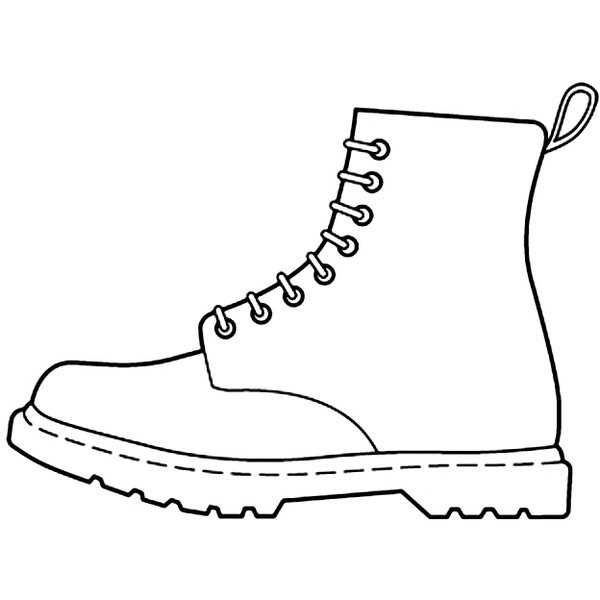
Begin by downloading your chosen footwear outline from a reliable source. Ensure that the dimensions match your intended project size. If necessary, adjust the scale settings before printing to ensure accuracy. Use a high-quality printer to maintain clarity in the design details and avoid any smudging that could affect the template’s precision.
Once printed, carefully cut out the design using a sharp pair of scissors or a craft knife. Follow the lines exactly to ensure the pieces fit together properly. If you’re working with more complex designs, consider reinforcing the printed sheet with a backing material like cardstock for added durability during assembly.
Best Materials for Printing Footwear Models
For the most accurate and durable results, start with a high-quality cardstock or thick paper. These materials provide a stable surface for detailed designs and can handle intricate lines without tearing. They are also ideal for cutting cleanly, ensuring precision during the assembly process.
If you plan on creating multiple copies or working with complex patterns, consider using a heavier weight paper such as 250gsm or 300gsm. This weight ensures that the template maintains its shape and doesn’t warp easily during handling or storage.
For added durability, opt for laminated sheets. Laminating your design provides an extra layer of protection, making the material more resistant to wear and tear. This is especially useful if you plan on using the model repeatedly or need to keep it in good condition over time.
For a more flexible option, a plastic sheet can be a good choice. It’s waterproof, durable, and easy to clean, which can be beneficial if your project involves moisture or exposure to rough surfaces. However, it requires a stronger printer that can handle thicker materials.
If you prefer a more eco-friendly option, consider using recycled paper. Many brands offer recycled cardstock that maintains a high quality while reducing environmental impact. It’s an excellent option for sustainability-conscious projects without sacrificing print quality.
Finally, when printing detailed or complex designs, make sure to use a printer that offers high resolution. A printer with at least 1200 DPI will provide sharp, clear lines, which is especially important for accurate cut lines and final product quality.
Designing Custom Features on Your Footwear Model
Start by adding personalized details such as logos or text. Using vector-based software like Adobe Illustrator or CorelDRAW, you can precisely place custom designs like initials or specific symbols onto your model. Ensure that the text is legible and scaled properly to fit within the proportions of the pattern.
Incorporating texture and pattern designs can enhance the visual appeal of your model. Experiment with various styles such as stripes, polka dots, or geometric shapes. You can also create custom textures that mimic materials like leather or mesh to give a more realistic appearance. Keep in mind that intricate patterns may require a higher resolution for printing to maintain clarity.
Consider adding sections for color blocking or specific areas where you want to highlight certain parts of the design, such as the heel or toe. This will not only help in customizing the look but also guide future assembly or coloring processes. Make sure that the segments are clearly defined, either with borders or different shading techniques.
Finally, pay attention to the alignment and overall proportion of the design. Adjusting elements to ensure that they align properly when assembled is critical for a smooth, professional finish. Double-check the symmetry of your custom features, as uneven alignment can disrupt the aesthetic and functionality of the final result.