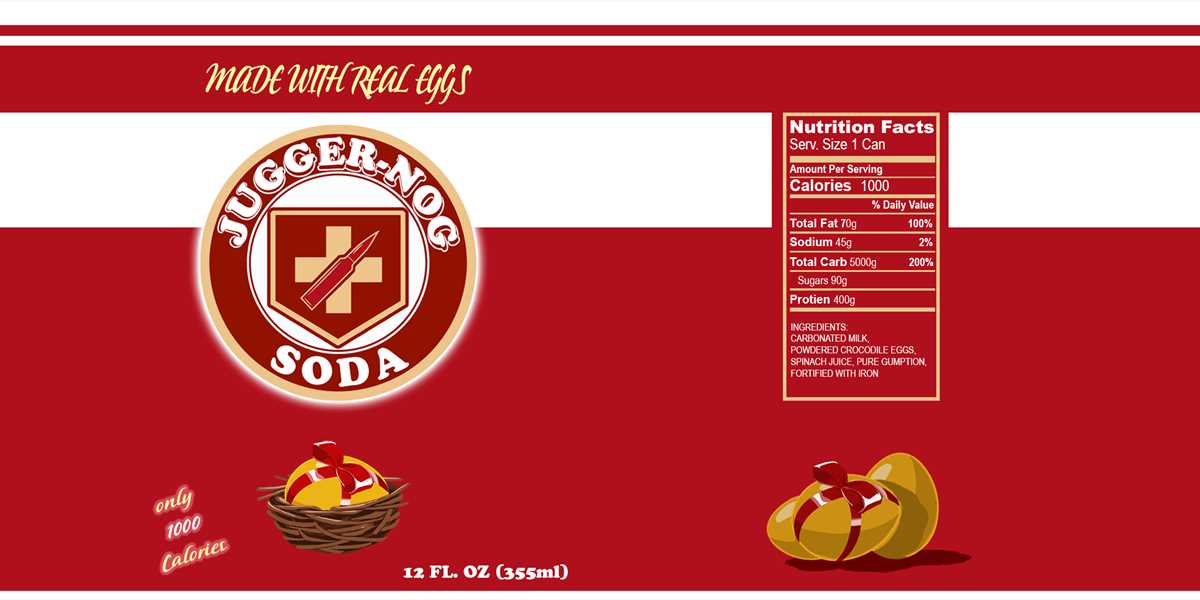
If you’re preparing for a special event and need a quick, cost-effective way to personalize drink bottles, creating your own custom covers is a straightforward solution. By designing your own wrappers, you can easily tailor them to match any theme or branding. The first step is selecting the right paper type–opt for a sturdy, water-resistant material to ensure durability during handling and refrigeration.
For the best results, choose a high-quality printer that offers sharp color reproduction. Avoid using low-resolution images or designs that may appear pixelated when printed. Pay attention to the size of the labels, ensuring they match the dimensions of the bottles you’re working with. Typically, a standard bottle wrap is about 8.5 inches wide by 2.5 inches high, but it’s always a good idea to measure and adjust the template accordingly.
Once your designs are ready, print them and carefully cut out each piece. You can either use a simple adhesive to attach the wraps, or, for a more polished look, consider laminating them for extra protection. This process is perfect for personal events like parties, weddings, or corporate gatherings, where you want to add a personal touch without spending a lot of money.
HTML Design for Custom Beverage Wrappers
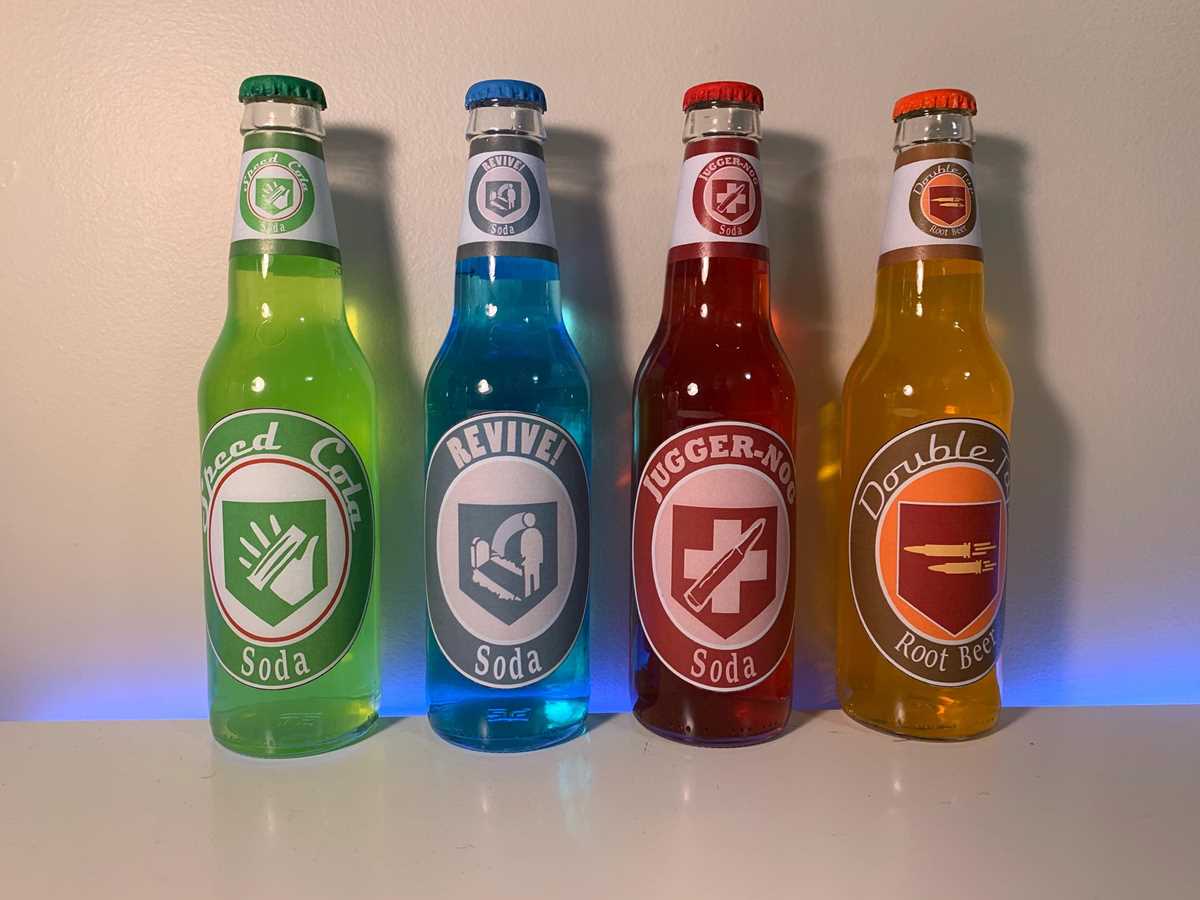
To create custom beverage wraps with HTML, start by designing the desired shape and size based on the container’s dimensions. Use CSS to ensure that the printed artwork fits snugly around the container. Consider using measurements in pixels to keep the dimensions consistent across different printers. Ensure that the text and design elements remain within the printable area, allowing room for margins to avoid cutting off important details.
Focus on high-quality visuals for the artwork, and optimize the resolution of any images included in the design. A resolution of 300 dpi is ideal for print, as it provides clear, crisp graphics when scaled. You can use vector images for logos or symbols to avoid pixelation during resizing. Always test the print by creating a sample on regular paper before printing on adhesive sheets.
For color accuracy, opt for the CMYK color mode instead of RGB. This ensures the colors print correctly, as RGB is suited for screens rather than printers. Check the color output on a test print to make sure there are no discrepancies. If printing on a dark-colored container, ensure that the design has sufficient contrast to stand out.
Once the design is complete, set up a print-friendly layout. Avoid overlapping important elements with folds or seams, which can disrupt the look. Use CSS media queries to customize the design for different paper sizes, such as letter or A4. Finally, ensure the design is compatible with the printer’s capabilities to prevent scaling or resolution issues when printing.
HTML
How to Design Perk a Cola Labels for Printing
First, choose a resolution of at least 300 DPI for your design to ensure high-quality output. This is crucial for clear, sharp images and text when printed. Use a software like Adobe Illustrator or Photoshop to set up your canvas to the proper dimensions, typically 3 inches by 4 inches for standard-sized containers. Set your file to RGB color mode, which is ideal for designs intended for print.
Next, create a visually appealing layout with a bold, readable font. Opt for large, clear typography and contrasting colors to draw attention to key information. Ensure your branding elements, such as logos and taglines, are prominently displayed. If incorporating images, make sure they are high-quality and compatible with print resolution. Leave enough white space around the edges to avoid any text or graphics getting cut off when printed and trimmed.
Lastly, save your design in a compatible format like PDF or PNG to preserve the quality and prevent any compression artifacts. Always test print on regular paper before committing to actual label sheets to check alignment and color accuracy. By doing so, you can make necessary adjustments and avoid wasting resources on incorrect prints.
HTML
Choosing the Right Paper for Your Drink Bottle Designs
Opt for high-quality glossy or satin paper for vibrant, sharp images and durability in wet conditions. Glossy paper is particularly useful for designs that require a glossy finish and rich color contrast, while satin provides a more subdued, elegant look with minimal glare. Both options resist water damage better than matte alternatives, making them ideal for beverage-related branding. When selecting the paper weight, aim for around 150-200 gsm for a sturdy, professional feel.
Consider the adhesive quality of the paper, especially if the labels will be exposed to moisture. A permanent adhesive works best for long-term use, while removable adhesives are ideal for short-term or promotional labels. Be mindful of the printer type you’re using–laser printers work well with glossy or satin sheets, while inkjet printers may require special coatings to prevent smudging. Test your paper choice with a sample print to ensure compatibility with your equipment.
Best Printer Settings for Crisp Print Quality
Use the highest DPI (dots per inch) setting your printer allows, ideally 1200×1200 or higher, for sharp, detailed output. Lower DPI results in fuzzier prints. Adjust the paper type setting to match the material you’re using–select “Glossy” or “Photo Paper” for a smooth, professional finish. This ensures the printer applies the right ink density, avoiding smudging and uneven color distribution.
Set your printer to the slowest print speed to allow for better precision, particularly when dealing with intricate designs. This will reduce the chance of pixelation or blurring. If available, enable “Best Quality” mode to enhance color richness and contrast. For printers with color calibration options, perform a test print to fine-tune saturation and hues before starting the main batch.
DIY Templates for Perk a Cola Labels: Where to Find Them
Search for high-quality resources where you can easily access editable formats for custom drink wrappers. Popular websites like Etsy and Creative Market offer a variety of downloadable options that are fully customizable for personal projects.
One way to get started is by using template-sharing platforms. Sites such as Template.net host free and paid design files that you can quickly download and personalize. These templates often come in multiple formats such as PSD, AI, and PDF, which are compatible with most design software.
Google Drive and Dropbox folders shared by designers frequently contain pre-made wrappers. These folders offer a mix of creative designs that you can easily tweak. Some designs even include instructions, making them beginner-friendly for anyone who wants to try their hand at DIY labeling.
Several free design software options, like Canva and Adobe Spark, provide editable templates online. These platforms allow you to create professional-looking designs directly in your browser, with a wide array of fonts, graphics, and templates that you can alter to fit your needs.
If you prefer working offline, consider checking out design magazines or books that feature printable templates. Many print and craft magazines offer DIY sections with templates, and a quick search at your local library or bookstore can yield some unique finds.
Another reliable method is browsing social media platforms like Pinterest. Users frequently share templates for personal and commercial projects, offering a wide range of options you can adapt for your specific design needs. These community-shared files are often free to use with proper attribution.
For those comfortable with graphic design software, you can also create your own from scratch. Free tools like GIMP or Inkscape provide powerful design capabilities to craft personalized designs with ease. Once completed, these can be saved in various formats for printing or digital use.
Finally, for specific theme-oriented designs, fan-based websites dedicated to retro or niche beverages are great places to explore. These communities often offer unique DIY resources and templates that resonate with particular aesthetics, and they’re typically free to download for personal use.