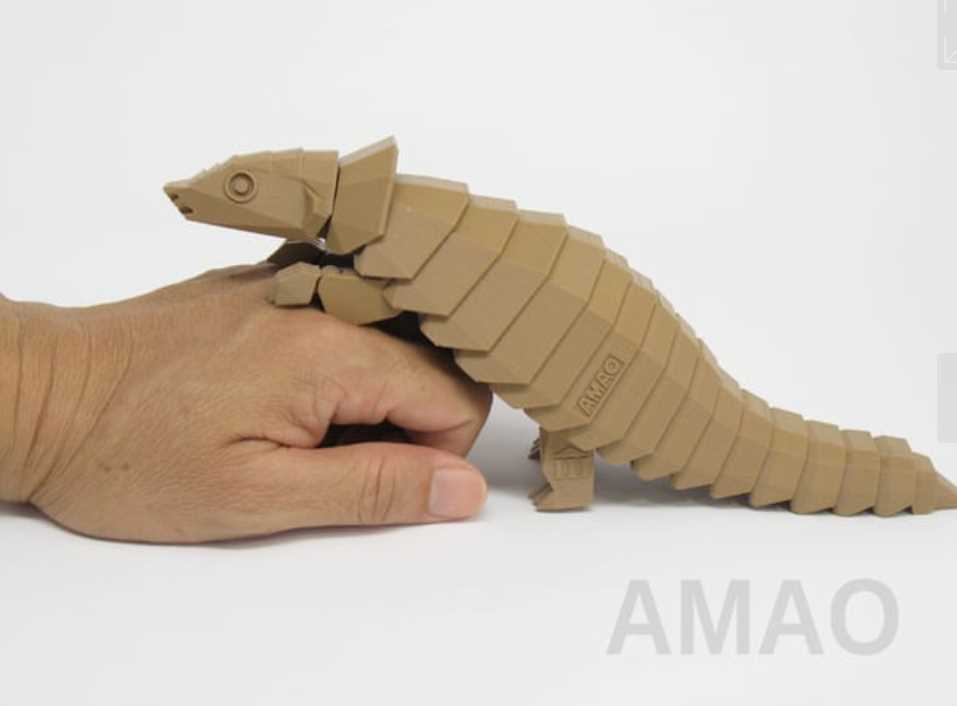
To get started with 3D modeling, search for files in .STL or .OBJ formats from platforms like Thingiverse or MyMiniFactory. Choose designs with clean lines and simple shapes that fit your printer’s capabilities. These models are typically easy to print and offer great results for beginners.
Before printing, use slicing software to adjust the model to your printer’s size. Ensure that the design is correctly scaled and aligned to avoid potential errors during the printing process. If the model is too large, consider splitting it into smaller parts for easier assembly.
When selecting materials, choose high-quality filament for better durability and finish. PLA is a reliable choice for general printing, but if you need finer details, opt for resin-based filaments. These materials allow for smoother textures and greater precision, making them ideal for intricate designs.
After printing, remove any excess support material carefully. If necessary, sand down rough edges to achieve a clean surface. Enhance your model further by painting it with acrylics or using finishing techniques like varnishing to give it a polished and realistic look.
3D Models of Creatures for Printing
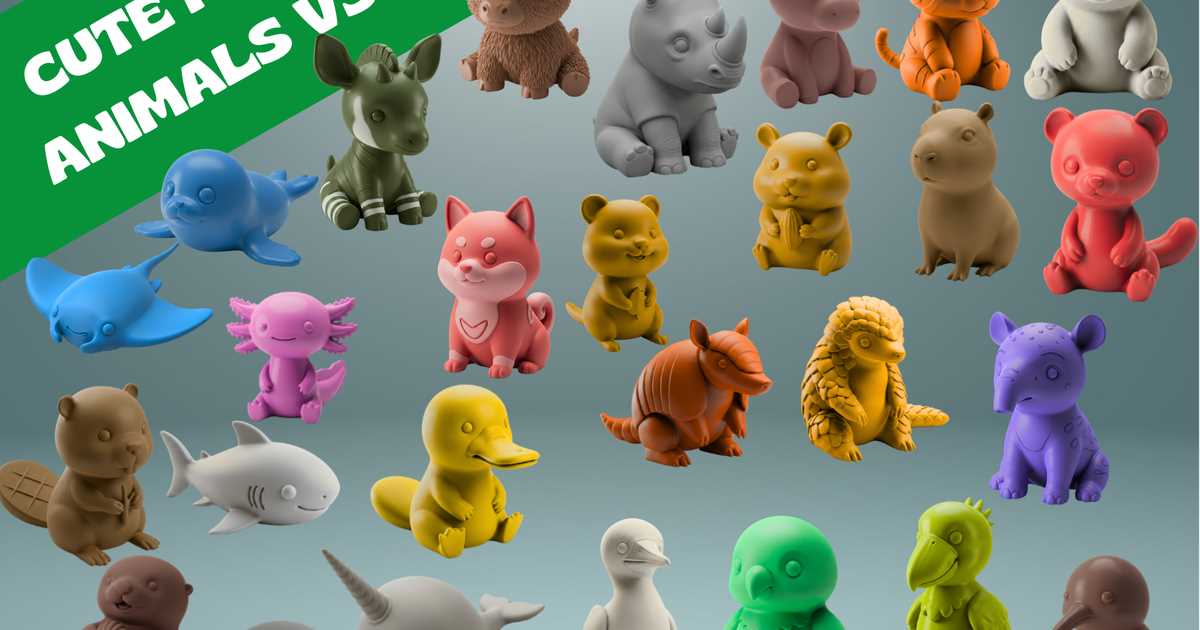
Start by selecting designs from trusted sources like Thingiverse or MyMiniFactory. Look for well-structured files, typically in .STL format, that match your 3D printer’s specifications. Keep in mind that simple figures with clear features are ideal for smoother prints.
To prepare a design for printing, adjust it using slicing software. Make sure the model fits within the limits of your printer’s build area. If the design is too large, consider resizing or breaking it into smaller parts to make the print process easier.
Choose the right material for the job. PLA is commonly used for its ease of use and reliability. If you’re printing highly detailed figures, opt for resin for finer texture. For a more durable and flexible result, use flexible filaments like TPU, especially for parts requiring bending.
Ensure the design has proper supports if necessary. For complex shapes, consider adding custom support structures in your slicing software to prevent warping or collapsing during printing. Proper support can make the difference between a successful print and a failed one.
After the object has been printed, carefully remove any remaining supports. Smooth out rough edges using fine sandpaper or a file. This will give your model a cleaner, more polished finish that enhances the final look.
To add realism and character, paint the printed model with acrylic paints. You can also apply a clear coat to protect the paint and add a shiny or matte finish. With these simple steps, your 3D printed figures will come to life with detail and precision.
How to Find High-Quality Animal Models for 3D Printing
Start by exploring well-known platforms like Thingiverse, MyMiniFactory, and Cults. These sites offer a wide variety of models, many of which are curated and rated by the community. Look for files with high user ratings and detailed descriptions to ensure quality. Pay attention to the number of downloads and comments, as these often indicate the model’s reliability and printability.
Additionally, consider checking out specialized 3D modeling websites and professional designers’ portfolios. Websites like TurboSquid or CGTrader offer premium models that can be purchased for higher quality and precision. These models are often optimized for 3D printing, with proper detailing and support structures already in place, reducing the need for post-processing adjustments.
Step-by-Step Guide to Preparing 3D Animal Files for Printing
Start by selecting a model that is properly designed for 3D printing. Look for formats such as STL or OBJ, which are widely accepted by most 3D printers. Avoid models with complex or unsupported structures that may cause issues during printing. It’s helpful to choose files that are optimized for your specific printer model or material type.
Next, use slicing software like Cura or PrusaSlicer to prepare the file for printing. Open your selected file in the slicer and check the scale. Make sure the size is suitable for your printer’s build volume. You can adjust the dimensions, but ensure that the proportions remain intact to avoid printing issues.
After adjusting the size, it’s time to set up supports. Some models require supports to ensure they stay stable during printing, especially if they have overhangs. In the slicer software, enable the support generation option, choosing between tree supports or grid supports depending on the model’s needs.
Check for any non-manifold edges or inverted normals in the model. These issues can prevent the model from printing correctly. Use software like Meshmixer or Netfabb to analyze and fix any geometry errors before continuing. This will ensure the file is printable and free of structural flaws.
Choose the correct material settings for your 3D printer. Whether you are using PLA, ABS, or resin, make sure to set the appropriate temperature for the extruder and the build plate. Refer to the material’s datasheet for the optimal settings. These choices will influence print quality, strength, and adhesion.
Review the print speed settings in your slicing software. Slower print speeds generally yield higher-quality results, especially for detailed models. However, you may want to speed up the process for less intricate prints. Experiment with speeds and layer heights to find the best balance between speed and quality.
Once all settings are in place, generate the G-code file and save it to your SD card or USB drive. This G-code file contains all the necessary instructions for your 3D printer to follow during the print. Double-check the file path to ensure it’s properly saved for easy access during printing.
Finally, run a test print or preview the slicing layout to check if everything looks correct. This can help identify potential issues before starting a full print. Make any necessary adjustments, then proceed to print the model. Monitor the print for the first few layers to ensure it adheres to the bed properly.
Choosing the Right Materials for Printing Animal Models
Selecting the right filament for your project is critical for both the appearance and durability of your 3D creations. PLA (Polylactic Acid) is a common choice for beginner projects due to its ease of use and low printing temperature. It works well for static models that won’t be subjected to heavy handling. PLA also provides a smooth finish, making it a great option for detailed figures where fine textures are important.
If you need a more durable and heat-resistant model, ABS (Acrylonitrile Butadiene Styrene) is a better choice. It offers higher strength and flexibility, making it suitable for models that will undergo more stress. For more intricate designs or figures with thin parts, consider using resin, which can achieve a high level of detail and precision. However, resin requires additional post-processing, including cleaning and curing, which can increase the overall project time.
Creative Ways to Use 3D Printed Animal Models in Projects
One of the most exciting ways to incorporate 3D-created creatures is by adding them as unique decorations for home or office spaces. Small figurines or detailed sculptures can add personality to any environment. By choosing various poses or species, you can create a diverse, customized display. You can even paint them with vibrant colors to match your interior design or seasonal themes.
Educational tools can greatly benefit from 3D models. For teachers and educators, these figures can be used in classrooms to engage students. Whether it’s a geography lesson about biodiversity or a science project on ecosystems, having tangible representations of creatures can improve understanding and retention of the material. Students can also be encouraged to print and paint their own models as part of a hands-on activity.
For hobbyists and collectors, 3D-printed figures offer endless customization opportunities. You can design and create a set of wildlife replicas, modify their sizes, or make variations with different poses. This is particularly popular with model collectors who wish to craft dioramas. These models can be incorporated into detailed landscapes for scale-model recreations of nature scenes.
Another creative approach is to integrate these figures into jewelry or fashion accessories. Small sculptures of wildlife can be turned into charms for bracelets, necklaces, or earrings. You can use flexible filament to create wearable pieces, ensuring comfort and durability. By adding intricate details, such as textures on fur or scales, you create unique items that showcase creativity.
3D animal models can also be incorporated into interactive or tech-based projects. For instance, you can pair them with sensors or LEDs to create interactive exhibits or dioramas that light up when activated. These kinds of setups are perfect for events, science fairs, or art installations where a blend of physical models and technology adds a dynamic aspect to the experience.
For those interested in making custom gifts, 3D-printed creatures can be personalized for specific occasions. Whether it’s creating a custom mascot for a local team or crafting a personalized figure for a friend’s birthday, these objects can be tailored to make thoughtful, one-of-a-kind gifts. The customization can also extend to engraving names or messages, making it more special.
Incorporating 3D models into games and toys is another fun way to use these creations. You can design and print action figures that serve as characters for a board game or a role-playing game. These miniatures can be used in strategy-based games, adding a tactile and immersive experience that enhances playability.
Finally, 3D-printed models can be utilized for wildlife conservation or awareness campaigns. By printing and distributing educational figures of endangered species, organizations can raise awareness in a more interactive and engaging way. These models can also serve as visual aids at museums, zoos, or events that focus on conservation efforts.