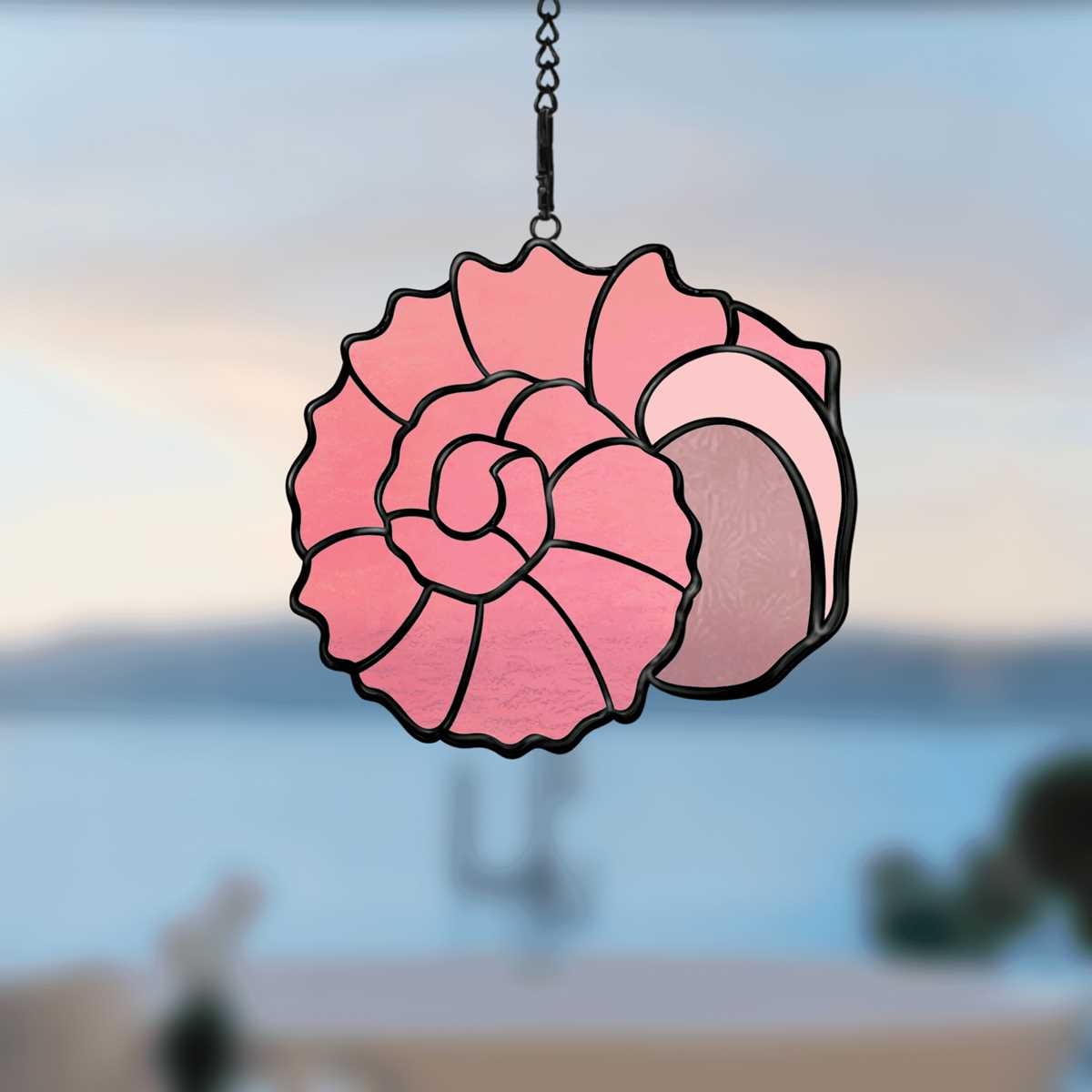
Download high-resolution shell outline sheets in A4 or US Letter format at 300 DPI to ensure clean edges and accurate scaling for crafts, classroom activities, and home décor projects. Choose vector-based files (PDF or SVG) for sharp contours that remain crisp after resizing, especially for cutting stencils from cardstock between 180–250 gsm.
For coloring pages, select detailed conch, scallop, and spiral mollusk illustrations with line weights between 0.5–1 pt to balance clarity and ease of filling. Younger children benefit from bold, simplified contours, while older students and adults prefer intricate ridges and segmented structures reflecting real marine specimens such as nautilus and abalone forms.
Use mirrored outlines for symmetrical cutting projects, including garlands and window décor. For textile transfers, print the design using pigment-based ink on transfer paper and press at 180–190°C for 10–15 seconds. When creating layered artwork, combine silhouette templates with textured overlays to replicate natural grooves and radial lines typical of coastal shells.
Store digital files in organized folders labeled by shell type–spiral, fan-shaped, or elongated–to streamline future use. Maintaining a consistent margin of at least 10 mm around each illustration prevents trimming errors and preserves structural details during printing and cutting.
Printable Seashell Patterns: Practical Guide for Crafts and Decor
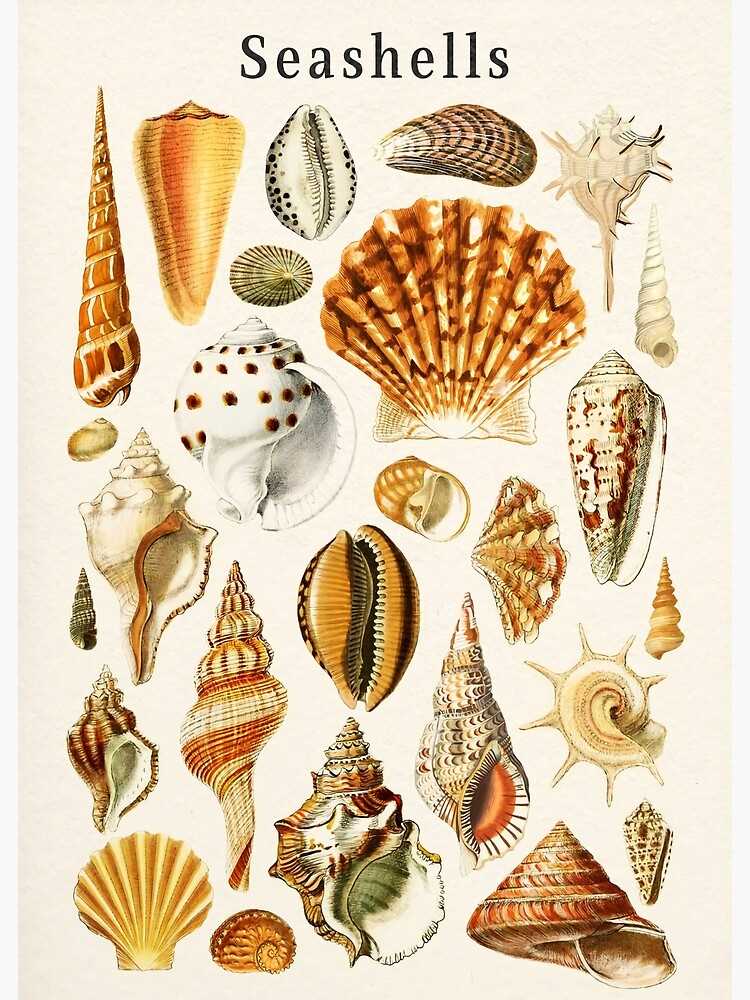
Select high-resolution shell outlines in vector PDF or SVG format at 300–600 dpi to maintain crisp edges after scaling. For wall décor larger than A3, choose files with adjustable anchor points so you can resize without pixelation. Use heavy matte paper (200–250 gsm) for standalone ornaments and 120–160 gsm sheets for decoupage or collage work. For repeated motifs on fabric, mirror the outline before printing to create symmetrical compositions suitable for cushion covers or table runners.
For children’s crafts, opt for simplified clam, scallop, and conch silhouettes with bold 2–3 mm contour lines. Thick borders prevent tearing during cutting and allow easy coloring with wax crayons or acrylic markers. Laminate finished pieces with 80–100 micron pouches to transform them into durable stencils for sand painting or textured plaster art.
Interior decorators can apply marine-themed templates to create framed gallery sets. Combine 5–7 different mollusk shapes in uniform black ink on off-white cardstock, each measuring 18×24 cm, and mount them in thin wooden frames with 2–3 cm passe-partout margins. For coastal-style bathrooms, transfer outlines onto self-adhesive vinyl and apply to ceramic tiles; use waterproof pigment ink to avoid fading under humidity above 70%.
For textile projects, print mirrored spiral or fan-like shell graphics onto heat-transfer paper designed for cotton blends (up to 60% polyester). Press at 180°C for 12–15 seconds using firm pressure; peel backing while warm for smoother adhesion. This method suits tote bags, beach towels, and decorative pillowcases. Prewash fabric without softener to improve pigment bonding.
In scrapbooking and cardmaking, integrate miniature shell contours sized between 3–6 cm. Arrange them diagonally across A6 greeting cards, layering with kraft paper strips and jute twine for tactile contrast. Emboss selected segments with clear powder to create glossy accents resembling polished nacre. Limit the color palette to sandy beige, muted coral, and deep navy for visual cohesion.
For three-dimensional décor, print large-format outlines (up to 40 cm height), adhere them to 3–5 mm foam board, and cut with a precision blade at a 45-degree angle for clean edges. Stack two identical cutouts with a 1 cm spacer between them to achieve a shadow-box effect. Install LED strip lighting behind the structure for subtle backlighting that highlights the spiral geometry and ridged contours characteristic of marine mollusk shells.
Where to Find High-Resolution Printable Seashell Patterns for Free and Commercial Use
Download vector and 300–600 DPI raster artwork from curated stock libraries that clearly state license terms; the fastest route is to use filtered searches on reputable platforms with “commercial use” enabled and minimum size set above 4000 px.
Free collections with permissive licenses are available on:
- Unsplash – large JPG files (often 5000+ px on the long side); check each photo’s license page for redistribution limits.
- Pexels – high-resolution coastal imagery suitable for craft templates; avoid trademarked objects in compositions.
- Pixabay – includes vectors in SVG and AI formats; filter by “Illustrations” and download source files for scaling without quality loss.
- Rawpixel (Public Domain section) – scanned vintage marine engravings in 600 DPI TIFF.
For commercial projects that require clean line art or editable contours, use vector marketplaces offering royalty-free licenses:
- Freepik – EPS and AI files; verify whether attribution is required under the chosen license tier.
- Vecteezy – filter by “Free License” or “Pro License” and download SVG for laser cutting or vinyl plotting.
- Creative Fabrica – craft-oriented bundles with extended commercial terms for physical products.
Public domain archives provide antique marine illustrations with no copyright restrictions. The Biodiversity Heritage Library and museum digitization portals host 19th-century plates scanned at 400–800 DPI. Download original TIFF files rather than compressed previews to preserve fine ridges and spiral details for stencil or coloring sheet creation.
Search tips that reduce manual cleanup:
- Use queries like “marine mollusk engraving vector” or “conch outline SVG 600 DPI.”
- Apply size filters above 3000 × 3000 px for raster files.
- Sort by “Newest” to avoid overused stock graphics.
- Check metadata for color profile (prefer Adobe RGB or sRGB for print consistency).
For scalable templates suited to plotters and CNC devices, prioritize SVG, EPS, or AI formats. Open files in Illustrator or Inkscape and inspect anchor point density; excessive nodes signal auto-traced images that may produce jagged edges during cutting. Clean vectors typically have smooth Bézier curves and grouped layers labeled logically.
Before distributing items for sale, read the license summary and full agreement: confirm rights for physical merchandise, digital redistribution, and use in print-on-demand marketplaces. Keep screenshots of license pages and invoice IDs as proof. This practice avoids disputes when artwork appears in books, wall decals, textile prints, or educational worksheets.
How to Choose the Right File Format and Paper Type for Crisp Seashell Prints
Choose PDF (300–600 DPI, CMYK) for sharp edges and consistent color, especially for detailed coastal motifs with fine ridges and spiral lines. For home inkjet printers, high-quality PNG at 300 DPI preserves transparency and prevents compression artifacts around thin contours. Avoid JPEG for intricate marine illustrations; its lossy compression creates visible blurring along curved edges and subtle tonal transitions.
Match file format to printer technology. Laser printers handle vector PDF files best, producing precise outlines without pixelation at any scale. Inkjet devices reproduce gradients and soft shading more accurately from high-resolution raster files. If scaling artwork beyond 100%, use vector sources (AI, SVG exported to PDF) to avoid jagged borders along shell ribs and growth rings. For prints smaller than A5, 300 DPI is sufficient; for A3 and larger, raise resolution to 400–600 DPI to maintain line clarity.
Select paper weight based on ink coverage. For minimalistic line drawings, 200–250 gsm matte cardstock prevents bleed-through and keeps edges defined. For richly shaded coral-inspired graphics, 230–300 gsm satin or semi-gloss paper enhances contrast without excessive glare. Avoid thin office paper (80–100 gsm); it absorbs too much ink, softens micro-details, and causes slight warping in humid conditions.
Control surface texture carefully. Smooth (calendered) sheets render microscopic grooves and spiral centers more distinctly than textured watercolor stock. If you need a tactile feel, choose light texture under 150 microns depth; deeper grain disrupts fine contour lines. Always run a small 5×5 cm test strip to verify ink density and sharpness before printing the full sheet.
Step-by-Step Guide to Scaling and Printing Seashell Templates for Wall Art
Set the exact wall dimensions before adjusting any shell outline file: measure width and height in centimeters, then subtract at least 8–10 cm from each side to create a visual margin. Open the template in vector software (Adobe Illustrator, Inkscape) and switch units to millimeters for precision. Lock the aspect ratio and enter the target height manually–for example, 600 mm for a medium wall panel above a sofa. For raster files (300 DPI recommended), calculate pixel dimensions by multiplying the intended print size in inches by 300. A 24-inch tall nautilus illustration requires 7200 pixels in height to avoid blur. Activate print preview with a visible grid to verify proportions before exporting to PDF with crop marks enabled.
Choose paper based on scale and placement. For artwork under 40 cm, 250–300 gsm matte cardstock prevents curling; for pieces larger than 70 cm, select 180–220 gsm coated paper to reduce weight if framing under glass. Use the table below to match size, DPI, and recommended media:
| Final Height | Minimum Resolution | Paper Weight | Printer Setting |
|---|---|---|---|
| 30–40 cm | 300 DPI | 250–300 gsm matte | High Quality, no scaling |
| 50–70 cm | 300 DPI | 200–250 gsm satin | Best Photo, borderless off |
| 80–100 cm | 240–300 DPI | 180–220 gsm coated | Poster mode or tiled print |
For oversized conch or scallop silhouettes exceeding A3 format, activate tiled printing (poster mode) and set overlap to 10–15 mm to allow accurate alignment. Trim margins with a metal ruler and craft knife rather than scissors to maintain straight edges. Align sections on a flat surface using removable tape on the reverse side. If mounting without a frame, spray adhesive applied from 20–25 cm distance ensures even coverage without paper warping. After mounting, press the surface with a clean microfiber cloth from center outward to remove trapped air before fixing the finished marine motif to the wall with concealed mounting strips rated for the artwork’s weight.