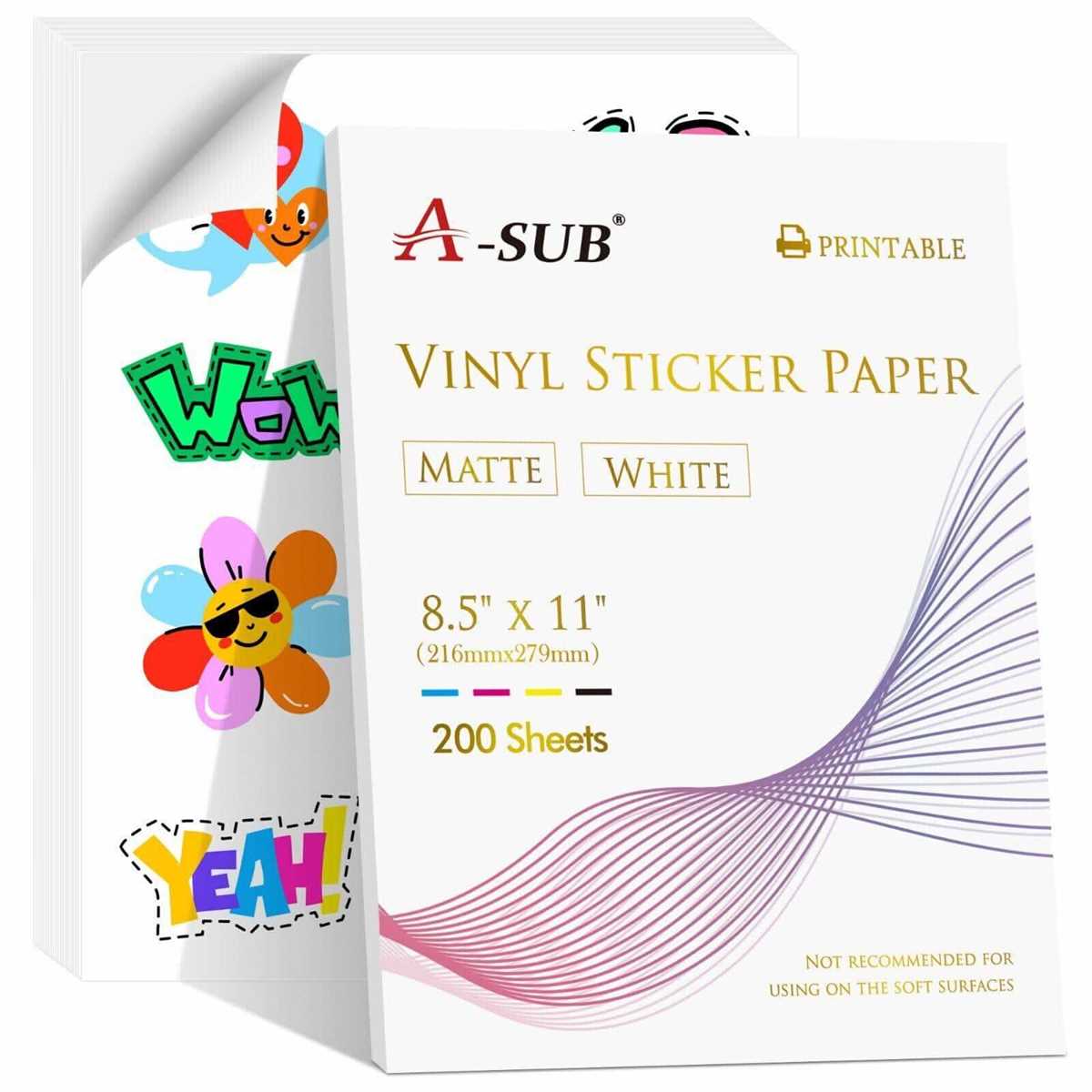
When working with materials that need to endure exposure to moisture, it is crucial to select the right type of paper or sheet. Opt for specially designed options that resist water damage and maintain print quality, even under humid conditions. These materials provide excellent durability for projects that require long-lasting prints such as outdoor signage, waterproof labels, or custom decals.
Before printing, ensure that your printer settings are adjusted to accommodate thicker, more robust sheets. These materials often have a different texture compared to standard paper, so tweaking your printer settings will help avoid issues like ink smudging or poor adhesion. Always check the manufacturer’s guidelines for your specific printer model to ensure compatibility with the material.
Once you’ve selected the right sheets and configured your printer, proceed with printing your design. It’s advisable to use high-quality, pigment-based inks, which are more resistant to fading compared to dye-based inks. After printing, consider applying a protective coating to further safeguard your designs from scratches, smudges, or fading from prolonged exposure to water.
Whether you’re creating custom stickers, labeling products, or crafting personalized gifts, using the right materials and techniques will ensure that your creations are both functional and long-lasting. With the correct preparation, the final result will withstand moisture while maintaining a crisp, vibrant appearance.
Durable Materials for Moisture-Resistant Printing
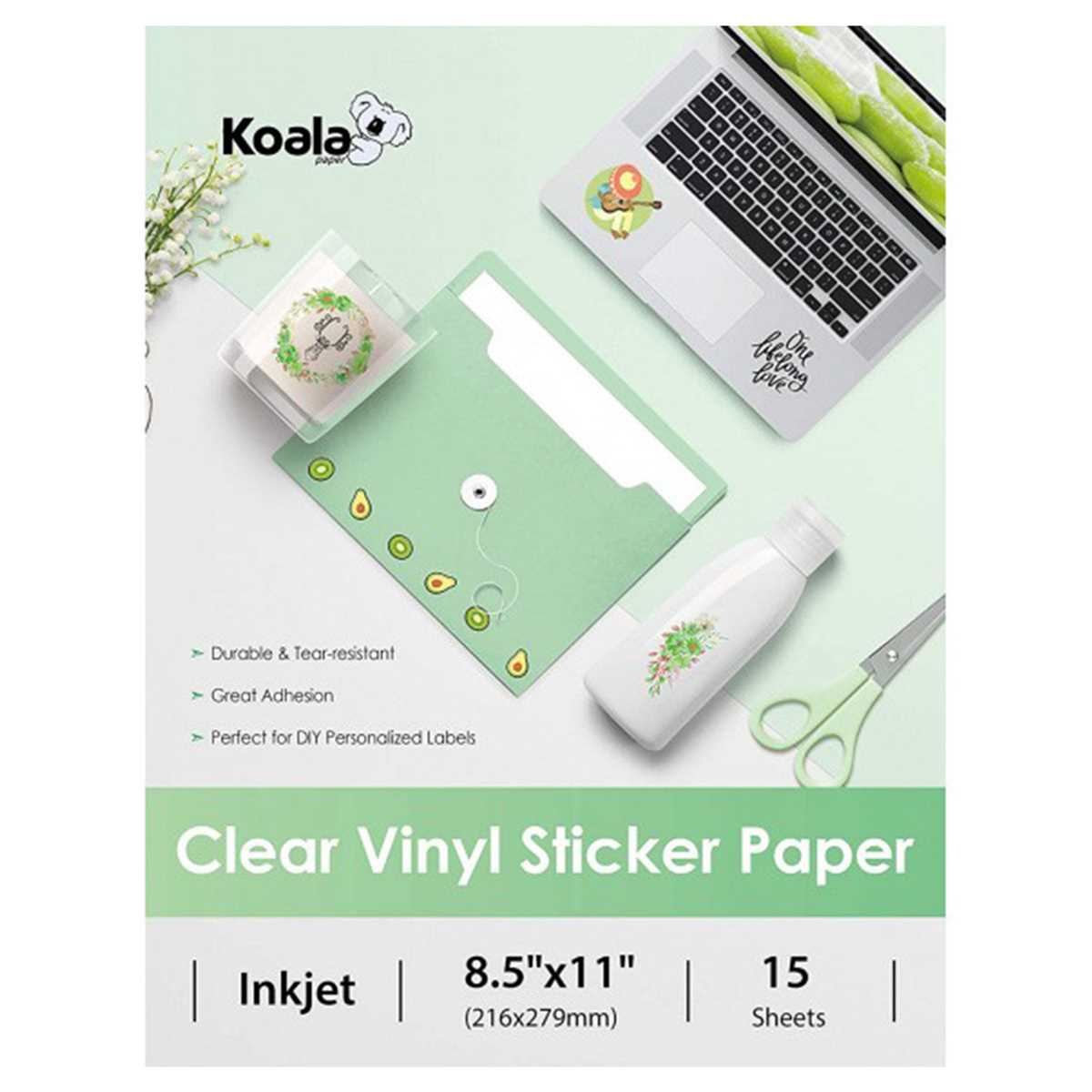
Select materials that resist moisture and provide durability for your prints. These specialized sheets are designed to endure challenging conditions like humidity or water exposure, making them ideal for long-lasting decals, labels, and outdoor signage.
When using these sheets, ensure your printer is compatible with thicker media. Adjust the settings accordingly to avoid print smudging and to get the best quality output. It’s crucial to ensure that the sheets are aligned correctly to prevent paper jams or misprints.
Choose ink that is pigment-based rather than dye-based. Pigment inks offer better resistance to fading and water damage. This ensures that your prints retain their sharpness and vibrancy even when exposed to wet environments or high moisture levels.
For added protection, after printing, consider applying a clear laminate coating. This layer enhances the print’s longevity, preventing it from being damaged by scratches or fading, especially in outdoor or high-contact applications.
These materials are widely used for custom crafting, product labeling, and even creating waterproof stickers. Whether you’re working on personal projects or professional applications, they provide a robust solution that withstands the test of time and environmental exposure.
Choosing the Right Waterproof Vinyl for Your Printer
Ensure you select a material that matches the printing capabilities of your device. Some types are thicker and require more advanced models, so check your printer’s compatibility before purchasing. Look for specific specifications on weight and thickness.
Consider the adhesive backing of the material. Choose one that suits your project’s needs–permanent or removable. For outdoor use, a stronger adhesive will provide better durability against environmental exposure.
Ensure the surface is compatible with your chosen ink type. Certain materials work best with pigment inks, which resist water better than dye-based inks. Read the manufacturer’s guidelines to confirm ink compatibility to avoid poor results.
If you’re printing designs with intricate details or sharp lines, opt for a smoother finish. A smooth surface provides higher quality prints, ensuring your artwork appears clean and sharp without bleeding or smudging.
When looking at pricing, balance cost with longevity. While cheaper options may seem appealing, they may not offer the same durability or water resistance as more premium products. Invest in higher quality materials if you require long-term performance.
Finally, review customer reviews and ratings before purchasing. Feedback from users with similar projects can offer insights into the material’s actual performance, durability, and print quality, helping you make an informed choice.
Preparing Your Inkjet Printer for Printing on Waterproof Vinyl
Start by adjusting your printer settings. Ensure the correct paper type is selected, typically under “photo paper” or “specialty media,” depending on the material you’re using. This ensures optimal ink distribution and reduces the risk of smudging.
Before inserting the material, clean the printer’s print heads. Any dried ink or dust can cause streaks or poor adhesion on the surface. Run a cleaning cycle from the printer settings to maintain print quality and prevent clogged nozzles.
Test the media before printing a full design. Print a small section to ensure the ink adheres properly and dries quickly. If you notice any issues, adjust the settings, such as reducing the ink saturation or using a different paper type selection.
Step-by-Step Guide to Printing on Waterproof Vinyl
1. Adjust your printer settings. Set the paper type to the specific material you’re using to ensure proper ink adhesion. This will prevent ink from smudging and provide a cleaner result.
2. Prepare the material. Before inserting the sheet into the printer, make sure it’s flat and free from dust or debris. A smooth surface is necessary for the best print quality.
3. Load the sheet correctly. Insert the material into the printer with the print side facing up, aligning it to the paper feed tray. Check the printer’s instructions for specific paper orientation.
4. Print a test page. Always print a small design first to ensure the settings are correct. If colors appear off or the ink does not adhere well, adjust the ink density or paper type in the printer settings.
5. Let the design dry. Once the print is complete, allow the material to dry for a few minutes. Even if your printer claims to be fast-drying, it’s always best to let it sit for a few moments to ensure the best results.
6. Handle with care. After printing, avoid touching the printed area immediately. The ink may still be susceptible to smudging, so give it ample time to set before moving the material around.
How to Ensure Durability and Longevity of Your Prints
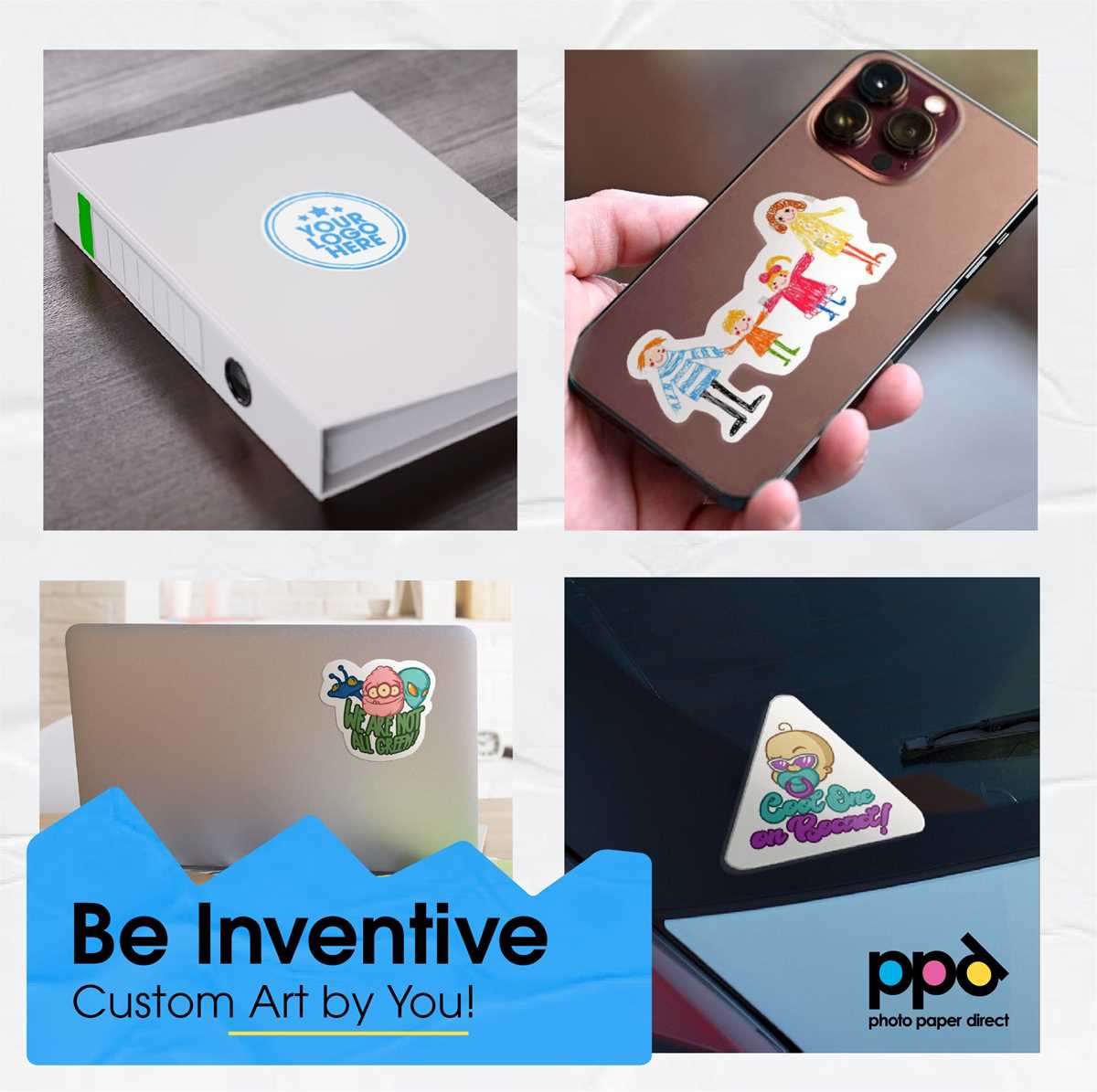
To extend the lifespan of your printed designs, apply a clear, protective coating after printing. Choose a high-quality spray or liquid sealant designed for your material type. This will shield the print from moisture, scratches, and fading caused by UV exposure. Make sure to cover the entire surface evenly and allow sufficient drying time between layers for optimal protection.
Store the prints properly to prevent damage. Keep them in a dry, cool place away from direct sunlight. For items that will be exposed to frequent handling or outdoor conditions, consider laminating them or using a protective cover to keep them in top condition. Regularly inspect your prints for signs of wear and touch up any areas that may need reinforcement to maintain their appearance.