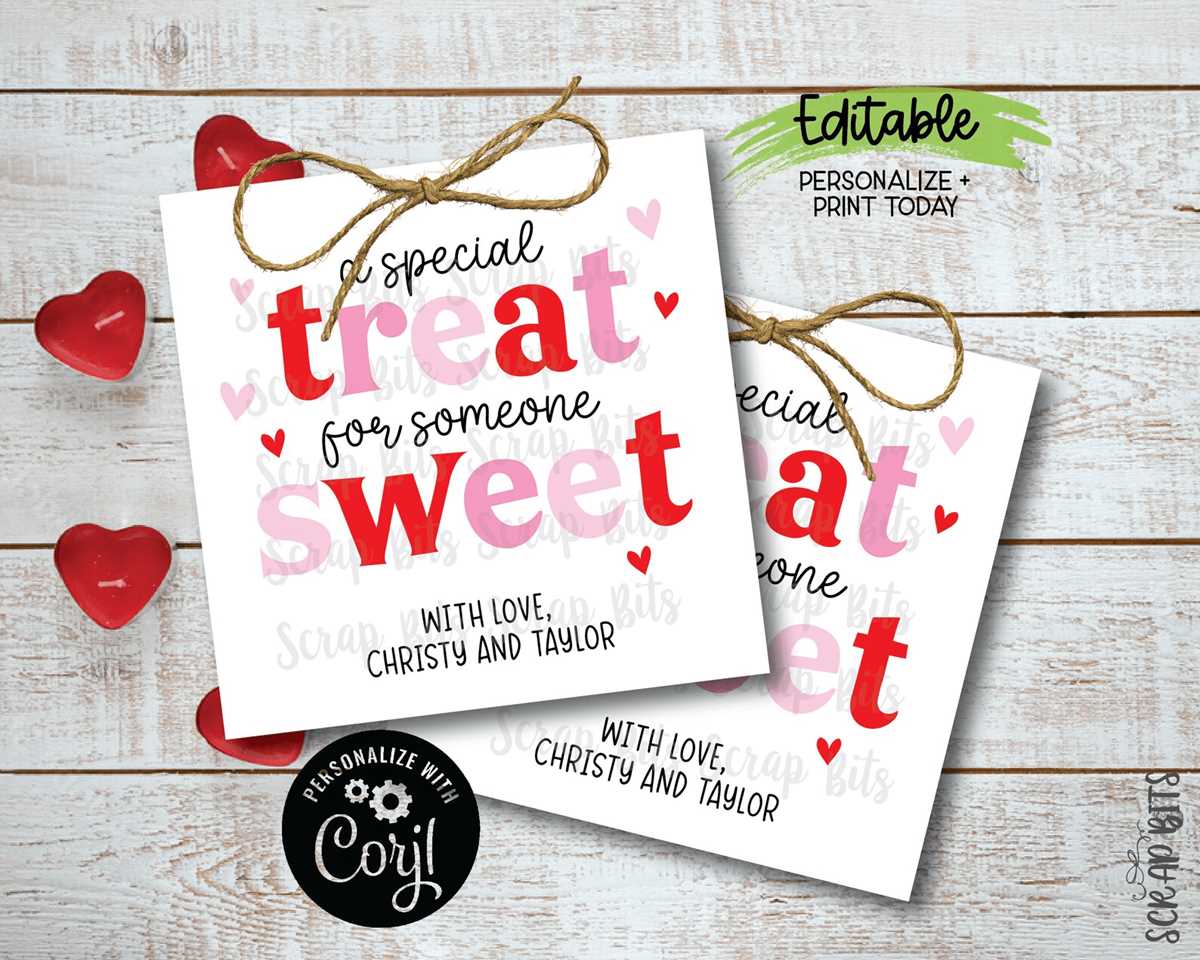
To make your gifting or decor extra special, consider using custom tags. These small touches can elevate even the simplest gift, adding a personalized element that is sure to impress. Whether it’s a gift for a loved one, a card, or a treat bag, a well-designed tag can make all the difference.
When selecting a template, it’s important to keep in mind the size and purpose of the design. A properly sized item will fit seamlessly with your packaging or gift. You can adjust the design to suit the occasion, whether you’re creating something whimsical or elegant.
If you’re printing at home, choosing the right paper is critical. Opt for thicker materials to ensure the tags feel sturdy and professional. Also, consider the color contrast of your design so that the text remains legible and visually appealing on the final product.
Creative Tags for Special Occasions
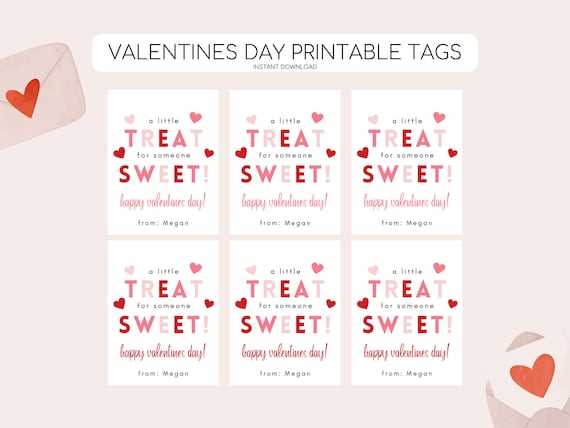
Customize your gift tags by choosing unique fonts and colors that align with your theme. Use pastel shades for a soft, romantic look or opt for bold colors to make a statement. Be mindful of the text size to ensure it’s clear and legible, even when printed at a smaller scale.
For a personal touch, add a message or your own handwritten note. You can also include small illustrations like hearts or flowers to match the occasion. This will give your tags a bespoke feel, making the recipient feel even more appreciated.
Choosing the right paper is key to durability. Opt for heavyweight or textured paper to enhance the overall quality. This will ensure that your design stays intact, even when attached to a gift bag or box, ensuring your hard work shines through.
Choosing the Right Size for Your Labels
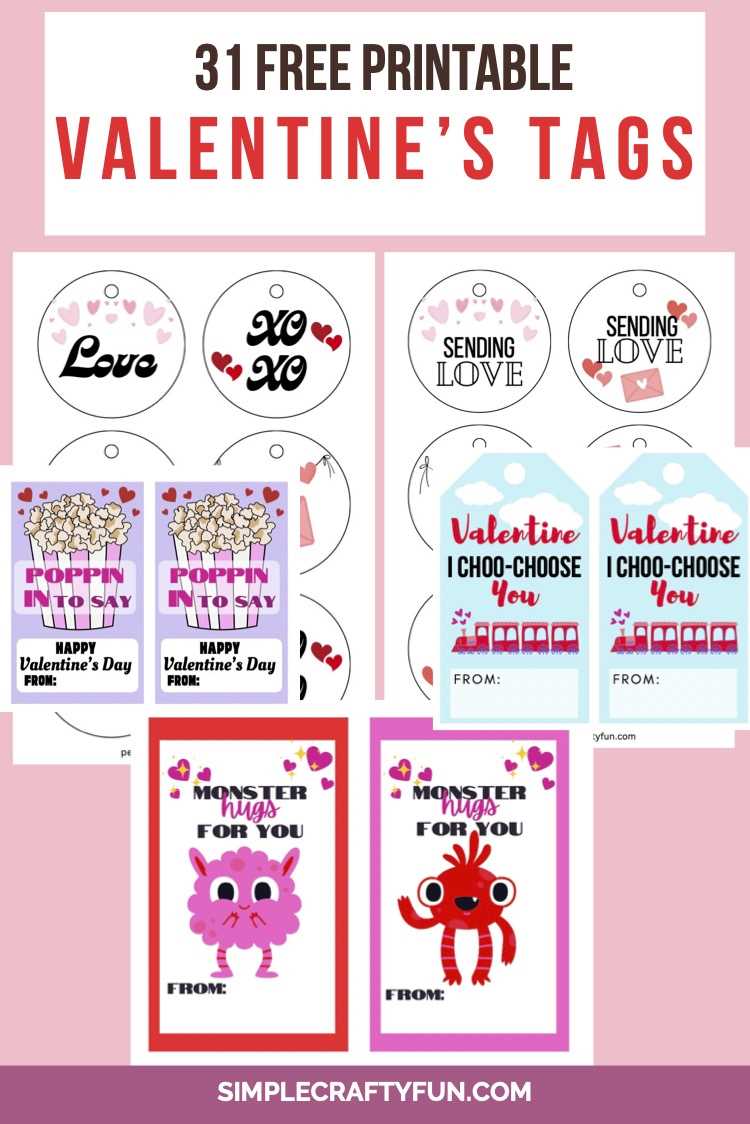
Start by considering where your tags will be placed. For small gifts like jewelry boxes, choose a compact size, around 2×2 inches, to keep it proportional. Larger items, such as gift baskets, may require bigger tags, up to 3×4 inches, to create a balanced look.
For packaging, a rectangular shape often works best for long boxes or bags. This shape ensures that the text is readable and the design doesn’t become too cramped. A common size for these is around 2.5×4 inches.
If you’re working with bottles or jars, a circular or square tag can complement the shape of the container. Sizes of 2-3 inches in diameter are ideal for these objects. This will help ensure the tag fits neatly without overwhelming the container.
Ensure there’s enough space for both the design and any text you’d like to include. A cramped design can make the text hard to read, diminishing the overall effect. Keep a clear margin around the edges for a clean look.
It’s a good idea to test print your chosen size before using it for your actual items. This allows you to adjust the size if the design looks too cluttered or too sparse. Testing will help you avoid wasting materials on tags that don’t work well with your items.
If you plan to create multiple designs, consider choosing a standard size that can be used across all items. This approach simplifies the process and ensures consistency. Common dimensions like 2×3 inches or 3×5 inches often work well for various gift types.
Finally, think about the aesthetic you’re aiming for. Larger tags tend to make a bolder statement, while smaller ones can be subtle and charming. The right size should complement both your design and the item it adorns.
How to Customize Your Labels for Different Uses
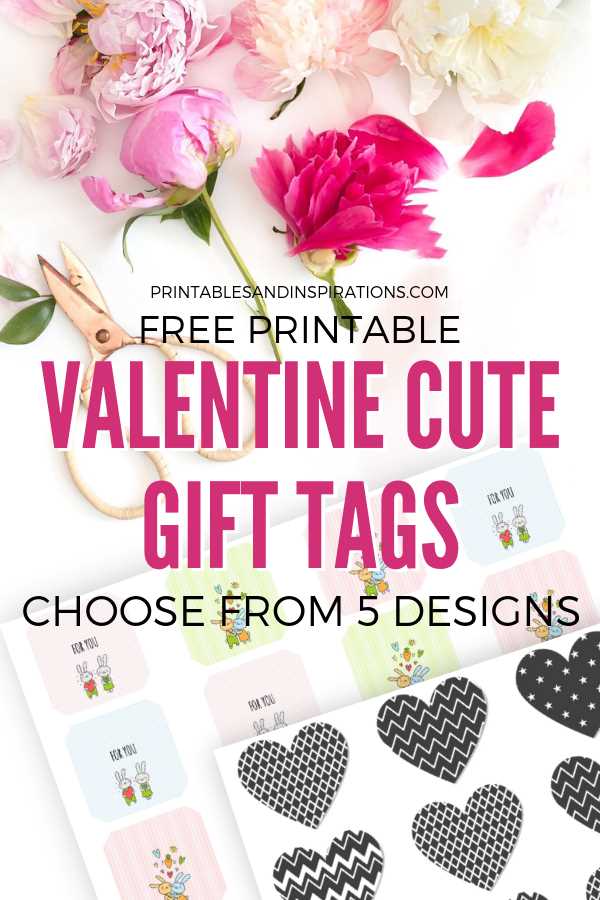
To create custom tags for different applications, first decide the tone and style you want to convey. For gift packaging, opt for elegant fonts and romantic motifs, such as hearts or delicate flourishes. Use a soft color palette, like pastels, to match the theme of the gift. For party favors, a more playful approach with bright colors and fun fonts can make the tags stand out.
If you’re using tags for baked goods or homemade treats, include space for ingredients or a sweet note. Consider adding small icons like cupcakes or cookies to reinforce the homemade aspect. Choose a sturdy material like cardstock for durability, especially if the tags will be exposed to moisture.
For organizational purposes, such as labeling jars or storage containers, keep the design simple and clear. Opt for bold text and minimal decorations so that the information stands out. You can also use a consistent color scheme for different categories to create a uniform look across all the containers.
Finally, for event décor or invitations, customize your tags to match the overall theme. Use unique shapes or cutouts, like hearts or stars, to make them more festive. Incorporating textures like foil or embossing can add a touch of luxury, perfect for making your event feel more special.
Best Paper Types for Printing Valentine Labels
For a smooth and crisp print, start by choosing a matte finish paper. It absorbs ink well and prevents glare, ensuring that your design is clear and legible. This type of paper is ideal for creating simple and elegant tags that need to be easily read and handled without reflecting light.
If you prefer a more sophisticated look, opt for a glossy paper. This type offers vibrant colors and a shiny finish that makes images pop. It’s perfect for occasions where you want your designs to stand out with a sleek, polished appearance, especially when using bright hues or detailed artwork.
For a more eco-friendly option, consider using recycled paper. It provides a rustic, textured feel, which adds a natural touch to any decorative project. Though it might not have the smooth surface of matte or glossy papers, recycled materials offer a unique look that fits well with organic or nature-themed celebrations.
For durability, especially for items that might get handled frequently, select a heavyweight cardstock. This material provides a sturdy base that feels substantial and professional. It’s perfect for tags that need to withstand being attached to gift bags, jars, or boxes that may be carried around or handled by multiple people.
If you want to add a bit of luxury, try using linen or textured paper. These materials have an elegant surface with subtle textures that lend a high-end feel to your designs. Textured papers can create a sophisticated appearance and are especially well-suited for formal events or upscale gifts.
For those looking for ease of use, self-adhesive paper is a great choice. It allows you to skip the hassle of using glue or tape, making it simple to attach your designs to different surfaces. This type is ideal for quickly labeling jars, boxes, or party favors, ensuring a neat and hassle-free application process.
If you plan to print large quantities, opt for a high-quality printer paper that is compatible with both inkjet and laser printers. This type of paper is cost-effective and works well for bulk printing, giving you a reliable and consistent result across multiple prints.
Finally, for a premium finish, you can experiment with metallic or foil papers. These options add a shimmering effect, perfect for making your designs stand out and catch the light. Metallic papers are particularly suited for special occasions, where you want to add an extra touch of elegance and sparkle to your creations.
Step-by-Step Guide to Downloading Valentine Labels
Start by selecting a reliable website that offers high-quality designs. Ensure that the site has a variety of templates to choose from, allowing you to pick the most suitable design for your needs. Look for platforms that offer downloadable formats such as PDF or JPEG for easy printing.
Once on the website, browse through the available options and find the perfect design that fits the theme of your celebration. Make sure the design complements your decor and matches your personal style. If there are categories, filter through them to find more specific themes such as rustic, modern, or elegant options.
After selecting the desired template, locate the download button or link on the webpage. It’s typically easy to find and will be clearly labeled as “Download,” “Get the File,” or similar. Click the button to begin the process of saving the file to your computer or device. Some sites might require you to sign up or create an account before downloading.
Once the file is downloaded, open it to check the contents. Ensure that the file has downloaded correctly and that it’s in the right format (PDF, PNG, etc.) for your printer. If the file is zipped, you may need to extract it using your computer’s file manager before accessing the design.
Next, review the print settings in the downloaded file. Many templates are designed with specific dimensions in mind. Check the recommended size for printing to ensure that your labels come out as intended. If needed, adjust the page setup or scaling options in your print dialogue to match the correct dimensions.
Before printing the actual design, it’s always a good idea to print a test page on regular paper. This will help you confirm that the colors, alignment, and dimensions are accurate. You can make any necessary adjustments based on the test print to ensure the best quality final result.
Finally, once everything looks perfect, proceed with printing your design on the selected paper type. Be sure to follow the printer settings for optimal quality. After printing, let the paper dry completely if needed, and your personalized creations will be ready to use for your celebration.