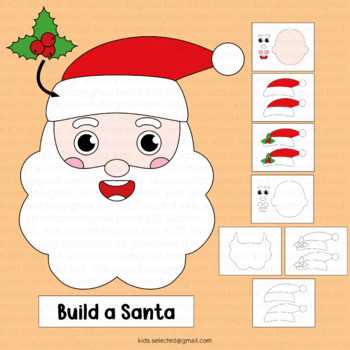
For an engaging holiday project, consider crafting a festive character template. This DIY activity can be easily executed at home with a few basic materials. Choose a printable image or design to color, cut out, and assemble, giving your creation a personal touch.
Begin by selecting a design that suits your theme, whether it’s a classic character or a more contemporary twist. Ensure that the image is well-suited for the size of paper you’re working with to avoid resizing issues. Opt for a high-resolution design to keep the final result sharp and detailed.
After printing, focus on cutting out the character’s individual components with precision. Using sharp scissors will help achieve clean edges, making the final assembly smoother. Once you have all the pieces ready, you can personalize the template by adding extra details like textures or colors using markers, glitter, or fabric scraps.
This craft allows you to create decorations, gifts, or cards, making it an ideal family activity during the festive season. The final result can be displayed as a window decoration, hung on a tree, or added to a personalized holiday greeting card. The possibilities for customization are endless!
Create a Holiday Character Template
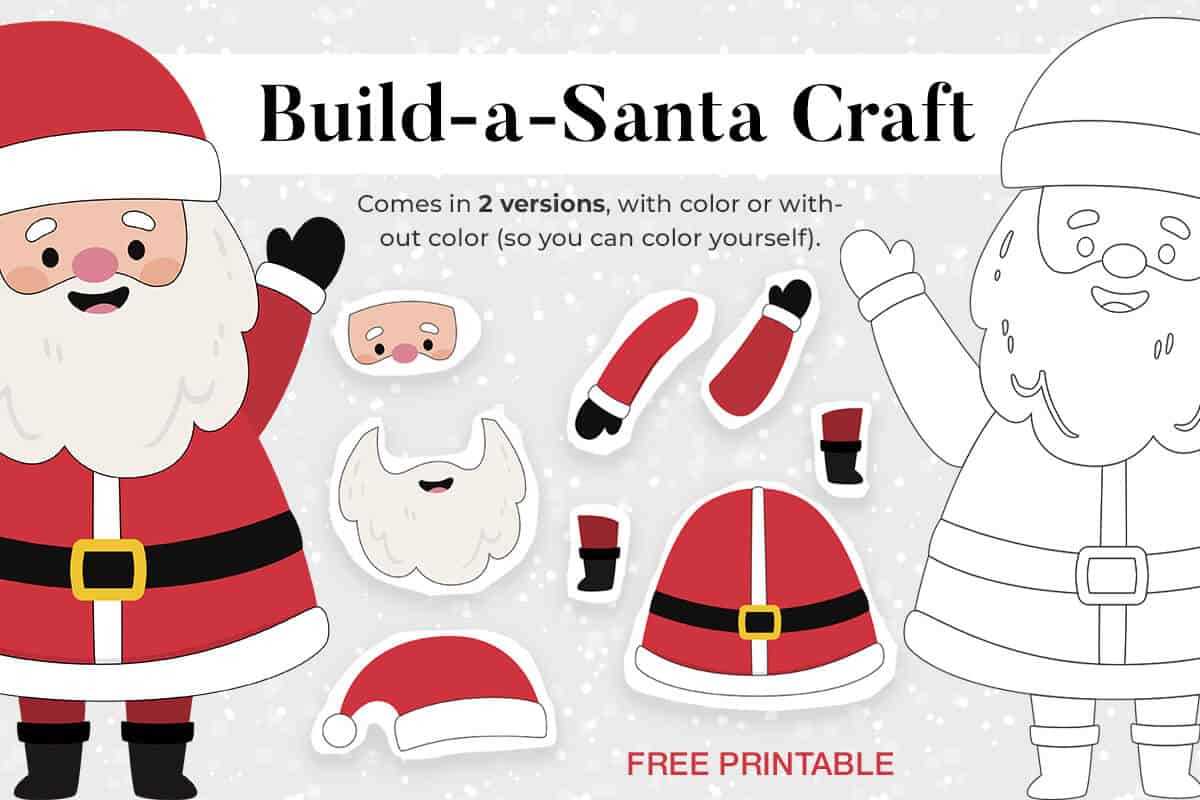
Choose a clean design tool that allows precise scaling and positioning of elements, such as Adobe Illustrator or a simple word processor with graphic features. Focus on layers to separate individual parts of the character, allowing for easy editing and personalization later.
Start with the face and head. Draw a simple oval or circle for the face, then add facial features. Use rounded shapes for the eyes, nose, and mouth. Don’t overcrowd the face–focus on key elements like large eyes and a prominent nose to convey a jolly expression.
Next, create the iconic hat. Design a triangular shape for the cap, and ensure it has a fluffy pom-pom at the tip. You can add simple curved lines or texture around the base to give it a more realistic look. This piece should be placed above the character’s head, but not overshadowing the face.
For the clothing, sketch a large, fluffy collar and a belt with a buckle to represent a traditional outfit. Keep the details minimal but effective, adding hints of fur around the collar and cuffs. The belt can be a basic rectangle with a squared buckle to maintain simplicity while capturing the classic look.
When you’re ready to add colors, use red and white predominantly. These shades are easy to print and easily recognizable. Consider using contrasting shades for the face and hands, opting for light beige or pink. Use soft gradients to create depth and add warmth to the overall design.
Finally, check that all parts of the figure are properly aligned and sized, ensuring a balanced, easy-to-assemble final product. Once you’re satisfied, save your work in a high-resolution format suitable for printing. Make sure your template can be scaled to fit different paper sizes without losing quality.
Choosing the Right Paper for Your Holiday Craft
The ideal paper for a festive craft depends largely on its weight and finish. For vibrant prints with crisp details, a heavier cardstock, ranging from 80lb to 110lb, offers a sturdy feel and resists wear during handling.
If you plan to color in your designs or use markers, opt for a smooth, acid-free paper to prevent smudging. Glossy or semi-gloss finishes can make colors pop but may not work well with ink-based coloring tools. Matte options provide a more versatile surface for both coloring and printing.
For durability, especially if your creation will be part of decorations, go with 100lb or 120lb weight paper. Thicker paper ensures longevity and resists curling or bending over time.
Lightweight papers (around 60lb) are great for simple, short-term uses such as quick crafting activities. However, these tend to tear easily and may not provide the same sharpness in prints as thicker varieties.
Consider the environment where the item will be displayed. If it will be exposed to high humidity, like in kitchens or near windows, choose a heavier, water-resistant paper to ensure it holds up well against moisture.
For a more luxurious feel, try cotton-based or textured papers. These options add an extra dimension and sophistication to your design, ideal for keepsakes or special gifts.
| Paper Type | Weight Range | Recommended Use |
|---|---|---|
| Cardstock | 80lb – 120lb | Durable, vibrant designs, decorations |
| Glossy | 90lb – 110lb | Sharp prints, photo-like quality |
| Matte | 70lb – 100lb | Coloring, versatile finish |
| Textured/Cotton | 100lb – 130lb | Special projects, high-end feel |
Lastly, always check the printer compatibility with the paper. Some machines may struggle with thicker or textured papers, so it’s crucial to test before starting a larger batch of prints.
HTML
Designing Santa’s Face: Step-by-Step Instructions
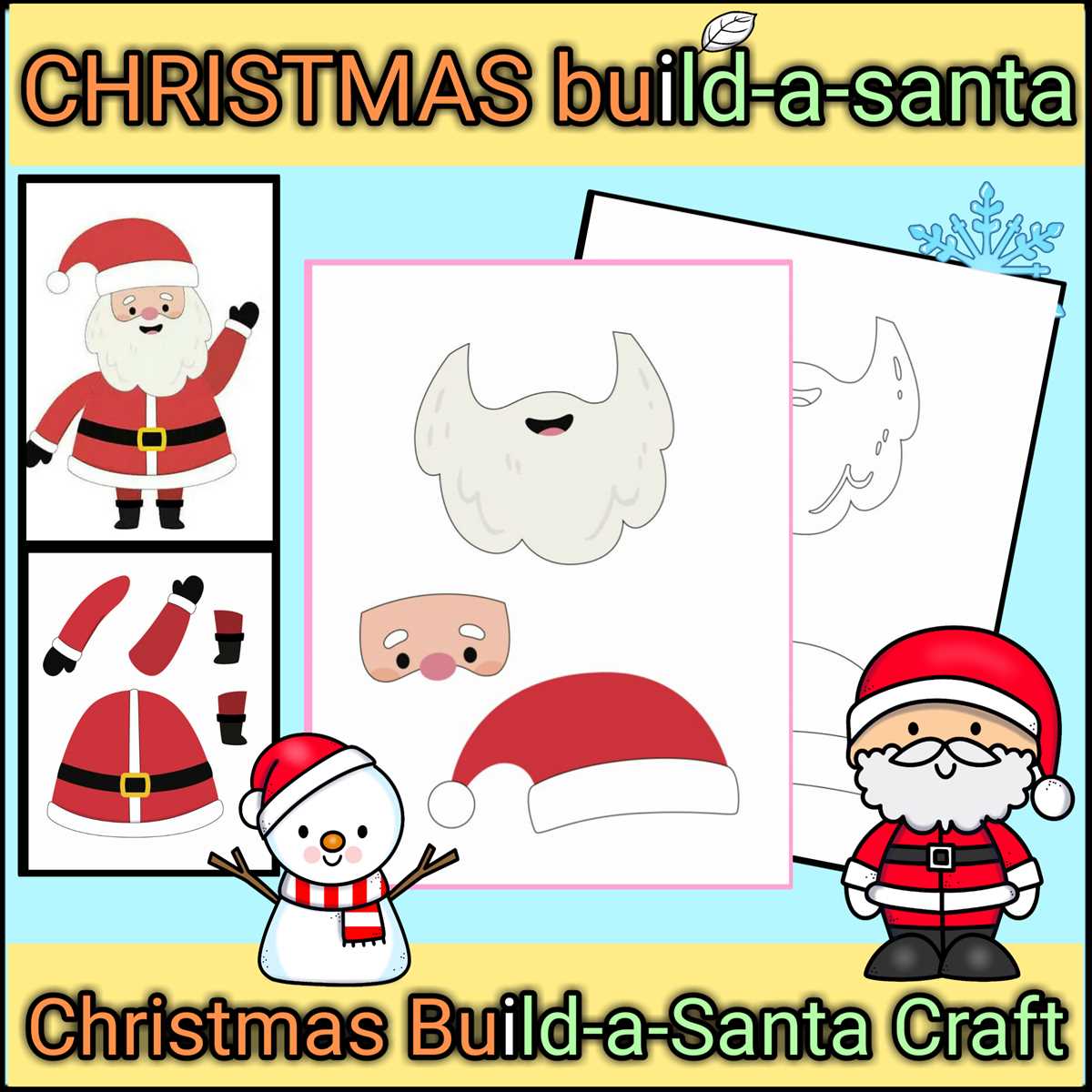
Begin by sketching a large oval shape for the face, ensuring the top is slightly narrower than the bottom. This provides a softer, friendly look that reflects the character’s warm personality. Keep the lines light and gentle; the key is to establish a basic shape that will guide further detailing.
Next, position two large circular eyes within the upper section of the face, ensuring they are wide enough apart to evoke a jolly appearance. Fill them with a black center for contrast, and add a small white dot on one side of each eye for a shiny, lively effect. Below the eyes, draw a round nose that sits just above the middle of the face.
For the mouth, sketch a broad, curved line extending from one side of the face to the other. Add a small downward curve at each corner to form the cheeks. Complete the look with a thick, full beard that stretches across the lower part of the face, making sure the edges are slightly uneven for a natural feel.
Finally, finish the design by adding a fluffy hat. Draw a soft triangular shape at the top of the face with a rounded tip. Use small, wavy lines around the base to mimic the soft brim. The hat should be large enough to cover the top portion of the head, creating a cozy and festive look.
Adding Color and Texture to Make Santa Stand Out
To make your festive character truly pop, start by enhancing the key areas with bold colors. Focus on the iconic red and white of his outfit, but play with different shades to add depth. For example, use a darker red for the coat’s cuffs and a lighter hue for the body, creating subtle contrast. This adds visual interest without overwhelming the design.
Next, texture is crucial for breaking up flat areas. Incorporate a wool-like effect for the trim and hat by adding a soft, fuzzy look. This can be achieved by layering white strokes with slight irregularities. Use a light touch with the brush tool to mimic a fluffy, cozy material that stands out against the sharp lines of his suit.
Consider adding an element of shine to the belt buckle and boots to enhance the visual appeal. A slight gradient from light silver to a darker metallic shade will give these accessories a reflective quality. This effect contrasts with the matte textures of the clothing, making the character’s attire feel more dynamic.
For the face, smooth skin tones are vital for a realistic touch. Apply a light peach or tan color to the cheeks, with a subtle pink blush. Adding a delicate shadow around the nose and under the chin gives dimension, making him appear more lifelike without the need for excessive detail.
Lastly, the background should complement the character without competing for attention. Use soft gradients of light blue or pale green, creating a frosty winter ambiance. Avoid clutter by keeping patterns minimal, ensuring the focus remains on the figure itself. These calm tones enhance the overall festive vibe.
Texturing Santa’s accessories, such as the gloves or boots, with a leather or suede-like finish can add contrast to the soft elements. Subtle detailing in these areas, like fine creases or light reflections, will make them more realistic and visually captivating, drawing attention to the overall design.
HTML
Printing Your Santa: Adjusting Settings for Optimal Quality
For best results, set your printer’s resolution to 300 DPI (dots per inch). This ensures crisp details, especially for intricate designs. Higher DPI will increase the quality of the image, but it also uses more ink, so find a balance based on your needs.
Use heavyweight paper for a more premium feel and durability. Standard printer paper can make your designs appear flat and blurry. Opt for a thicker option (between 180gsm to 250gsm) for a more professional look and feel.
Check your printer settings to make sure color calibration is accurate. Printing with incorrect color profiles can lead to washed-out or overly bright results. Adjust saturation, contrast, and brightness to align with your design’s original colors.
If your printer allows, select the “photo paper” or “high-quality” option in the print settings. This will optimize ink usage for vivid colors and deep blacks, enhancing the overall aesthetic.
- Always perform a test print before printing the final version to check colors and details.
- Ensure that the margins are set to zero or minimal to avoid cutting off parts of the image.
- Consider printing on both sides if using thick paper to reduce bulk.
Lastly, make sure the design is centered properly on the page. Use your printer’s alignment tools or manually adjust the image position before hitting “print” to ensure everything aligns perfectly.