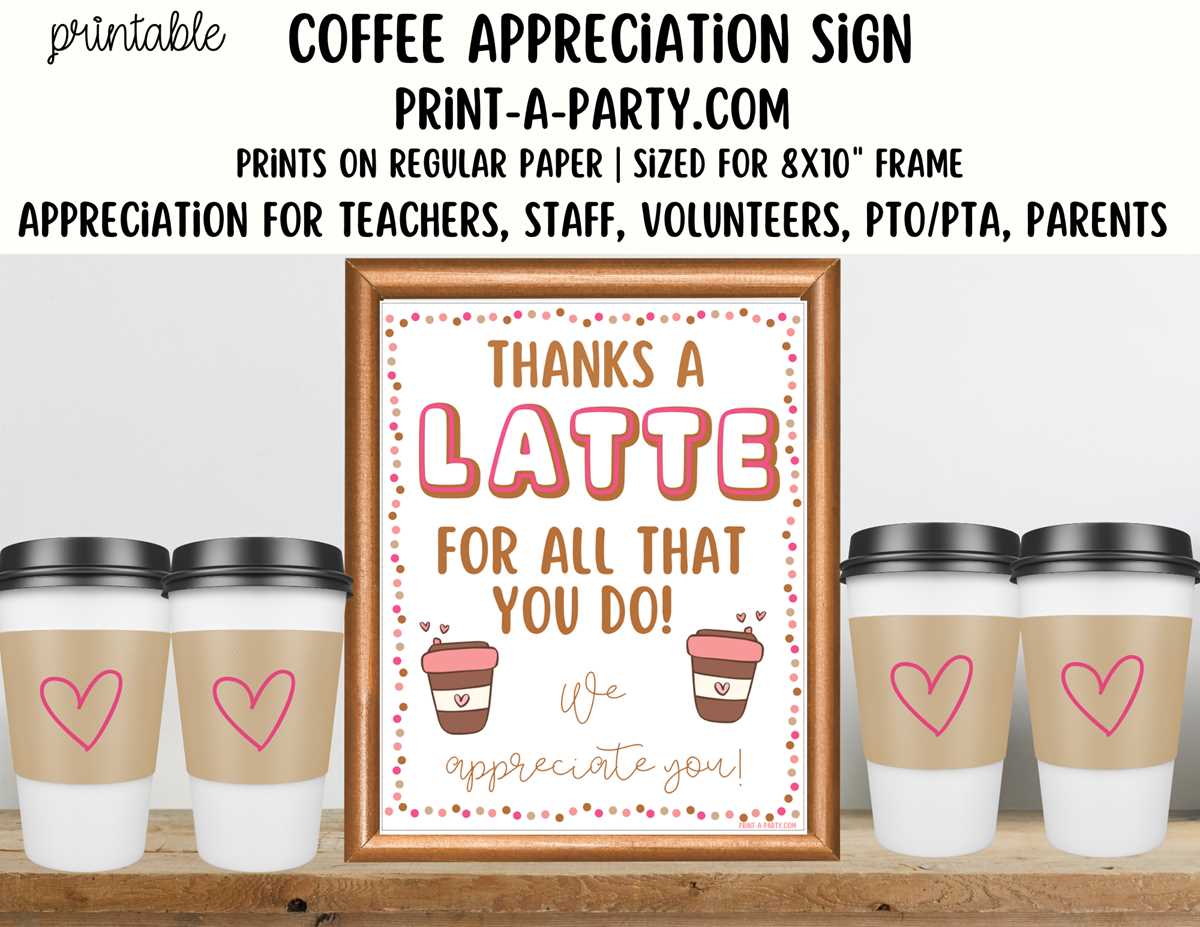
To start, you can find various gratitude cards online that are ready to be downloaded and printed. Many websites offer these templates in high-quality formats like PDF or PNG, making it easy for you to access and print them quickly. Look for resources that allow customization, so you can add personal touches before printing.
When preparing these cards, ensure that you adjust the print settings for the best quality. Use high-resolution files and select the highest print quality available in your printer’s settings. Printing on thicker paper or cardstock is ideal for more durable and professional-looking results.
These printable designs are versatile and can be used for different occasions such as birthdays, anniversaries, or even after a special event or gift exchange. Whether you’re hosting a party or sending a thoughtful message, these simple cards will help convey your appreciation effectively. Keep a set on hand for various needs, ensuring you are always prepared to express your gratitude in style.
Where to Find High-Quality Gratitude Cards for Printing
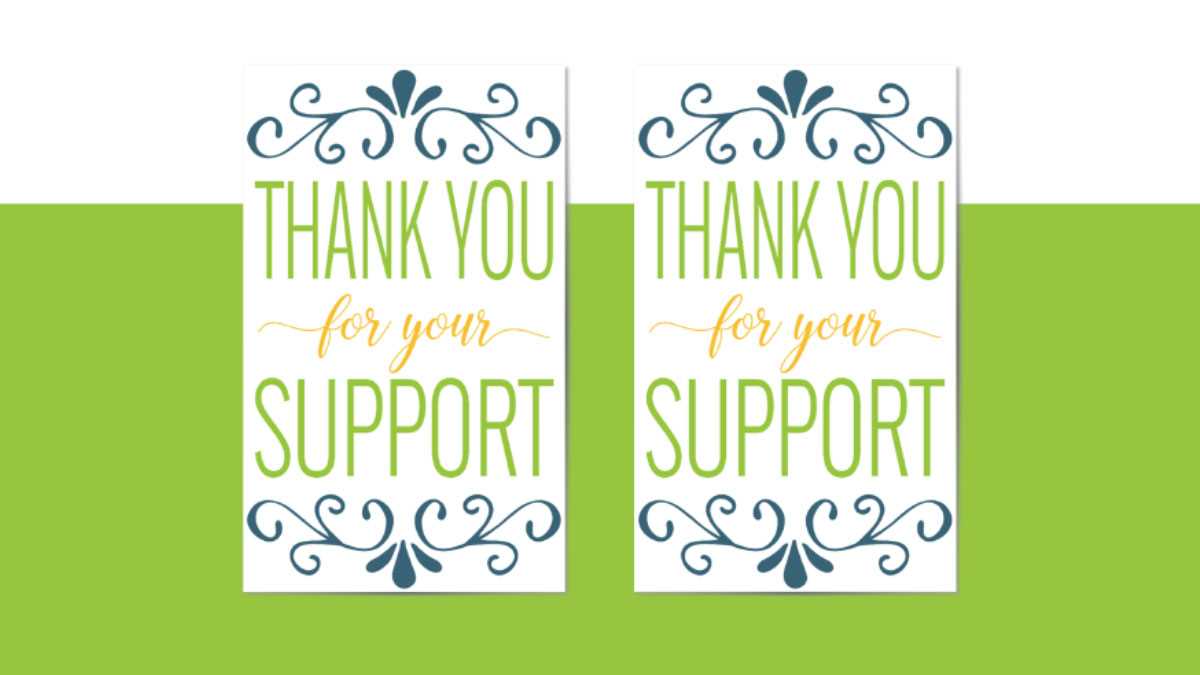
Check websites like Canva and Vistaprint for professionally designed downloadable artwork. These platforms offer a wide variety of customizable designs suitable for various occasions. Most of these platforms allow easy access to high-resolution images, perfect for printing in different sizes.
Another great resource is Freepik, which provides thousands of free and premium vector graphics. You can download ready-to-use designs in multiple formats, including SVG and PNG, ensuring compatibility with most printers. Be sure to check if the graphics are free for commercial use if needed.
| Website | Features | Price |
|---|---|---|
| Canva | Customizable, high-quality templates | Free, with premium options |
| Vistaprint | Professional designs for print | Paid |
| Freepik | Free and premium vectors | Free, with paid options |
For simple designs or last-minute needs, Pinterest also offers a wealth of downloadable content shared by other users. While it might require some additional editing, it’s a great source for creative inspiration and unique artwork. Always check the licensing for images you find here before using them for commercial purposes.
How to Customize Gratitude Cards Before Printing

To personalize your gratitude cards, start by choosing a template from a trusted source. Many online platforms, such as Canva or Vistaprint, allow you to customize existing templates. Select one that fits the tone of your message, whether formal or casual, and adjust the text accordingly.
Next, consider the font. You can change the style, size, and color to match your event or the recipient’s preferences. If you want a more formal appearance, use serif fonts, while sans-serif fonts work well for a modern, minimalist look. Be mindful of readability–avoid overly decorative fonts that may make the text hard to read.
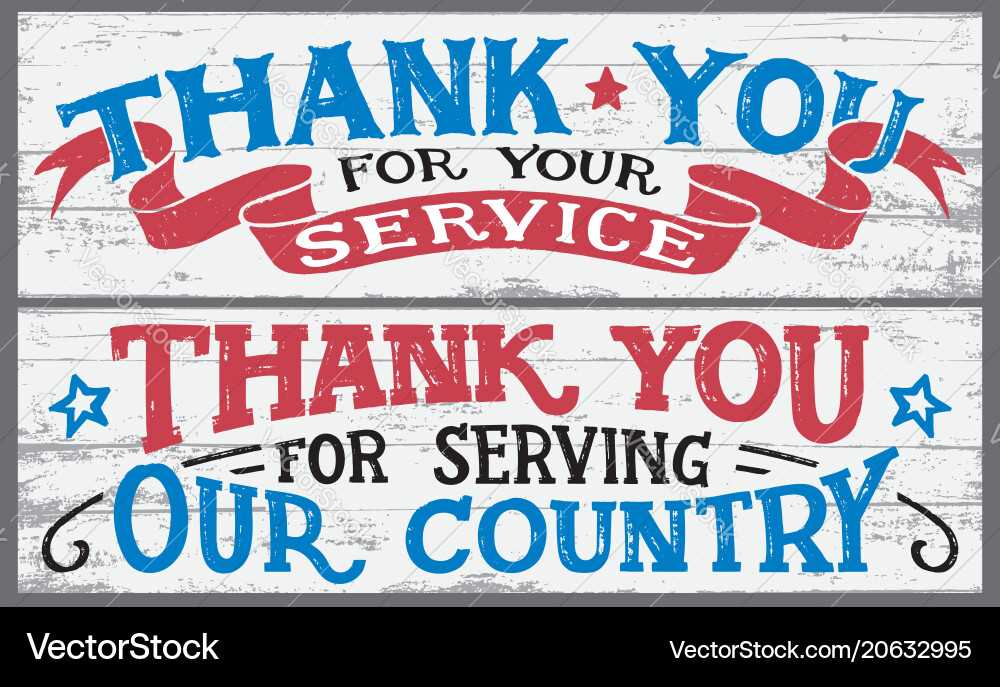
For a personal touch, add your own message or any special note that speaks to the occasion. You can include the recipient’s name or reference the specific event for which you are expressing gratitude. This makes the design more meaningful and customized.
- Use a color palette that aligns with the theme of your event–bright, bold colors for a fun celebration or muted tones for a more sophisticated occasion.
- Consider adding decorative elements, such as borders, icons, or small illustrations, to complement the text without overwhelming the design.
If you’re familiar with graphic design software like Adobe Illustrator or Photoshop, you can create or modify your own template. This gives you full control over the layout, design elements, and overall aesthetic of the card, allowing you to create something unique.
Before finalizing the design, review the layout to ensure proper alignment. Check that all text is centered and appropriately spaced. Also, verify that any images or graphics used are high-resolution to avoid pixelation during printing.
Once the design is complete, save the file in a print-ready format, such as PDF or PNG. This ensures that the resolution and quality are maintained during printing. Some websites also offer direct options to print from the platform, eliminating the need for extra steps.
Finally, do a test print on regular paper before using your desired cardstock. This allows you to check the colors, spacing, and overall look of the final product. If everything looks good, proceed with printing on your chosen material, ensuring your printer settings are optimized for the best output quality.