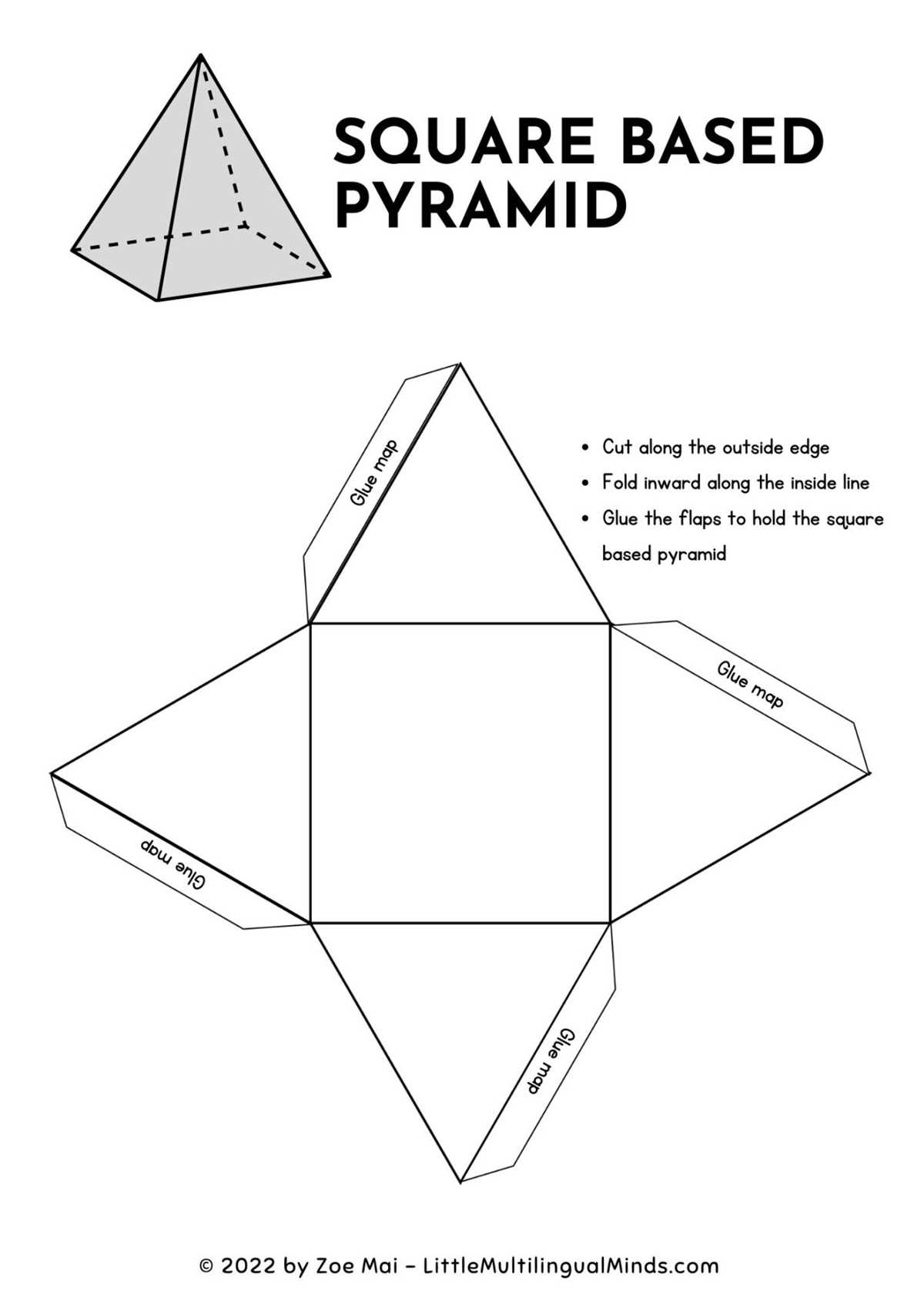
Start by selecting a template that clearly shows all the surfaces of your desired solid figure. A simple cube, for example, requires six square faces connected in a specific layout. Once you’ve chosen the right pattern, print it on sturdy paper to ensure the final model holds up well. This is a great way to explore geometry hands-on, and it helps young learners better understand three-dimensional objects.
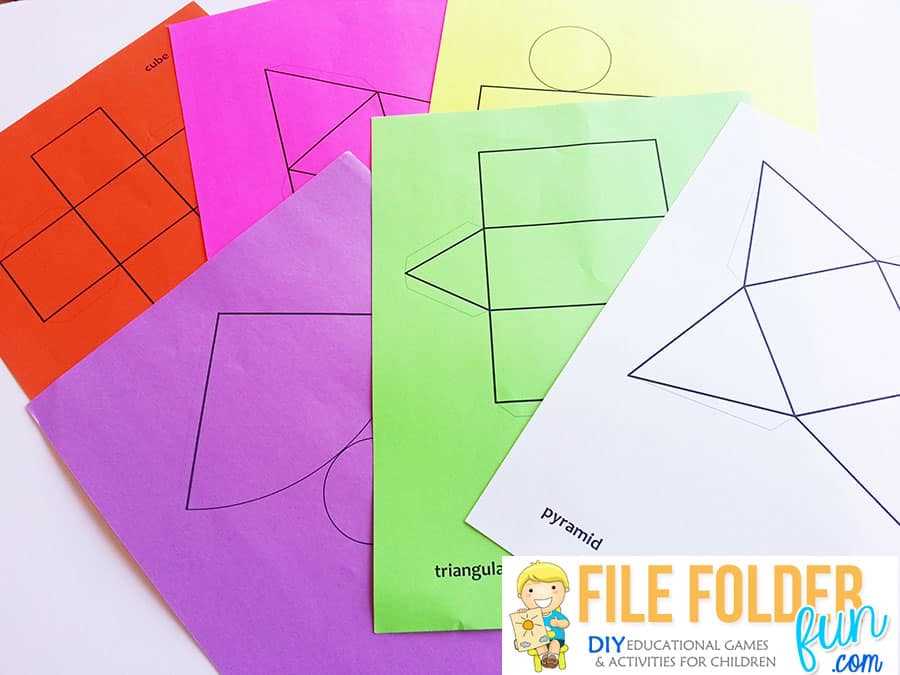
To ensure accuracy, measure the edges of each face before cutting and folding. Some designs may include tabs to help glue the edges together, making assembly easier. Keep in mind that the more complex the form, the more detailed the design will need to be. For example, a pyramid or cone will require triangular faces to be arranged correctly.
Additionally, you can find templates online with a variety of difficulty levels, from basic to advanced. Some websites provide downloadable files that allow you to print multiple variations of each solid. This flexibility is useful when working with multiple students or when you want to create a set of different solids for comparison.
3D Shapes Printable Nets
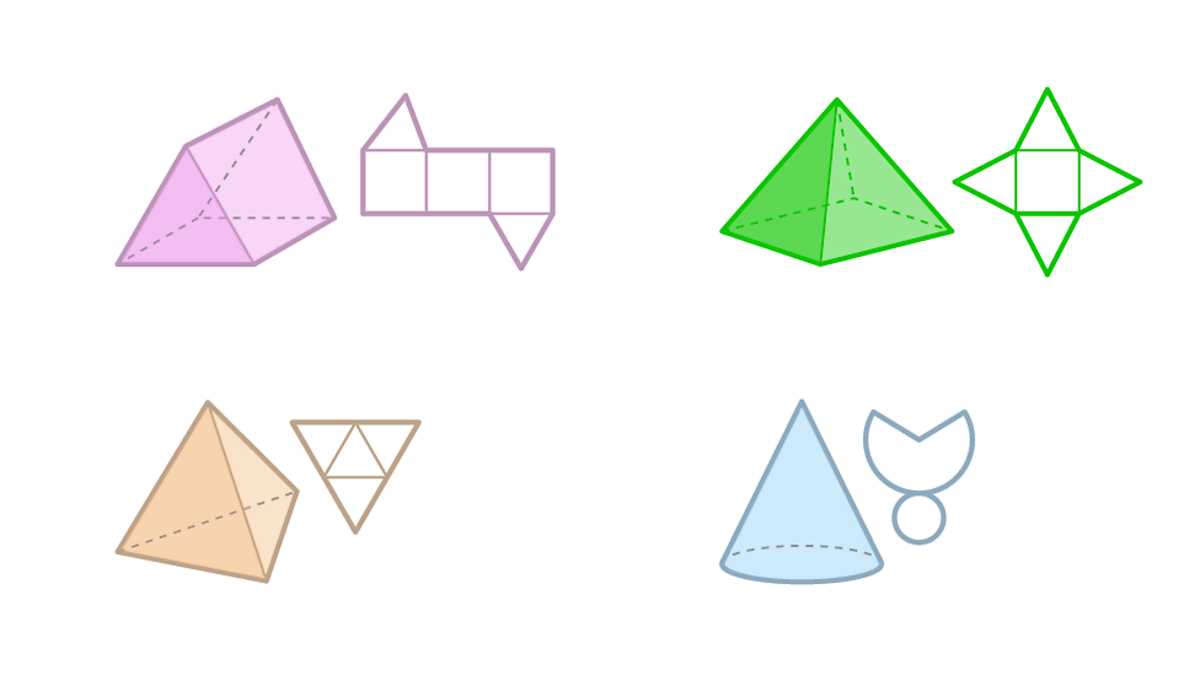
Select a reliable source to download templates that represent various geometrical solids. These layouts are designed to show the flat surfaces of each solid, which can be cut out and folded into a three-dimensional figure. For a cube, the net will typically consist of six equal squares arranged in a way that allows for easy folding. For more complex solids, such as pyramids or cylinders, the designs will include various shapes like triangles or circles.
Ensure the chosen templates are properly scaled for your project. Each net should fit within the paper size you are using, whether it’s standard letter size or a larger format. Accurate measurements ensure that the edges align correctly once folded. You can find these templates in PDF format, which allows for easy printing without needing special software or tools.
After printing, use sharp scissors to carefully cut along the edges of each figure. This will ensure clean lines that will fold neatly without any tearing. For more detailed solids, such as an octahedron or dodecahedron, make sure each face is cut to precision, as the complexity of these shapes increases.
For assembly, use glue or tape to secure the edges of each surface. Some templates might include tabs for easier joining, while others may leave the edges open for more advanced crafting. It is recommended to fold along the edges before attaching the sides to get a better sense of the final form.
For educational purposes, these printable designs can be used to help children visualize the relationship between two-dimensional representations and three-dimensional objects. Students can see how flat surfaces come together to form solids, making abstract geometry concepts easier to grasp.
Websites offering these designs often allow you to download multiple variations for different difficulty levels. For instance, simpler figures might be appropriate for younger students, while more complex ones can challenge older learners. Additionally, many resources offer color-coded templates to help with organization and to visually differentiate between surfaces.
How to Create and Print Nets for 3D Shapes
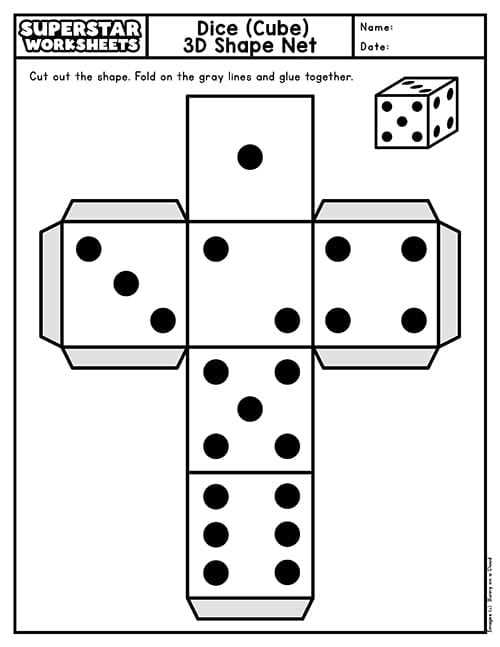
Start by selecting a geometric figure you want to model. For example, to create a net for a cube, you will need six squares that can be arranged in various configurations. Each face of the solid will be represented by one of these flat shapes. Make sure the dimensions are consistent across all sides to ensure the final figure will align correctly when folded.
Next, use graph paper or a drawing tool to outline the net’s layout. Begin by drawing the necessary flat pieces, ensuring that they are proportionate and fit together. For a cube, this could mean arranging squares in a “T” or “cross” formation, where each square shares at least one edge with another. Pay close attention to the edges where the faces of the solid will meet.
If you are using a computer, software like Adobe Illustrator or online tools can help you design the pieces accurately. Alternatively, you can find templates online that offer ready-made nets for various shapes. These templates can be customized by scaling the size according to your preferences.
Once your design is complete, print the net on standard paper. If the figure is too large for a single sheet, consider printing it across multiple pages. Ensure the pieces are aligned properly to avoid discrepancies between the sections that will need to be joined together.
After printing, carefully cut out the individual pieces, following the outlines you created. Precision is important, as uneven cuts can cause the edges to misalign when assembled. For better accuracy, use a ruler and scissors or a craft knife to ensure straight lines.
Now, fold along the lines of each piece. Be sure to crease the edges sharply to make the assembly process smoother. Depending on the complexity of the solid, you may need to fold multiple times for certain faces before attaching them together.
Finally, use glue or tape to attach the edges of the faces. Start by gluing or taping the adjacent faces together, making sure each face aligns properly. Continue until the entire solid is assembled. This hands-on approach allows you to visualize how flat pieces can be transformed into three-dimensional objects.