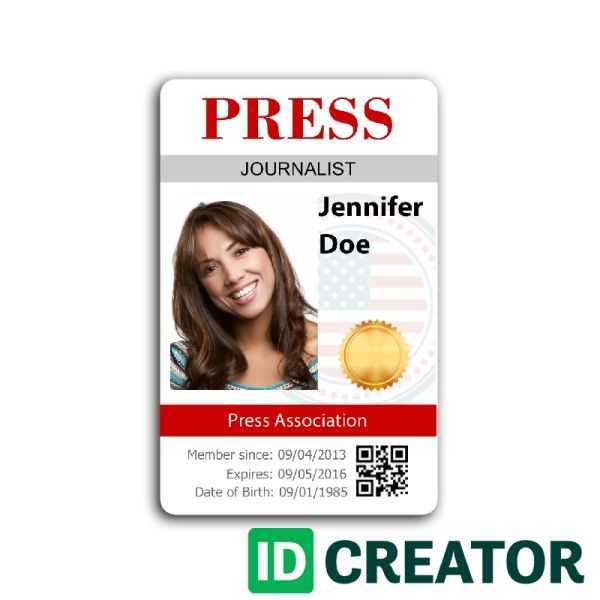
To create a professional and functional access badge for an event, start by selecting a design tool that offers customization options. Many free online platforms allow you to design and print high-quality credentials quickly. Ensure your design includes clear details such as the event name, logo, and a space for attendee identification.
Choose a template that matches the tone and style of your event. Whether it’s for a formal conference or a casual gathering, the design should reflect the nature of the event while providing all the necessary information. For clarity, use easy-to-read fonts and avoid cluttered backgrounds that may distract from key details.
Once the design is finalized, print the credentials on sturdy paper or plastic for durability. To make them even more professional, consider laminating the final product. This not only ensures the badge lasts throughout the event but also enhances its overall appearance.
Creating a Custom Event Access Badge
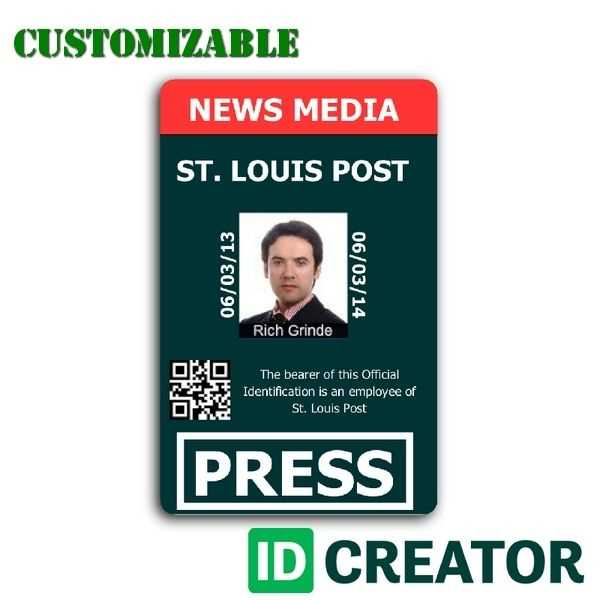
Start by selecting a simple design tool like Canva or Adobe Spark to create your event access card. These platforms offer templates that allow you to easily incorporate your event logo, title, and other necessary details. Customize the layout to make sure it reflects the nature of the event–whether it’s formal or informal.
Next, choose a suitable format for the access card. Typically, IDs are rectangular, but you can opt for different shapes or sizes depending on your preference. Keep the dimensions manageable so they fit into lanyards or badge holders comfortably. Standard size options include 3.5 x 2 inches or a larger 4 x 3-inch design for more detail.
Include essential details such as the event name, date, and location. Add a section for the attendee’s name, role, or designation. If the event requires access levels (such as VIP, general attendee, or media), include a clear area for this information, ensuring quick identification.
Adding a photo can help enhance the card’s security and personalization. Include space for a small photo ID, ensuring it fits within the design without overcrowding. If the event involves high-profile guests or speakers, you can also create a unique design for each type of attendee for added recognition.
When it comes to printing, use a thicker cardstock to make the credentials more durable. If you expect them to last for multiple days, consider laminating the cards. Laminating provides protection from spills or wear and tear, keeping them professional throughout the event.
If your event involves several access points, you might also want to include a barcode or QR code. This allows for quick scanning and verification, particularly in larger events where managing entry points manually can be cumbersome. There are online tools that let you generate barcodes or QR codes that can be easily added to your design.
After the cards are printed and laminated, make sure to place them in secure badge holders or lanyards that attendees can wear around their necks. This ensures easy access and minimizes the risk of losing the credentials during the event. Don’t forget to provide a storage system for the unused ones to keep everything organized.
Step-by-Step Guide to Designing a Custom Access Badge

Start by selecting a design tool that fits your level of expertise. For beginners, free online tools like Canva provide ready-made templates that you can customize with your event’s details. For more advanced users, Adobe InDesign or Illustrator offers more control over the design. Choose a clean and simple layout that includes the event name, location, date, and a space for the attendee’s name and photo.
Once you’ve selected your template or designed your layout, add the necessary elements. Make sure the text is legible, using clear, bold fonts. Place the event’s logo and any sponsors in prominent spots, ensuring they don’t overpower the key information. Consider adding access level identifiers, such as “VIP” or “Staff,” if your event requires it. A photo ID area helps with personalization and enhances security.
After finalizing the design, it’s time to test the print quality. Use high-quality paper, like cardstock or glossy photo paper, to give the badge a professional finish. Print a sample first to check the design’s alignment and readability. If everything looks good, print the required number of badges and consider laminating them for durability. Store them securely in badge holders or lanyards for easy access during the event.