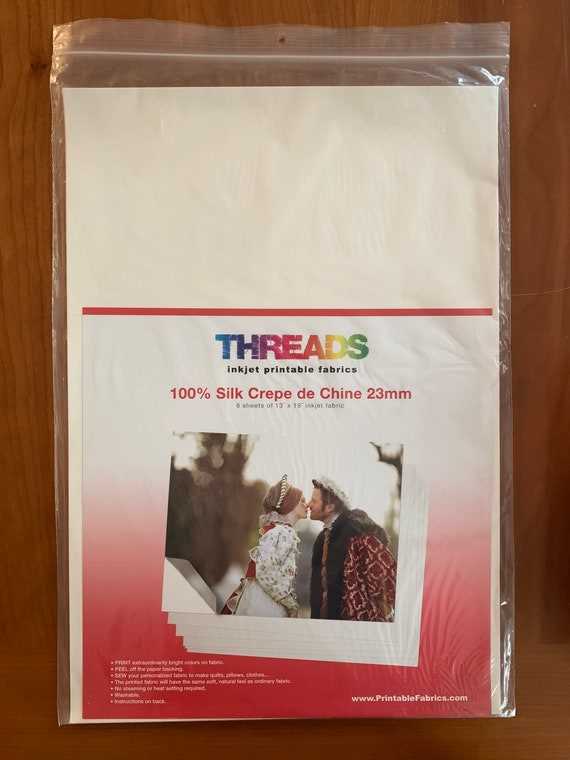
For best results, always start by selecting a suitable sheet designed for inkjet printers. Choose high-quality, pre-treated material to ensure the ink adheres well without smudging. These sheets are often made from cotton or polyester, which absorb ink effectively, producing crisp images and vibrant colors.
Next, load the fabric sheet into your printer. Be mindful of its thickness and texture, as too much flexibility may cause paper jams. Ensure the correct settings are selected on your printer, particularly for fabric printing. Most modern printers allow you to adjust the paper type or material in the print settings, which helps to avoid poor quality prints.
After printing, it’s essential to set the design properly. To ensure durability and color fastness, use a heat setting process. This can be done with an iron or a heat press, which will help seal the ink into the material, preventing it from fading after washing.
Lastly, always test your print on a small piece of fabric before starting a large project. This allows you to evaluate the print quality and make adjustments, such as altering the design’s contrast or resolution, to ensure the best possible outcome.
Choosing the Right Material for Printing on Textiles
For high-quality results, select textiles designed for inkjet printing with precision. Look for items that are pre-coated to absorb ink evenly, ensuring vibrant color transfer without blurring. Uncoated fabrics often result in uneven ink distribution, leading to dull prints or incomplete details. Prioritize options with a specific coating that supports ink adhesion and drying times.
When purchasing, consider the texture of the material. Smooth surfaces are ideal for printing intricate designs, as they prevent ink from bleeding. On the other hand, rougher textures can add an interesting dimension to designs but may not provide the sharpest results for fine lines or small text. Always test your design on a small sample before committing to a full project.
- Check the manufacturer’s guidelines for optimal printer settings.
- Opt for fabrics with a tight weave to reduce distortion during the printing process.
- Consider the weight of the material for compatibility with your printer’s capabilities.
The drying time of the ink also plays a role in achieving clean prints. Some materials require longer drying times, so allow sufficient time before handling the item to avoid smudging. Always follow the instructions regarding heat setting to lock in the print and improve its longevity, particularly if the item is to be washed or exposed to regular wear and tear.
Maintenance is another important factor. After printing, ensure proper care of the fabric to preserve the quality of the print. Wash with care, using cold water and gentle cycles to avoid fading or cracking. Fabrics treated for printing can last much longer if maintained properly, retaining both the image quality and fabric integrity over time.
HTML
Choosing the Right Inkjet Printable Fabric for Your Project
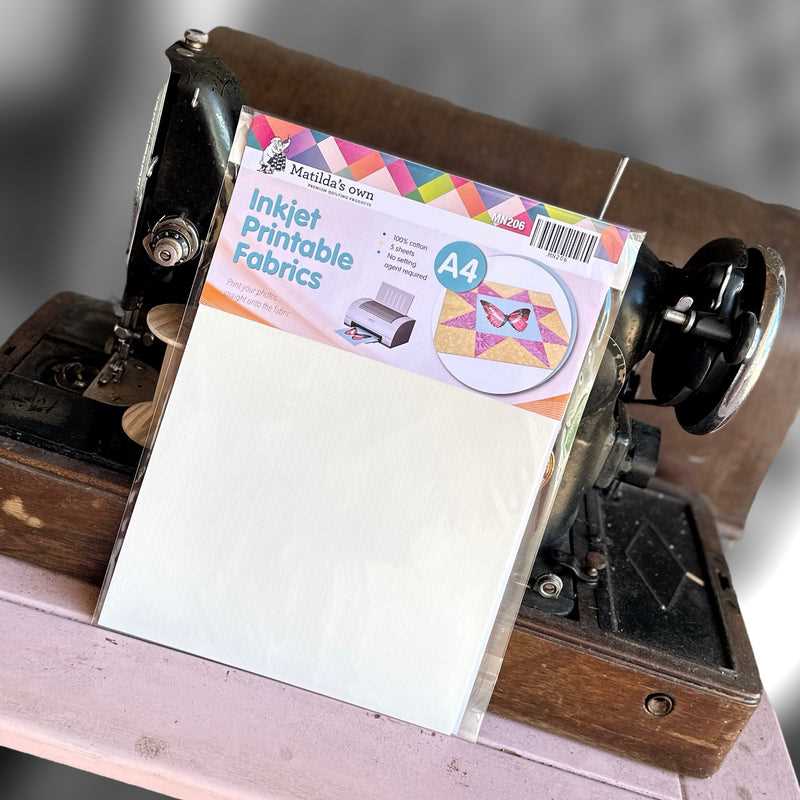
For seamless results, opt for a medium that matches your project type. If your design involves heavy washes, select a sturdy material like cotton or a cotton-blend. These hold ink well and ensure durability, preventing fading even after repeated laundering. For applications like home décor or accessories, a polyester blend may be a better choice for enhanced color retention and smooth print quality.
The texture of the surface plays a significant role in the final output. Smooth-textured textiles, such as satin or silk blends, allow for finer detail and sharper print results. They are ideal for printing intricate designs or high-resolution images. On the other hand, fabrics with a coarser texture, like canvas or linen, may give a more rustic look but could slightly distort finer prints.
Consider the weight of the material for your intended use. Lightweight options work best for clothing or wearable items, while heavier choices like upholstery fabrics or thicker textiles are more suited for pillows and drapery. The weight affects not only the print quality but also the feel and structure of the finished product.
| Fabric Type | Best Use | Features |
|---|---|---|
| Cotton | Wearables, Home décor | Soft, durable, breathable |
| Polyester Blend | Apparel, Accessories | Color retention, smooth surface |
| Silk Blends | Fine art prints, Luxury items | Smooth texture, detailed prints |
| Linen | Rustic décor, Bags | Textured, vintage look |
| Canvas | Home furnishings, Wall art | Sturdy, natural look |
Preparing Fabric for Printing
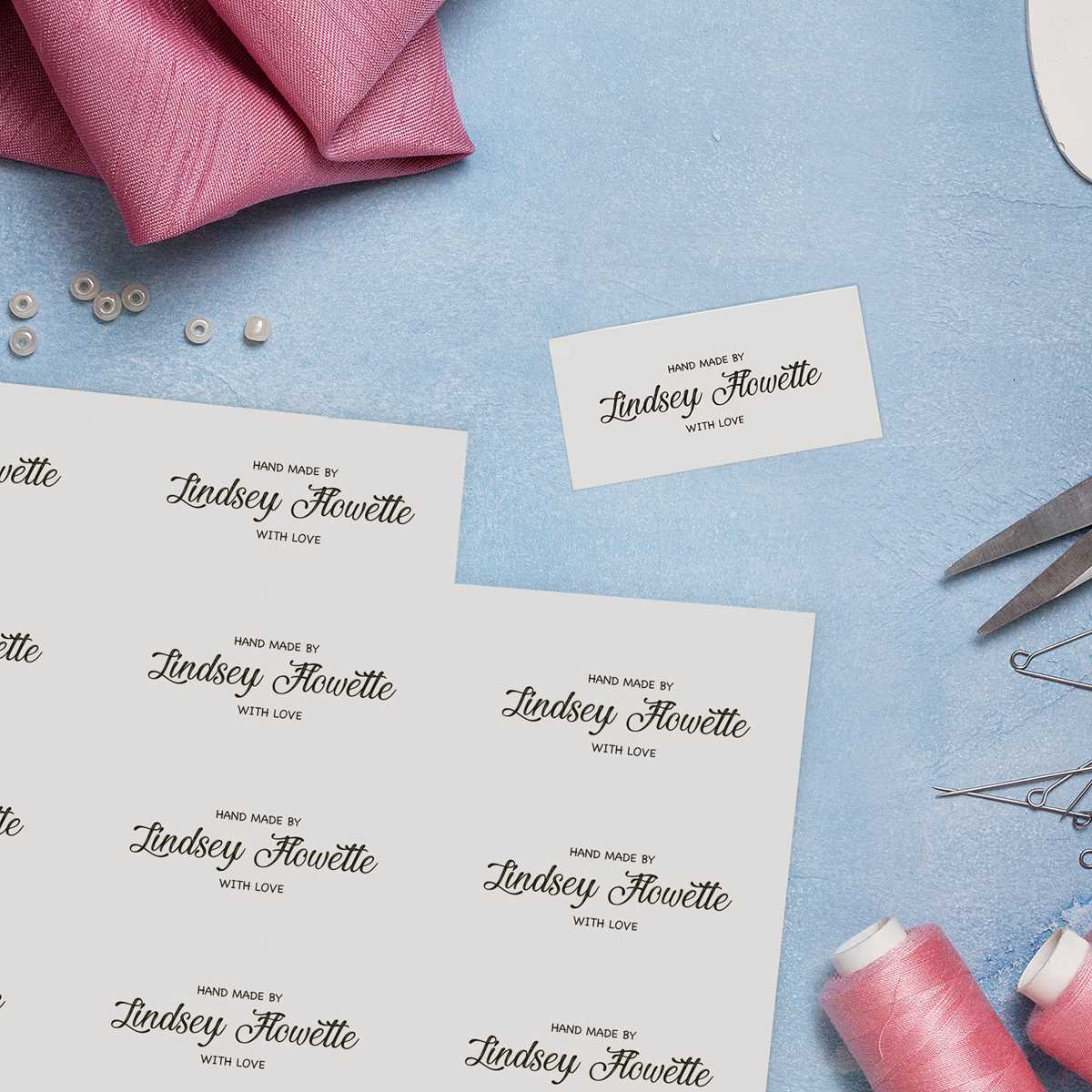
Ensure the material is free from dust and contaminants before beginning the printing process. Gently wash the surface with a mild detergent, avoiding harsh chemicals or fabric softeners that could affect ink adhesion. After cleaning, let the cloth dry completely to prevent any moisture interference with the print.
Next, iron the material to remove any wrinkles or creases. A smooth surface is crucial for even ink distribution. Set the iron to the appropriate heat setting based on the type of material you are using. Make sure the fabric is cool before proceeding with the next steps to prevent any distortion during printing.
For optimal print quality, test the material’s response to the printer beforehand. Some textiles may absorb ink more readily than others, which could impact the final appearance. Running a test print on a small section allows you to gauge how much ink the surface holds and adjust printer settings accordingly.
Consider using a backing sheet to add support during the printing process. A lightweight adhesive backing can prevent the material from shifting and ensure that the print remains aligned. This is particularly important for fabrics that are more delicate or have an uneven surface.
Finally, check the printer’s settings to ensure the correct media type and resolution are selected. Adjust the color profiles if needed, as fabric may require different settings than standard paper. This attention to detail will ensure the best possible results and reduce the risk of misprints or fading.
Best Inks for Printing on Fabric
The most reliable choice for printing on textile is pigment-based ink. These inks offer exceptional durability and resistance to fading. Pigments bond with the material’s fibers, ensuring that prints last through multiple washes without significant color loss. For maximum longevity, look for high-quality pigment formulas that resist water and UV exposure.
For softer, more flexible prints, dye-based formulas can be ideal. These inks penetrate deeply into the fibers, resulting in vibrant hues that won’t feel stiff or rigid after the drying process. However, dye-based inks are less resistant to fading when exposed to sunlight, so they are better suited for indoor use or projects where longevity is not as critical.
When working with darker textiles or dense materials, sublimation inks offer impressive results. These inks convert directly into gas during the printing process and bond with polyester fibers, creating sharp, detailed prints. However, this technique only works effectively with synthetic fibers, limiting its application to specific textile types.
For specialized projects, consider using water-based pigment inks, which provide a smoother finish and are more eco-friendly. These inks are highly recommended for natural textiles such as cotton or linen, where they deliver a soft feel without compromising print quality. They are particularly effective for creating designs on organic and eco-conscious items.
How to Prevent Ink Smearing on Fabric
To avoid smudging after printing, ensure that the material is completely dry before handling it. Allow the design to set for at least 24 hours before touching, washing, or moving it around. This waiting period lets the pigment bond with the threads more securely.
Choose the correct type of material compatible with your printer’s output. Some fabrics are too porous or absorbent, which can cause ink to spread uncontrollably. Select textiles that are specifically designed for use with your printing method, as these are engineered to hold the pigment without excessive bleeding.
Use a fabric stabilizer to add extra firmness to the surface. This can reduce the amount of ink that soaks into the fibers, resulting in sharper lines and less potential for bleeding. These products are available in both spray and wash-out forms.
After printing, heat-set the design using a press or an iron. Pressing the printed area with medium heat for 5 to 10 minutes helps to seal the design into the fibers. This will ensure better longevity and minimize the chance of smudging when it comes into contact with moisture.
- Set your iron to the appropriate temperature for the specific material you are working with.
- Use a protective sheet or parchment paper between the iron and fabric to avoid direct contact, which could lead to unwanted marks or transfer.
Limit the amount of ink used in the design. Over-saturation can lead to smudging, especially if the material is overly absorbent. Keep your designs clean and precise, and use less ink for fine details to avoid excess pigment from pooling.
If smearing is still a concern, consider applying a clear protective coating once the design is dry. These coatings, such as fabric spray or fixative, act as a barrier, locking in the ink and preventing it from rubbing off.
Test your setup on a scrap piece of fabric before committing to a large print job. This trial run will help you assess how well the ink adheres and if adjustments are needed to the settings or material choices to prevent smearing.