
To create lifelike miniature snacks and dishes for a dollhouse, it’s vital to use templates designed for easy assembly. Start with scaled-down designs that replicate actual textures, colors, and proportions. These scaled images can be printed on thick paper or adhesive sheets to add precision and durability.
Pay attention to size ratios when selecting templates. For example, a slice of pizza should be no larger than a few centimeters across, while tiny pastries should be even smaller. Adjust the dimensions to match the scale of the model you’re working with. Most commonly, a 1:12 ratio is used for dollhouses, but other sizes, such as 1:24, can also be found in various printable resources.
For added realism, opt for designs with intricate details like textures, shadows, and highlights. A smooth, clean-cut print may lack the authenticity of one that includes subtle imperfections, such as wrinkles or slight color variations. Use these details to simulate real-world imperfections in miniatures.
Don’t forget to consider the materials for your creations. High-quality paper with a glossy finish will mimic the look of smooth edible surfaces, while matte textures are ideal for items that should look more natural, like cookies or breads. For extra flair, experiment with layers or folds in the printouts, mimicking actual layers of a dish.
Use multiple layers of printed pieces to build up the depth and texture of each item. For instance, you can stack paper elements to create the effect of a sandwich or wrap layers to produce the appearance of folded dough. Combining prints with other craft materials, such as fabric or clay, can further enhance the result.
Creative Design Ideas for Tiny Edible Items
Use graphic design software like Adobe Illustrator or free tools like Canva to scale down the size of objects intended for small displays. Choose templates that match the dimensions you need, ensuring your images fit without distortion. Resize and print designs directly on paper for easy cutting and crafting.
When selecting artwork for crafting tiny items, opt for realistic textures. Use crisp images with high resolution to maintain detail even at a reduced size. Consider adding subtle shadows or highlights to enhance the three-dimensional effect of the final result.
- Experiment with varying textures to create contrast, such as matte vs. glossy finishes for different parts of the object.
- Utilize layering techniques to add depth, such as stacking pieces for greater realism.
For accurate scaling, it’s important to print on high-quality paper that won’t distort when cutting out shapes. Choose a heavier weight paper or cardstock for more durability. Consider laminating pieces for extra sturdiness.
- Laser printers provide sharper edges compared to inkjets.
- Use a precision cutter or craft knife to achieve clean cuts, ensuring the edges remain neat.
Once printed, secure pieces together using strong adhesives, such as superglue or hot glue, to prevent shifting or lifting over time. If necessary, add accent details like glitter or tiny beads to simulate texture.
Explore different finishes like matte, gloss, or satin to create visual contrast. Matte paper can give the item a soft, subtle look, while glossy surfaces provide a shiny and more vibrant finish that mimics fresh glossed surfaces.
Choosing the Right Paper for Small-Scale Edible Replicas
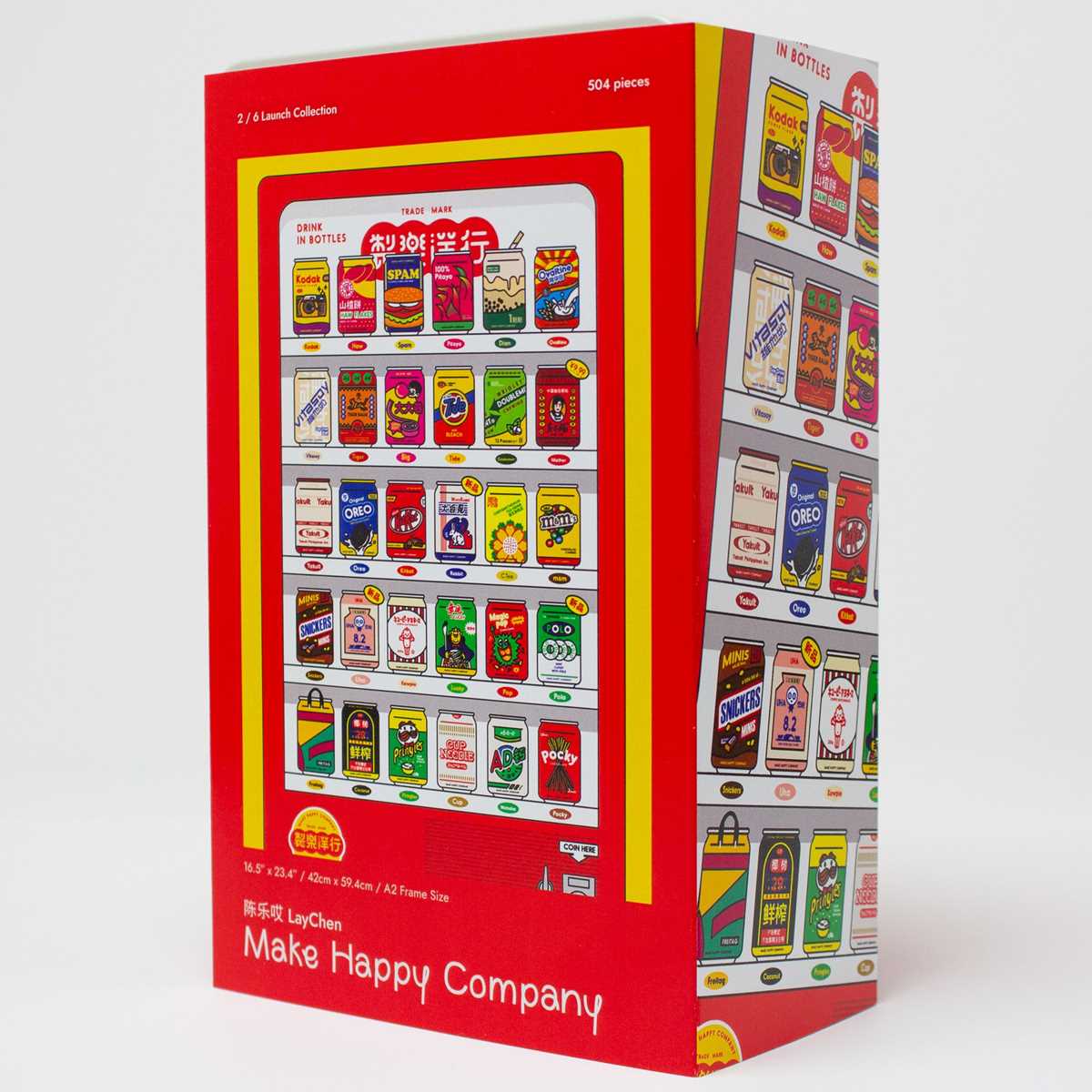
Start with paper that offers a smooth texture and a slight sheen, such as glossy or satin finish. These finishes provide a crisp, clear print with vibrant colors, making it easier to mimic the delicate details of tiny culinary items. Avoid matte paper if you want realistic shine, as it can dull the final product.
The weight of the paper affects how the items will appear and feel. Lighter stock (around 60–80 gsm) is suitable for small pieces, while heavier paper (100–120 gsm) gives a more structured, realistic look. A heavier option will also be more durable, especially for pieces meant to be handled often.
Choosing acid-free paper will ensure longevity. Standard office paper can yellow or degrade over time, which can ruin the appearance of your creations. Acid-free options maintain the integrity of your project and preserve its visual appeal for longer durations.
For a more authentic effect, textured papers such as linen or vellum can enhance the tactile quality of the miniatures. These are ideal for designs that require a more rustic or artistic look, offering subtle imperfections that mimic the imperfections found in real-world products.
Experiment with different finishes and textures to see which combination works best for your specific design. It’s also worth testing a few print settings and paper types to find the perfect balance of flexibility and realism for each project.
HTML
How to Print Miniature Images at the Perfect Size
To achieve precise dimensions, start by measuring the object you want to represent. Using a ruler, determine the exact scale you need for your printout. If you are trying to mimic items like small dishes, consider the typical sizes of real-life versions as a reference point. For example, a common plate might have a diameter of around 6 inches, so you would scale it down to match the desired miniature effect.
Next, use a photo-editing software to adjust the size of your images. Many programs have an option to resize in inches or millimeters, which helps you maintain accuracy. For best results, avoid resizing by percentage as this can distort proportions. Instead, manually input the dimensions that match your target size.
If you’re printing multiple objects, make sure to create a layout where each image is properly spaced. A good rule of thumb is to keep about 0.2 inches between each item to prevent overlapping when printed. Tools like Adobe Photoshop or even Microsoft Word allow you to arrange images neatly on a single page, optimizing space.
Print quality plays a significant role in the result. Ensure your printer settings are adjusted for the highest resolution, typically 300 DPI (dots per inch), for detailed and sharp outputs. If you print at a lower resolution, the images will appear pixelated, which detracts from the realistic effect.
Paper type also affects how your prints will look. Use thin, glossy paper for a smooth finish that mimics realistic textures. If you’re looking for a more textured appearance, consider using a heavier cardstock. Experiment with different types of paper to see which best suits your project.
| Image Size (inches) | Print Size (inches) | Recommended DPI |
|---|---|---|
| 6 x 6 | 1 x 1 | 300 |
| 3 x 3 | 0.5 x 0.5 | 300 |
| 12 x 12 | 2 x 2 | 300 |
Before printing the final version, test your adjustments on a piece of scrap paper. This will help you gauge if the sizes are correct and if everything fits within the desired layout. Once satisfied, print your work on the chosen paper type for the perfect result.
Best Tools for Cutting and Assembling Miniature Creations
For precise cuts on intricate designs, a sharp craft knife like the X-Acto No. 1 is indispensable. Its thin, pointed blade allows for tight, accurate trimming, perfect for working with delicate designs. Paired with a self-healing cutting mat, you’ll avoid damaging surfaces while achieving clean lines on tiny components.
When it comes to assembling the pieces, a fine-tipped glue applicator is essential. The Quick Grip Glue Pen offers control with minimal mess, allowing for accurate placement without excess adhesive. Opt for a fast-drying, strong bond adhesive like super glue to secure parts effectively without worrying about shifting during the drying process.
For precise measurements, a mini ruler with millimeter increments is crucial. Look for rulers made from stainless steel to prevent bending over time. The long, thin size allows for easy measurements of small objects, ensuring your designs are perfectly aligned.
To add texture or fine details, a set of embossing tools can help you replicate realistic features. A simple ballpoint stylus or embossing stylus kit will allow for subtle impressions on materials, making them look more authentic. Choose a set that includes varying tip sizes for flexibility when working on different textures.
To cut through thicker materials like cardstock or lightweight plastic, consider a rotary cutter. The Fiskars 45mm rotary cutter provides smooth, precise cuts even on challenging materials. It can also be fitted with replacement blades to maintain sharpness, ensuring consistency in your results.
For storage and organization, a small compartment box or craft case will keep all your tools and components neatly arranged. Choose one with clear dividers, so you can easily identify the necessary items during your projects. This setup minimizes the risk of losing small parts while also helping you stay organized during complex tasks.
Creating Realistic Texture for Small-Scale Edibles Designs
To achieve a lifelike surface for your designs, start by focusing on the level of detail in the textures. High-definition imagery will capture more intricate features like crinkles, pores, and patterns typical for real items. Consider using scanned photographs or very high-resolution images from texture libraries to begin with, as they often offer the most accurate representation of surfaces.
Next, carefully adjust the scale of your textures. At smaller sizes, high-resolution details can appear too large. Apply blurring or noise reduction techniques to prevent the texture from looking too harsh or pixelated. Subtle, softened details usually work best for objects that require realism at a reduced size.
Using overlays is another technique for improving texture realism. You can add subtle shadow and highlight layers on top of your base image to simulate light reflection, giving the illusion of depth and dimensionality. Be sure to blend the shadow areas seamlessly with the background to avoid any jarring visual effects.
Pay attention to light sources when designing texture for tiny representations. Different materials–like glass, wood, or fabric–react to light in unique ways. By understanding how light plays off these surfaces, you can manipulate shadows and highlights to mimic their physical properties accurately, making them look more tangible.
Consider the tactile quality of the material when designing. Whether it’s a smooth shiny surface or a rough, uneven one, the texture must communicate the right feel. For instance, adding soft imperfections, like subtle roughness or slight distortion, can mimic the texture of fresh bread or fabric, making the design look more authentic.
Another method to enhance the lifelike appeal is by layering different textures. For example, when replicating something like a pastry, layering a fine, soft texture on top of a firmer base can give the illusion of a real, multi-textured object. This layering simulates how actual items are often composed of different materials or surface treatments.
Finally, avoid overly uniform textures. Real objects often have imperfections and irregularities. Use tools like noise or grain filters to add slight variations in texture to your designs. This technique will prevent your creations from looking too polished or synthetic, contributing to a more natural appearance.
By integrating these methods, you can significantly enhance the depth and believability of your digital creations. Consistently refining your textural details, adjusting lighting, and layering different elements will make your small-scale creations stand out with a more authentic and convincing look.