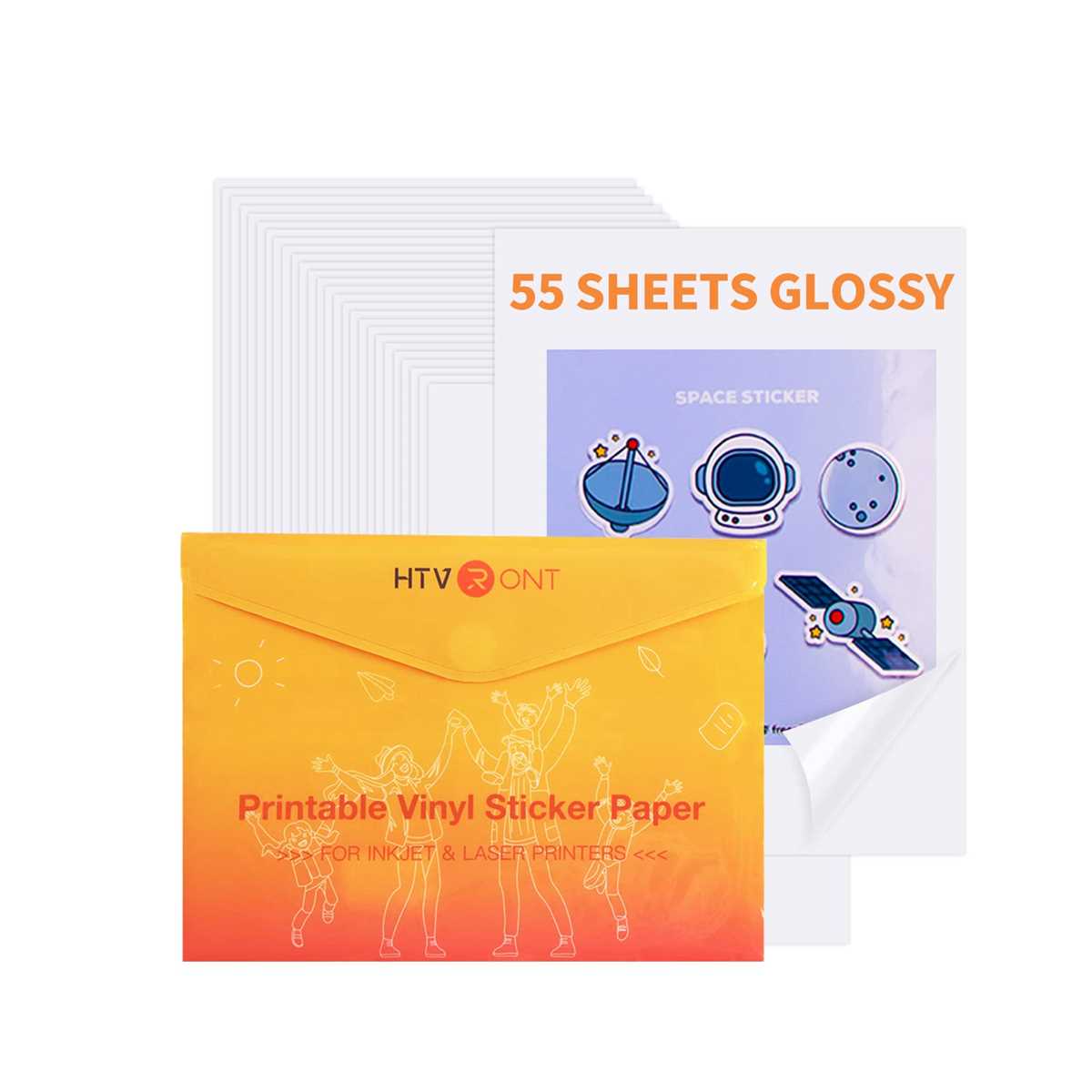
Choose the correct transfer material to ensure smooth and vibrant designs on your fabric. Opt for sheets that are compatible with home printing devices. These materials allow you to print intricate patterns, artwork, and designs directly, making them ideal for customizing clothing, bags, or other textile items.
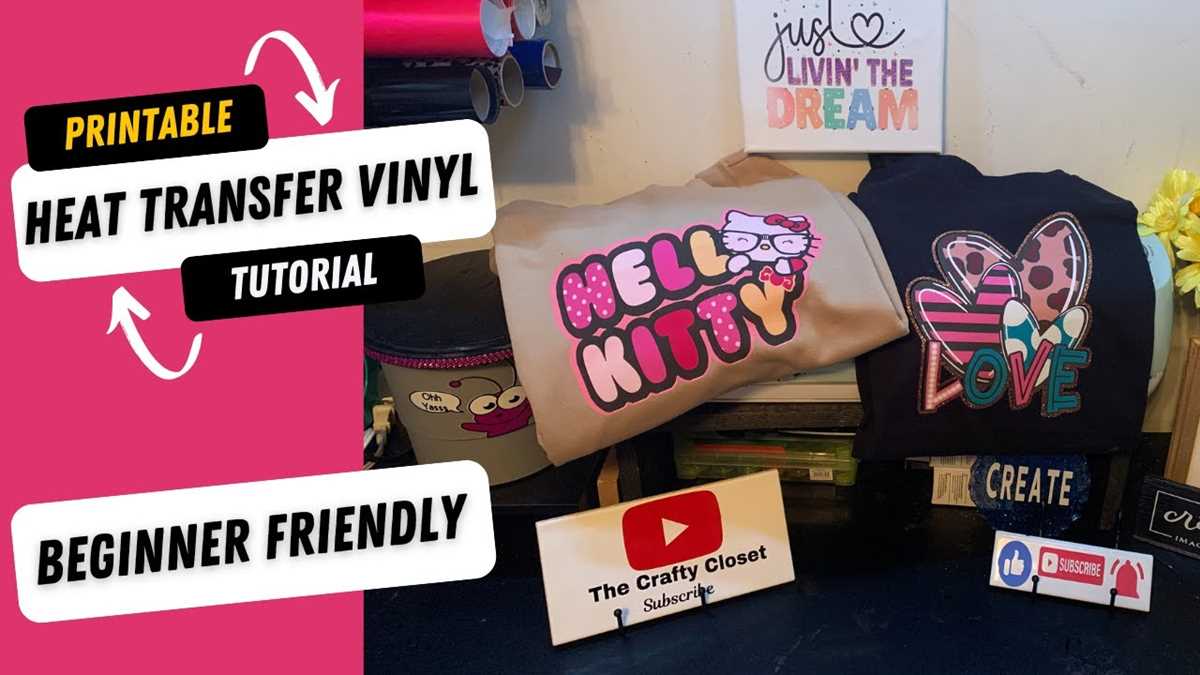
Before starting the printing process, clean your printer thoroughly to avoid ink smudging or blockages. Ensure the transfer paper is loaded correctly, and check the printer settings to match the material’s type. If you’re new to this, always print a test design on regular paper first to check colors and clarity.
Once your design is printed, cut out the shape carefully to avoid any excess around the edges. Using a heat press or an iron, apply consistent pressure and temperature for the required time. Follow the material’s instructions closely to avoid over-heating or uneven pressure, as this can lead to poor results.
Using Special Transfer Sheets with Regular Printers
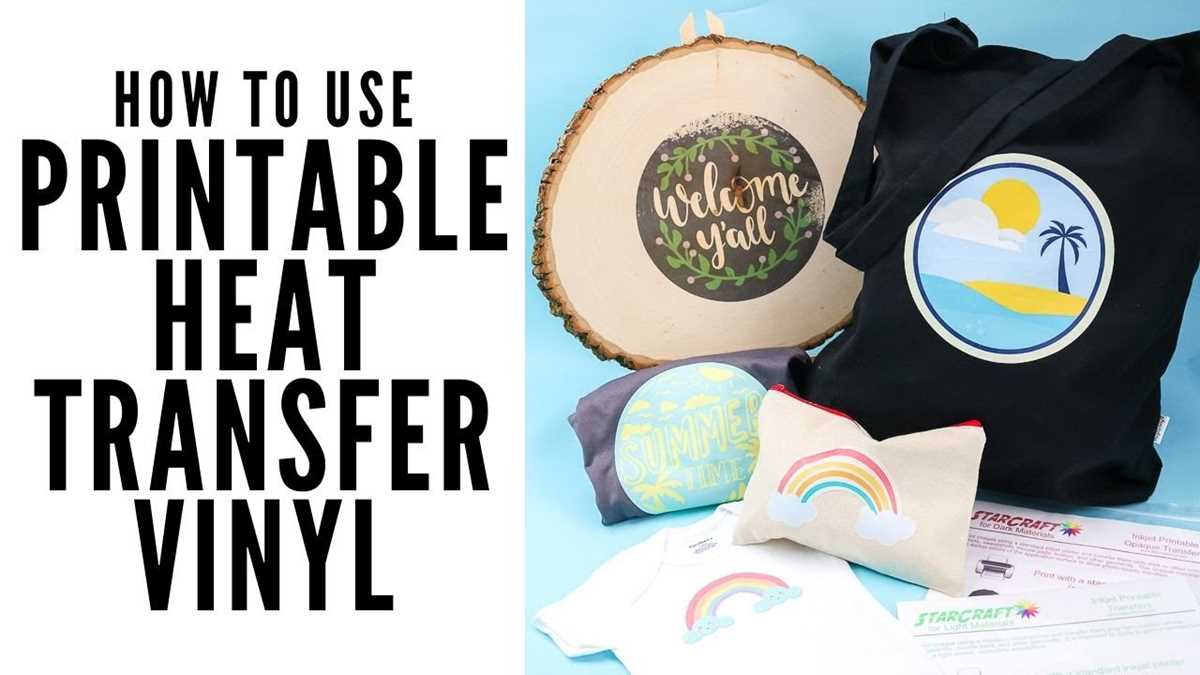
To create designs on fabric using a regular printing device, select transfer sheets specifically designed for fabric. These materials are coated to accept ink and allow it to adhere to fabric surfaces when heat is applied. Make sure the transfer sheets are compatible with your device’s ink type to ensure high-quality results.
Start by adjusting your printer settings to match the type of transfer material you’re using. Load the transfer sheet into the printer’s paper tray, ensuring it’s correctly oriented for proper printing. Always refer to the manufacturer’s guidelines to avoid printer jams or poor prints.
When preparing your design, keep in mind the layout you want to transfer. Most designs are printed in reverse, so flip your artwork horizontally before printing. This ensures the final image appears correctly once transferred onto the fabric.
After printing, carefully trim any excess paper around your design. The cleaner the edges, the more polished your final product will appear. It’s best to leave a small margin around the design to avoid the transfer material overlapping onto unintended parts of the fabric.
Use a heat press or an iron to transfer your design onto the fabric. Set the heat press to the temperature recommended by the transfer material’s instructions. If using an iron, set it to a medium-high heat, ensuring there is no steam. Press down firmly for the time suggested, ensuring even coverage.
Once the design is transferred, allow it to cool before peeling away the backing sheet. Be sure to follow the post-transfer care instructions to maintain the design’s durability. Wash the fabric inside out to preserve the print’s integrity and avoid any fading.
Practice on scrap fabric if you are new to the process. This will help you get a feel for the settings and techniques, and ensure your projects turn out well without wasting materials.
Choosing the Right HTV for Inkjet Printers
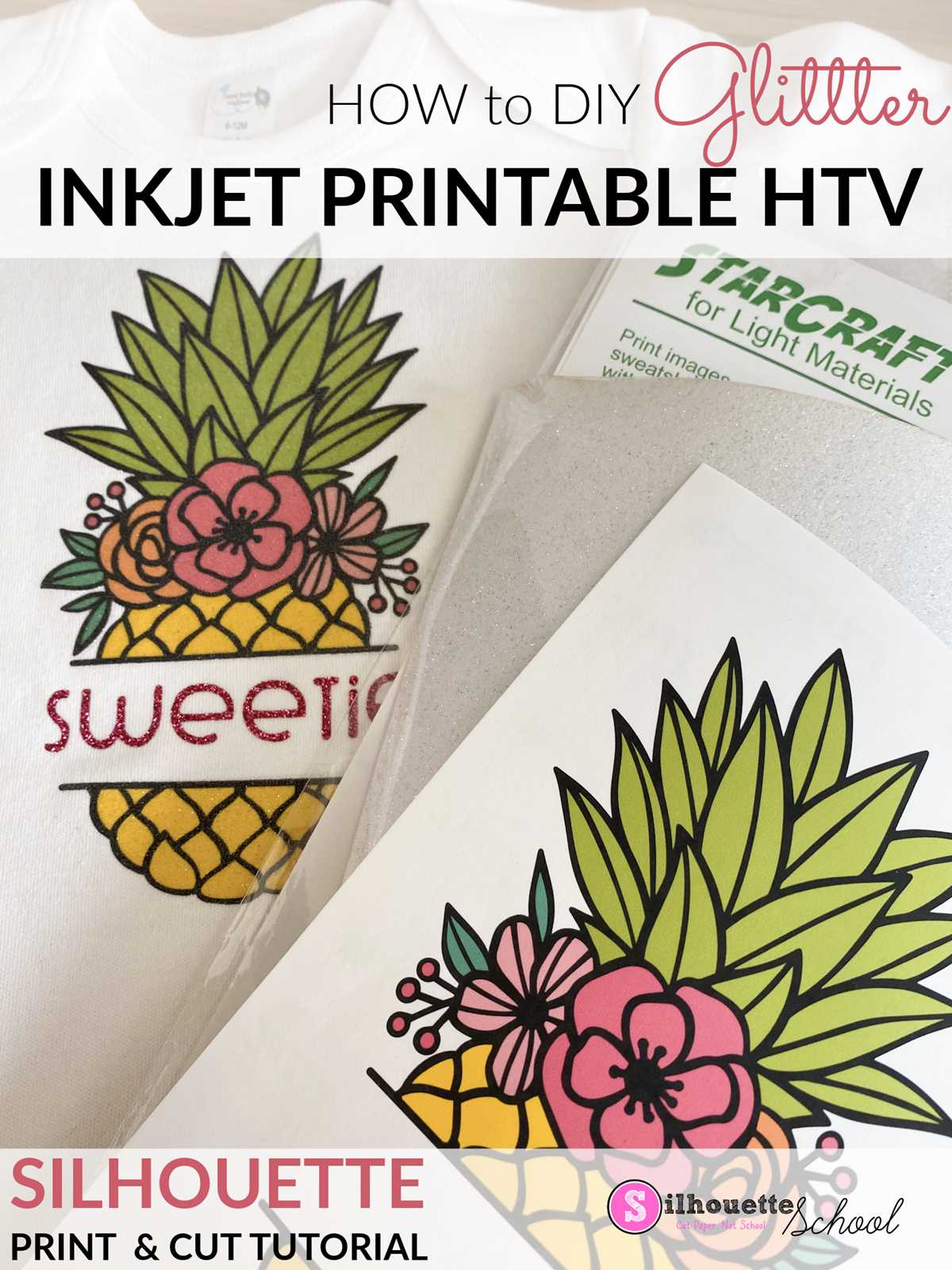
Selecting the right material for printing designs on fabric starts with choosing the correct type of transfer sheet. When working with fabric-friendly films, ensure the product is designed for use with your specific type of device and ink. Look for options that specifically mention compatibility with water-based ink.
Check the surface finish of the material before purchasing. Some options offer a glossy finish, while others have a matte or satin appearance. The finish can impact the final look of your project, so select one that suits your style preferences.
Consider the weight and thickness of the material. Heavier sheets tend to provide better coverage and durability, but they may also require higher heat settings. Lighter options, while easier to work with, might not have the same longevity or resistance to wear and tear.
Another important factor is the adhesive quality of the material. Choose one with strong adhesion to fabrics, ensuring the design stays intact after multiple washes. Some options offer peel-and-stick applications, making them more convenient for quick projects.
Evaluate the transparency of the film. If you are transferring a design with intricate details, a more transparent material might be beneficial to ensure accuracy when positioning the design on the fabric. Opt for opaque options for designs that need full coverage.
Read product reviews and check customer ratings to ensure the material works well with your device and produces vibrant, sharp results. Popular brands will often have online tutorials or customer feedback that can offer insight into the product’s performance and ease of use.
Always follow the manufacturer’s guidelines for temperature settings and pressure when using a heat press or iron. These settings will vary depending on the material’s thickness and adhesive properties. Proper application ensures that your designs are long-lasting and visually appealing.