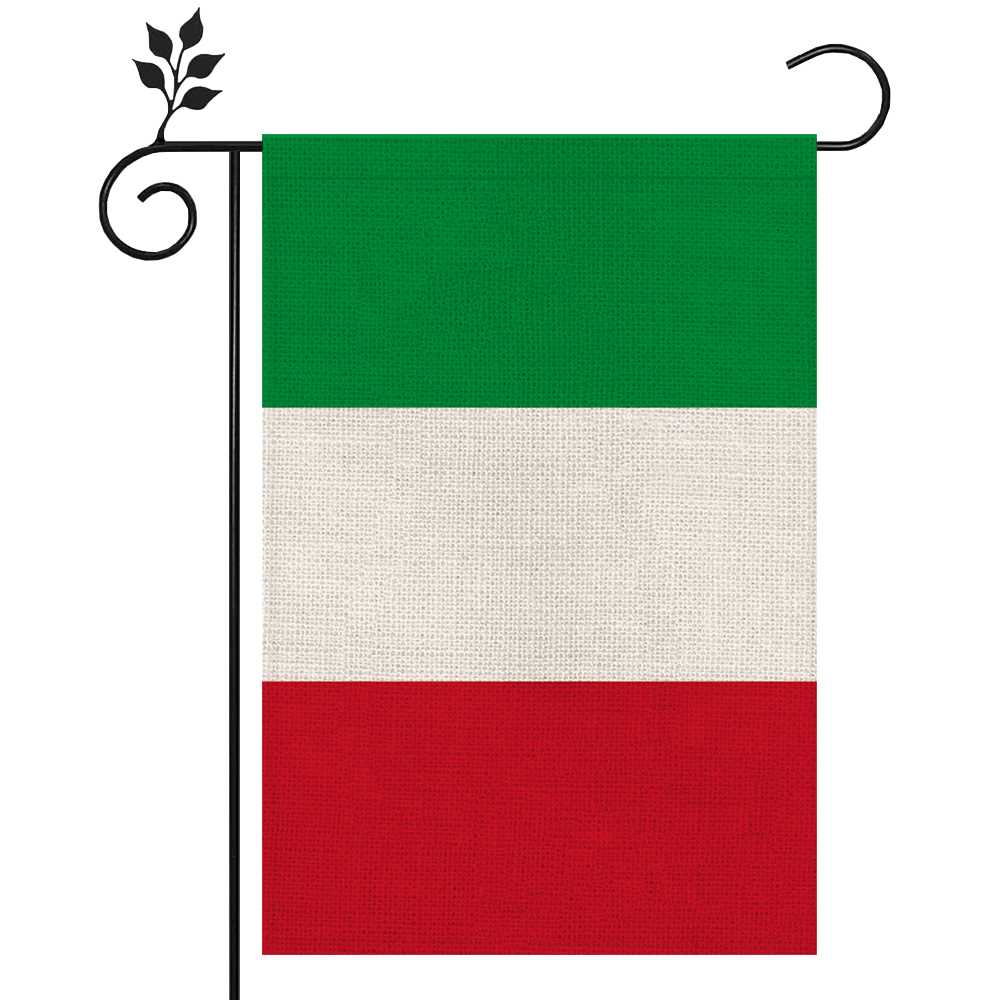
Download a vector or 300 DPI PDF file with a 2:3 aspect ratio to reproduce the national tricolour of the Italian Republic accurately. The design consists of three equal vertical bands: green (left), white (center), and red (right). For precise color output, set CMYK values to Green: C92 M0 Y95 K0, White: C0 M0 Y0 K0, Red: C0 M95 Y85 K0. This configuration matches official standards and prevents dull or shifted tones during home or commercial printing.
Select paper density between 120–200 gsm for wall display or educational use; thinner sheets (80–100 gsm) suit handouts or classroom activities. Always disable automatic color correction in printer settings and choose “actual size” scaling to preserve the correct 2:3 proportion. For outdoor display, laminate the sheet or print on coated stock to reduce fading under sunlight.
The tricolour of the Republic, adopted in 1946 after the institutional referendum, originates from late 18th-century civic banners influenced by the Cisalpine Republic. Maintain strict vertical alignment–no crests or emblems are included in the civilian version. Accurate reproduction respects national protocol and ensures the green stripe remains positioned on the hoist side when displayed horizontally.
For classroom projects, parades, or themed events, prepare multiple sizes: A4 (210×297 mm) for desks, A3 (297×420 mm) for notice boards, and scaled-down 10×15 cm cards for crafts. Use a guillotine cutter for clean edges and measure margins precisely to avoid uneven color bands.
Store the digital file in PDF/X-1a or SVG format to maintain consistent color profiles across devices. Avoid low-resolution JPG images below 150 DPI, as compression artifacts distort the clean separation between the three vertical stripes.
Where to Download a High-Resolution Printable Italy Flag (Free PDF & PNG Sources)
Download the tricolour of the Italian Republic in high resolution from trusted public-domain libraries such as Wikimedia Commons and Library of Congress. On Wikimedia Commons, search for “Flag of Italy (Pantone)” to access SVG, PDF, and PNG files up to 10,000+ pixels wide with precise proportions 2:3 and official green (#009246), white (#FFFFFF), and red (#CE2B37) color codes. Choose SVG for scalable output without quality loss or PNG (300 DPI or higher) for sharp home or office printing. The Library of Congress digital collections also provide downloadable vector and raster files suitable for A4 and US Letter formats without registration.
Additional free sources with ready-to-print layouts include:
- Flagpedia.net – PNG files up to 5000 px wide, clear RGB and CMYK specifications.
- WorldFlags.net – PDF sheets optimized for A3, A4, and Letter sizes.
- FreeVectorFlags.com – EPS and SVG formats for professional editing in Adobe Illustrator or CorelDRAW.
- Unsplash – high-resolution photographs of the national banner for decorative use (JPG, 3000–6000 px).
For classroom posters or event décor, select PDF versions formatted to 300 DPI; for custom resizing or large-format output, download SVG and export to the required dimensions while preserving the 2:3 ratio.
How to Choose the Correct Italy Flag Proportions (2:3 Ratio, Colors, and Layout) for Printing
Use a strict 2:3 width-to-height ratio: for every 2 units of height, set 3 units of width (e.g., 20×30 cm, 60×90 cm, 120×180 cm). Divide the horizontal length into three equal vertical bands, each occupying exactly 1/3 of the total width. No spacing between bands, no borders, no gradients. The order from hoist to fly must be green, white, red. Align guides precisely in your layout software and lock proportions to prevent scaling distortion during export to PDF or print-ready formats.
Select standardized color values rather than relying on screen previews. For print production, use CMYK approximations: green C100 M0 Y100 K0 (or C90 M0 Y95 K0 for coated stock), white C0 M0 Y0 K0 (leave paper unprinted for best neutrality), red C0 M100 Y100 K0 (adjust to C10 M100 Y90 K0 if ink density is high). For spot printing, Pantone 17-6153 TCX (green approximation) and Pantone 186 C (red approximation) provide consistent results. Maintain equal band widths with a tolerance of no more than ±1 mm on large formats over 1 meter. Use vector artwork (AI, EPS, SVG) to avoid pixelation; raster files should be at least 300 DPI at final size. Disable color management overrides in print drivers to prevent hue shifts.
Before final output, verify layout accuracy:
- Confirm 2:3 ratio after bleed and trim adjustments.
- Set bleed to 3 mm for small formats, 5 mm for large banners.
- Keep bands extending fully into bleed area to avoid white edges after trimming.
- Check that no band appears wider due to scaling or margin misalignment.
- Print a small proof at 100% scale to inspect color density and edge sharpness.
Use matte paper for indoor display to reduce glare and coated stock for saturated tones in outdoor signage. Avoid stretching artwork to fit non-standard frames; instead, resize proportionally and crop surrounding background if required.
Step-by-Step Guide to Printing the Italy Flag at Home (Paper Size, Margins, and Color Settings)
Set the document ratio to 2:3 (height to width) before placing the tricolor layout: three equal vertical bands – green on the left, white in the center, red on the right. For A4 paper (210 × 297 mm), use landscape orientation and scale the design to 297 × 198 mm to preserve proportions; for US Letter (8.5 × 11 in), set landscape and size the artwork to 10 × 6.67 in. Keep margins at 10–12 mm on all sides to prevent clipping by non-borderless printers. Disable “Fit to Page” and automatic scaling in the print dialog; select 100% size. Choose matte paper 120–160 gsm for wall display or standard 80–100 gsm for handouts. In printer properties, select “Best” or “High Quality,” turn off color correction if the file already contains calibrated tones, and use RGB values close to: green (0, 146, 70), white (255, 255, 255), red (206, 43, 55). If your driver requires CMYK input, approximate with: green (90, 20, 100, 5), red (10, 95, 80, 2).
For precise alignment, center the artwork horizontally and vertically within the printable area and confirm that each vertical band occupies exactly one third of the total width (e.g., on 297 mm width, each band = 99 mm). Use a test print on plain paper to verify color density; if green appears too dark, reduce saturation by 5–8% in the print dialog, and if red shifts toward orange, lower yellow by 3–5% in CMYK settings. Avoid glossy photo mode, which can oversaturate solid fills. If printing multiple copies, enable “collate” only after confirming color consistency on the first sheet.
| Paper Format | Orientation | Final Artwork Size | Band Width | Recommended Margins |
|---|---|---|---|---|
| A4 (210 × 297 mm) | Landscape | 297 × 198 mm | 99 mm | 10–12 mm |
| US Letter (8.5 × 11 in) | Landscape | 10 × 6.67 in | 3.33 in | 0.4–0.5 in |
Printable Italy Flag for Classroom Activities: Worksheets, Coloring Pages, and Craft Templates
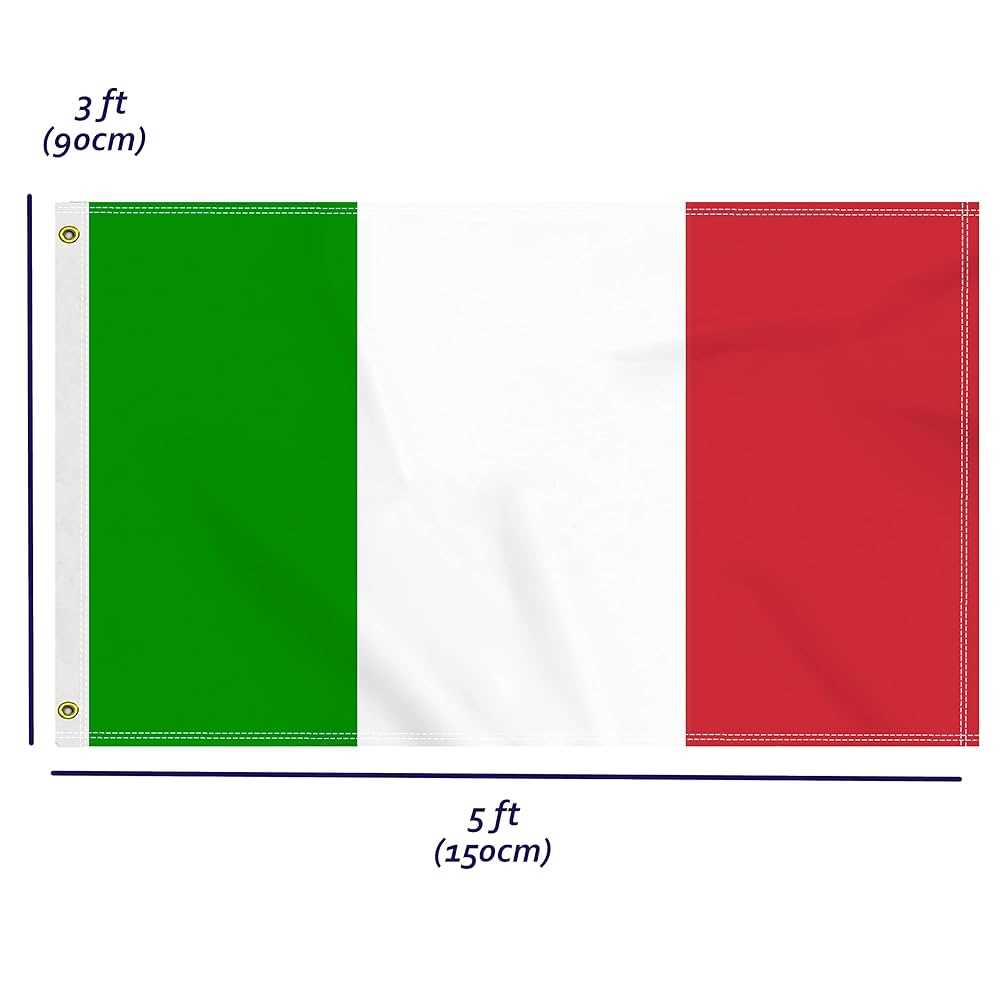
Use high-resolution A4 layouts of the Italian tricolor with precise vertical proportions (2:3 ratio; three equal bands in green, white, and red) for geography drills, art lessons, and history tasks. Provide outline-only versions for coloring practice to train fine motor skills in grades K–3, and labeled worksheets where students identify Rome as the capital, mark neighboring countries such as France, Switzerland, Austria, and Slovenia, and write key dates like 1861 for unification. Include grayscale shading sheets for discussing symbolism of the green (plains), white (Alps), and red (blood shed in wars of independence). Add cut-and-paste exercises where learners assemble the three полосы in correct order, reinforcing sequence recognition and spatial orientation.
For crafts, distribute thick-paper templates with 1 cm glue tabs and fold lines to build desk pennants (finished size 15×10 cm) or small hand-held banners attached to wooden sticks. Offer mosaic patterns divided into 1×1 cm squares for math integration–students calculate area of each colored section and compare fractions (1/3 each). Prepare blank shields in the shape of the 1946–present civil emblem layout so older students can research the difference between the republican design and the former Savoy shield used before 1946. Include assessment sheets with a three-question quiz and a short writing prompt (50–70 words) about national symbols, ensuring cross-curricular use in social studies and language classes.
How to Resize the Italy Flag for Posters, Banners, and Small Handouts Without Losing Quality
Use a vector source file (SVG, EPS, or AI) and keep the official 2:3 proportion of the green–white–red tricolor at every size change. For large posters (A2, 42 × 59.4 cm) or banners (100 × 150 cm and above), export to PDF/X-1a or high-resolution TIFF at 300 dpi for print shops, with colors defined in CMYK: green C92 M0 Y95 K0, white C0 M0 Y0 K0, red C0 M95 Y90 K0. Avoid resizing raster images below 300 dpi at final dimensions; scaling a 1200 × 800 px JPG to 100 cm width drops resolution under 100 dpi and produces blurred edges between color bands. For indoor banners viewed from 2–3 meters, 150 dpi at final size is acceptable, but never stretch the layout disproportionately–lock aspect ratio and expand canvas instead of distorting stripes.
For small handouts (A6 10.5 × 14.8 cm or business-card size 85 × 55 mm), export at 300–600 dpi and add a 3 mm bleed on each side to prevent white borders after trimming. Keep each vertical band exactly one third of total width; for example, at 90 mm width, each color strip must be 30 mm. Use vector shapes rather than flattened images to maintain sharp separation lines, and convert fonts or outlines before sharing files with printers to avoid substitution errors. If resizing inside design software, scale by percentage (e.g., 50%, 200%) with proportional constraints enabled, then verify final pixel dimensions and resolution in the export panel before printing.