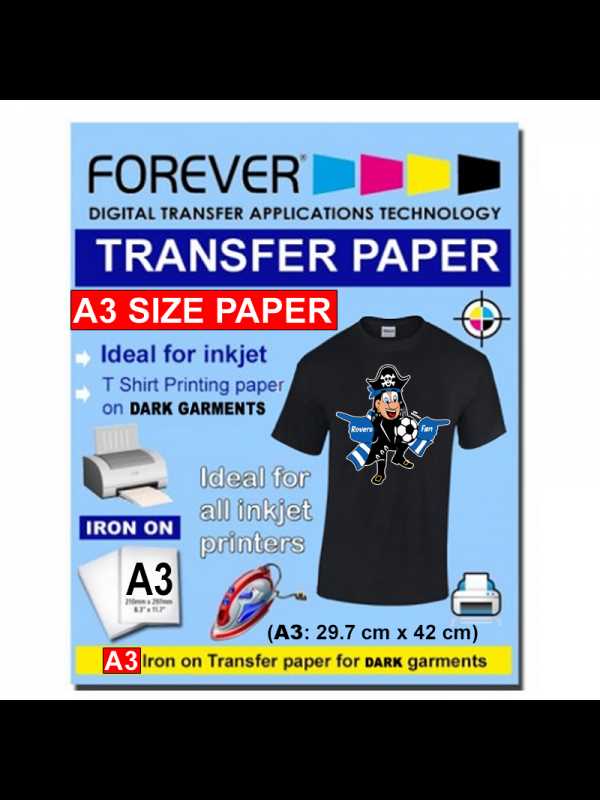
To create personalized apparel with ease, start by selecting the right transfer sheets suited for fabric designs. The key is to choose a type of transfer that matches your fabric and printing method, whether you’re using an inkjet or laser printer. Be sure to select a product compatible with your printer to avoid issues during the process.
Next, carefully design your artwork. Consider using design software that allows you to adjust size, color, and placement before printing. Make sure to mirror your design if you’re working with text or images that require a specific orientation. High-quality resolution will ensure your prints come out sharp and vibrant.
Once printed, cut out your design carefully, leaving minimal excess around the edges for a clean finish. Pay attention to the recommended temperature and pressing time for the best results. When transferring, apply steady pressure with an iron or heat press to ensure the design adheres properly to the fabric without wrinkling.
Types of Printable Shirt Paper and Their Uses
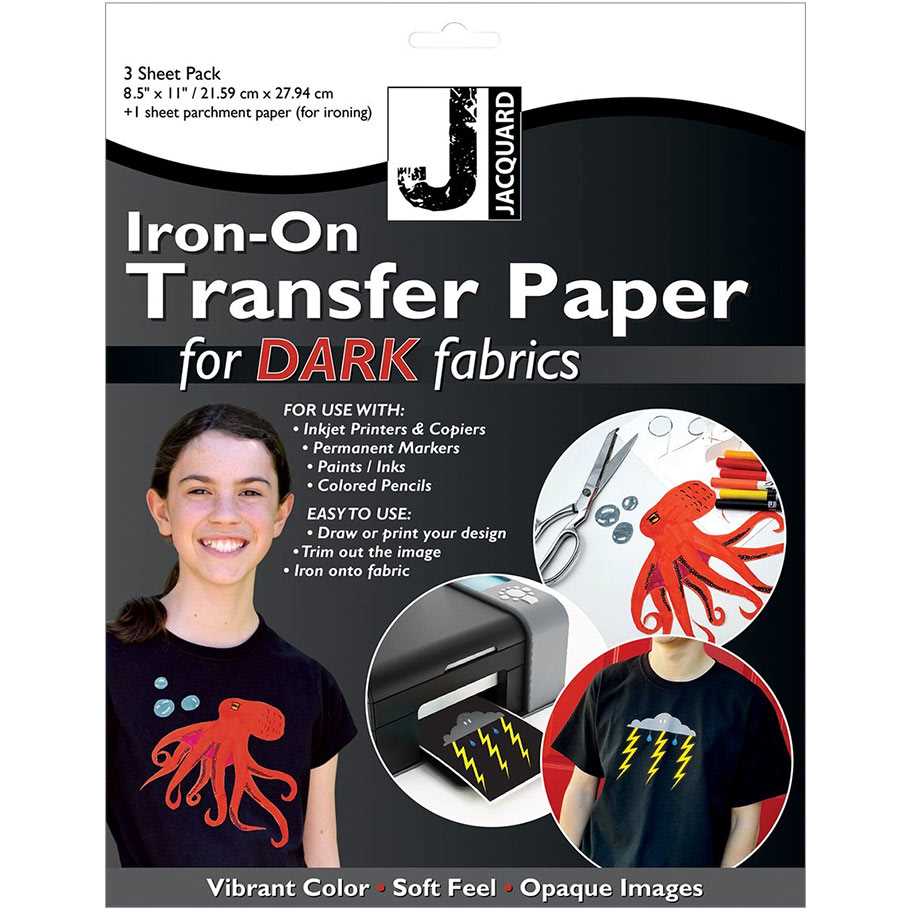
For high-quality transfers on fabrics, you need to choose the correct type of sheet for your project. The most common options include heat transfer vinyl (HTV), iron-on transfers, and sublimation sheets, each serving different purposes and providing unique results.
Heat transfer vinyl (HTV) is an ideal choice when you want to cut intricate designs or use multiple colors. This material comes in rolls or sheets, allowing you to cut custom shapes and apply them to your fabric with a heat press or iron. HTV works best for solid designs, logos, and text on cotton, polyester, and cotton/polyester blends.
Iron-on transfers are versatile and simple to use. These sheets allow you to print directly onto the material, and then transfer the design to the fabric using heat. They’re great for larger designs, photos, and detailed images. Iron-on transfers are suitable for cotton, polyester, and other smooth fabrics.
Sublimation sheets are used specifically for polyester fabrics and polymer-coated items. This method requires specialized ink and a sublimation printer. The ink is absorbed into the fabric, creating vibrant, long-lasting designs. Sublimation is perfect for full-color designs and images, especially on light-colored polyester garments.
Another option is the foil transfer paper, which creates shiny, metallic designs. Foil sheets are applied over a special adhesive, then heated to transfer the foil to the fabric. This is a great option for adding a touch of glamour to shirts, especially for fashion designs or special events.
For those who want a more textured finish, flocked heat transfer material offers a velvet-like feel when applied to fabric. Flocked designs are popular for sports jerseys and custom apparel. The soft, raised texture adds a unique element to designs while still being durable enough for everyday wear.
Glow-in-the-dark transfer sheets offer a fun option for those looking to create standout designs for parties, concerts, or Halloween events. These sheets absorb light and emit a glow when it’s dark, giving your custom creations an exciting twist. Ideal for youth-oriented designs, these can be used on various fabric types.
Lastly, water transfer decals offer a more complex method for applying designs to fabric. Unlike other methods, these decals are placed in water, and the design is transferred to fabric without heat. This method is great for transferring designs to irregular shapes or textured fabrics, such as backpacks or shoes.
Step-by-Step Guide to Printing on Shirt Paper at Home
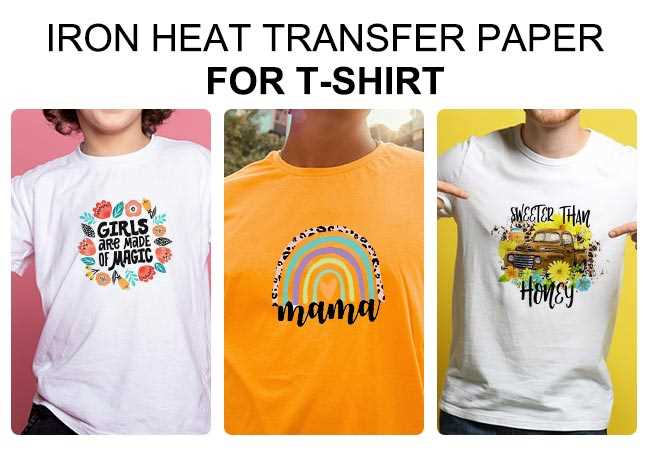
First, ensure you have the correct material for your design. Choose between heat transfer vinyl, iron-on transfers, or other specialized sheets depending on the type of design you wish to print. Each material works with different types of fabric, so verify the compatibility with your garment type.
Next, prepare your design on a computer using graphic design software or any online design tool. Make sure the design is sized correctly and set up the correct colors for printing. If you’re using a transfer sheet, remember to mirror the image before printing, as this ensures it appears correctly once transferred onto the fabric.
Once your design is ready, load the transfer material into your printer according to the manufacturer’s instructions. Make sure the printer settings are adjusted to suit the transfer type, especially for materials like sublimation sheets that may require specific print quality settings. Always perform a test print on regular paper to avoid wasting transfer sheets.
After printing, let the design dry for a few minutes before applying heat. Preheat your iron or heat press to the recommended temperature for the specific transfer material you’re using. Ensure your fabric is clean, wrinkle-free, and preheated, as this will help the design adhere more effectively.
Finally, press the design onto the fabric with firm, even pressure. Follow the instructions for how long to apply heat, and ensure you don’t move the iron or press around during the transfer. Allow the item to cool completely before removing the backing. Once done, your custom-designed garment will be ready to wear or gift!