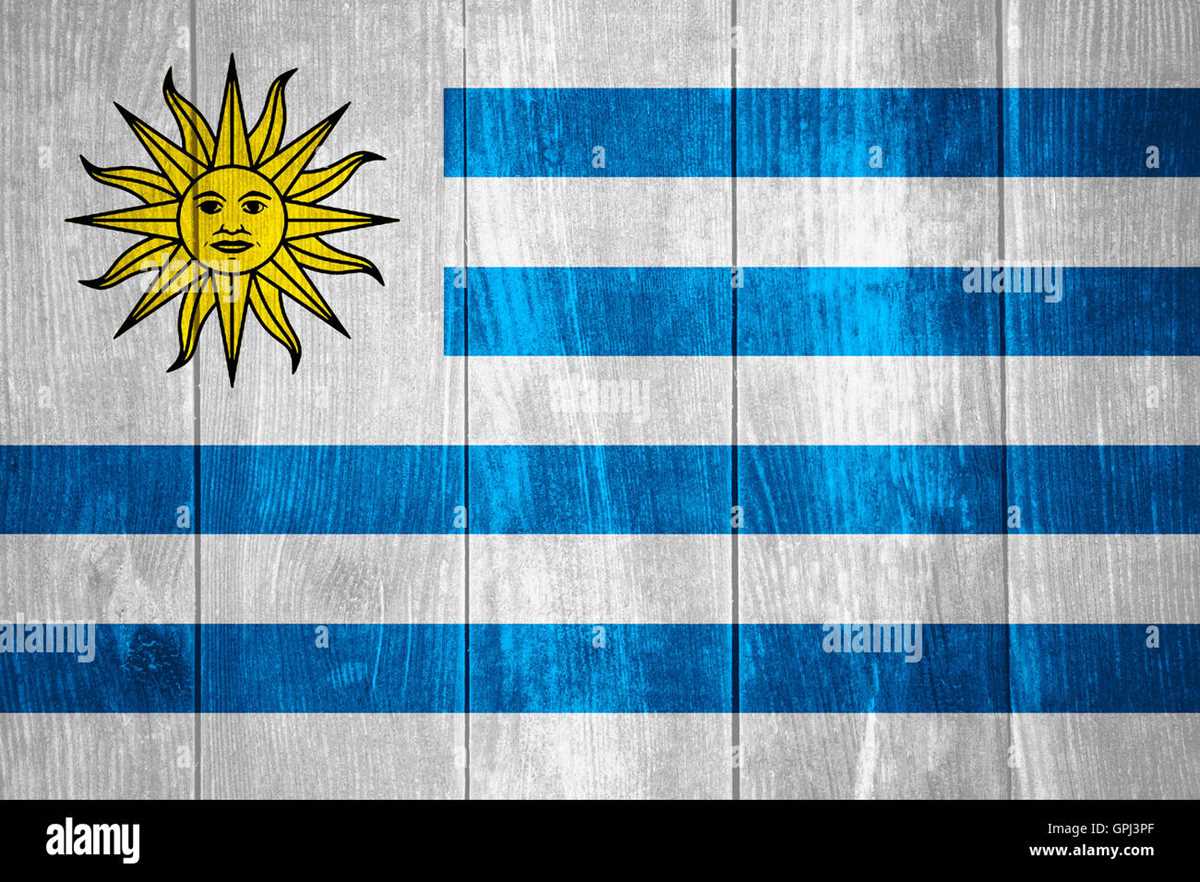
Select a high-resolution image of the national banner of the Oriental Republic of Uruguay (minimum 300 DPI) to achieve sharp stripes and a clear Sun of May emblem at the top left corner. The design consists of nine horizontal stripes alternating white and blue, symbolizing the country’s original departments, with a white canton containing a golden sun with 16 alternating straight and wavy rays. For accurate proportions, maintain the official 2:3 ratio when adjusting size for A4 or US Letter paper.
Use matte photo paper (200–250 gsm) to prevent color distortion and ensure that the blue bands remain deep and uniform (RGB approximation: 0, 56, 147). Set printer scaling to 100% and disable automatic margins trimming to preserve symmetry between the canton and the stripe layout. If preparing a black-and-white version for educational materials, apply high-contrast settings so the solar emblem retains visible facial detailing and distinct ray separation.
For classroom displays or cultural events related to Montevideo and national holidays such as Independence Day (August 25), laminate the finished sheet with 80-micron film to increase durability. When resizing for small formats like postcards (10×15 cm), keep the canton’s width proportional–occupying the upper hoist quarter–so the Sun of May remains centered and undistorted.
Printable Uruguay Flag: Practical Guide to Formats, Sizes, and Proper Use
Download a vector version (SVG or PDF) with a 2:3 ratio and verify exact color values before printing. The national banner of the
Choose format according to output method. SVG is preferred for scaling from A5 handouts to large-format posters without pixelation. PDF (vector-based) ensures consistent margins and is suitable for print shops. High-resolution PNG (minimum 300 DPI at final size) works for home printers; avoid JPEG due to compression artifacts along stripe edges and around the sun emblem.
Use standardized colors to match the official design. Recommended CMYK and RGB equivalents are listed below; spot color printing with Pantone Matching System improves accuracy for formal events.
| Element | CMYK | RGB | Pantone (approx.) |
|---|---|---|---|
| Blue stripes | 100 / 70 / 0 / 10 | 0 / 56 / 168 | PMS 286 C |
| White stripes | 0 / 0 / 0 / 0 | 255 / 255 / 255 | – |
| Sun (yellow) | 0 / 20 / 100 / 0 | 255 / 204 / 0 | PMS 123 C |
| Sun details (brown/black lines) | 0 / 0 / 0 / 100 | 0 / 0 / 0 | Black C |
Set print resolution to 300 DPI for paper formats up to A3; for banners exceeding 1 meter in width, 150–240 DPI is sufficient due to viewing distance. Keep stripe thickness equal: total height divided by nine. The canton occupies the upper hoist-side quarter (half the height and one-third of the length), and the sun must be centered within that white field.
For classroom use, select A4 (21 × 29.7 cm) with 10–15 mm margins and enable borderless printing if available. For outdoor display on fabric, order 110–130 g/m² polyester with UV-resistant inks; hem edges and add reinforced grommets every 30–50 cm to prevent tearing.
Orientation rules follow national protocol in
For official ceremonies, avoid placing text or logos over the stripes. Maintain clear space equal to at least one stripe height around the perimeter when mounting on boards or slides. Illumination at night requires uniform lighting across the entire surface without color shift.
Archive master files in SVG and PDF/X-1a standards, embed color profiles (ISO Coated v2 for CMYK), and label filenames with size and ratio (e.g., 60x90cm_2x3). Store a grayscale version only for monochrome print needs; do not substitute colors arbitrarily, as the blue-white pattern and the Sun of May are legally defined national symbols.
Where to Download a High-Resolution Printable Uruguay Flag in PDF and PNG Formats
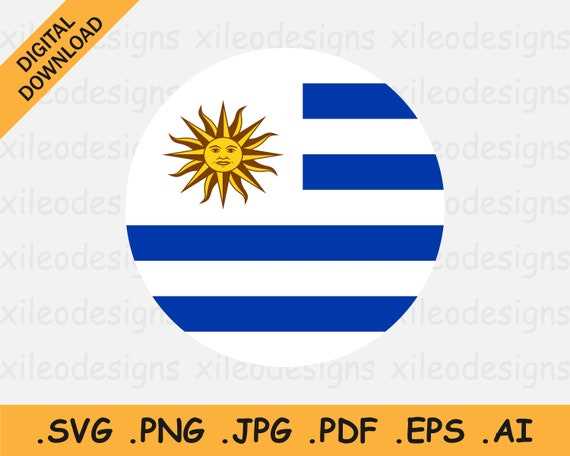
Download a high-resolution version of the national banner of the Oriental Republic from Wikimedia Commons (search for “Flag of Uruguay (SVG)” and export to PDF or PNG at 300–600 DPI) or from Flags of the World (FOTW) for carefully documented proportions. Wikimedia provides vector SVG files that scale without quality loss, allowing you to export A4, A3, or custom sizes with sharp details in the Sun of May emblem. For press-quality output, export to PDF (CMYK, 300 DPI minimum); for web or classroom use, choose PNG at 2000–4000 px width.
- Wikimedia Commons – scalable SVG source; exact 2:3 ratio; accurate color references.
- Flags of the World (crwflags.com) – technical specifications and historical variants.
- Government of Uruguay portals (gub.uy) – official symbols section with approved artwork.
- WorldFlags.net – ready-to-download PNG files up to 4000 px wide.
Before downloading, verify technical parameters: aspect ratio 2:3, nine horizontal stripes (five white, four blue), and the golden Sun of May with 16 alternating straight and wavy rays positioned in the canton. For accurate color reproduction, use Pantone 293 C for blue and Pantone 116 C for the sun; convert to CMYK (100/57/0/2 for blue as a close print match) if preparing a press file. Prefer vector sources (SVG or EPS) to avoid pixelation at large formats; raster images below 150 DPI are unsuitable for posters or exhibition panels.
Choosing the Correct Aspect Ratio and Official Colors for Accurate Printing
Use a 2:3 proportion for the national banner of the Eastern Republic and keep this ratio unchanged at any size. For example, if the height is 20 cm, the width must be 30 cm; at 600 mm height, the width must be 900 mm. Distorting the layout to fit standard paper formats such as A4 (210 × 297 mm) without adjustment will stretch the stripes and misalign the canton. Set your document size to a custom canvas matching 2:3, then scale uniformly.
The design consists of nine horizontal stripes arranged alternately white and blue, beginning and ending with white. Each stripe occupies exactly one-ninth of the total height. The canton in the upper hoist-side corner spans the height of five stripes and the width of five stripes, forming a square area. Inside this square appears the Sun of May with a face, centered precisely both horizontally and vertically within the canton.
Apply standardized color values to maintain fidelity. For the blue stripes, use Pantone 287 C; in CMYK this corresponds approximately to C100 M69 Y0 K11, and in RGB to 0-56-147 (#003893). The white fields must remain pure white (CMYK 0-0-0-0; RGB 255-255-255). The sun should be rendered in Pantone 123 C, equivalent to CMYK 0-24-94-0 and RGB 255-199-44 (#FFC72C). Avoid substituting similar tones, as darker blues or orange-leaning yellows noticeably alter the appearance.
Set the document color mode according to the output device. For home inkjet or laser production, prepare the file in CMYK to reduce unexpected tonal shifts. Disable automatic color correction in printer settings and select “actual size” or 100% scale. Use a resolution of at least 300 dpi for raster files; vector formats such as PDF, AI, or SVG preserve sharp edges on the sun’s rays and facial details.
Paper choice affects perception of contrast. Matte stock between 120–200 gsm prevents glare and keeps the blue consistent under indoor lighting. Glossy surfaces intensify saturation but may distort the yellow under warm light. If the sheet will be mounted outdoors, consider UV-resistant inks; prolonged exposure can fade Pantone 123 C faster than the blue stripes.
Before final output, print a reduced test sample and measure stripe height with a ruler to confirm equal division into nine parts. Verify that the canton forms a true square and that the sun’s diameter fits proportionally within it without touching the edges. Precise geometry and calibrated colors ensure the national standard is reproduced without visual deviation.
How to Set Up Paper Size and Print Settings for A4, Letter, and Poster Formats
Select the exact paper size in the print dialog before sending the file to the printer: choose A4 (210 × 297 mm) for most international home printers, Letter (8.5 × 11 inches / 216 × 279 mm) for North America, or define a custom poster size such as A3 (297 × 420 mm) or larger. Disable automatic scaling by setting “Scale” to 100% and uncheck options like “Fit to page” to preserve proportions of the blue-and-white striped banner with the Sun of May emblem. In the document layout settings, confirm portrait orientation and verify that margins are set to at least 5–10 mm to prevent edge clipping.
For A4 printing, set resolution to 300 dpi minimum to maintain sharp edges in the sun emblem and clean separation between stripes. Use standard quality mode for draft copies and high-quality mode for display use. If colors appear muted, switch paper type to “Matte Photo Paper” or “Presentation Paper” in printer properties, which adjusts ink density. Always preview the file to confirm that no white borders distort the upper canton where the golden sun appears.
When preparing for Letter format, confirm that the artwork ratio matches 2:3 proportions before printing. If the original layout was designed for A4, adjust canvas size without stretching the design; instead, extend margins evenly. In advanced settings, disable “Borderless” unless your printer fully supports it, as partial support can crop outer blue stripes. Use RGB color mode for inkjet devices and select “Best” or “Maximum DPI” for decorative wall use.
For poster-scale output (A3, A2, or tiled multi-sheet prints), export the file at 300 dpi at final dimensions–for example, 420 × 594 mm for A2. If printing across multiple sheets, activate the “Poster” or “Tiling” option and set overlap to 10–15 mm to simplify trimming and alignment. Use heavier paper (120–200 gsm) to prevent warping, and allow each sheet to dry flat before assembly to keep the horizontal bands aligned precisely.